
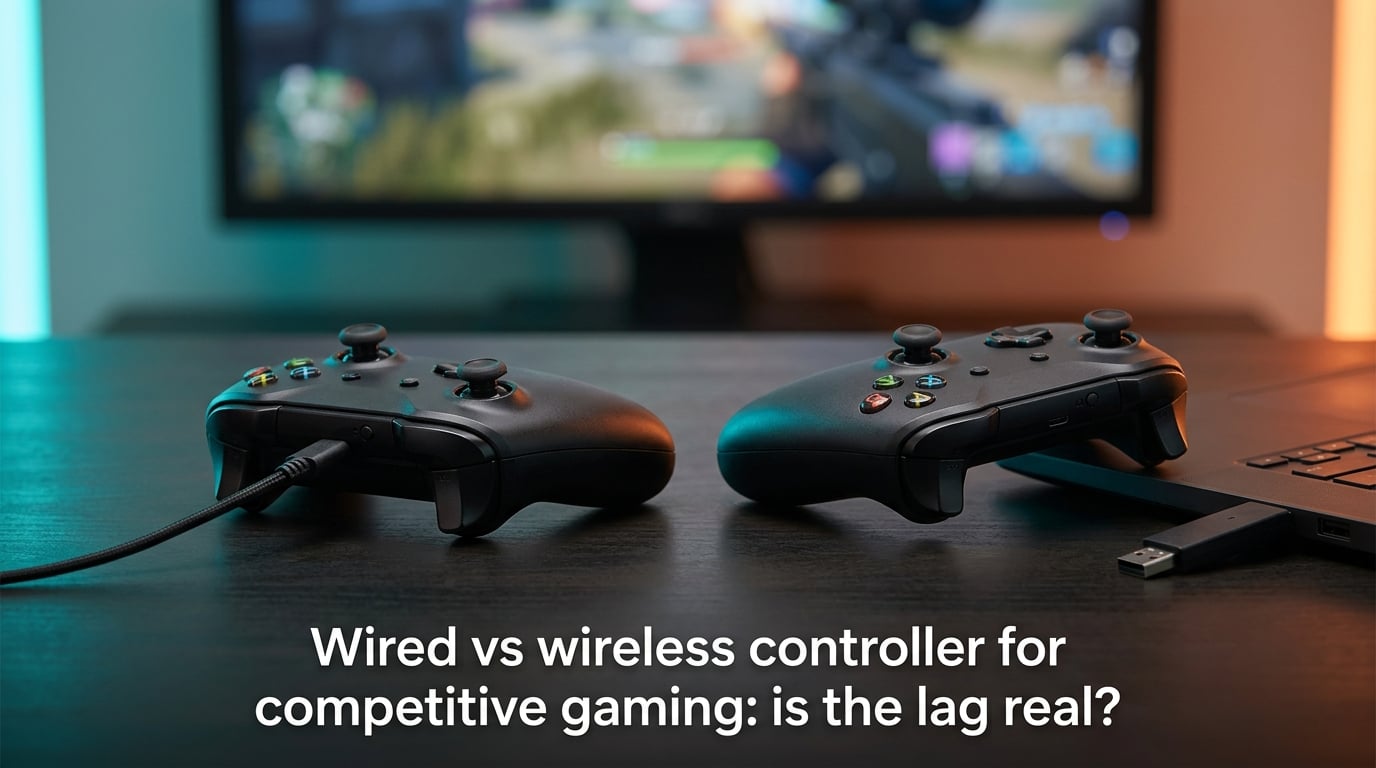
Wired controllers add roughly 1-3 milliseconds of input lag. Modern 2.4GHz wireless controllers add 3-6ms. Bluetooth controllers sit at 16ms or higher. Against a single frame at 60fps (16.7ms) and an average human reaction time of 150-250ms, the wired vs wireless gap is small enough that most players cannot tell the difference in blind tests. So is the lag real? Yes, but rarely large enough to matter for most competitive play.
I’ve spent the last few weeks digging into controller latency measurements from sources like inputlag.science and gamepadtester, cross-referencing them with community reports from Reddit’s CompetitiveHalo and Xbox Series X threads, and the picture is consistent: the technology has caught up. But there are still specific situations where a cable wins, and a few where Bluetooth genuinely costs you frames. Let me walk you through the numbers, the measurement methods, and the use cases that actually matter.
Table of Contents
The Actual Numbers: Wired vs 2.4GHz Wireless vs Bluetooth
The cleanest way to answer “is the lag real?” is to look at measured latency across connection types. Test rigs using 1000fps cameras and hardware timestamps consistently report the following ranges:
| Connection Type | Typical Latency | Common Polling Rate | Best For |
|---|---|---|---|
| Wired (USB-C / USB-A) | 1 to 3 ms | 250Hz to 1,000Hz | Tournaments, FGC, frame-perfect play |
| 2.4GHz Wireless Dongle | 3 to 6 ms | 250Hz to 1,000Hz | Console ranked, FPS competitive, couch play |
| Proprietary 2.4GHz (Xbox Wireless) | 4 to 8 ms | 125Hz to 250Hz | Console wireless, multi-device pairing |
| Bluetooth HID | 16 ms or more | 125Hz to 250Hz | PC casual, mobile, multi-platform |
The gap between wired and quality 2.4GHz wireless is roughly 2-4ms under typical conditions. That gap is measurable, but it’s well below the 16.7ms frame time at 60fps and far below average human reaction time. Bluetooth is the outlier at 16ms or higher, which can land on the same scale as a single frame and become noticeable in fast-paced scenarios.
For context, a single frame at 60fps is 16.7ms. At 120fps, it’s 8.3ms. At 240fps, it’s 4.2ms. So the entire wired-to-2.4GHz gap fits inside one frame at 240fps and well under one frame at 120fps or 60fps. This is why most players can’t reliably tell the difference in practice.
How Wireless Latency Is Actually Measured
Almost no competitor article explains how these numbers are gathered, which makes them harder to trust. Here’s how the measurements work.
The most common method uses a high-speed camera recording at 1000fps or higher. A button press triggers a visible LED change on the controller, and the same LED appears on screen when the input registers in-game. Counting frames between the two events gives you latency in milliseconds.
A more precise method uses an oscilloscope or hardware logic analyzer connected to both the controller’s button matrix and the display output. This captures the exact electrical signal timing without relying on camera frame boundaries, which can resolve sub-millisecond differences.
A third approach uses inputlag.science’s hardware-timestamp method, where a USB-attached reference device logs the input time at the driver level and compares it to the GPU frame output. This captures the entire pipeline including USB enumeration, driver polling, and game engine processing.
All three methods agree on the broad pattern: wired is fastest, 2.4GHz wireless is close behind, and Bluetooth is noticeably slower. The exact ms values vary between test rigs and controller models, but the ordering is stable.
Polling Rate Explained: 250Hz vs 500Hz vs 1,000Hz
Polling rate is how often the controller reports input state to the console or PC, measured in Hertz. A 250Hz polling rate means the controller sends an update every 4ms. A 1,000Hz polling rate sends an update every 1ms.
Higher polling rate does not directly reduce input lag. The wired connection itself adds only 1-3ms regardless of polling rate. What polling rate affects is consistency: how often the input is sampled and reported. A 1,000Hz controller reports input more frequently, which means a button press is more likely to land in a shorter gap between samples.
The practical difference is small. A 250Hz controller has a worst-case 4ms wait between samples. A 1,000Hz controller has a worst-case 1ms wait. Both are well below frame time at any reasonable refresh rate.
Where polling rate matters more is in wireless consistency. A 1,000Hz 2.4GHz dongle can deliver input updates with tighter variance than a 125Hz Bluetooth connection, which can occasionally spike. For most players, 500Hz is a sensible sweet spot that balances battery life, RF bandwidth, and latency consistency.
Why the Controller ms Often Doesn’t Matter: Display and Reaction Time
The controller is only one part of the total input pipeline. The full chain includes your reaction time, the controller’s polling and transmission latency, the game’s tick rate, and the display’s render-to-photon delay.
Average human reaction time to a visual stimulus is 150-250ms. Trained esports athletes can drop that to 120-180ms. Compared to that, a 4ms gap between wired and 2.4GHz wireless is essentially noise.
Display lag is a bigger contributor than most players realize. A typical gaming monitor adds 1-5ms of display latency. A mid-range TV can add 15-40ms. Some “game mode” settings reduce this, but older LCDs and budget TVs regularly hit 30ms or more.
Game engine tick rate also matters. Many console games run at 60Hz server ticks with input processed on the next available tick, which adds up to 16.7ms of internal latency. This is larger than the entire wired-to-wireless gap. If you’re chasing every millisecond, check your display and game tick rate before blaming the controller.
When Wired Is Still the Right Choice
There are specific scenarios where a cable is the safer bet. Fighting games at 60fps are the clearest example. Frame-perfect combos depend on landing an input within a specific frame or two, and a Bluetooth delay of 16ms or more can mean a 1-frame combo window closes before your input registers.
LAN tournaments and crowded RF environments are another. When dozens of wireless devices are operating in the same room, RF interference can cause packet loss or retransmission. Wired controllers bypass this entirely. Most tournament rules still require wired controllers for this reason, though some allow 2.4GHz dongles in specific events.
Long ranked sessions where battery anxiety is real also favor wired. A controller dying mid-match costs you far more frames than any latency gap. Charging while playing is possible with most modern wireless controllers, but it reintroduces the cable drag and adds another potential failure point.
Finally, Bluetooth specifically should be avoided for competitive play. The 16ms or higher latency, combined with potential jitter from RF interference, makes Bluetooth the worst option for any latency-sensitive title.
When Wireless Is Genuinely Fine
For most players in most situations, modern 2.4GHz wireless is indistinguishable from wired. Couch gaming where cable drag interferes with comfort is a clear win for wireless. Multi-device pairing on consoles, where one controller can switch between an Xbox console and a PC, is another.
FPS competitive at home is fine on quality 2.4GHz wireless. The 2-4ms gap is below the threshold most players can detect, and call of duty league pros have won championships on wireless controllers. The Reddit Xbox Series X community consensus is that most players cannot tell the difference in blind tests between wired and quality 2.4GHz wireless.
Streaming, casual ranked, and long couch sessions all favor wireless for comfort reasons. The latency cost is small enough that the convenience gain outweighs it for most use cases.
Does Battery Level Affect Wireless Latency?
Forum threads frequently ask whether a low battery slows down the controller. The honest answer is that it can, particularly below 20% charge on some controller models. Voltage drops can cause the radio transmitter to operate at reduced power, which can increase packet loss and retransmission latency.
Modern controllers have largely mitigated this with battery management circuits that throttle non-essential functions first. The radio remains stable in most cases until the battery is nearly empty. But if you’re playing a high-stakes ranked match and your battery is below 10%, a wired connection is the safer call.
Charging while playing (charge-and-play mode) is functionally equivalent to wired in terms of latency. The cable carries the input signal directly, and the battery charges in parallel. There’s no meaningful latency penalty for playing while plugged in.
Pro Player Usage: Do Esports Athletes Use Wireless?
Call of Duty League pros have increasingly adopted wireless controllers. SCUF and Victrix controllers with 2.4GHz wireless have won CDL championships, and the league’s official rules allow them. This is direct evidence that the wired-to-wireless gap is small enough not to matter at the highest competitive level for this specific game.
Apex Legends competitive players have reported more sensitivity. A semi-pro player observed 6-9ms slower ADS activation when using Bluetooth versus wired. This is consistent with the broader data: Bluetooth costs frames, quality 2.4GHz doesn’t. The takeaway is to avoid Bluetooth specifically, not wireless in general.
Fighting game community (FGC) majors still predominantly use wired controllers. Frame-perfect combos at 60fps demand the lowest possible latency, and even 2-4ms of wireless overhead can matter when a 1-frame combo window is involved. For FGC tournaments, wired is the standard.
Reddit’s CompetitiveHalo and Xbox Series X communities broadly agree: in blind tests, most players cannot reliably tell the difference between wired and quality 2.4GHz wireless. The community wisdom holds that the difference is real but small, and below the threshold of perception for most people.
Frequently Asked Questions
Do wired controllers have less lag?
Yes. Wired USB controllers typically add 1-3ms of input lag, while 2.4GHz wireless controllers add 3-6ms and Bluetooth controllers add 16ms or more. The wired advantage is measurable but small compared to frame time at 60fps (16.7ms) and human reaction time (150-250ms).
Is a wired or wireless controller better for gaming?
For competitive FPS and most ranked play, both wired and quality 2.4GHz wireless are effectively equivalent. For fighting games at 60fps and LAN tournaments, wired is still the safer choice. For couch gaming, casual play, and multi-device setups, wireless offers better convenience at a small latency cost.
Is PS5 controller latency better when wired or wireless?
Yes, wired mode on the PS5 DualSense reduces latency by roughly 2-4ms compared to Bluetooth wireless. The DualSense does not have a proprietary 2.4GHz dongle, so its only wireless option is Bluetooth, which sits at 16ms or higher.
Does a wired controller reduce input delay?
Wired controllers reduce input delay by 2-4ms compared to 2.4GHz wireless and 13-15ms compared to Bluetooth. This reduction is below frame time at 60fps and far below human reaction time, so most players will not notice it in practice unless they are playing frame-perfect fighting game combos.
Are there pro FPS players who use controllers?
Yes. Call of Duty League pros have won championships using wireless controllers like the SCUF and Victrix Pro BFG. Apex Legends pros also use controllers at the highest ranks. However, FGC (fighting game) majors predominantly use wired controllers for frame-perfect play.
The Bottom Line
The wired vs wireless controller lag gap is real but small. Wired is fastest at 1-3ms, quality 2.4GHz wireless is close behind at 3-6ms, and Bluetooth is the outlier at 16ms or more. The 2-4ms gap between wired and 2.4GHz is below frame time at 60fps and far below human reaction time, so most players cannot tell the difference in practice.
For competitive gaming, the practical takeaway is straightforward: use wired for fighting games and LAN tournaments, use quality 2.4GHz wireless for FPS competitive and most ranked play, and avoid Bluetooth for any latency-sensitive title. If you’re chasing every millisecond, check your display lag and game tick rate first, because both contribute more to perceived input delay than the controller connection does.