
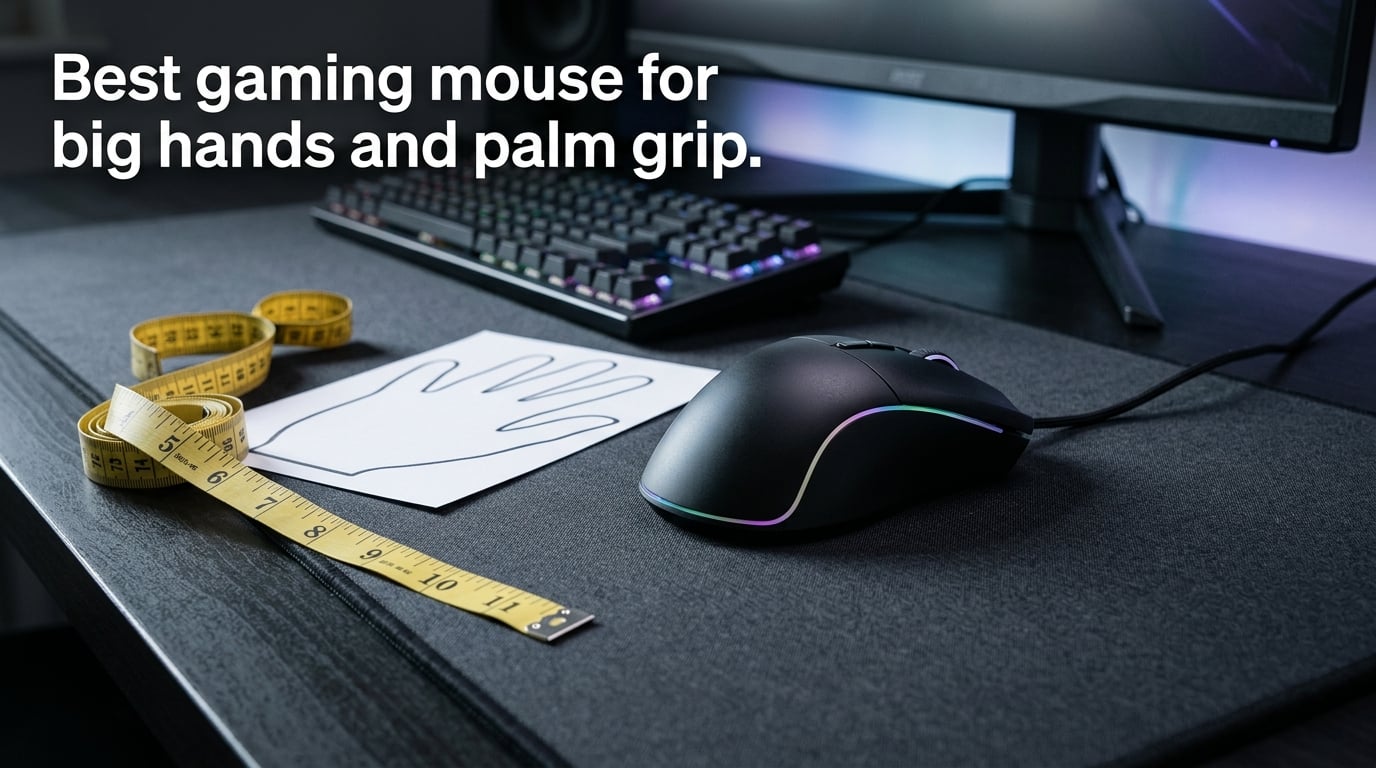
If you’ve ever felt your fingers cramped at the front of a mouse, your palm hanging off the back, or your thumb scraping the desk during a flick shot, the problem isn’t your grip — it’s your mouse. The best gaming mouse for big hands and palm grip has a body length of at least 125mm, a width of 65mm or more, and an ergonomic right-hand shape with a raised rear hump that fills your palm. Anything smaller, and your hand compensates with tension that kills precision and causes fatigue after an hour. This guide teaches you exactly how to find that fit — no brand loyalty, no spec-sheet worship, just a framework you can apply to any mouse on the shelf.
I’ve spent years testing mice with hands that measure 20cm by 10.5cm, and I’ve watched countless forum threads from gamers in the same boat. The pattern is always the same: people chase DPI numbers and polling rates while ignoring the one thing that actually determines comfort — whether the mouse physically fits their hand. Let’s fix that.
Table of Contents
Why Mouse Fit Matters More Than Any Spec
A mouse with a 30,000 DPI sensor and 8,000Hz polling rate is useless if your hand has to curl unnaturally to use it. Fit is the foundation. Every other spec builds on top of it.
When a mouse is too small for your hand, three things happen. First, your fingers push forward past the main buttons, reducing click accuracy. Second, your palm loses contact with the mouse body, forcing your wrist and forearm muscles to stabilize the mouse instead of your hand. Third, your grip tightens involuntarily — you’re squeezing the mouse to keep it from sliding, which accelerates fatigue.
For large-handed users (19cm+ hand length), most mainstream mice are simply too short. The Logitech G305, a popular budget pick, measures only 116mm long. For a 20cm hand in palm grip, that means nearly 4cm of palm hanging off the back with zero support. Even the Logitech G502, often called a “full-size” mouse, feels cramped for users with 21cm hands — a complaint I’ve seen repeated across r/MouseReview and Linus Tech Tips forums.
The fix isn’t buying the most expensive mouse. It’s buying the right-sized mouse for your hand and grip style. That starts with measurement.
How to Measure Your Hand for a Gaming Mouse
Measuring your hand takes 30 seconds and eliminates guesswork. You need a ruler or tape measure and a flat surface. Here’s the process:
Step 1: Measure hand length. Place your hand flat on a table with fingers extended and together. Measure from the base of your palm at the wrist crease (the fold line where your hand meets your wrist) to the tip of your middle finger. Record this number in centimeters.
Step 2: Measure hand width. With your hand still flat, measure across the widest part of your hand — across the knuckles of your four fingers, excluding the thumb. Record in centimeters.
Step 3: Note your grip style. Pick up a mouse naturally. If your entire palm rests on the mouse back and your fingers lie flat on the buttons, you’re a palm gripper. If your fingertips touch the buttons but your palm arches off the back, you’re a claw gripper. If only your fingertips contact the mouse, you’re a fingertip gripper.
Step 4: Record all three. Write down length, width, and grip style. You’ll use these to match against mouse dimensions later.
A quick reference: hands measuring 19cm or longer and 10cm or wider fall into the large category. Hands 21cm+ and 11cm+ are extra-large. If your hand is 17-19cm, you’re medium. Under 17cm, you’re small. These aren’t arbitrary labels — they map directly to mouse size categories.
Hand Size Categories and Matching Mouse Dimensions
This is the table most articles skip and most buyers need. Match your hand measurement to the mouse dimensions that actually fit:
Small hands (under 17cm length, under 9cm width): Mouse length under 120mm, width under 62mm. Examples: Razer Viper Mini, Logitech G305.
Medium hands (17-19cm length, 9-10cm width): Mouse length 120-125mm, width 62-65mm. This is where most “standard” mice sit. Examples: Logitech G Pro X Superlight 2, Razer Viper V3 Pro.
Large hands (19-21cm length, 10-11cm width): Mouse length 125-128mm, width 65-68mm. This is the sweet spot for most readers of this article. Examples: Glorious Model O Eternal (128mm x 67mm), Razer DeathAdder V3 Pro (119mm but tall rear hump compensates), Zowie EC1.
Extra-large hands (21cm+ length, 11cm+ width): Mouse length 128mm+, width 68mm+. Options narrow here. Look for mice specifically marketed as “large” or “full-size” with published dimensions over 128mm.
The critical insight: length alone doesn’t tell the whole story. A 128mm mouse with a flat, low-profile shape can feel shorter than a 119mm mouse with a tall rear hump. The hump height and placement determine how much of your palm actually makes contact. That’s why dimensions and shape must be evaluated together.
Mouse Dimensions Explained: Length, Width, and Height
Every mouse spec sheet lists three numbers — length, width, and height, usually in millimeters. Here’s what each one actually controls for your hand:
Length determines where your fingertips land and whether your palm overhangs the back. For palm grip, your fingers should rest naturally on the main buttons with your palm fully supported by the mouse body. If the mouse is too short, your fingers push forward and your palm floats. Too long, and your fingers sit too far back, reducing click leverage.
Width determines thumb and pinky support. A narrow mouse forces your thumb to curl tightly and your pinky to drag on the mouse pad. For large hands, a wider mouse (65mm+) gives your thumb room to rest on the side grip without tension and keeps your pinky elevated. This matters enormously during long sessions.
Height determines how much the mouse fills your palm. A taller mouse with a pronounced rear hump pushes into the center of your palm, distributing pressure evenly. A flat mouse concentrates pressure on your fingertips and the base of your palm, creating hot spots. For palm grip, height is arguably the most underappreciated dimension.
When evaluating a mouse, always look for all three numbers. A mouse listed as “128mm” without width and height is incomplete data. Brands that don’t publish full dimensions are hiding something — usually that their mouse is narrower or flatter than competitors.
Grip Styles and How They Interact With Large Hands
Grip style matters as much as hand size, and the two interact in ways that most guides gloss over. Here’s the breakdown for large-handed users:
Palm grip is the most common grip style for large hands, and for good reason. Your entire palm rests on the mouse back, your fingers lie flat on the buttons, and your wrist stays neutral. This grip provides the most stability and the least fatigue over long sessions. The trade-off: palm grip requires a mouse with enough length, width, AND height to fill your hand. A small mouse forces palm grippers into a cramped hybrid grip that tires quickly.
Claw grip arches the fingers so only the fingertips and the base of the palm contact the mouse. This grip is faster for micro-adjustments but more tiring over time because your finger muscles stay engaged. Large-handed claw grippers need width and a centered hump more than length. Many large-handed FPS players use a relaxed claw — a hybrid that looks like palm grip but with slightly arched fingers.
Fingertip grip uses only the fingertips on the mouse body, with the palm completely off the mouse. This is rare among large-handed users because the mouse has to be small enough to maneuver with just fingertips, and most large-hand-friendly mice are too heavy for fingertip control. If you have large hands and use fingertip grip, you’re in a small minority — most people with 19cm+ hands naturally migrate to palm or claw.
The key takeaway: if you have large hands and use palm grip (which is the most common pairing), you need a mouse specifically designed for that combination. That means an ergonomic shape with a rear hump, not a flat symmetrical shell.
Ergonomic vs Symmetrical Shapes for Palm Grip
This is the shape debate that divides the mouse community, and the answer depends entirely on your grip style and hand size.
Ergonomic right-hand mice have a contoured shape designed for right-handed users. The left side curves inward for your thumb, the right side flares outward for your ring and pinky fingers, and the rear hump shifts toward the right to fill the palm. For palm grip with large hands, this shape is almost always more comfortable because it matches the natural resting position of your hand.
Symmetrical (ambidextrous) mice have a uniform shape that works for both left and right hands. The hump is usually centered, and there’s no thumb indent. These mice appeal to claw and fingertip grippers who value precise fingertip control. For large-handed palm grippers, symmetrical mice often feel flat and unsupported because there’s no rear hump to fill the palm.
The community consensus on r/MouseReview is clear: large-handed palm grippers overwhelmingly prefer ergonomic shapes. The Razer DeathAdder V3 Pro, G-Wolves Skoll, and Zowie EC series — all ergonomic, all repeatedly recommended for big hands — dominate the conversation. Symmetrical options like the Logitech G Pro X Superlight 2 and Glorious Model O Eternal work for some large-handed users, but typically those using a relaxed claw grip rather than full palm.
My recommendation: if you’re a palm gripper with 19cm+ hands, start with an ergonomic mouse. Try a symmetrical mouse only if you know you use a claw or hybrid grip.
Weight Considerations for Larger Hands
Weight interacts with hand size in a way that most buyers overlook. Larger hands make longer arm sweeps — you’re moving the mouse farther across the pad with each motion. A heavier mouse requires more force to start, stop, and redirect, and that effort compounds over a multi-hour session.
For most large-handed palm grippers, the sweet spot is 55-70 grams. This range is light enough for fast flick shots and long sessions without fatigue, but heavy enough to feel planted and controllable. Under 55g, some users with large hands report the mouse feeling “floaty” or “awkward” — their hand expects more resistance than the mouse provides.
That said, weight preference is personal. Forum users who lift weights or have strong hands sometimes prefer heavier mice (70g+) because the added mass feels more stable during precise adjustments. There’s no universally correct weight — but there is a universally correct approach: test the weight in your hand before committing, or buy from a retailer with a good return policy.
Common Mistakes Big-Hand Gamers Make When Buying a Mouse
After reading hundreds of forum threads and testing dozens of mice, here are the mistakes I see large-handed gamers make repeatedly:
Mistake 1: Buying based on brand name alone. The Logitech G502 is a legendary mouse, but it’s not the right fit for every large hand. The same goes for the Razer DeathAdder — it’s excellent for many, but not all. Always check dimensions, not just the logo.
Mistake 2: Prioritizing DPI and sensor specs over dimensions. A 30,000 DPI sensor in a too-small mouse performs worse than a 16,000 DPI sensor in a perfectly fitted one. Your hand controls the mouse, not the sensor. Get the fit right first, then worry about specs.
Mistake 3: Assuming “ergonomic” means “fits large hands.” Many ergonomic mice are designed for medium hands. The Microsoft Sculpt, for example, is ergonomic but sized for 17-18cm hands. Always verify the actual dimensions.
Mistake 4: Not measuring hands before shopping. This takes 30 seconds and eliminates 90% of bad purchases. Do it.
Mistake 5: Choosing lightweight without testing grip feel. A 45g mouse sounds great on paper, but if your large hand is used to the resistance of a 80g mouse, the transition can feel jarring. Weight tolerance is personal — test before you commit.
How to Evaluate Any Mouse Using Its Spec Sheet
This is the skill that separates confident buyers from frustrated ones. Every mouse has a spec sheet, and you can evaluate fit without ever touching the mouse if you know what to look for. Here’s the checklist:
1. Find the dimensions (L x W x H in mm). This is the single most important data point. If the manufacturer doesn’t list full dimensions, that’s a red flag. Compare the length to your hand-size category from the table above.
2. Check the shape type. Is it ergonomic (right-hand contoured) or symmetrical? For palm grip with large hands, you want ergonomic. The spec sheet or product page should state this clearly.
3. Note the weight in grams. For palm grip with large hands, 55-70g is the target range. Heavier is fine if you prefer control; lighter is fine if you prefer speed. But know the number before you buy.
4. Verify the sensor model. Modern sensors (PAW3950, PAW3398, HERO 2) are all excellent. The sensor is rarely the differentiator — the shape is. But avoid off-brand sensors with poor tracking at high speeds.
5. Check the polling rate. 1000Hz is standard and sufficient for most gamers. 4000-8000Hz is a luxury that most people can’t perceive. Don’t pay a premium for polling rate alone.
6. Look at the switch type and lifespan. Optical switches last longer (100M+ clicks) and have no double-click issues. Mechanical switches feel more tactile but can develop double-click problems over time. For a daily driver, optical is the safer bet.
With this checklist, you can evaluate any mouse — from any brand, at any price point — and make a decision based on fit rather than marketing. That’s the whole point of this guide.
Frequently Asked Questions
Which mouse is best for large hands?
The best mouse for large hands has a body length of at least 125mm, width of 65mm or more, and a shape that matches your grip style. For palm grip, prioritize an ergonomic right-hand design with a pronounced rear hump that fills your palm. Community-recommended options include the Razer DeathAdder V3 Pro for ergonomic palm grip, the Glorious Model O Eternal for a symmetrical 128mm option, and the Zowie EC1 for a classic ergonomic shape.
How do I measure my hand for a gaming mouse?
Place your hand flat on a table with fingers extended. Measure hand length from the wrist crease at the base of your palm to the tip of your middle finger. Measure hand width across your four finger knuckles, excluding the thumb. Record both numbers in centimeters. Hands measuring 19cm or longer and 10cm or wider are in the large category and need mice at least 125mm long and 65mm wide.
What size mouse do I need for large hands?
For large hands (19cm or longer, 10cm or wider), you need a mouse at least 125mm long, 65mm wide, and 38mm or taller. For extra-large hands (21cm or longer), look for mice 128mm or longer. A mouse shorter than 120mm will feel cramped regardless of brand or sensor quality.
Does mouse weight matter more if you have big hands?
Yes, mouse weight matters more for users with big hands because larger hands make longer arm sweeps. A heavier mouse requires more effort to stop and redirect, which compounds over a long session. The sweet spot for most large-handed palm grippers is 55-70 grams, though some users prefer heavier mice for added control and stability.
Does grip style matter as much as hand size?
Grip style matters as much as hand size and interacts with it directly. A palm gripper with large hands needs a mouse with enough length, width, and height to fill the entire palm. A claw gripper with the same hand size cares more about width and centered hump placement. Always match the mouse shape to your grip style, not just your hand measurements.
Are ergonomic mice better for large hands?
Ergonomic right-hand mice are usually better for large hands with palm grip because the contoured shape and pronounced rear hump fill the palm more naturally. Symmetrical mice can work for large-handed claw or fingertip grippers, but for full palm grip, the ergonomic shape provides significantly more comfort during long sessions.
What is the difference between palm grip and claw grip mice?
Palm grip mice are longer and taller with a pronounced rear hump that supports the full palm. Claw grip mice are often shorter with a centered hump and narrower body that allows arched fingers to maneuver freely. A palm grip mouse prioritizes comfort and stability; a claw grip mouse prioritizes speed and precision. Many mice work for both, but the ideal shape differs significantly.
Is 128mm long enough for a large hand?
128mm is enough for most large hands in palm or claw grip, particularly for hands up to about 20cm. For hands 21cm or longer, 128-130mm is the minimum. The Glorious Model O Eternal at 128mm accommodates most large hands without fingers overhanging the rear, making it a reliable benchmark for full-size mouse dimensions.
Conclusion
Finding the best gaming mouse for big hands and palm grip comes down to a simple framework: measure your hand, match the dimensions to your size category, choose an ergonomic shape if you’re a palm gripper, and test the weight in person if possible. The sensor, polling rate, and switch type are secondary — they all matter, but only after the mouse physically fits your hand. Use the spec-sheet evaluation checklist in this guide to assess any mouse on the market, and you’ll never waste money on a mouse that cramps your hand again.