
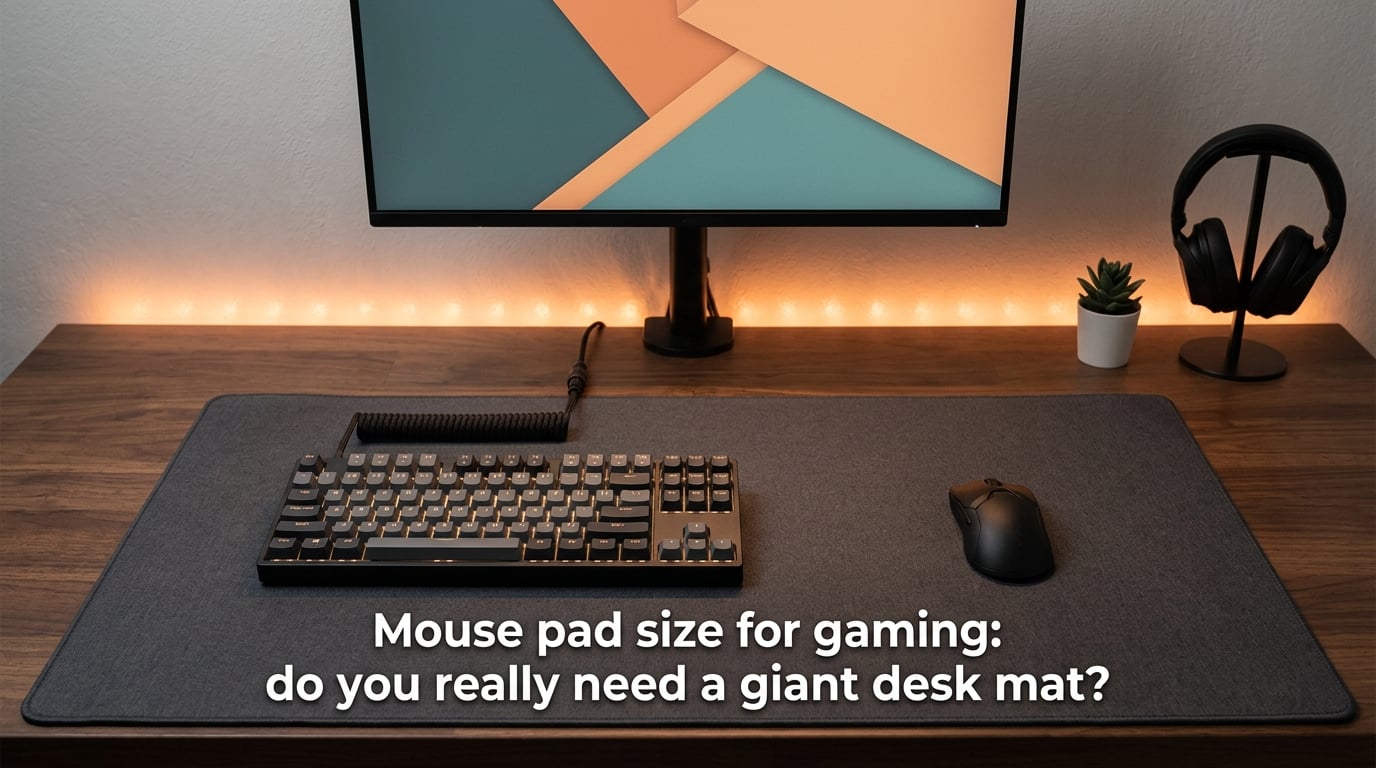
Most gamers don’t need a giant desk mat — but you might be surprised who does. The right mouse pad size for gaming depends on your DPI settings, grip style, and the games you play. In this guide, I’ll break down exactly what size pad you need and why the “bigger is always better” advice doesn’t apply to everyone.
Table of Contents
What Is a Good Size for a Gaming Mouse Pad?
A good gaming mouse pad should be at least 450mm x 400mm (roughly 17.7 x 15.7 inches) for most players. Competitive FPS gamers using low DPI settings benefit from extended pads measuring 900mm x 400mm or larger. Casual gamers and high-DPI users can comfortably play on medium-sized pads around 350mm x 280mm.
The key factor is how much physical space you need to move your mouse without lifting it. If you’re playing at 400 DPI with low in-game sensitivity, you might need 30-40cm of mouse movement for a full 360-degree turn. A small pad simply can’t accommodate that.
Mouse Pad Size Categories Explained
Mouse pad sizes fall into five main categories, each serving different gaming needs. Here’s how they compare:
Small (250mm x 210mm / ~10 x 8 inches) — Best for office work and casual gaming with high DPI. You’re limited to wrist movements only.
Medium (350mm x 280mm / ~14 x 11 inches) — A solid choice for general gaming. Works well with DPI settings above 1600 and most MOBA/MMO games.
Large (450mm x 400mm / ~18 x 16 inches) — The sweet spot for competitive gaming. Supports low-to-medium DPI settings and accommodates both arm and wrist aiming.
XL (500mm x 450mm / ~20 x 18 inches) — Gives serious FPS players room to breathe. Ideal for 400-800 DPI with moderate sensitivity.
Extended/XXL (900mm x 400mm / ~35 x 16 inches) — Full desk coverage for your keyboard and mouse. Best for very low DPI players and those who want a uniform desk surface.
How DPI and Sensitivity Affect Mouse Pad Size
DPI (dots per inch) measures how many pixels your cursor moves per inch of physical mouse movement. Lower DPI means you need more physical space to move your cursor across the screen.
At 400 DPI with a standard sensitivity setting, a full 360-degree turn in a shooter like Valorant requires roughly 30-40cm of mouse travel. That demands a large or extended pad. At 1600 DPI, the same turn might only need 10-15cm — perfectly fine on a medium pad.
Quick reference:
400-800 DPI → Large or Extended pad (450mm+ wide)
800-1600 DPI → Medium to Large pad (350-450mm wide)
1600+ DPI → Small to Medium pad (250-350mm wide)
If you’re unsure what DPI you’re running, check your mouse software or Windows settings under “Mouse” > “Pointer speed.” Most gaming mice let you adjust DPI on the fly.
Mouse Grip Styles and Their Space Requirements
Your grip style directly impacts how much pad space you need. There are three main grips, each with different movement patterns.
Palm Grip
Your entire hand rests on the mouse, and movement comes from your forearm. This grip requires the most space because you’re sweeping the mouse across larger distances. Palm grip gamers should use at least a large (450mm x 400mm) pad, ideally extended if you play at low DPI.
Claw Grip
Your palm touches the back of the mouse while your fingers arch over the buttons. Movement combines wrist pivots with occasional arm sweeps. A medium to large pad (350-450mm wide) works well for claw grip players.
Fingertip Grip
Only your fingertips contact the mouse. You make precise, small movements primarily from the wrist. Fingertip grip users can get away with medium-sized pads, though competitive players still benefit from extra room.
Many gamers use a hybrid grip that shifts between styles depending on the situation. If that’s you, size up — it’s better to have extra space you don’t use than to run out mid-fight.
Arm Aiming vs Wrist Aiming: Size Implications
Your aiming style is one of the biggest factors in choosing mouse pad size for gaming. Arm aimers and wrist aimers have fundamentally different space needs.
Arm aimers move the mouse using their entire forearm, keeping their wrist relatively locked. This technique requires sweeping movements and demands extended or large pads. Most competitive FPS players who use low sensitivity are arm aimers — they need that 30-40cm of uninterrupted space for consistent aim.
Wrist aimers pivot from the wrist with minimal arm movement. They can play on smaller pads because their movement range is limited to a few centimeters. However, wrist aiming puts more strain on your wrist over long sessions.
Many pro players use a hybrid approach: arm aiming for large sweeps and tracking, wrist aiming for fine adjustments. This style still benefits from a large pad since the arm movements need room to work.
Best Mouse Pad Size by Game Genre
Different games demand different amounts of mouse space. Here’s what I recommend based on genre:
FPS Games (Valorant, CS2, Overwatch 2) — Large to Extended. Competitive shooters reward low sensitivity settings for precise aim. Players at 400 DPI need that extended surface to make full arm sweeps without running off the edge mid-fight.
MOBA Games (League of Legends, Dota 2) — Medium to Large. MOBAs require frequent clicking and occasional quick camera movements, but you’re not doing constant 180-degree turns. A medium pad handles most situations.
MMO Games (World of Warcraft, Final Fantasy XIV) — Medium. MMO gameplay relies more on hotkeys and clicking than raw mouse movement. Many MMO players use higher DPI settings, making smaller pads perfectly viable.
Battle Royale (Fortnite, Apex Legends) — Large to Extended. Building mechanics and fast-paced combat require both quick flicks and precise tracking. You’ll want at least a large pad for the movement variety.
Casual and Strategy Games — Small to Medium. Games like Civilization, The Sims, or point-and-click adventures don’t demand rapid mouse movement. Save your desk space.
Mouse Pad Materials and How They Relate to Size
Material choice affects how your mouse feels on the surface, and it can influence your size decision.
Cloth pads are the most common for gaming. They offer a balance of speed and control, and they’re available in every size category. Cloth pads are flexible enough to roll up for transport, making extended sizes more practical.
Hard pads (plastic, aluminum) provide faster glide and more consistent tracking. They’re typically available in small to medium sizes because rigid materials are harder to manufacture in large formats and less portable.
Glass pads are a newer option that offers extremely smooth glide and durability. They’re usually medium-sized and come with premium price tags. The rigid surface means you won’t find many extended glass pads.
For extended desk mats, cloth is almost always the right choice. It’s the only material that works well at 900mm x 400mm and beyond while remaining portable.
How to Measure Your Desk for the Right Mouse Pad
Before buying a mouse pad, measure your available space. Here’s a simple process:
Step 1: Clear your desk and measure the width and depth of the area where you’d place a mouse pad.
Step 2: Account for your keyboard placement. If your keyboard sits on the pad, subtract its width from the available space. A standard keyboard is about 440mm wide, so an extended 900mm pad leaves roughly 460mm of mouse space.
Step 3: Check for obstacles. Monitor stands, desk edges, and other peripherals can limit your pad’s effective area.
Step 4: Leave a buffer of at least 50mm on each side. You don’t want your pad pressed against a wall or monitor base — your mouse arm needs freedom of movement.
Remember that an extended desk mat (900mm x 400mm) covers most of a standard desk. If your desk is smaller than 1000mm wide, a regular large pad might be a better fit.
Common Mistakes When Choosing Mouse Pad Size
I’ve seen gamers make the same sizing errors repeatedly. Avoid these pitfalls:
Buying based on desk size alone — Your desk might be huge, but if you play at 3200 DPI, you don’t need a desk mat. Match the pad to your gaming style, not your furniture.
Ignoring DPI when downsizing — Switching from an extended pad to a medium pad without increasing DPI will ruin your muscle memory. Adjust sensitivity settings if you change pad sizes.
Choosing portability over function — A small pad is easy to carry to LAN parties, but if you’re a low-DPI arm aimer, you’ll perform terribly on it. Prioritize performance for your home setup and buy a separate travel pad.
Forgetting about vertical space — Width gets all the attention, but height matters too. FPS players need vertical room for recoil control and flicking up to elevated targets. Don’t buy a pad that’s wide but shallow.
Do You Really Need a Giant Desk Mat?
The short answer: only if your gaming style requires it. A giant desk mat (900mm x 400mm or larger) makes sense if you:
Play competitive FPS games at low DPI (400-800)
Use arm aiming as your primary technique
Want a uniform surface for both keyboard and mouse
Prefer the aesthetic of a clean, covered desk
If you game casually, use high DPI, or primarily play MOBAs and MMOs, a standard medium or large pad will serve you just fine. Don’t let marketing convince you that bigger is always better — it’s about matching your pad to your actual gameplay needs.
Frequently Asked Questions
What is a good size for a gaming mouse pad?
A medium to large pad (350mm x 280mm to 450mm x 400mm) works for most gamers. Competitive FPS players at low DPI should go with a large or extended pad (900mm x 400mm). The right size depends on your DPI setting, grip style, and game genre.
Are XXL mouse pads worth it?
XXL pads are worth it if you play competitive shooters at low DPI or use arm aiming. They give you 30-40cm of uninterrupted mouse space for full sweeps. For casual gaming or high-DPI users, a medium pad is more practical and saves desk space.
Is a bigger mousepad better for gaming?
Not necessarily. A bigger mousepad is better for low-sensitivity FPS gaming where you need sweeping arm movements. High-DPI players and MOBA gamers can perform just as well on medium-sized pads. Match your pad size to your actual gameplay, not just the assumption that bigger equals better.
Which is better for gaming, a mouse pad or a desk mat?
A dedicated mouse pad is better if you want precise control and easy portability. A desk mat is better if you want a uniform surface for your keyboard and mouse, plus extra desk protection. For gaming performance alone, there’s no difference — it’s about size and surface quality, not whether it extends under your keyboard.
Conclusion
Choosing the right mouse pad size for gaming comes down to understanding your own setup — your DPI, grip, and preferred game genres. A giant desk mat isn’t necessary for most players, but if you’re competing at low sensitivity, that extra space can be the difference between hitting your shots and running off the edge. Measure your desk, check your DPI, and pick the size that matches how you actually play.