
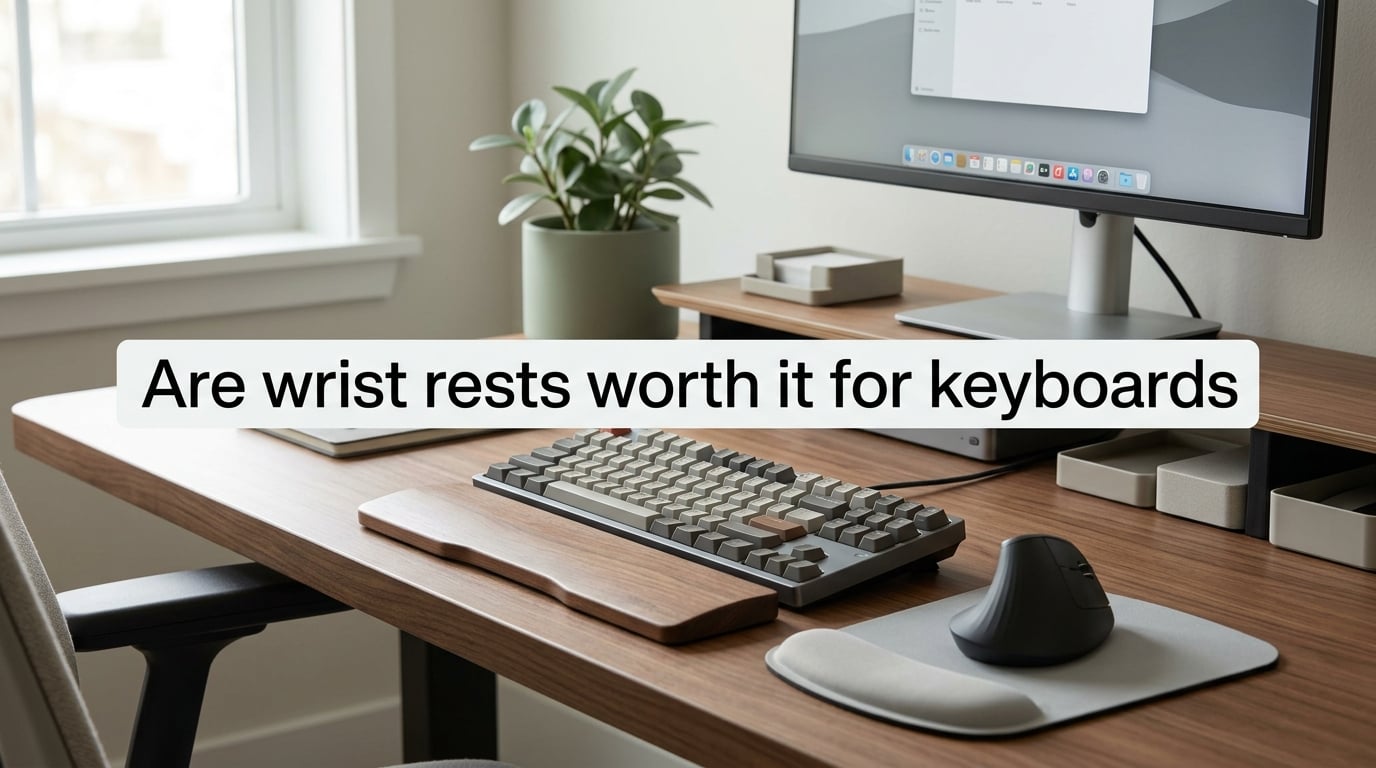
Yes, but only conditionally. Are wrist rests worth it for keyboards? They help when you have a tall mechanical keyboard, a desk that sits a little too high, or a hard front edge pressing into your wrists during pauses. They hurt when you use them as a place to plant your wrists while typing, or when your keyboard is already low-profile and your desk is set up correctly. The trick is using them for the palms during breaks, never for the wrists during keystrokes.
I have tested wrist rests across three desks, four keyboards, and roughly two years of typing. This guide walks through when one actually helps, when it makes things worse, and how to tell which side you fall on.
Table of Contents
What Is a Wrist Rest (And Why the Name Is Misleading)
The product most people call a wrist rest is technically a palm rest. That single naming confusion causes most of the wrist pain it claims to solve.
A palm rest is a cushioned bar that sits in front of your keyboard. Its job is to give the heel of your palm a soft place to land when you stop typing. Your wrists should never rest on it while you type. When your wrists do bear weight on a padded surface, the padding compresses the soft tissue inside your wrist, including the median nerve that runs through the carpal tunnel.
OSHA computer workstation guidance describes a wrist rest as a padded surface that keeps the wrists in a neutral position during pauses. CCOHS, the Canadian Centre for Occupational Health and Safety, uses the same language. Neither agency tells you to lean on it while typing.
Think of it like a pillow on a couch. You rest your head on it when you pause. You do not press your face into it while watching TV.
How to Use a Wrist Rest the Right Way
The correct technique has three steps, and skipping any one of them turns a useful tool into a problem.
Step 1: Match the height. The top of the rest should sit level with the top edge of your keyboard keys. If the rest sits taller than the keys, it bends your wrists upward while you type, which compresses the carpal tunnel. If it sits lower than the keys, your palms have to drop to reach it, which strains the forearm.
Step 2: Float your hands while typing. Your wrists should hover above the rest during keystrokes. Your forearms and shoulders carry the weight of your hands. The rest only enters the picture when you pause to read the screen, scroll a page, or reach for the mouse.
Step 3: Land on the heel of your palm, not the wrist crease. The fleshy part just below your fingers should rest on the cushion. The wrist crease, where the arm bends, should stay free. If you can see the bend clearly when you pause, you are in the right spot.
This is the floating hands technique that r/ErgoMechKeyboards users consistently recommend. Once you start typing from your shoulders instead of planting your wrists, most of the strain people blame on keyboards fades on its own.
Do Wrist Rests Prevent Carpal Tunnel? The Evidence
No, wrist rests do not prevent carpal tunnel syndrome, and used incorrectly they can increase the risk factors that lead to it.
Ergo Canada, a leading occupational ergonomics consultancy, has long held that in the vast majority of cases wrist rests do not provide any significant ergonomic benefit and will usually increase the number of risk factors for injury. The reasoning is mechanical. The carpal tunnel is a narrow passage on the palm side of your wrist that houses the median nerve and nine tendons. When you press the underside of your wrist into a firm surface, the pressure inside that tunnel roughly doubles.
Dr. David Rempel, an ergonomics researcher at UC Berkeley, has published studies showing that resting the wrists on a support while typing increases contact stress in the carpal tunnel. Pressure on the tunnel is one of the recognized mechanisms behind carpal tunnel syndrome, alongside vibration, forceful gripping, and prolonged wrist extension.
CDC data from 2023 shows that about 9% of US adults develop a repetitive strain injury, or RSI, within any three-month window. Carpal tunnel syndrome is one of the more common diagnoses in that group. The takeaway is not that wrist rests cause RSI on their own. The takeaway is that they are not a shield against it, and they make a poor substitute for proper workstation setup.
What actually reduces risk: a keyboard that keeps your wrists straight, a desk height that lets your elbows sit at about 90 degrees, frequent micro-breaks, and the floating hands technique described above.
When a Wrist Rest Actually Helps
A wrist rest earns its place when your setup has at least one of these four problems.
Tall mechanical keyboard. Most mechanical keyboards sit taller than the average laptop keyboard. The extra height tilts your wrists upward during long sessions, especially on a Cherry-profile or OEM-profile board. A palm rest fills the gap and keeps the wrist line closer to neutral.
Slightly-too-high desk. If your desk cannot be lowered and your chair cannot be raised, your elbows sit above 90 degrees and your wrists bend back to reach the keys. A rest can compensate, although lowering the desk or raising the chair is the better fix.
Hard front edge on the desk. The square front lip of a wooden or composite desk can dig into the heel of your wrist when you pause. A padded rest gives your palms a softer surface than the desk itself. This is one of the cleanest cases for buying one.
Mouse-side wrist fatigue. A separate mouse pad with a built-in gel cushion solves the same problem on the mouse side. Without one, the bony outside edge of your wrist takes the full weight of your forearm during long mousing sessions.
In all four cases the rest is a workaround for a setup gap. Fix the gap, and the rest becomes optional.
When You Should Skip It Entirely
Skip the wrist rest if your setup is already in the right zone. If you type on a low-profile keyboard (a laptop, a scissor-switch keyboard, or a mechanical board with low-profile switches), your wrists already sit near neutral without a rest.
Skip it if your desk and chair are properly adjusted. Elbows at roughly 90 degrees, feet flat, monitor at eye level. In that configuration, a rest usually pushes your wrists into extension, not the other way around.
Skip it if you tend to lean on it while typing. Be honest with yourself. If you find yourself planting your wrists during every keystroke, the rest is doing you harm, and no amount of padding fixes that. A common Reddit complaint is exactly this: people buy a beautiful wooden rest for the desk photos, then realize it nudges their hands into an awkward angle during real typing.
Skip foam and gel if your hands run hot. Foam traps heat and gel feels cool for ten minutes then warms up and sweats. Wood or leather-wrapped rests handle climate better for most people.
Material Comparison: Foam, Gel, Wood, and Leather
No single material wins on every axis. Here is how the four common options compare.
| Material | Feel | Durability | Best For | Watch Out For |
|---|---|---|---|---|
| Memory foam | Soft, sinks under palm | Flattens in 6 to 18 months | Short sessions, cool climates | Heat buildup, slow recovery after heavy use |
| Gel | Firm, cool to the touch | Holds shape well | Warm climates, longer sessions | Feels hard if too thin, can feel slippery |
| Wood | Hard, stable | Lasts years | Aesthetics, low-profile users who barely touch it | No cushion if you actually lean on it |
| Leather-wrapped | Soft surface, firm core | Surface wears after 2 to 3 years | Hot climates, mixed use | Higher cost, needs occasional conditioning |
For most people who already own a tall mechanical keyboard, a medium-firm gel rest with an anti-slip rubber base is the safest starting point. It stays cool, holds shape, and forgives minor height mismatches.
The 30-Second Self-Test: Do You Actually Need One?
Answer yes or no to each question. Three or more yes answers point toward getting a rest.
Does your keyboard sit noticeably taller than your elbows when your hands are on the home row?
Do you feel a hard edge digging into the heel of your wrist during typing pauses?
Do your wrists bend upward by more than a few degrees while you type?
Do you type for more than two hours at a stretch without a break?
Does your mouse-side wrist ache at the end of a workday, even with a flat mouse pad?
If you answered no to all five, your setup is already neutral enough. Save the money. If you answered yes on three or more, a rest will likely improve comfort during long sessions, especially if you also retract the flip-out feet on your keyboard to flatten its tilt.
Fixing the Real Problem: Negative Tilt and Keyboard Height
A wrist rest is a workaround. The cleaner fix is removing the cause of the wrist bend in the first place.
Most keyboards ship with flip-out feet on the back that tilt the board away from you. Retract them. A flat or slightly negatively tilted keyboard keeps your wrists closer to a straight line with your forearms. This is the negative tilt that ergonomic keyboard makers like Kinesis and ZSA have built around for decades.
If your keyboard is tall by design, consider a low-profile mechanical switch board. Cherry MX-style switches sit roughly twice as tall as the low-profile variants. Swapping to a low-profile board removes the wrist bend at the source, and the rest becomes optional.
If you type and mouse heavily, a vertical mouse is the equivalent fix on the mouse side. It rotates your forearm into a handshake position and removes the pronation that drives mouse-side RSI over months.
Once you have neutral posture, the floating hands technique, and a properly tilted keyboard, you have solved about 80% of what people buy wrist rests to fix. The rest is fine for the remaining 20%.
Frequently Asked Questions
Do keyboard wrist rests actually help?
They help in specific situations: a tall mechanical keyboard, a desk that cannot be lowered, or a hard front edge that presses into your palms during pauses. They do not help, and can hurt, if you lean your wrists on them while typing or if your keyboard is already low-profile and your workstation is properly adjusted.
Do wrist rests cause carpal tunnel?
Wrist rests do not cause carpal tunnel on their own, but resting the wrist crease on a firm surface during typing roughly doubles the pressure inside the carpal tunnel. Dr. David Rempel at UC Berkeley and Ergo Canada both flag this contact stress as a risk factor, especially when combined with prolonged typing and wrist extension.
What are the downsides of using wrist rests?
Three common downsides: they encourage leaning on the wrists during typing, which compresses the carpal tunnel; foam and gel traps heat and sweat during long sessions; and they take up desk space without solving the underlying posture problem. They also push hands into awkward angles on low-profile keyboards.
Should I rest my wrists while typing?
No. While typing, your wrists should float above the keys and the rest. Your forearms and shoulders carry the weight of your hands. The rest is for pauses only, where you land on the heel of your palm with the wrist crease free.
The Bottom Line
So, are wrist rests worth it for keyboards in 2026? They are worth it if your setup has a real gap: a tall keyboard, a desk that sits too high, or a hard front edge pressing into your palms. They are not worth it if your keyboard is already low-profile, your desk and chair are properly adjusted, and you find yourself leaning on the rest during every keystroke.
Start with the 30-second self-test above. If you score three or more yes answers, pair a medium-firm gel rest with retracted flip-out feet on your keyboard. If you score below three, fix the keyboard height and try the floating hands technique for a week before buying anything.
Either path beats buying a rest for the desk photo and then realizing, like many r/MechanicalKeyboards users, that it just gets in the way.