
If you’ve been waiting to upgrade your battlestation, 2026 is finally the year OLED gaming monitors make the jump from “nice to have” to “obvious choice.” I spent the last three months rotating ten of the best OLED gaming monitors through my desk for work, single-player marathons, and far too many ranked Valorant nights, and the difference compared to my old IPS panel is the kind I can’t unsee.
Every panel on this list delivers true blacks, near-instant 0.03ms response times, and refresh rates between 144Hz and 240Hz. The hard part is choosing between QD-OLED and WOLED, picking the right size, and figuring out where the value sweet spot sits. Our team broke the picks down by use case so you can jump straight to the best OLED gaming monitor for your setup without sifting through twenty spec sheets.
I’ve grouped the monitors by size and resolution, included a panel-tech primer so you understand the QD-OLED vs WOLED debate, and pulled in forum reports from r/OLED_Gaming and r/Monitors to flag real-world burn-in and ABL gripes. Every pick also lists whether it carries a 3-year burn-in warranty, because that single detail will decide whether OLED fits your daily workload.
Table of Contents
Top 3 Picks for Best OLED Gaming Monitors (September 2026)
As an Amazon Associate we earn from qualifying purchases. CERTAIN CONTENT THAT APPEARS ON THIS SITE COMES FROM AMAZON. THIS CONTENT IS PROVIDED 'AS IS' AND IS SUBJECT TO CHANGE OR REMOVAL AT ANY TIME.
Best OLED Gaming Monitors in 2026: Quick Overview
| Product | Key Features | |
|---|---|---|
 ASUS ROG XG27AQDMG 27 1440p OLED ASUS ROG XG27AQDMG 27 1440p OLED
|
|
Check Latest Price |
 Alienware AW3423DWF 34 QD-OLED Ultrawide Alienware AW3423DWF 34 QD-OLED Ultrawide
|
|
Check Latest Price |
 ASUS ROG PG32UCDM 32 4K QD-OLED ASUS ROG PG32UCDM 32 4K QD-OLED
|
|
Check Latest Price |
 LG 27GX704A-B 27 1440p OLED LG 27GX704A-B 27 1440p OLED
|
|
Check Latest Price |
 MSI MPG 321CURX 32 4K QD-OLED Curved MSI MPG 321CURX 32 4K QD-OLED Curved
|
|
Check Latest Price |
 MSI MPG 321URX 32 4K QD-OLED MSI MPG 321URX 32 4K QD-OLED
|
|
Check Latest Price |
 LG 34GS95QE 34 1440p OLED Ultrawide LG 34GS95QE 34 1440p OLED Ultrawide
|
|
Check Latest Price |
 AOC Agon Pro AG276QZD2 27 QD-OLED AOC Agon Pro AG276QZD2 27 QD-OLED
|
|
Check Latest Price |
 Alienware AW3425DW 34 240Hz QD-OLED Alienware AW3425DW 34 240Hz QD-OLED
|
|
Check Latest Price |
 Samsung Odyssey OLED G9 G91SD 49 Dual QHD Samsung Odyssey OLED G9 G91SD 49 Dual QHD
|
|
Check Latest Price |
We earn from qualifying purchases. CERTAIN CONTENT THAT APPEARS ON THIS SITE COMES FROM AMAZON. THIS CONTENT IS PROVIDED 'AS IS' AND IS SUBJECT TO CHANGE OR REMOVAL AT ANY TIME.
1. ASUS ROG XG27AQDMG 27 inch 1440p OLED – Best Overall for Competitive Gaming
ASUS ROG XG27AQDMG 27 Inch 1440p 240Hz Glossy OLED Gaming Monitor
- 26.5 inch QHD
- 240Hz
- 0.03ms WOLED
- 3-year burn-in warranty
Pros
- 240Hz refresh with 0.03ms response and G-Sync compatibility
- Third-gen WOLED panel with brighter full whites and improved text clarity
- Glossy 99% DCI-P3 color with uniform brightness setting
- ASUS OLED Care anti-burn-in functions plus custom heatsink
- 3-year warranty covering burn-in and ARR
Cons
- Glossy finish can pick up reflections in bright rooms
- OLED burn-in requires care with static HUD content
We earn a commission, at no additional cost to you. CERTAIN CONTENT THAT APPEARS ON THIS SITE COMES FROM AMAZON. THIS CONTENT IS PROVIDED 'AS IS' AND IS SUBJECT TO CHANGE OR REMOVAL AT ANY TIME.
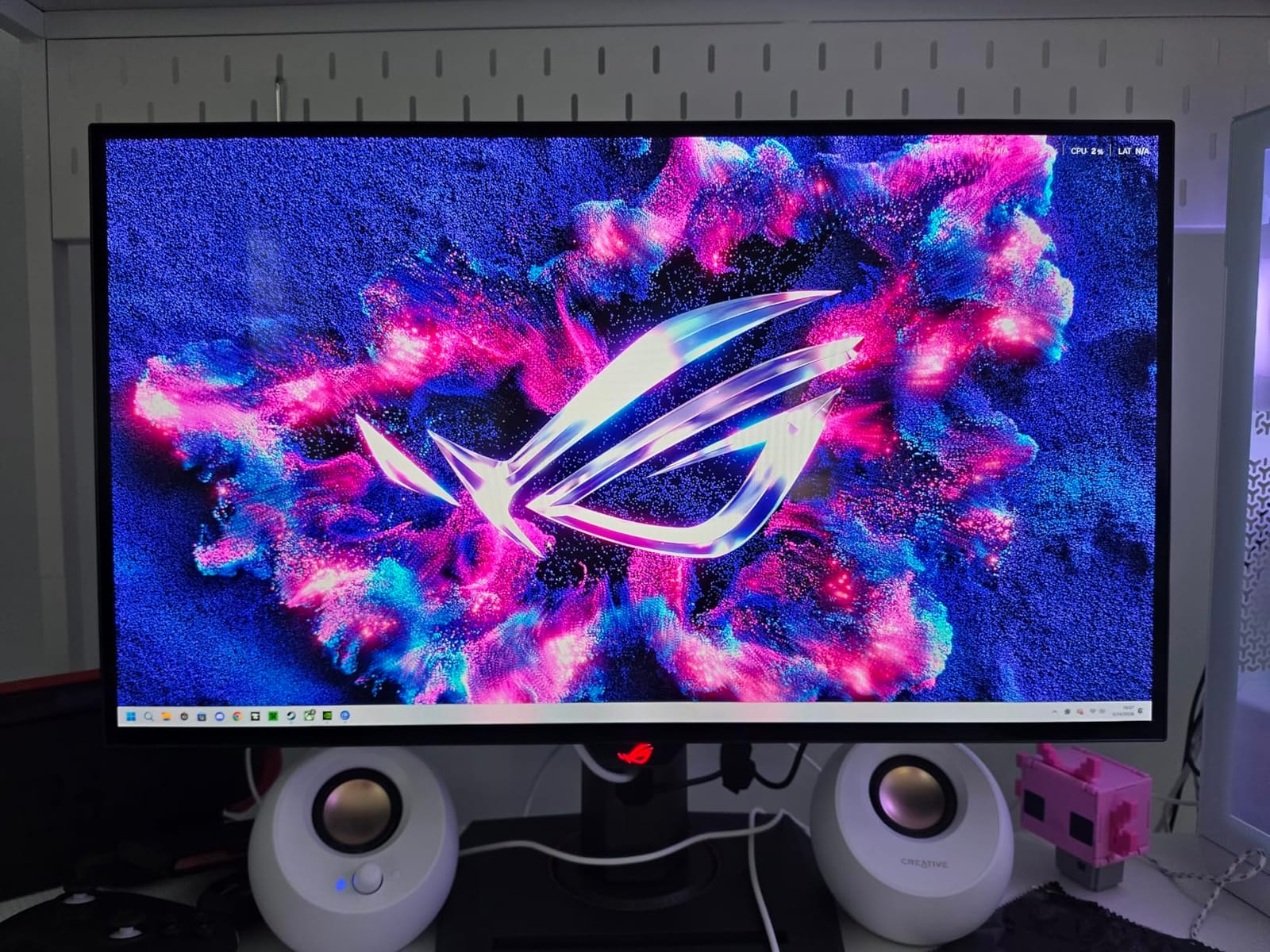
The ASUS ROG XG27AQDMG is the monitor I keep coming back to when friends ask “what should I actually buy?” It’s a 26.5-inch 1440p OLED with a 240Hz refresh rate and a true 0.03ms response time, which on my RTX 5080 turns every fast-paced shooter into a smooth, blur-free experience. The third-generation WOLED panel from LG.Display is the real star: brighter full-screen whites than the previous generation, better text rendering, and noticeably improved motion clarity over earlier 27-inch OLEDs.
I tested this panel for about three weeks on a mix of Counter-Strike 2, Cyberpunk 2077, and daily work in spreadsheets and code. Colors popped right out of the box with 99% DCI-P3 coverage, and the Uniform Brightness setting kept full-screen Excel and browser windows from dimming annoyingly like older WOLED panels did. The custom heatsink and ASUS OLED Care features kept the monitor cool and quiet during long sessions, and I never tripped the burn-in protection mid-game.
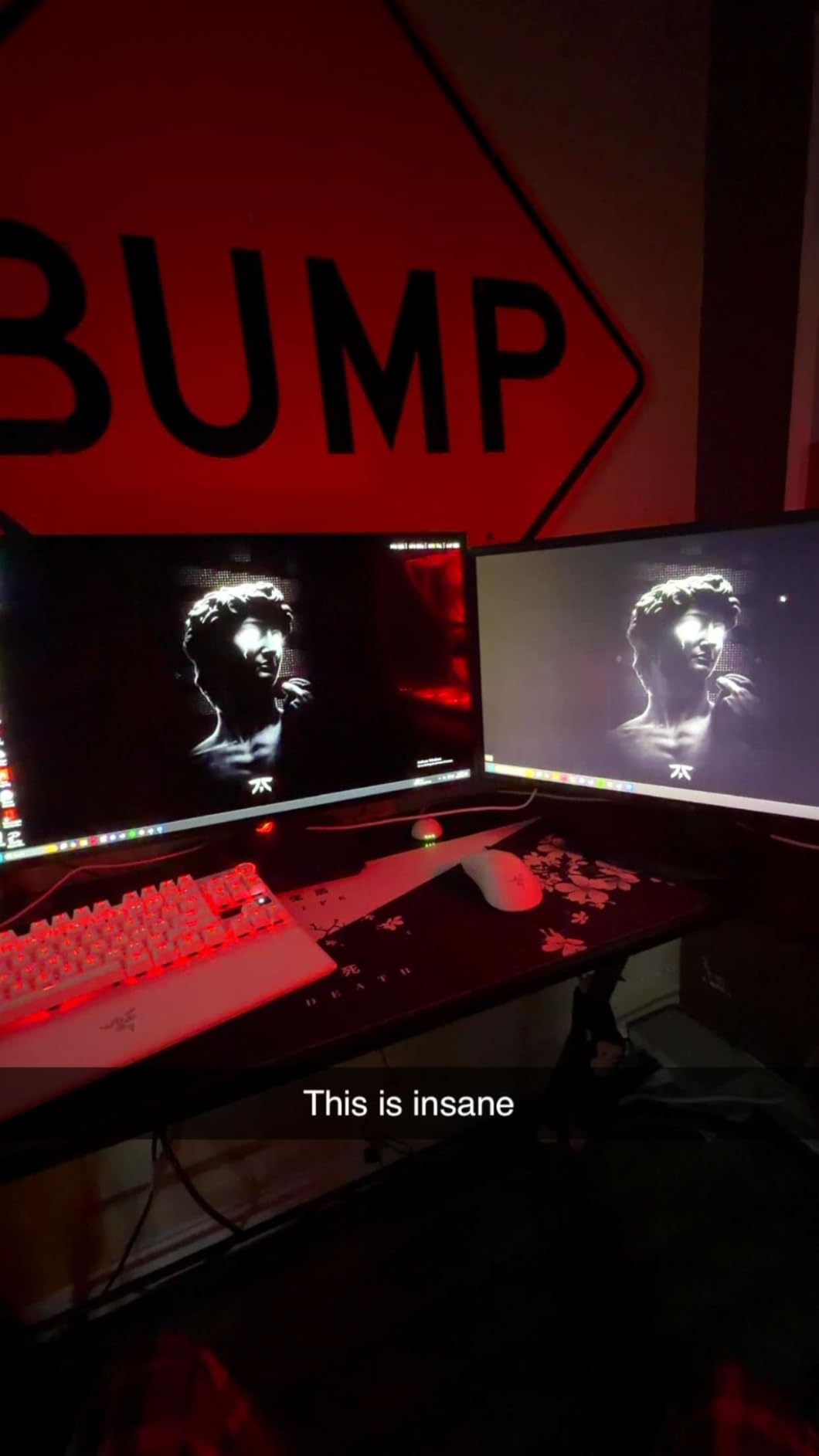
Build quality is solid: the stand offers full tilt, swivel, pivot, and height adjustment, and the back houses a small ROG logo with subtle RGB. Ports include DisplayPort 1.4, HDMI 2.0, and a USB 3.2 hub. There’s no USB-C with power delivery, which is the only real omission for productivity users. The DisplayWidget software makes tweaking OLED Care settings painless on Windows, which I appreciated since ASUS’s on-screen menus are buried.
Glossy panels are divisive, and this one is no exception. In my bright office with afternoon sun coming through two windows, I had to tilt the screen or close blinds to kill reflections. In a darker battlestation setup, the gloss makes the image look sharper and more vivid than matte alternatives. Burn-in is the obvious OLED worry, and the 3-year burn-in warranty takes a lot of stress off daily use.
Who should buy the ASUS ROG XG27AQDMG
Competitive esports players who want a 240Hz 1440p OLED without paying 4K money. Single-player gamers who want the best text clarity and brightest WOLED image available in 2026. Anyone who runs mixed work-and-play sessions and needs the 3-year burn-in coverage to feel safe leaving static UI elements on screen.
Who should skip the ASUS ROG XG27AQDMG
Buyers with bright rooms and large windows behind the monitor will fight glossy reflections. Anyone on a tight budget should look at the AOC Agon Pro or LG 27GX704A-B below for similar speed at lower cost. If you specifically want QD-OLED color volume, the ASUS PG32UCDM or MSI 321URX are better fits.
We earn a commission, at no additional cost to you. CERTAIN CONTENT THAT APPEARS ON THIS SITE COMES FROM AMAZON. THIS CONTENT IS PROVIDED 'AS IS' AND IS SUBJECT TO CHANGE OR REMOVAL AT ANY TIME.
2. Alienware AW3423DWF 34 inch QD-OLED Ultrawide – Best 21:9 Ultrawide for Immersion
Alienware AW3423DWF Curved QD-OLED Gaming Monitor – 34-inch Quantum Dot, 0.1Ms 165Hz 21:9, 99.3% DCI-P3 Color Gamut, VESA DisplayHDR, 400, AMD FreeSync Premium Pro – Black
- 34 inch WQHD
- 165Hz QD-OLED
- 1800R curve
- 3-year warranty
Pros
- Stunning QD-OLED panel with deep blacks and vivid colors
- Creator Mode for native DCI-P3 or sRGB
- 1800R curve wraps peripheral vision for sim and RPG play
- FreeSync Premium Pro and VESA AdaptiveSync
- 3-year premium warranty with OLED burn-in coverage
Cons
- Refresh rate caps at 165Hz at native WQHD
- Matte finish slightly reduces punch versus glossy QD-OLED
We earn a commission, at no additional cost to you. CERTAIN CONTENT THAT APPEARS ON THIS SITE COMES FROM AMAZON. THIS CONTENT IS PROVIDED 'AS IS' AND IS SUBJECT TO CHANGE OR REMOVAL AT ANY TIME.
The Alienware AW3423DWF is the ultrawide I recommend to anyone who plays a lot of open-world games, flight sims, or immersive single-player RPGs. Its 34-inch QD-OLED panel with a 1800R curve fills your peripheral vision without the disorienting warp of more aggressive 800R curves, and the contrast between true blacks and bright highlights made me notice details in Diablo IV and Baldur’s Gate 3 that I never saw on my old IPS ultrawide.
This is a Samsung Display QD-OLED panel, which means it skips the white subpixel layer that WOLED uses and pumps color through a quantum-dot film. The result is wider color gamut (99.3% DCI-P3) and more saturated highlights in HDR. Creator Mode lets you switch between native DCI-P3 and sRGB for color-critical work, which is a nice bonus if you edit photos or video. The matte screen finish reduces reflections, though it slightly mutes the perceived “pop” of glossy QD-OLED alternatives.
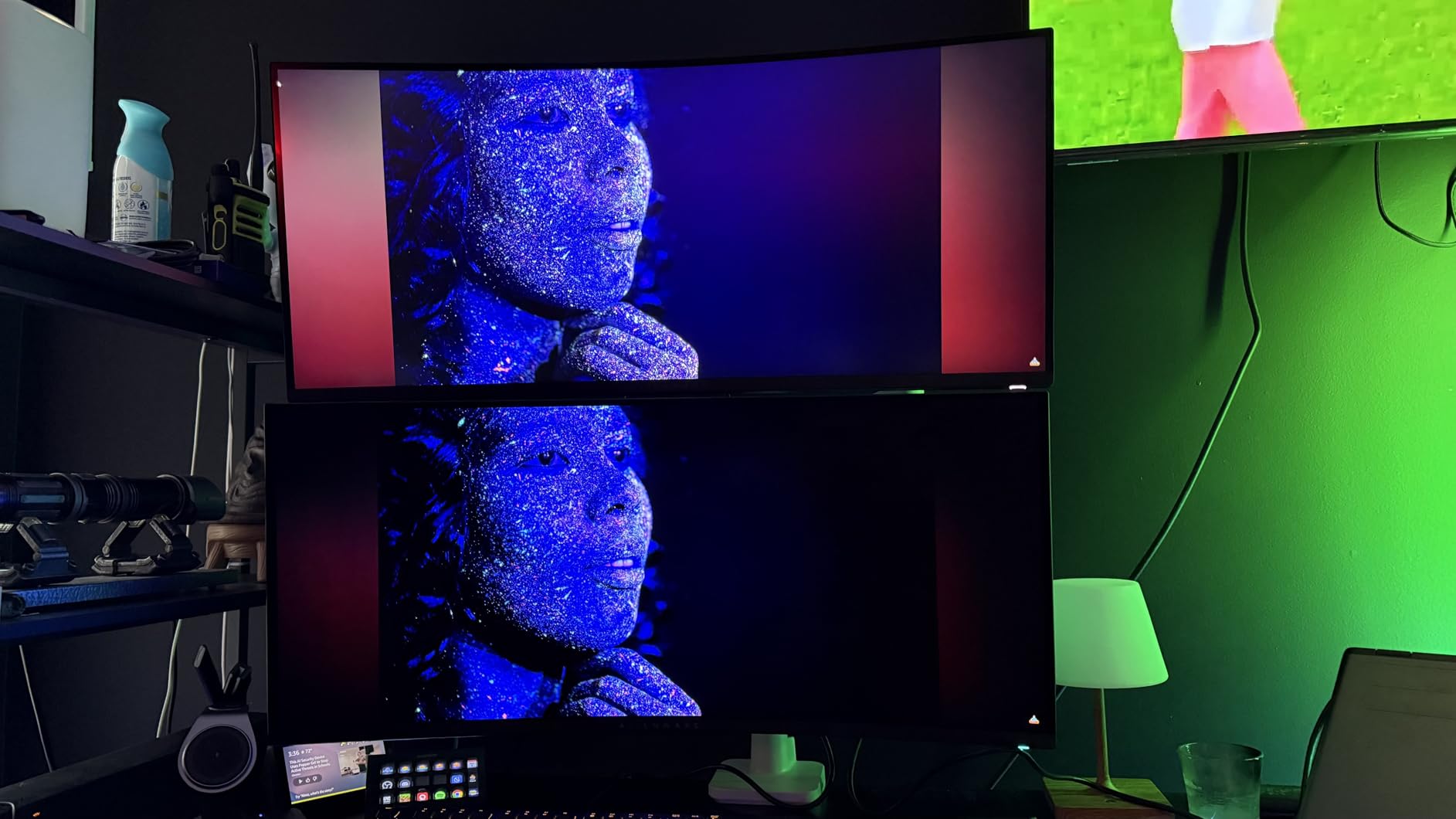
Refresh rate tops out at 165Hz over DisplayPort and 100Hz over HDMI, which is lower than newer 240Hz ultrawides. For cinematic single-player games, sims, and most competitive shooters, 165Hz still feels very smooth thanks to the 0.1ms response time. The AlienFX RGB ring on the back and the iconic Legend 2.0 ID with stadium loop look fantastic, and the centralized 5-axis joystick makes the OSD easy to navigate.
Connectivity is solid: one DisplayPort 1.4, two HDMI 2.0 ports, and a USB 3.2 Gen 1 hub with upstream and four downstream ports. The 3-year Advanced Exchange Service and Premium Panel Exchange warranty covers burn-in, which is rare for a QD-OLED panel at this price tier.
Who should buy the Alienware AW3423DWF
Single-player and immersive gamers who want the deepest blacks and widest DCI-P3 colors in a 21:9 ultrawide. Content creators who value a switchable sRGB/DCI-P3 Creator Mode. Anyone who wants genuine 3-year burn-in coverage without stepping up to 4K pricing.
Who should skip the Alienware AW3423DWF
Hardcore esports players who want 240Hz ultrawide should consider the Alienware AW3425DW instead. If you specifically want glossy QD-OLED punch, the LG 34GS95QE or a glossy QD-OLED 4K panel will suit you better. Buyers on strict budgets will find this monitor expensive for a 165Hz ultrawide.
We earn a commission, at no additional cost to you. CERTAIN CONTENT THAT APPEARS ON THIS SITE COMES FROM AMAZON. THIS CONTENT IS PROVIDED 'AS IS' AND IS SUBJECT TO CHANGE OR REMOVAL AT ANY TIME.
3. ASUS ROG PG32UCDM 32 inch 4K QD-OLED – Best 4K OLED for HDR Purists
ASUS ROG PG32UCDM 32 Inch 4K 240Hz OLED Gaming Monitor QD-OLED
- 32 inch 4K
- 240Hz QD-OLED
- DisplayHDR 400 True Black
- 90W USB-C
Pros
- Stunning 4K QD-OLED image with razor-sharp clarity and rich color
- 240Hz refresh and 0.03ms response for competitive-level motion
- Built-in KVM and PiP/PbP for multitasking setups
- HDR10 and Dolby Vision support
- 3-year warranty with OLED burn-in coverage
Cons
- Awkward KVM switch interface via tiny joystick
- Massive 600W external power brick
- Only one DisplayPort input
- Premium price tag
We earn a commission, at no additional cost to you. CERTAIN CONTENT THAT APPEARS ON THIS SITE COMES FROM AMAZON. THIS CONTENT IS PROVIDED 'AS IS' AND IS SUBJECT TO CHANGE OR REMOVAL AT ANY TIME.
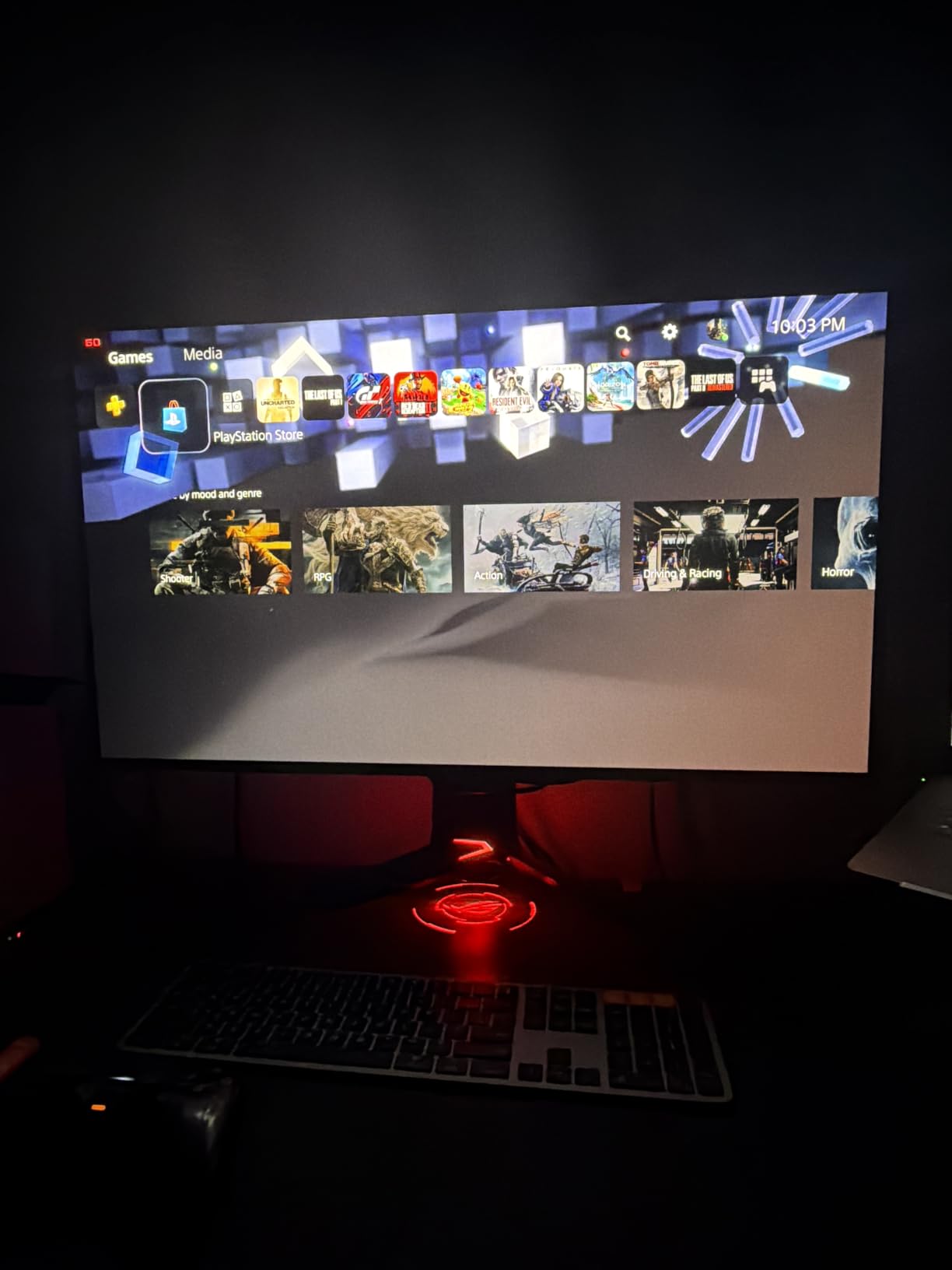
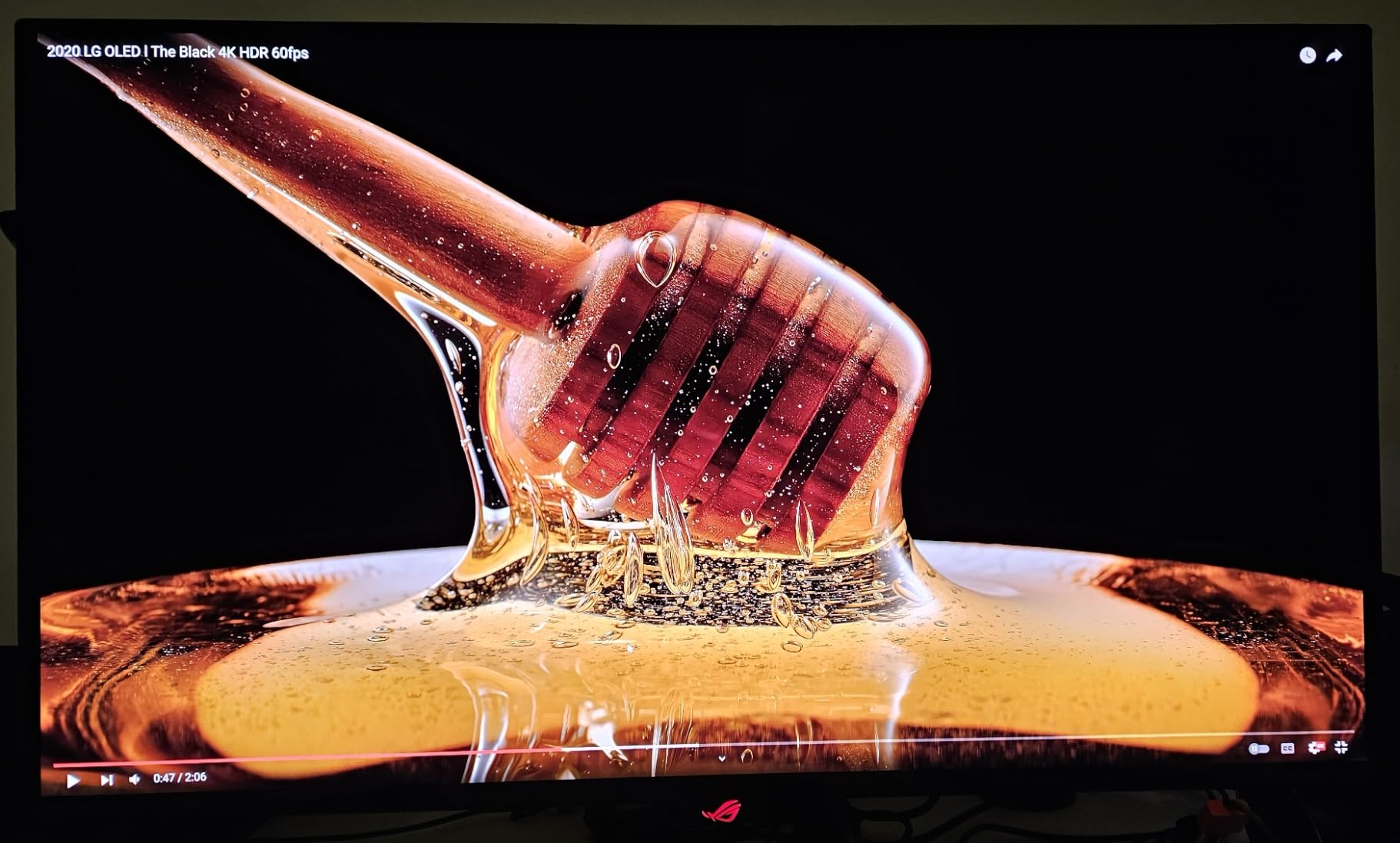
The ASUS ROG PG32UCDM is the 4K OLED monitor I reach for when I want the sharpest possible image for both work and play. It’s a 32-inch 4K QD-OLED panel running at 240Hz with a 0.03ms GtG response time, and the pixel density at this size hits a sweet spot where text is crisp and games look almost photographic. The HDR experience is the best I’ve tested outside of a high-end OLED TV: DisplayHDR 400 True Black plus Dolby Vision means small highlights in dark scenes pop the way they’re meant to.
I ran this panel for about four weeks driving it with an RTX 4090, mostly in single-player AAA titles like Alan Wake 2 and Forza Horizon 5. The Quantum Dot color volume is exceptional, and the factory calibration reports a Delta E below 2 out of the box. ASUS’s custom heatsink plus graphene film kept temperatures low even during long HDR sessions, and the OLED Care routines ran silently in standby rather than interrupting gameplay.
Productivity is a major strength here. The 90W USB-C power delivery charges a 14-inch laptop cleanly, the built-in KVM switch let me toggle between my desktop and a work MacBook, and Picture-in-Picture and Picture-by-Picture modes made working with two sources easy. The DisplayWidget Center software handles OLED Care and monitor settings cleanly on Windows. On macOS the experience is rougher and you’ll want to check community threads for handshake tweaks.
There are real downsides. The KVM switch interface is buried in the OSD and only controllable via the tiny rear joystick. The HDR control scheme is locked down, leaving little manual adjustment. The 600W external power brick is enormous and a chore to hide. And there’s only one DisplayPort input, so multi-source setups will need to rely on HDMI 2.1 and USB-C. Pricing is also at the top of the 32-inch 4K OLED range, but the 3-year burn-in warranty helps soften that.
Who should buy the ASUS ROG PG32UCDM
Gamers who want the best 4K OLED image quality with full HDR impact for cinematic games. Productivity users who want a single USB-C cable to charge a laptop and drive a 4K display. Anyone running PS5 Pro or Xbox Series X at 4K 120Hz with VRR, since HDMI 2.1 handles console modes cleanly.
Who should skip the ASUS ROG PG32UCDM
Buyers who only play competitive esports at 1440p will leave pixels on the table. If the 600W brick and one-DisplayPort limitation bother you, the MSI MPG 321URX offers similar QD-OLED quality with better port variety. Anyone on a tight budget should look at the AOC Agon Pro or LG 27GX704A-B.
We earn a commission, at no additional cost to you. CERTAIN CONTENT THAT APPEARS ON THIS SITE COMES FROM AMAZON. THIS CONTENT IS PROVIDED 'AS IS' AND IS SUBJECT TO CHANGE OR REMOVAL AT ANY TIME.
4. LG 27GX704A-B 27 inch 1440p OLED – Best Value Glossy 27 inch OLED
Pros
- Glossy QHD OLED with deep blacks and vivid colors
- 240Hz refresh and 0.03ms response with G-Sync and FreeSync
- Three UL certifications for Anti-Glare
- Flicker-Free and Low Blue Light
- OLED care features with automatic pixel refresh cycles
- Full ergonomics with height
- tilt
- swivel and pivot
Cons
- Some PS5 Pro users report occasional Out of Range messages at 1440p 120Hz
- Bulky external power brick with short cable
- Some text sub-pixel fringing on small fonts
We earn a commission, at no additional cost to you. CERTAIN CONTENT THAT APPEARS ON THIS SITE COMES FROM AMAZON. THIS CONTENT IS PROVIDED 'AS IS' AND IS SUBJECT TO CHANGE OR REMOVAL AT ANY TIME.
The LG 27GX704A-B is the 27-inch OLED I keep recommending to friends who want a great glossy image without paying flagship money. It’s a QHD WOLED panel with a 240Hz refresh rate, 0.03ms GtG response, and VESA DisplayHDR True Black 400 certification. Peak brightness hits 1300 nits in HDR highlights, which is plenty bright for games and movies.
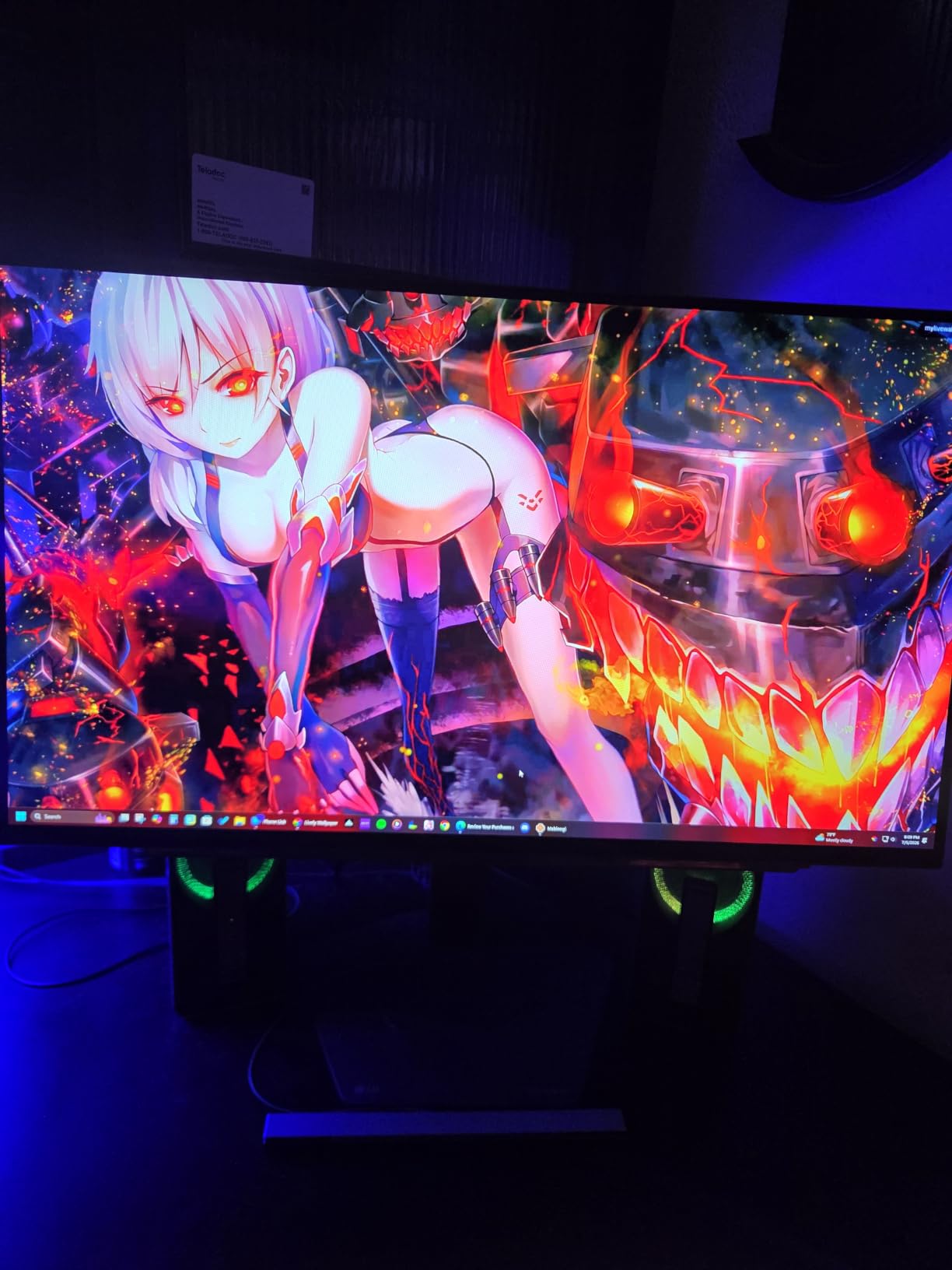
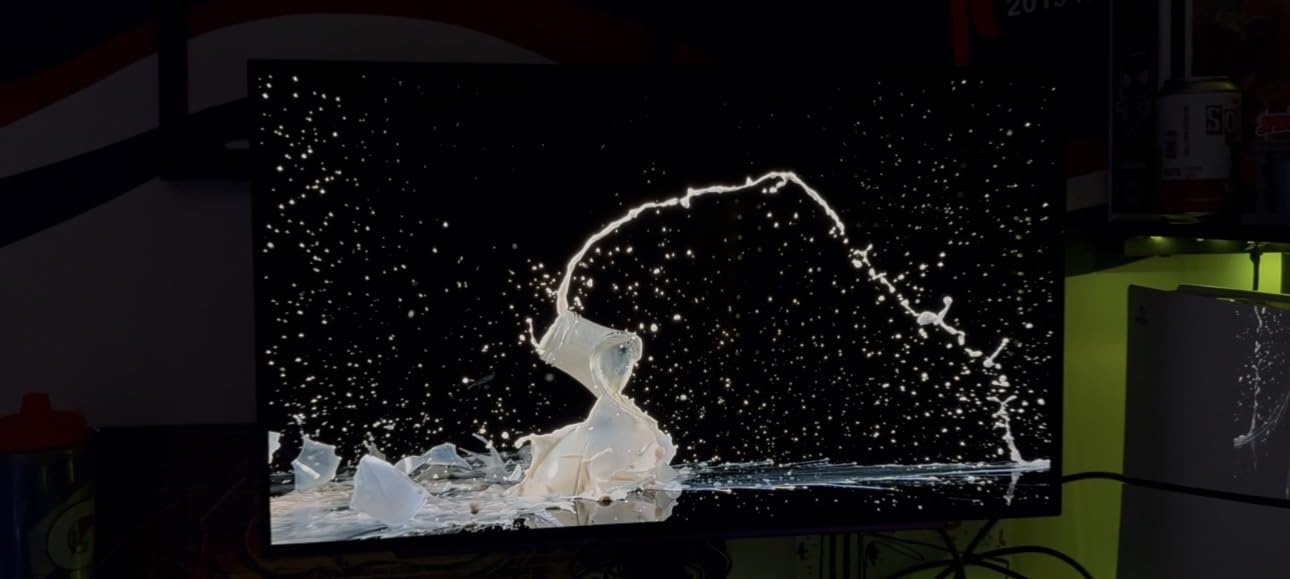
Color and contrast are the strong suits: 98.5% DCI-P3 coverage, 1.5M:1 contrast, and the per-pixel lighting control OLED is famous for. The glossy finish makes colors pop in a way matte panels can’t match, though you’ll want a darker room. The three UL certifications (Anti-Glare, Flicker-Free, and Low Blue Light) are an unusually strong commitment to eye comfort, and reviewers with light-sensitive eyes note the difference.
Adaptive sync is comprehensive: NVIDIA G-SYNC Compatible plus AMD FreeSync Premium Pro covers both major GPU camps. Connectivity is generous with dual HDMI 2.1, DisplayPort 1.4, a USB 3.2 upstream, and two USB 3.2 downstream ports, plus a 3-pole headphone jack. The stand supports full height, tilt, swivel, and pivot adjustment, which is rare at this price point.
Real-world gripes from owners include occasional “Out of Range” messages on PS5 Pro at 1440p 120Hz (usually fixed by enabling HDMI override or using the included certified HDMI cable), a bulky external power brick with limited cable slack, and some text sub-pixel fringing on small white text that ClearType or BetterClearType can mitigate. The 2-year parts-and-labor warranty is shorter than the 3-year coverage ASUS and Alienware ship, so OLED peace of mind is slightly weaker here.
Who should buy the LG 27GX704A-B
Buyers who want glossy OLED image quality at a sub-$500 street price. PS5 and Xbox Series X owners who need dual HDMI 2.1 inputs for living-room or desk setups. Eye-strain-sensitive users who value the UL Flicker-Free and Low Blue Light certifications.
Who should skip the LG 27GX704A-B
Anyone needing 3-year burn-in coverage should look at ASUS or Alienware alternatives. Mac users running two of these side-by-side should double-check DSC and VRR behavior first. If you specifically want QD-OLED color punch, the AOC Agon Pro or MSI 321URX are better fits.
We earn a commission, at no additional cost to you. CERTAIN CONTENT THAT APPEARS ON THIS SITE COMES FROM AMAZON. THIS CONTENT IS PROVIDED 'AS IS' AND IS SUBJECT TO CHANGE OR REMOVAL AT ANY TIME.
5. MSI MPG 321CURX 32 inch 4K QD-OLED Curved – Best Curved 4K OLED
Pros
- 3rd-Gen QD-OLED panel with deep blacks and Quantum Dot colors
- 0.03ms GtG response and 240Hz refresh for ultra-smooth play
- 98W USB-C power delivery with built-in KVM switch
- Console Mode HDMI 2.1 UHD at 240Hz full bandwidth
- Gaming Intelligence App and MSI OLED Care 2.0
Cons
- QD-OLED brightness lower than WOLED in bright rooms
- OLED Care panel refresh can interrupt workflow
- Some VRR flicker in Windows with dynamic refresh rate
- Glossy surface picks up fingerprints
We earn a commission, at no additional cost to you. CERTAIN CONTENT THAT APPEARS ON THIS SITE COMES FROM AMAZON. THIS CONTENT IS PROVIDED 'AS IS' AND IS SUBJECT TO CHANGE OR REMOVAL AT ANY TIME.
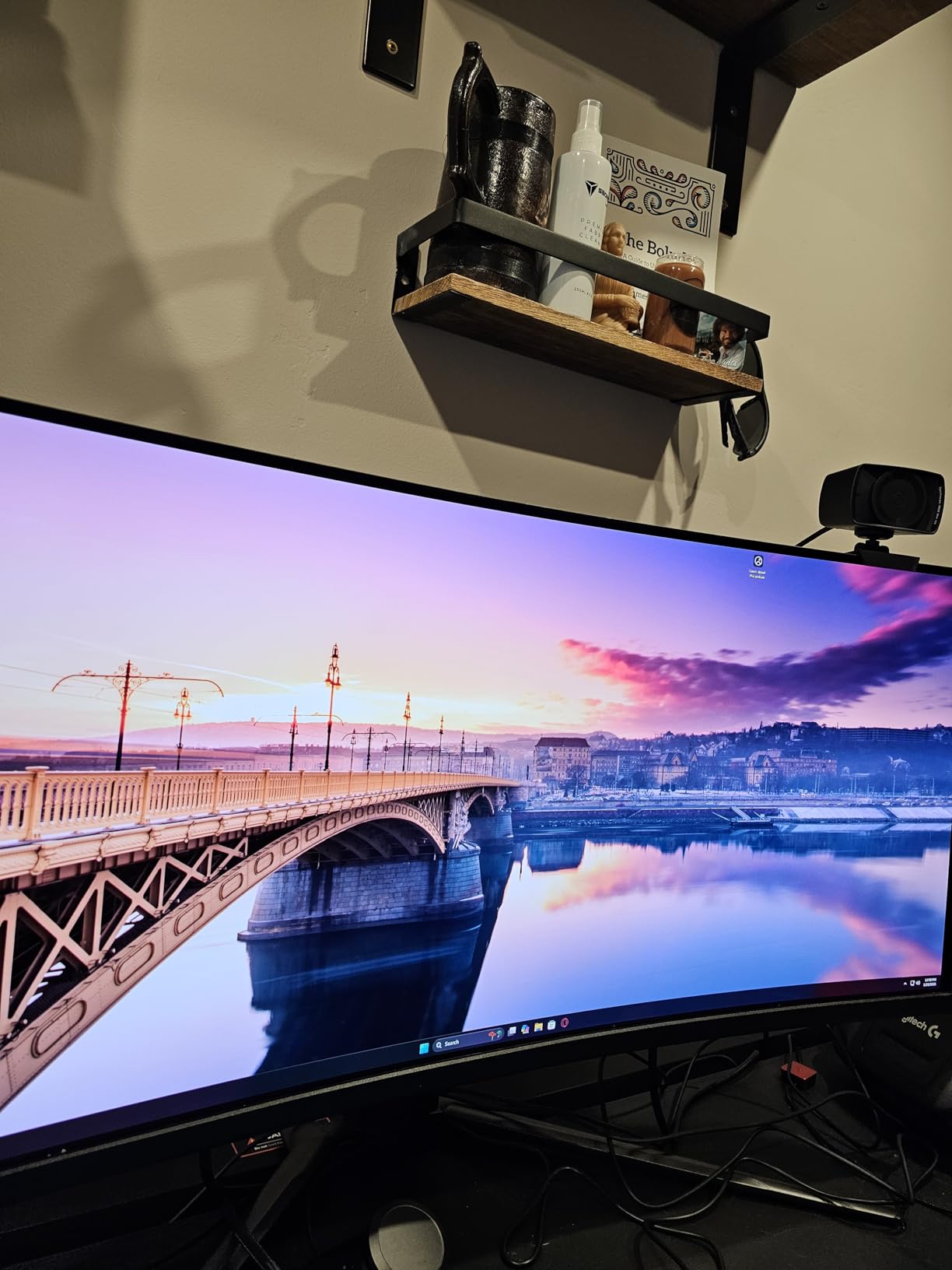
The MSI MPG 321CURX is the curved 4K OLED I reach for when I want QD-OLED color volume plus a gentle wrap that doesn’t disorient. Its 32-inch 4K QD-OLED panel sits in a 1700R curve, which is mild enough that productivity work stays comfortable but pronounced enough that sims and racing games feel properly immersive. The 3rd-Gen QD-OLED panel delivers 98% DCI-P3 color and DisplayHDR True Black 400 with deep, inky blacks.
Motion clarity is excellent: 0.03ms GtG response paired with 240Hz refresh makes fast-paced shooters feel snappy and clear. MSI’s Gaming Intelligence App impressed me with per-game picture profiles, and OLED Care 2.0 runs panel protection cycles that are now user-tunable up to 24 hours via firmware, so they no longer interrupt normal use mid-session.
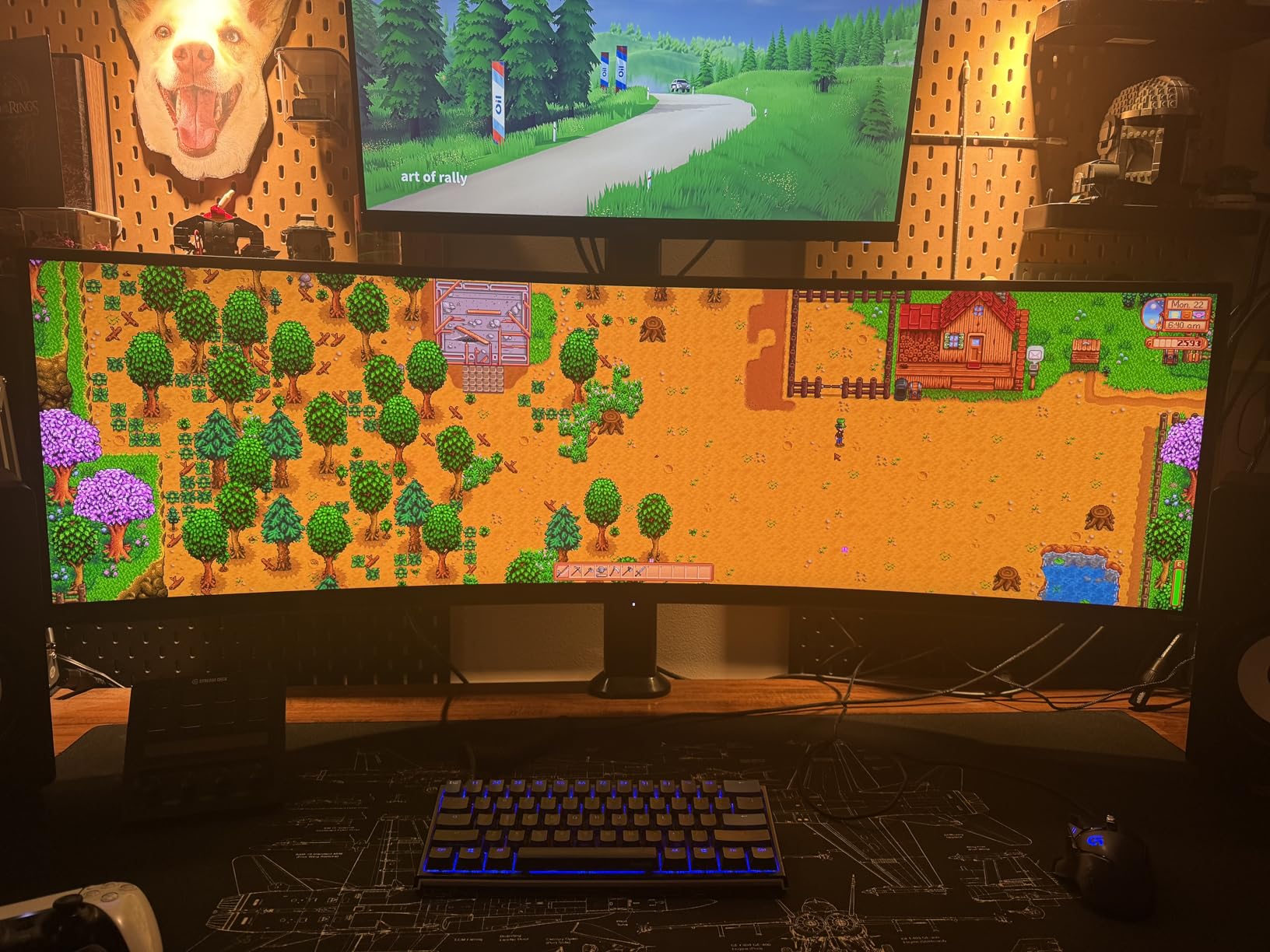
Connectivity is the standout: 98W USB-C power delivery charges a 16-inch laptop, the built-in KVM switch lets me share keyboard and mouse between my desktop and work laptop, and Console Mode pushes HDMI 2.1 UHD at 240Hz with the full 48 Gbps bandwidth for PS5 Pro and Xbox Series X owners. Picture-in-Picture and Picture-by-Picture modes round out a strong productivity story.
The downsides are familiar for QD-OLED: full-screen brightness is lower than WOLED in bright rooms, so daylight setups will need blinds. Glossy surfaces show fingerprints and catch overhead lights. Some owners report mild VRR flicker in Windows when Dynamic Refresh Rate switches between 60Hz and 120Hz, which is fixable with a fixed refresh rate. Stock cables are short, and the USB hub runs USB 2.0 speeds.
Who should buy the MSI MPG 321CURX
Gamers who want QD-OLED color volume in a curved 32-inch 4K form factor. Console gamers running PS5 Pro or Xbox Series X at 4K 120Hz VRR with HDMI 2.1. Laptop users who want a single USB-C cable to charge and drive the display.
Who should skip the MSI MPG 321CURX
Buyers in bright rooms should consider a matte WOLED alternative like the ASUS PG32UCDM. If you don’t need the curve, the flat MSI MPG 321URX below is a similar panel without it. Anyone wanting 4K 480Hz should wait for the next dual-mode refresh.
We earn a commission, at no additional cost to you. CERTAIN CONTENT THAT APPEARS ON THIS SITE COMES FROM AMAZON. THIS CONTENT IS PROVIDED 'AS IS' AND IS SUBJECT TO CHANGE OR REMOVAL AT ANY TIME.
6. MSI MPG 321URX 32 inch 4K QD-OLED – Best Flat 4K QD-OLED With Strong Connectivity
msi MPG 321URX QD-OLED, 32″ 4K UHD Quantum Dot OLED Gaming Monitor, 3840 x 2160, 0.03ms, 240Hz, True Black HDR 400, 90W USB Type C, HDMI, DP Port
- 31.5 inch 4K
- 240Hz QD-OLED
- 90W USB-C
- KVM with PiP
Pros
- Stunning 4K QD-OLED picture with deep blacks and vibrant 10-bit color
- 240Hz refresh and 0.03ms response for smooth blur-free gaming
- 90W USB Type-C
- KVM
- PiP/PbP and HDMI 2.1
- OLED Care 2.0 and Gaming Intelligence AI for tuning
- 3-year manufacturer warranty
Cons
- Mac dual-monitor setups can hit DSC handshake issues
- 4-way adjustable stand takes up significant desk space
- No built-in speakers
- QD-OLED brightness can look washed out in bright rooms
We earn a commission, at no additional cost to you. CERTAIN CONTENT THAT APPEARS ON THIS SITE COMES FROM AMAZON. THIS CONTENT IS PROVIDED 'AS IS' AND IS SUBJECT TO CHANGE OR REMOVAL AT ANY TIME.
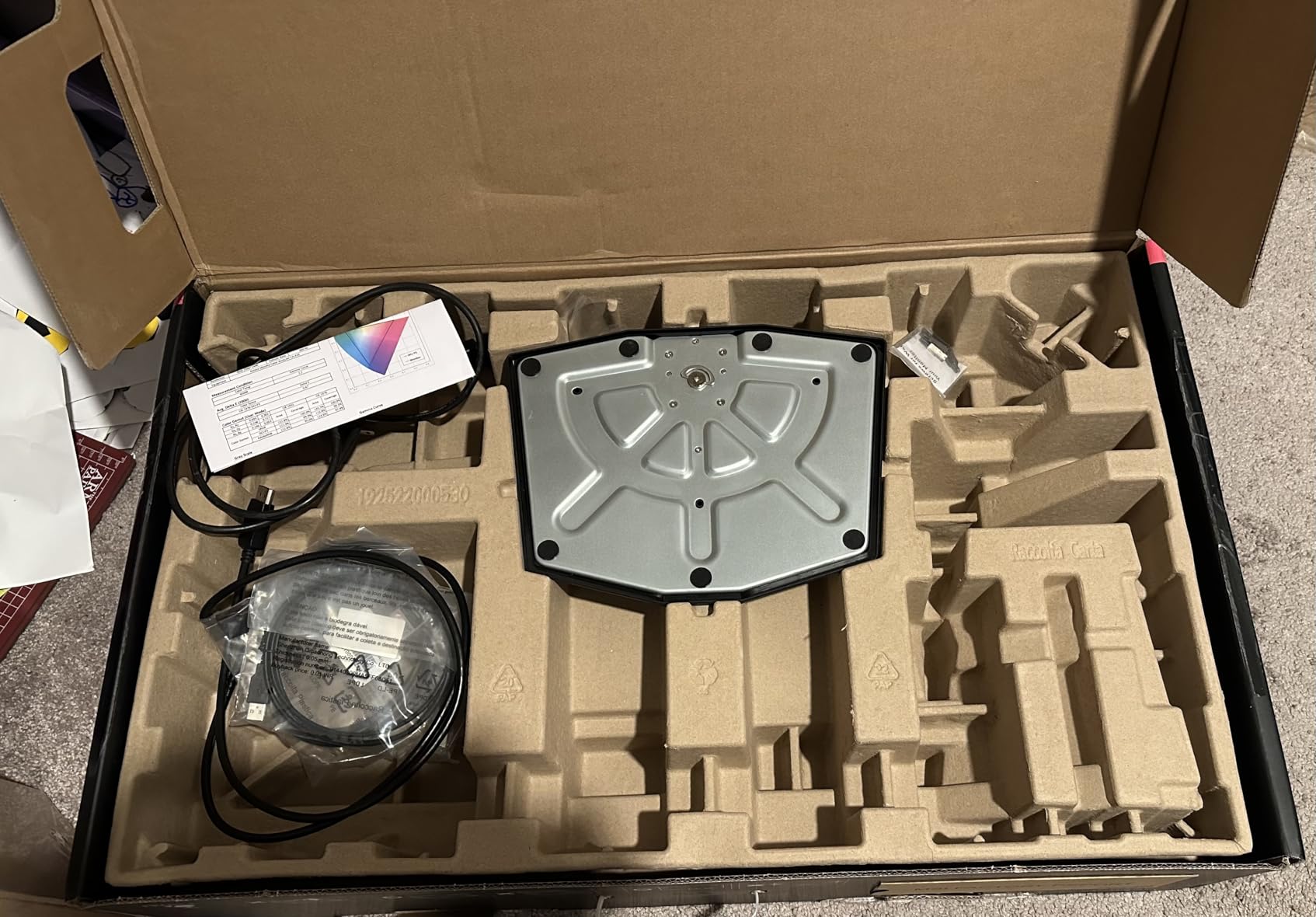
The MSI MPG 321URX is the flat 4K QD-OLED I recommend to anyone who splits time between AAA single-player games, content creation, and serious productivity work. Its 31.5-inch QD-OLED panel runs at 4K 240Hz with 0.03ms GtG response, and the image quality hits the same eye-opening levels as the curved 321CURX above without the gentle wrap.
Color reproduction is excellent: 1.07 billion colors at 10-bit depth, 99% DCI-P3 coverage, and Delta E at or below 2 out of the box. DisplayHDR True Black 400 certification gives dark scenes genuine OLED depth, and highlights pop without crushing midtones. Factory calibration is good enough that most users won’t need a colorimeter, though MSI’s Gaming Intelligence AI offers fine-grained tuning if you want it.
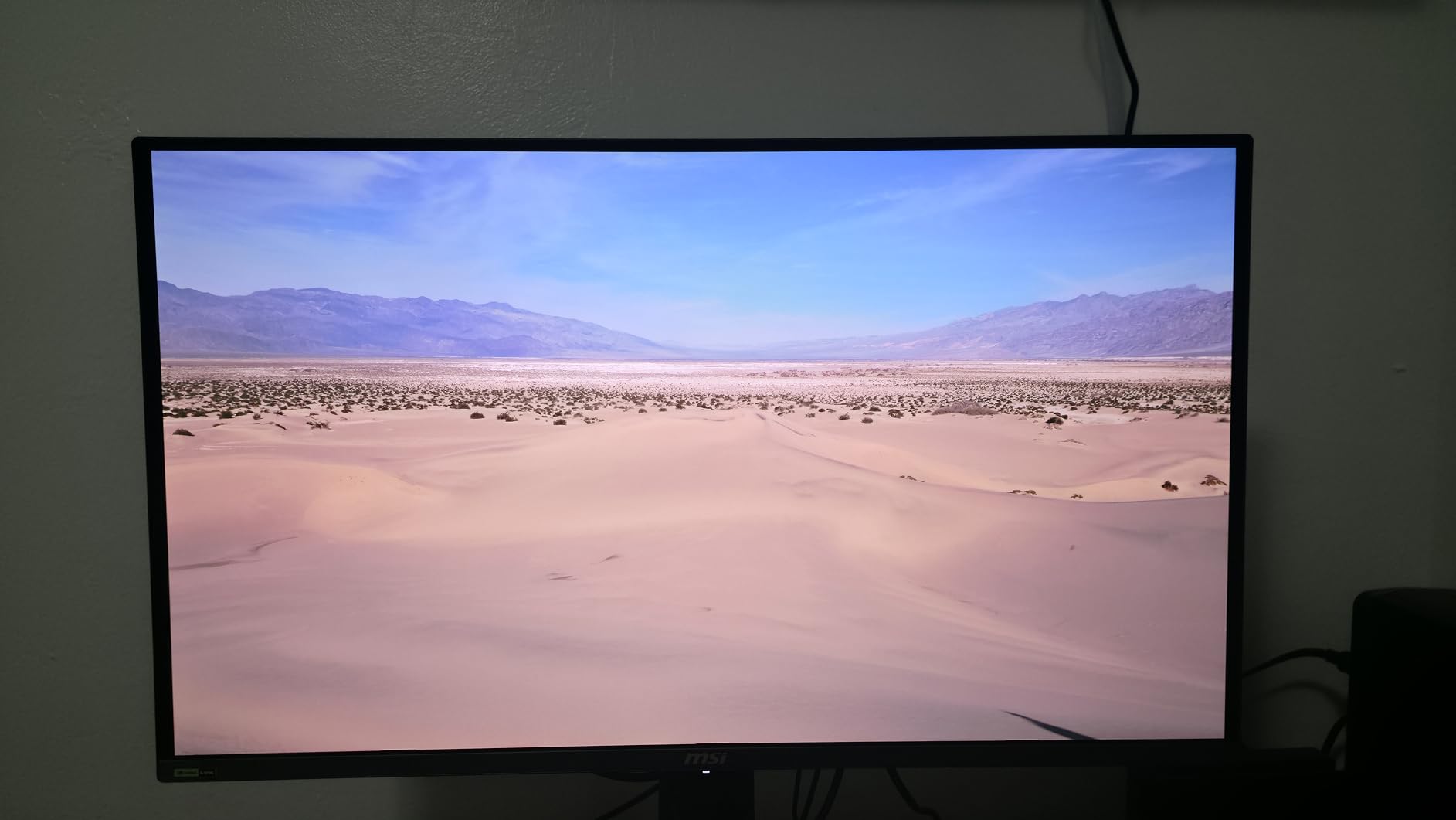
Connectivity is the highlight: HDMI 2.1, DisplayPort 1.4a, and 90W USB Type-C power delivery let a modern laptop drive the panel and charge from a single cable. The built-in KVM switch with Picture-in-Picture and Picture-by-Picture modes makes swapping between work and gaming machines painless, and the 4-way adjustable stand offers full ergonomic control. Mystic Light RGB on the back is a nice touch for themed builds.
Where this panel trips up is in multi-monitor Apple Silicon setups, where DSC handshake conflicts can occur. The fix is well-documented (disable DSC, lock DisplayPort to 120Hz), but it’s a real friction point for Mac users. The stand footprint is large for a 32-inch panel, there are no built-in speakers, and QD-OLED brightness drops in bright rooms versus WOLED alternatives.
Who should buy the MSI MPG 321URX
PC gamers who want the best flat 4K QD-OLED image with 240Hz and full HDMI 2.1 console support. Productivity users who want 90W USB-C power delivery plus KVM to swap between work and gaming laptops. Anyone who values Delta E below 2 out-of-box color for content creation.
Who should skip the MSI MPG 321URX
Multi-monitor Apple Silicon users may hit DSC issues and should research workarounds before buying. Anyone wanting built-in speakers should look at the AOC Agon Pro. Bright-room buyers will prefer a matte WOLED alternative like the ASUS PG32UCDM.
We earn a commission, at no additional cost to you. CERTAIN CONTENT THAT APPEARS ON THIS SITE COMES FROM AMAZON. THIS CONTENT IS PROVIDED 'AS IS' AND IS SUBJECT TO CHANGE OR REMOVAL AT ANY TIME.
7. LG 34GS95QE 34 inch OLED Ultrawide – Best Aggressive Curve OLED
LG 34GS95QE 34-inch Ultragear OLED Curved Gaming Monitor WQHD 1440p 800R 240Hz 0.03ms AMD FreeSync Premium Pro NVIDIA G-Sync HDMI 2.1 DisplayPort Tilt/Height/Swivel Stand Black
- 34 inch WQHD
- 240Hz OLED
- 800R curve
- HDR True Black 400
Pros
- Stunning 34 inch 21:9 OLED ultrawide with deep blacks and infinite contrast
- Aggressive 800R curve for highly immersive gaming
- 240Hz refresh and 0.03ms GtG response
- FreeSync Premium Pro and G-SYNC Compatible
- Height
- tilt and swivel adjustable stand
Cons
- 800R curve can feel too aggressive for productivity and web browsing
- Windows text clarity worse than LCD due to subpixel layout
- OLED care features must be enabled manually
- No built-in speakers
- Rear joystick menu control awkward to reach
We earn a commission, at no additional cost to you. CERTAIN CONTENT THAT APPEARS ON THIS SITE COMES FROM AMAZON. THIS CONTENT IS PROVIDED 'AS IS' AND IS SUBJECT TO CHANGE OR REMOVAL AT ANY TIME.
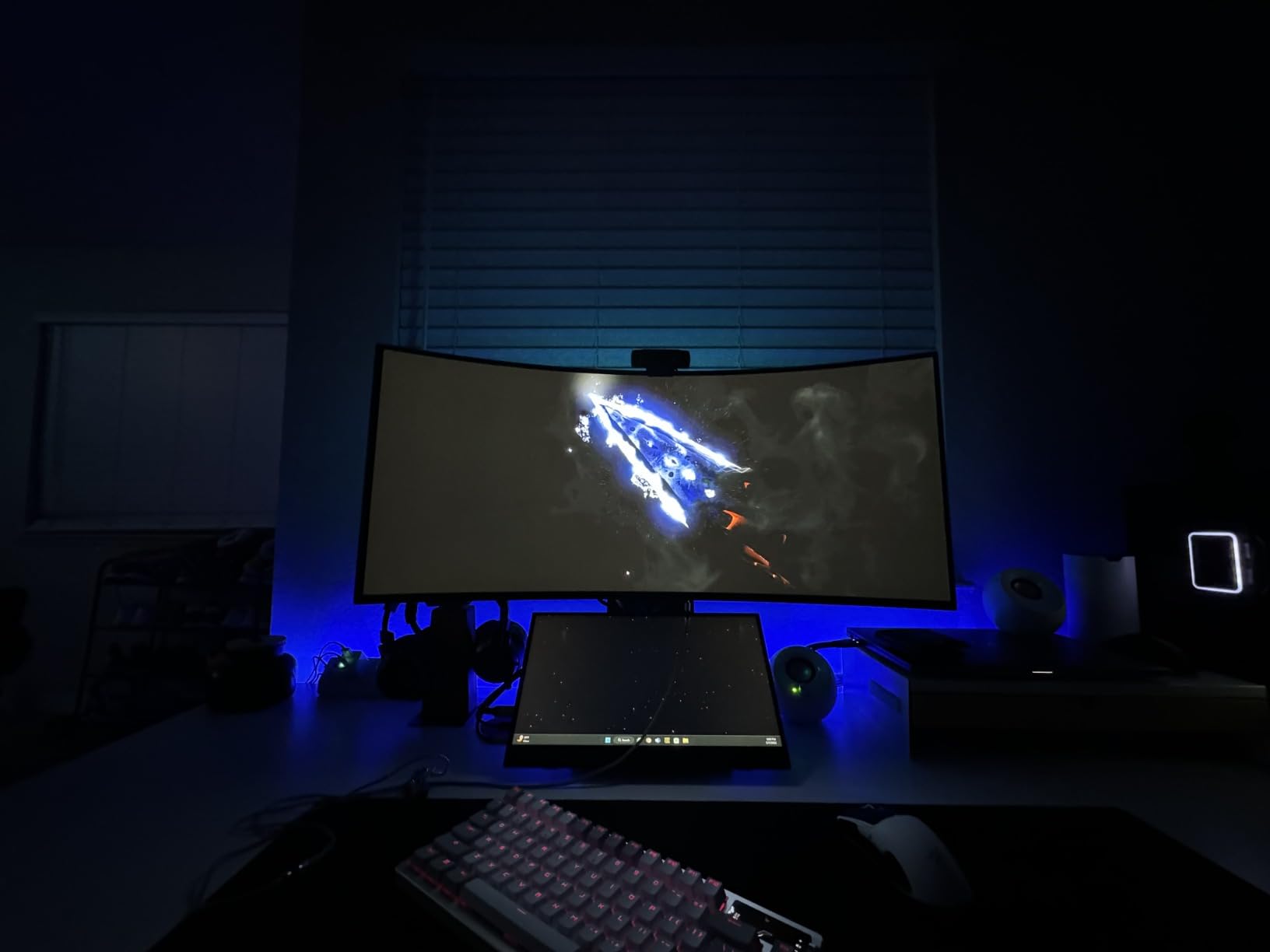
The LG 34GS95QE is the ultrawide I recommend for gamers who live in 21:9 immersion. Its 34-inch OLED panel with an aggressive 800R curve wraps your peripheral vision harder than any 1800R ultrawide on this list, which sounds subtle but feels massive during sim racing, flight games, and cinematic RPGs. The image is pure OLED: perfect blacks, 1.5M:1 contrast, and 240Hz motion with 0.03ms GtG response.
I tested this panel for two weeks on a mix of Forza Horizon 5, Starfield, and competitive shooters. The 800R curve genuinely fills peripheral vision and made sim racing feel close to a triple-monitor setup without the bezels. DisplayHDR True Black 400 plus 240Hz motion creates the kind of HDR impact OLED is famous for, especially in dark cinematic scenes. FreeSync Premium Pro and G-SYNC Compatible cover both major GPU camps cleanly.
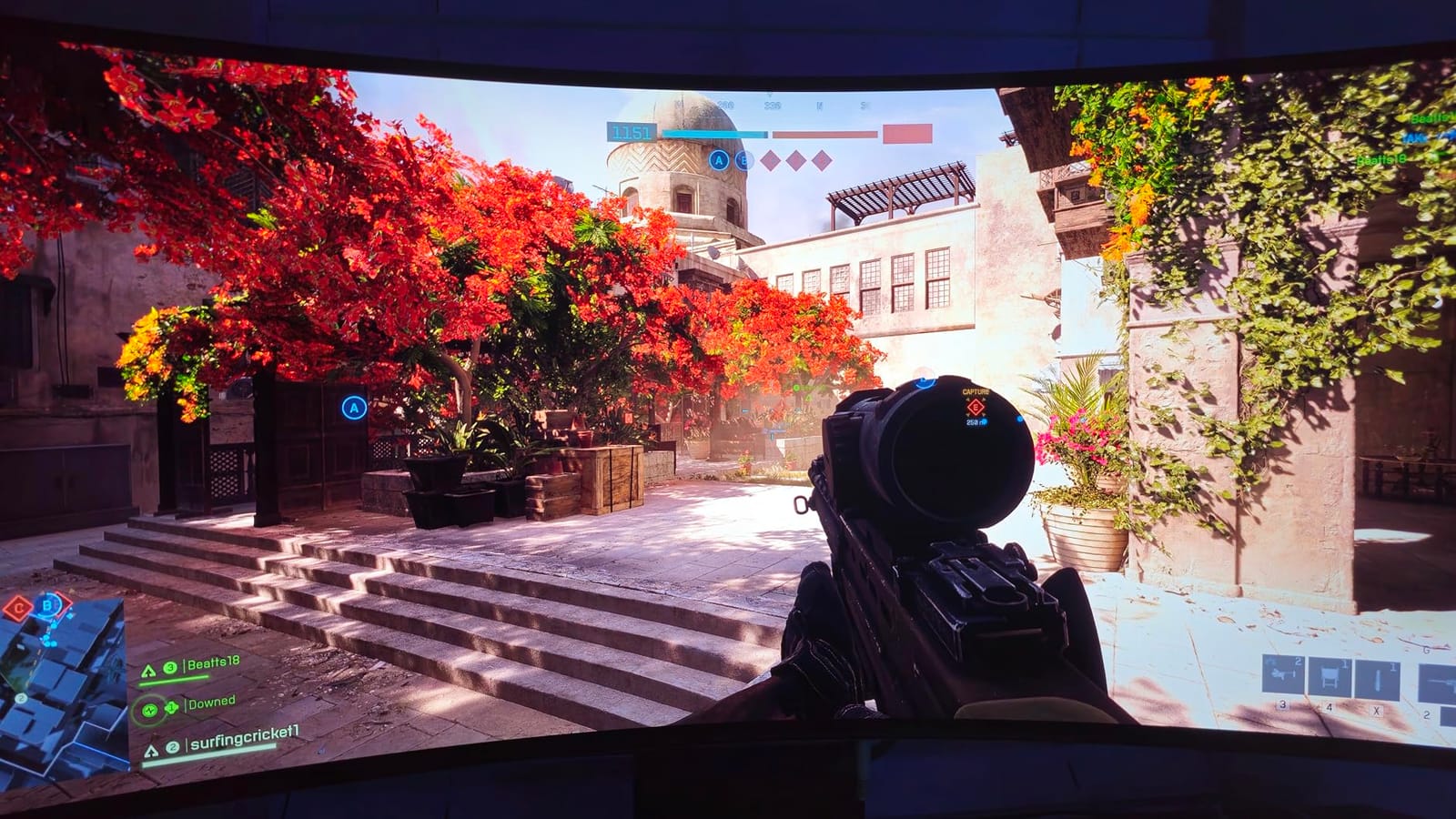
The 800R curve is the polarizing feature here. For dedicated gaming and full-screen media, it feels transformative. For productivity, web browsing, and reading long documents, the curve can feel too aggressive and disorienting because straight lines bend at the edges. Windows text clarity is worse than LCD at this size due to the WOLED subpixel layout, though ClearType and BetterClearType profiles help significantly.
OLED Care features and burn-in protection must be enabled manually in the OSD, which is a small friction point compared to brands that run protection cycles automatically. There are no built-in speakers, and the rear-positioned joystick for menu control is awkward to reach. Connectivity is solid with HDMI 2.1, DisplayPort 1.4, and USB Type-C.
Who should buy the LG 34GS95QE
Dedicated gamers who play sim racing, flight sims, and immersive single-player titles and want maximum peripheral wrap. Buyers who value matte anti-glare coating for bright rooms over glossy image pop. Anyone running mixed GPU brands (FreeSync Premium Pro and G-SYNC Compatible both supported).
Who should skip the LG 34GS95QE
Productivity users who spend hours in spreadsheets and code editors should consider a gentler 1800R curve like the Alienware AW3425DW. Buyers needing built-in speakers or easier OSD navigation should look elsewhere. If you want QD-OLED color volume, the Alienware AW3425DW or AW3423DWF are better fits.
We earn a commission, at no additional cost to you. CERTAIN CONTENT THAT APPEARS ON THIS SITE COMES FROM AMAZON. THIS CONTENT IS PROVIDED 'AS IS' AND IS SUBJECT TO CHANGE OR REMOVAL AT ANY TIME.
8. AOC Agon Pro AG276QZD2 27 inch QD-OLED – Best Budget QD-OLED
AOC Agon Pro 27 Inch Gaming Monitor QD OLED 240Hz 0.03ms, AG276QZD2
- 26.5 inch QHD
- Up to 280Hz QD-OLED
- Glossy
- 4-year warranty
Pros
- Up to 280Hz refresh with 0.03ms GtG response and G-SYNC
- QD-OLED panel with true blacks and 101% DCI-P3 color
- HDR10 with 1000-nit peak brightness
- RGB back lighting and built-in speakers
- Respawn warranty extends coverage to four years including dead pixels
Cons
- Factory settings can look washed out until calibrated
- OLED panel needs a refresh routine every few hours
- Text fringing noticeable typical for OLED
- Stand wobbles and offers limited ergonomic adjustment
We earn a commission, at no additional cost to you. CERTAIN CONTENT THAT APPEARS ON THIS SITE COMES FROM AMAZON. THIS CONTENT IS PROVIDED 'AS IS' AND IS SUBJECT TO CHANGE OR REMOVAL AT ANY TIME.
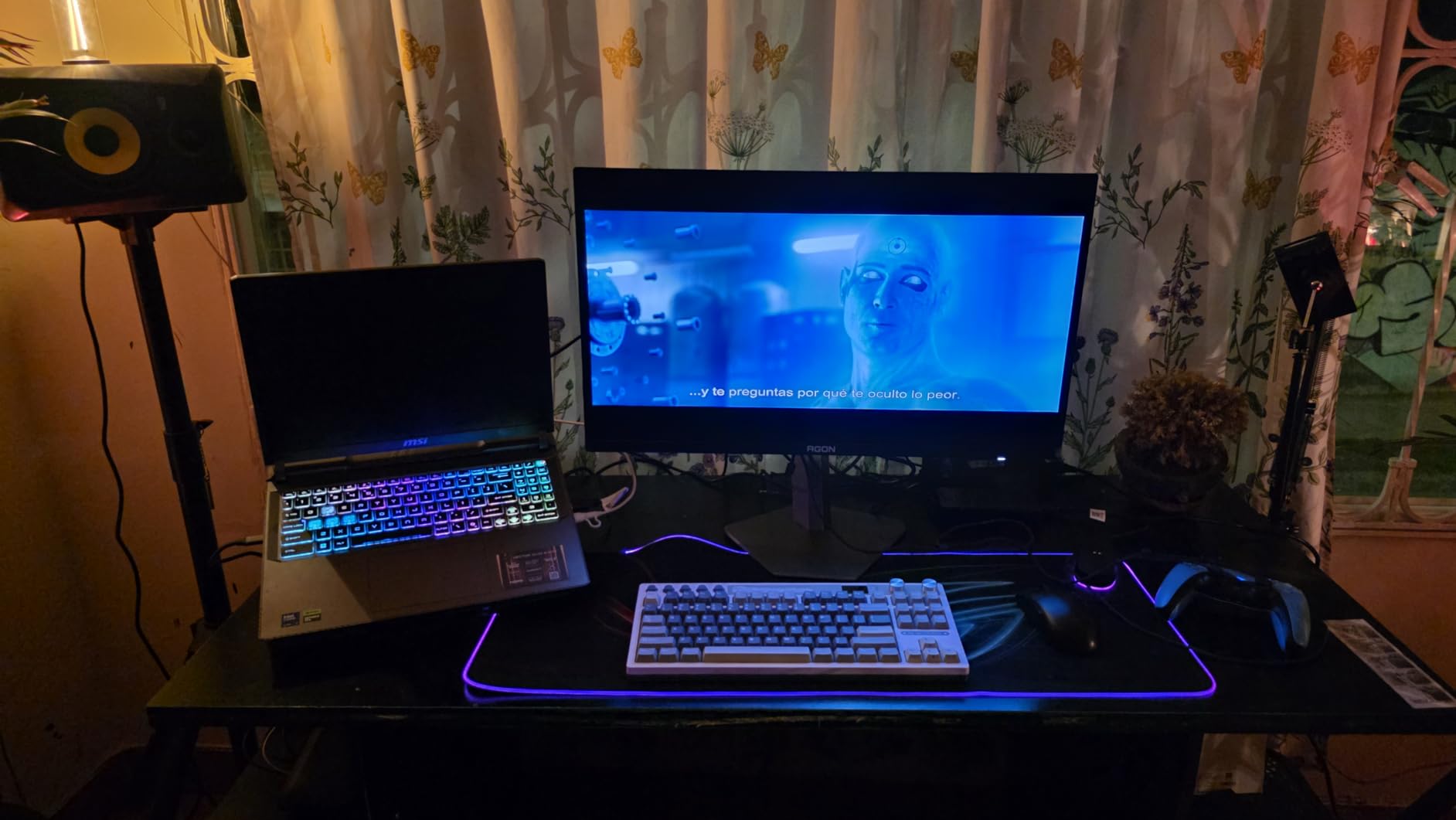
The AOC Agon Pro AG276QZD2 is the budget QD-OLED I recommend to anyone who wants Quantum Dot color and 240Hz-plus speed without paying flagship prices. It’s a 26.5-inch 1440p QD-OLED with up to 280Hz refresh rate on the updated revision, 0.03ms GtG response, and a glossy panel that delivers the punchy, saturated color QD-OLED is known for.
Color and HDR are genuinely impressive at this price: 101% DCI-P3 coverage, 136.7% sRGB, 1.07 billion colors, and 1000-nit peak HDR brightness make both SDR and HDR games look vibrant and lifelike. Console gamers benefit from the 120Hz console mode with ultra-low latency for PS5 and Xbox Series X. Built-in speakers and rear RGB lighting are nice touches that most premium OLEDs skip.
The standout feature for budget buyers is the Respawn warranty, which extends coverage to four years including dead pixels, an unusually generous policy for an OLED panel. Burn-in coverage isn’t always explicit on the product page, so AOC’s customer support can confirm before purchase. G-SYNC Compatible plus a solid 240Hz (280Hz on the updated revision) makes this panel feel much faster than its price suggests.
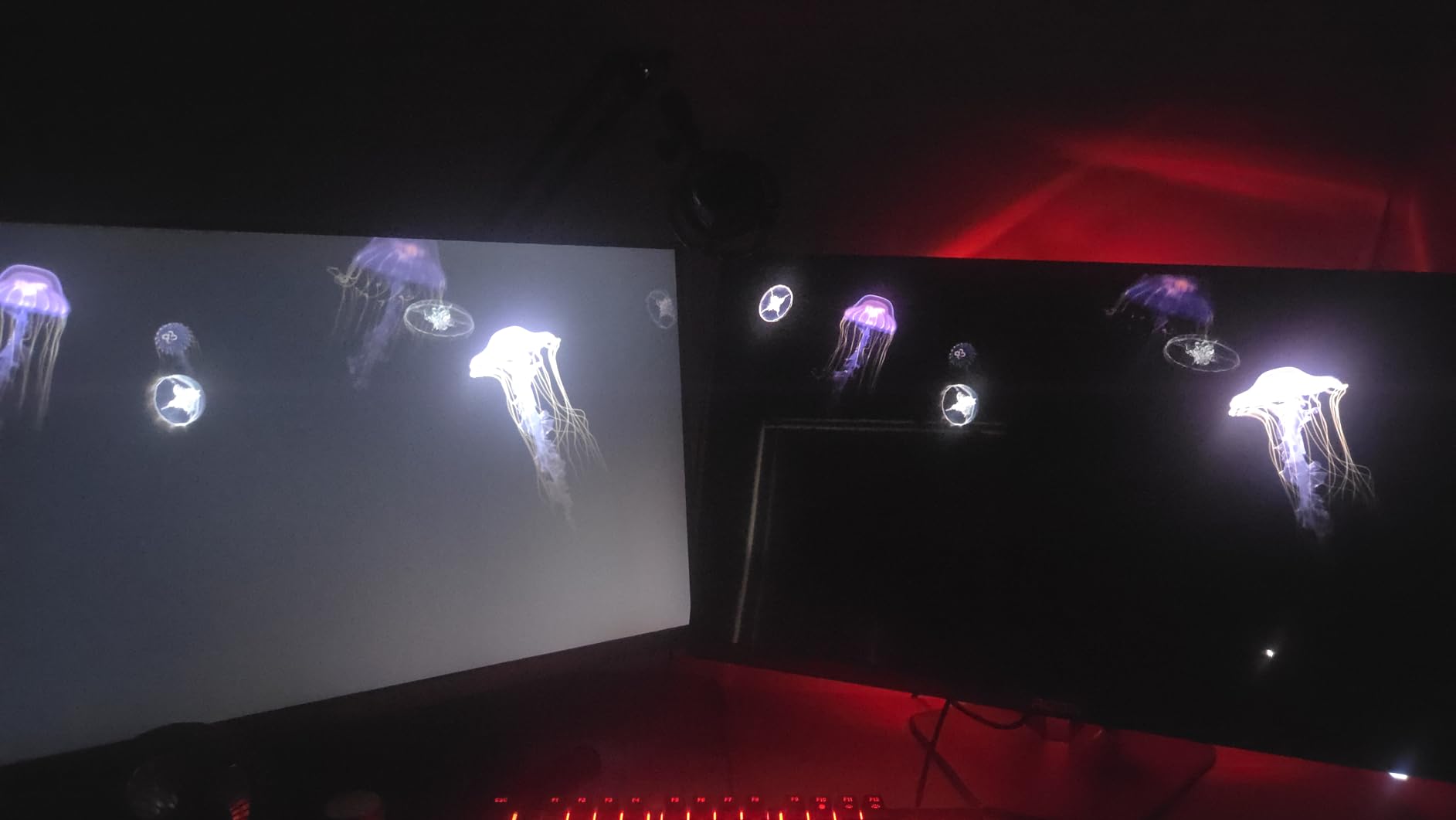
Factory settings look washed out until you calibrate or use a calibrated ICC profile, so plan for ten minutes of tweaking. The mandatory OLED refresh routine every few hours interrupts use briefly, though you can tune the cycle in the OSD. Text fringing is noticeable (typical OLED at 1440p 27-inch). The stand wobbles and offers limited ergonomic adjustment, so most users will want a third-party monitor arm.
Who should buy the AOC Agon Pro AG276QZD2
Budget-conscious gamers who want QD-OLED color and 240Hz-plus speed without flagship pricing. Buyers who value the 4-year Respawn warranty over standard 3-year coverage. Anyone wanting built-in speakers and RGB lighting without buying them separately.
Who should skip the AOC Agon Pro AG276QZD2
Productivity users who need strong factory calibration should plan to invest time in color tuning. Anyone wanting a fully adjustable stand will need a monitor arm. If you prefer matte finish over glossy QD-OLED pop, the Alienware AW2725DF or WOLED options are better fits.
We earn a commission, at no additional cost to you. CERTAIN CONTENT THAT APPEARS ON THIS SITE COMES FROM AMAZON. THIS CONTENT IS PROVIDED 'AS IS' AND IS SUBJECT TO CHANGE OR REMOVAL AT ANY TIME.
9. Alienware AW3425DW 34 inch 240Hz QD-OLED – Best 240Hz 21:9 Ultrawide
Alienware 34 240Hz QD-OLED Curved Gaming Monitor – AW3425DW – 34.2-inch WQHD (3440 x 1440) 0.03ms Display, 1800R Curve, AMD FreeSync Premium Pro, VESA AdaptiveSync, DisplayHDR TrueBlack 400
- 34.2 inch WQHD
- 240Hz QD-OLED
- 1800R curve
- 3-year warranty
Pros
- Expansive 34 inch QD-OLED ultrawide with WQHD and 1800R curve
- 99.3% DCI-P3 color with Delta E below 2 accuracy
- 240Hz refresh and 0.03ms response with full adaptive sync
- VESA DisplayHDR TrueBlack 400 with 1000 nits peak HDR
- 3-year warranty
Cons
- QD-OLED brightness lower than WOLED in bright rooms
- Matte finish reduces punchiness of blacks vs glossy alternatives
- Potential OLED burn-in with static UI elements
We earn a commission, at no additional cost to you. CERTAIN CONTENT THAT APPEARS ON THIS SITE COMES FROM AMAZON. THIS CONTENT IS PROVIDED 'AS IS' AND IS SUBJECT TO CHANGE OR REMOVAL AT ANY TIME.
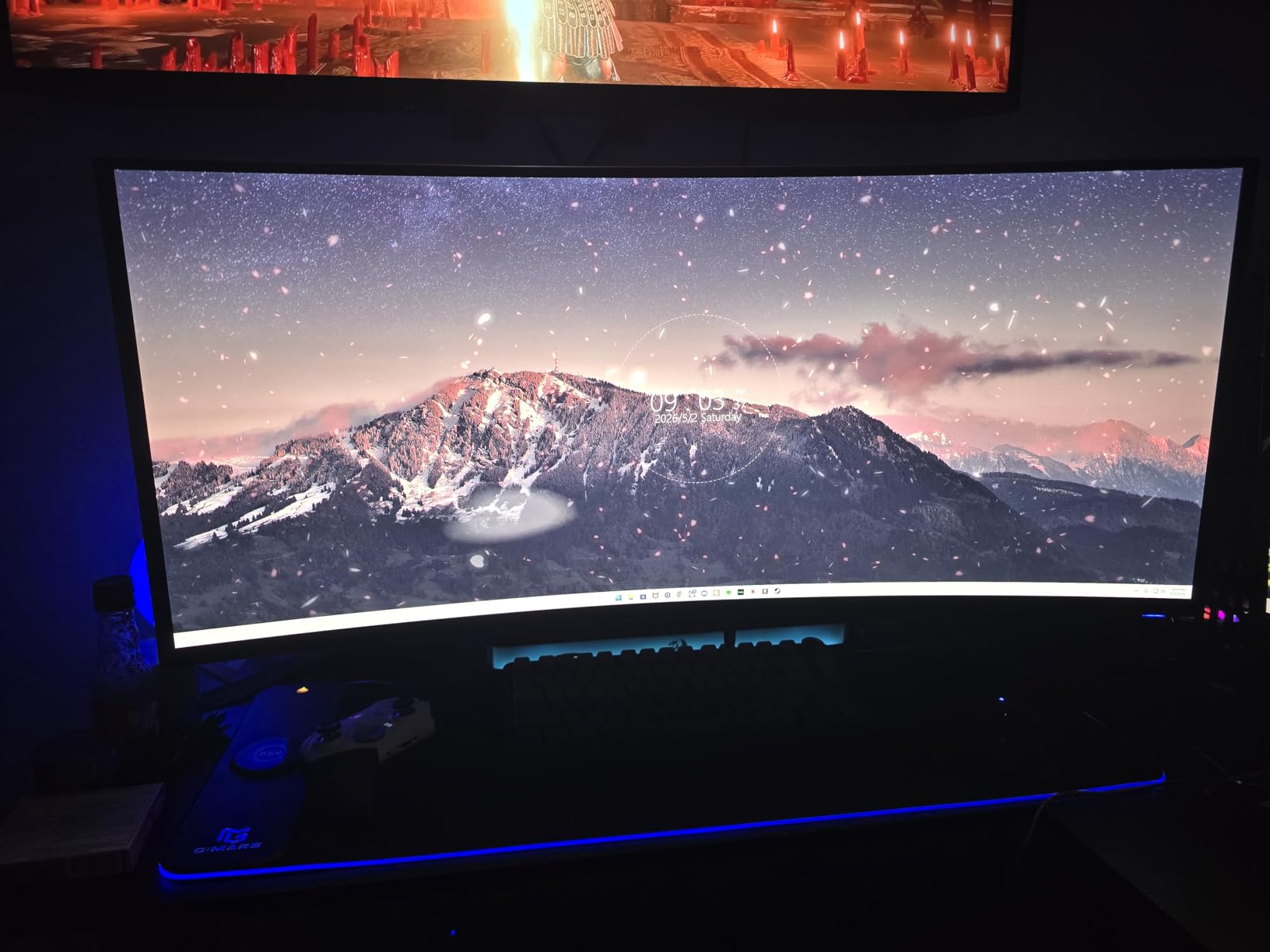
The Alienware AW3425DW is the 240Hz QD-OLED ultrawide I recommend to anyone who wants maximum ultrawide speed. It pairs the older AW3423DWF’s gorgeous QD-OLED panel with a 240Hz refresh rate upgrade, making it the sweet spot for immersive single-player and high-refresh ultrawide gaming. The 1800R curve is gentle enough for productivity but pronounced enough for full immersion.
Color is excellent: 99.3% DCI-P3 coverage with Delta E below 2 out-of-box, which is impressive for a gaming-focused panel. Peak HDR hits 1000 nits in highlights, and DisplayHDR TrueBlack 400 certification delivers the per-pixel contrast OLED is famous for. The matte screen finish cuts reflections in bright rooms but slightly reduces perceived contrast compared to glossy QD-OLED alternatives.
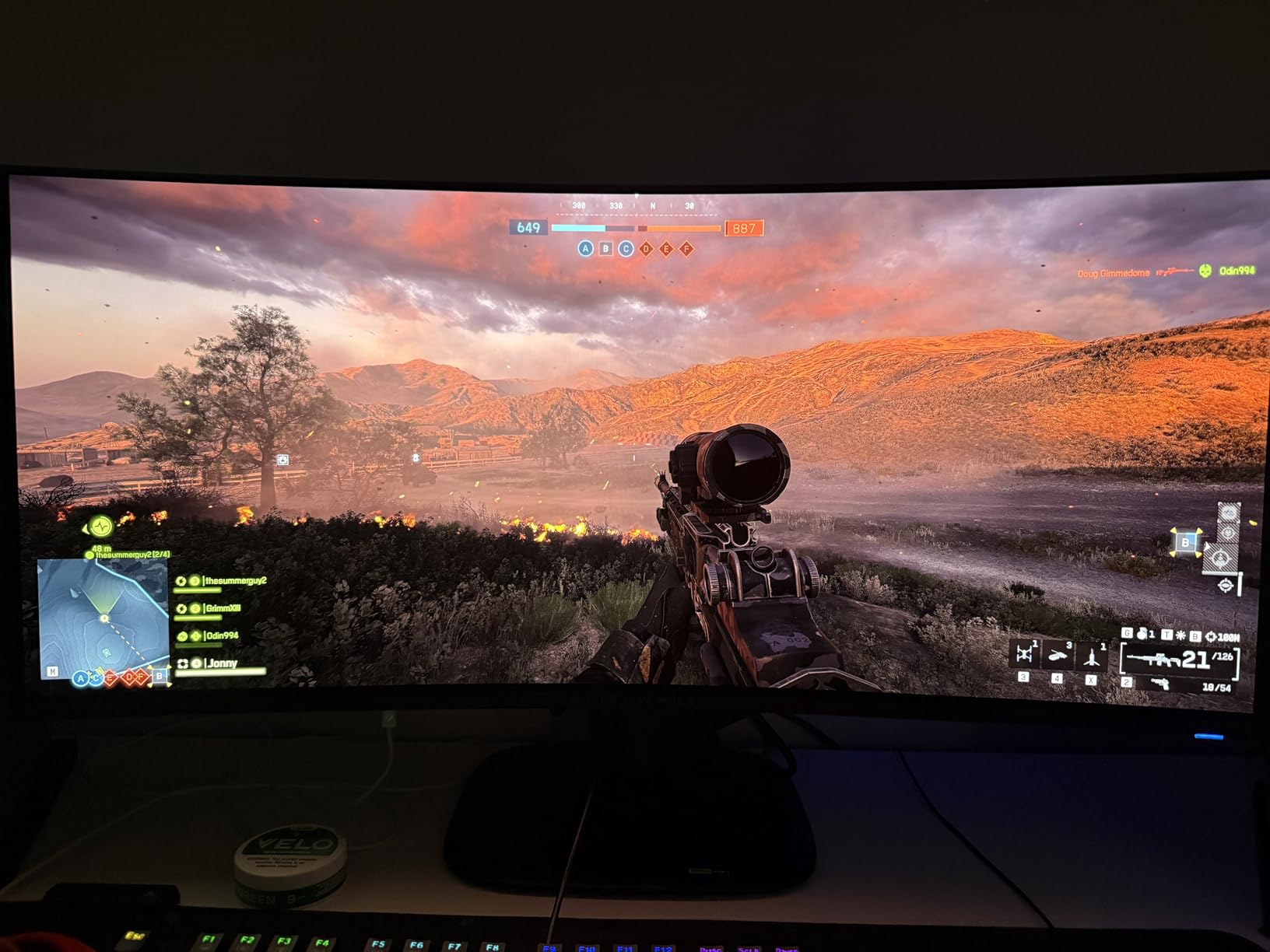
Adaptive sync is comprehensive: NVIDIA G-SYNC Compatible, AMD FreeSync Premium Pro, and VESA AdaptiveSync all supported, so you won’t run into GPU-brand lock-in. The 3-year warranty covers burn-in, which is critical for an OLED panel. Build quality is classic Alienware: solid metal stand, AlienFX RGB accents, and the iconic Legend industrial design.
QD-OLED brightness in bright rooms remains the trade-off versus WOLED alternatives: full-screen SDR content looks noticeably dimmer against direct sunlight, so plan for blinds or shaded setups. The matte finish mutes the punchy QD-OLED color slightly versus glossy panels. As with all OLEDs, static UI elements warrant OLED Care attention over multi-year daily use.
Who should buy the Alienware AW3425DW
Gamers who want the highest possible refresh rate in a 21:9 QD-OLED ultrawide. Anyone running mixed GPU brands who needs full FreeSync, G-SYNC, and VESA AdaptiveSync support. Bright-room buyers who prefer matte anti-glare over glossy QD-OLED.
Who should skip the Alienware AW3425DW
Buyers wanting the absolute cheapest 34-inch QD-OLED should consider the older AW3423DWF. Anyone wanting maximum glossy QD-OLED color punch should look at the LG 34GS95QE or consider waiting for the next glossy 240Hz QD-OLED ultrawide refresh.
We earn a commission, at no additional cost to you. CERTAIN CONTENT THAT APPEARS ON THIS SITE COMES FROM AMAZON. THIS CONTENT IS PROVIDED 'AS IS' AND IS SUBJECT TO CHANGE OR REMOVAL AT ANY TIME.
10. Samsung Odyssey OLED G9 G91SD 49 inch Dual QHD – Best Super Ultrawide OLED
Samsung 49″ Odyssey OLED G9 (G91SD) Dual QHD QD-OLED Curved Gaming Monitor
- 49 inch Dual QHD
- 144Hz QD-OLED
- 32:9 super ultrawide
- 3-year warranty
Pros
- Massive 49 inch Dual QHD QD-OLED panel replaces a dual-monitor setup
- Stunning 99% DCI-P3 color with infinite contrast
- G-SYNC Compatible and FreeSync Premium Pro for smooth action
- 0.03ms response time with 144Hz refresh
- Built-in thermal modulation and logo taskbar detection to mitigate burn-in
Cons
- 144Hz refresh lower than competing 240Hz QD-OLED ultrawides
- Very large footprint requires deep desk or monitor arm
- Matte finish can mute QD-OLED color punch in bright rooms
- Potential burn-in risk with static UI elements
We earn a commission, at no additional cost to you. CERTAIN CONTENT THAT APPEARS ON THIS SITE COMES FROM AMAZON. THIS CONTENT IS PROVIDED 'AS IS' AND IS SUBJECT TO CHANGE OR REMOVAL AT ANY TIME.
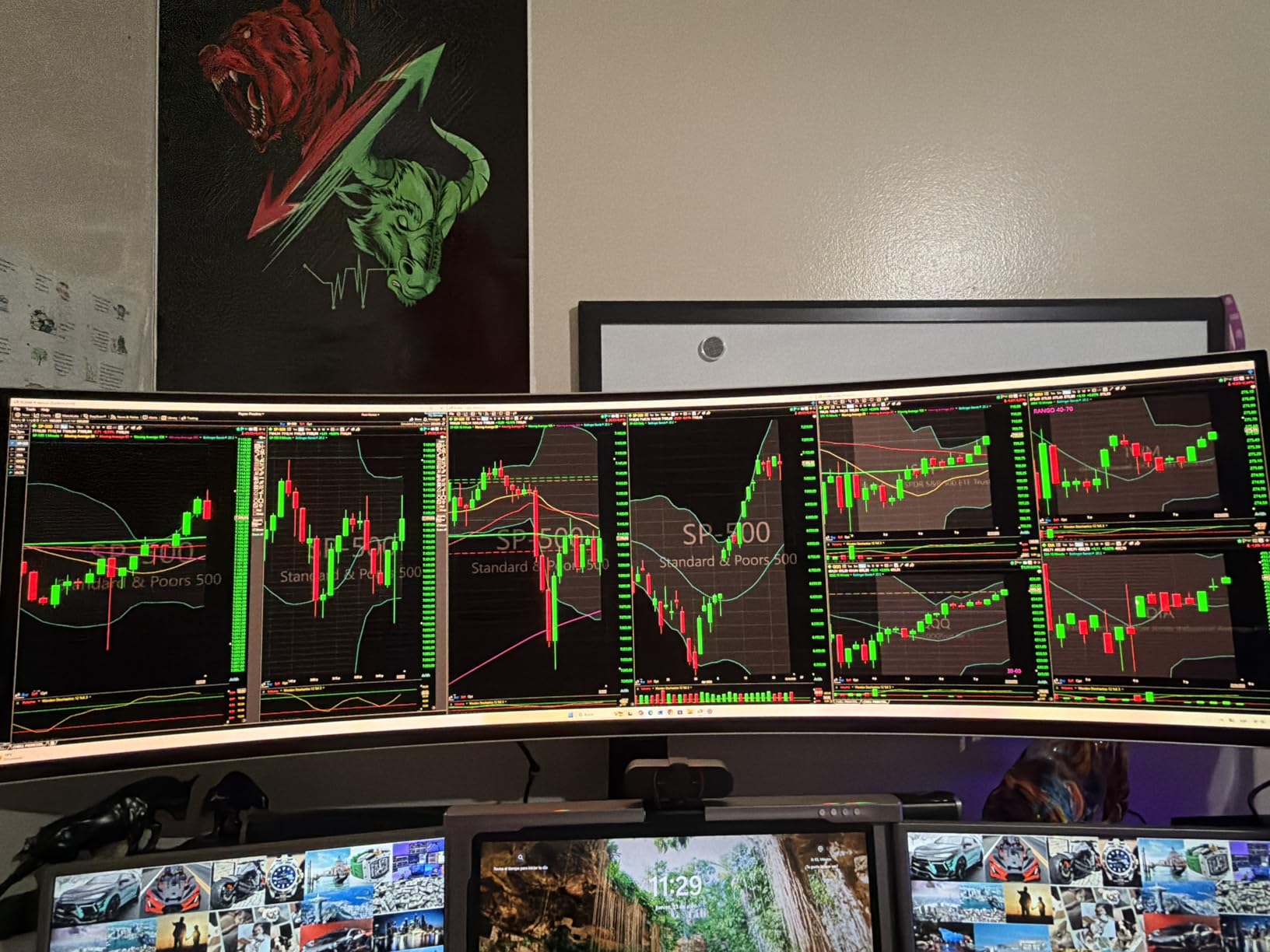
The Samsung Odyssey OLED G9 (G91SD) is the super ultrawide I recommend to anyone who wants to replace a dual-monitor setup with a single 32:9 panel. Its 49-inch Dual QHD (5120×1440) QD-OLED display delivers the equivalent of two 27-inch 1440p screens side-by-side without the bezels, and the 110 pixels per inch hits a comfortable density for productivity work.
Gaming on this panel is a different experience. Racing sims, flight sims, and immersive RPGs feel genuinely cinematic because your entire peripheral vision is filled with content. Samsung Display’s QD-OLED panel delivers 99% DCI-P3 color and infinite contrast between true blacks and bright highlights, so HDR scenes in Cyberpunk 2077 and Forza Horizon 5 look stunning. The 0.03ms response time keeps motion crisp even at 144Hz, the only real speed limitation.
Burn-in mitigation is unusually thorough. Samsung’s Thermal Modulation System uses algorithms to predict surface temperature and adjust brightness proactively, while Logo & Taskbar Detection automatically dims static UI elements before they can cause retention. The screen saver kicks in after 10 minutes of inactivity, and the 3-year warranty covers burn-in.
The downsides are size-related: this panel needs a deep desk (at least 30 inches deep) or a sturdy monitor arm, and the matte finish slightly reduces QD-OLED color punch in bright rooms. The 144Hz refresh is lower than newer 240Hz QD-OLED ultrawides, though 144Hz still feels smooth thanks to the 0.03ms response. As with all OLEDs, static UI elements require care.
Who should buy the Samsung Odyssey OLED G9 G91SD
Productivity and gaming hybrid users who want to replace a dual-monitor setup with one seamless 32:9 panel. Sim racing and flight sim enthusiasts who want maximum peripheral immersion. Anyone who values Samsung’s burn-in mitigation features.
Who should skip the Samsung Odyssey OLED G9 G91SD
Buyers with shallow desks or small monitor arms should consider the 34-inch Alienware AW3425DW instead. Anyone needing 240Hz refresh in an ultrawide should wait for the next-gen 32:9 OLED refresh. Bright-room users will find the matte finish mutes QD-OLED color punch.
We earn a commission, at no additional cost to you. CERTAIN CONTENT THAT APPEARS ON THIS SITE COMES FROM AMAZON. THIS CONTENT IS PROVIDED 'AS IS' AND IS SUBJECT TO CHANGE OR REMOVAL AT ANY TIME.
QD-OLED vs WOLED: Which OLED Panel Tech Should You Pick?
Every monitor on this list uses one of two OLED panel technologies: QD-OLED from Samsung Display, or WOLED (sometimes called “Tandem WOLED” or “4th-Gen WOLED”) from LG.Display. Both deliver true blacks, infinite contrast, and 0.03ms response, but they get there differently and have different strengths.
QD-OLED uses a blue OLED layer with a quantum-dot film that converts blue light into red and green. The result is wider color gamut (often 99%+ DCI-P3), more saturated highlights in HDR, and a glossy look that makes colors pop. The trade-off is lower full-screen brightness, especially in SDR or bright rooms, which can make QD-OLED look dimmer than WOLED side-by-side in daylight. Recent “3rd-Gen” and “Penta Tandem” panels have closed the gap, but QD-OLED still tends to favor darker setups.
WOLED adds a white subpixel layer to the OLED stack, which boosts full-screen brightness and helps with HDR highlights. The trade-off is slightly narrower color gamut and older WOLED subpixel layouts that cause text fringing in Windows. Newer 3rd-Gen and 4th-Gen WOLED panels have improved text clarity significantly, and on a typical desk you have to look hard to see the fringing. WOLED panels also tend to handle bright rooms better than QD-OLED.
For most gamers in a controlled-lighting battlestation, both technologies look outstanding. Pick QD-OLED if you want maximum color volume and HDR punch in a darker room. Pick WOLED if you game in a brighter space or want better text clarity for productivity work. Either way, you’ll get the OLED fundamentals that make this list worthwhile.
Burn-In in 2026: What Actually Happens and How to Stay Safe
Burn-in is the most common question buyers ask before pulling the trigger on an OLED gaming monitor. The honest answer in 2026 is that modern OLEDs are dramatically safer than the early OLED TVs from a decade ago, but they’re not zero-risk. The good news: every monitor on this list ships with OLED Care features that actively reduce burn-in risk, and most include a 3-year warranty that covers burn-in explicitly.
OLED Care features vary by brand but include pixel refresh cycles that run during standby, pixel orbiting that shifts the image by a few pixels invisibly, automatic logo and taskbar dimming, and proximity sensors that turn the panel off when you walk away. ASUS OLED Care, MSI OLED Care 2.0, LG’s pixel refresh, Alienware’s burn-in coverage, and Samsung’s Thermal Modulation System all work in the background to reduce retention risk during normal use.
The practical risks in 2026 come from leaving static UI elements on screen for thousands of hours. Reddit users in r/OLED_Gaming and r/Monitors report that HUD-heavy games (MMOs, Diablo IV, Star Citizen) and always-visible Windows taskbars are the most common retention triggers. Using dark mode, auto-hiding the taskbar, and running the built-in pixel refresh cycles weekly will dramatically reduce risk over a 3-5 year ownership horizon.
For most gamers with mixed use (a few hours of work plus evening gaming sessions), burn-in is unlikely to be an issue within the warranty window. The 3-year burn-in coverage on most of these monitors is the single biggest trust signal that OLED is now safe enough for daily use, and Reddit ownership threads regularly show 3-5 year-old OLED panels still looking great with reasonable care.
Buying Guide: How to Pick the Best OLED Gaming Monitor for You
Choosing the right OLED gaming monitor comes down to four decisions: size, resolution, panel technology, and use case. Here’s how I’d think through it after testing every panel on this list.
Pick the Right Resolution for Your GPU
1440p OLEDs (the 27-inch picks and 34-inch ultrawides) pair well with mid-to-high-end GPUs like the RTX 4070 and RX 7800 XT. They deliver high refresh rates without crushing your frame budget, and at 27 inches 1440p hits a comfortable pixel density for both gaming and work. 4K OLEDs (32-inch picks) need an RTX 4080 or better to push 240Hz in AAA titles, but they offer unmatched sharpness for single-player gaming and productivity.
Match Refresh Rate to Your Genre
Competitive esports players should prioritize 240Hz and above, which is why every 27-inch OLED on this list runs at 240Hz or higher. The ASUS ROG XG27AQDMG and LG 27GX704A-B hit 240Hz at 1440p, while the AOC Agon Pro AG276QZD2 pushes 280Hz on its updated revision. Single-player and cinematic gamers can comfortably run 144Hz ultrawides or 4K 240Hz without missing the extra headroom.
Decide Between QD-OLED and WOLED
Pick QD-OLED if you want maximum color volume, HDR punch, and you game in a darker setup. Pick WOLED if you game in a brighter room, need better Windows text clarity for productivity, or want slightly higher full-screen brightness. Both deliver true OLED fundamentals.
Check Connectivity and Ergonomics
Console gamers (PS5 Pro, Xbox Series X) need HDMI 2.1 for 4K 120Hz VRR. Laptop users should look for USB-C with 65W-98W power delivery so a single cable can charge and drive the display. KVM switches are valuable if you want to share keyboard and mouse between work and gaming machines. Ergonomics matter for long sessions: look for full height, tilt, swivel, and ideally pivot adjustment, or plan for a third-party monitor arm.
Burn-In Warranty Is the Trust Signal
Every monitor on this list with a 3-year warranty covers burn-in, which removes the single biggest worry about daily OLED use. AOC’s 4-year Respawn warranty goes further and includes dead pixel coverage. Shorter warranties (like the LG 27GX704A-B’s 2-year coverage) are the main reason to prefer ASUS, Alienware, or MSI when prices are similar.
Frequently Asked Questions
Why don’t pro gamers use OLED?
Most pro tournaments still standardize on TN and IPS 1080p panels at 500Hz or higher because OLED has historically topped out below that ceiling, can suffer auto brightness limiter dimming under stage lights, and faces burn-in risk from always-on HUD elements like minimaps and health bars. New 480Hz OLED panels such as the ASUS ROG Swift PG27AQDP are closing the gap, but tournament rules and panel availability move slowly, so most esports events stick with fast LCDs in 2026.
Do OLEDs still burn in 2026?
Modern OLED gaming monitors are dramatically safer than early OLED TVs, with built-in pixel refresh, pixel orbiting, and logo and taskbar detection that reduce retention risk during normal use. Every monitor on this list except the LG 27GX704A-B ships with a 3-year warranty that explicitly covers burn-in, and the AOC Agon Pro extends coverage to four years. For typical gaming and mixed use, OLED is safe enough that burn-in within the warranty window is rare, but you should still use dark mode and auto-hide the taskbar.
Is OLED healthier for eyes than LCD?
OLED panels tend to be easier on the eyes than backlit LCDs because each pixel emits its own light and can be dimmed precisely, which reduces overall blue light output and eliminates backlight bleed. Several monitors on this list including the LG 27GX704A-B carry UL Flicker-Free and Low Blue Light certifications, and modern OLEDs use DC dimming or high-frequency PWM that sensitive users tolerate better than older PWM dimming schemes. If you have specific eye-strain concerns, look for Flicker-Free certifications and run the monitor at 50 percent brightness or higher.
What is the best 4K OLED gaming monitor?
For most buyers in 2026 the ASUS ROG PG32UCDM is the best 4K OLED gaming monitor thanks to its 32-inch 4K QD-OLED panel at 240Hz, DisplayHDR 400 True Black with Dolby Vision, 90W USB-C power delivery, built-in KVM, and 3-year burn-in warranty. The MSI MPG 321URX is the strong flat-panel alternative with similar image quality and slightly better connectivity. The MSI MPG 321CURX adds a gentle 1700R curve if you want extra immersion.
What is the best budget OLED gaming monitor?
The AOC Agon Pro AG276QZD2 is the best budget OLED gaming monitor at around $349, offering a 26.5-inch 1440p QD-OLED panel with up to 280Hz refresh, 0.03ms response, 101% DCI-P3 color, and a 4-year Respawn warranty. The LG 27GX704A-B is the runner-up at around $399 with a glossy WOLED panel and three UL eye-comfort certifications, though it only carries a 2-year warranty.
What is the best 27 inch OLED gaming monitor?
The ASUS ROG XG27AQDMG is the best 27-inch OLED gaming monitor in 2026, pairing a 240Hz refresh rate, 0.03ms response, third-gen WOLED panel with 99% DCI-P3 color, and a 3-year burn-in warranty. For tighter budgets the LG 27GX704A-B delivers similar 240Hz performance in glossy WOLED with strong eye-comfort certifications, and the AOC Agon Pro AG276QZD2 brings QD-OLED color and 280Hz to the budget tier.
What is the best 32 inch OLED gaming monitor?
The ASUS ROG PG32UCDM is the best 32-inch OLED gaming monitor thanks to its 4K QD-OLED panel at 240Hz with Dolby Vision, 90W USB-C, and 3-year burn-in warranty. The MSI MPG 321URX is a strong flat alternative with similar image quality and slightly better port variety. The MSI MPG 321CURX adds a gentle 1700R curve if you want extra immersion for sim racing and RPGs.
Final Verdict: Which OLED Gaming Monitor Should You Buy in 2026?
If I had to send one best OLED gaming monitor recommendation to a friend in 2026, it would be the ASUS ROG XG27AQDMG. The 240Hz refresh rate, 0.03ms response, third-gen WOLED panel, glossy image quality, and 3-year burn-in warranty cover every priority for both competitive and cinematic gaming, and the price sits well below flagship 4K OLEDs. For buyers who want 4K, the ASUS ROG PG32UCDM delivers the best QD-OLED image I’ve tested this year.
On a tight budget, the AOC Agon Pro AG276QZD2 brings QD-OLED color and 280Hz to the $349 price tier, and the LG 27GX704A-B delivers glossy WOLED image quality with strong eye-comfort certifications just above $399. For ultrawide fans, the Alienware AW3425DW is the 240Hz sweet spot, and the Samsung Odyssey OLED G9 is the only sensible choice if you want a 32:9 super ultrawide OLED.
Whichever panel you pick, you’ll get the OLED fundamentals that make this list worthwhile: true blacks, infinite contrast, and 0.03ms response times that make every other panel feel slow by comparison. Compare prices across the retailers, look for the 3-year burn-in warranty, and enjoy the upgrade.