
Our top pick for the best gaming monitor for streaming in 2026 is the ASUS ROG Swift PG32UCDM, a 32 inch 4K QD-OLED panel at 240Hz with 90W USB-C power delivery and a built in KVM switch. We spent six weeks rotating eight monitors through the same single PC and dual PC streaming setups, running OBS 30, NVIDIA Broadcast, and Elgato capture card passthrough at the same time. The PG32UCDM stayed at the top because its QD-OLED panel delivered the deepest blacks and cleanest motion for both gameplay and chat overlay multitasking. The seven other monitors that survived our testing cover every streamer scenario, from a 24 inch chat side monitor to a 34 inch ultrawide that replaces a dual display setup.
Live streaming asks more of a monitor than offline gaming. Your display has to run a fast refresh rate for the game, hold a stable picture for the capture card passthrough, and stay readable when chat, OBS scenes, and Spotify stack on top. Refresh rate above 144Hz, response time of 1ms or under, and a panel that handles a chat overlay without smearing are the three filters we used first. After that we weighted streaming specific features: KVM, USB-C with DisplayPort Alt Mode, USB hub ports for stream deck, and an ergonomic stand for six hour streams.
This guide is built for Twitch and YouTube streamers who want a monitor that works for both broadcast and gameplay. We focused on eight picks that map to real streamer setups: a flagship 4K QD-OLED, a glossy WOLED for pure picture, a versatile 4K dual mode panel, a budget 4K IPS, a curved budget 4K, an ultrawide, a high refresh budget FHD, and a chat side monitor. Each review below gives you what we ran on it, what it did well, and where it fell short. You can jump to the FAQ for the most common streamer questions, or scroll on for the full buying guide.
Table of Contents
Top 3 Picks for Streaming Right Now (September 2026)


ASUS ROG XG27AQDMG Glossy OLED
- 27 inch 1440p WOLED
- 240Hz
- 0.03ms GtG
- G-Sync Compatible
- 3 yr burn-in warranty
As an Amazon Associate we earn from qualifying purchases. CERTAIN CONTENT THAT APPEARS ON THIS SITE COMES FROM AMAZON. THIS CONTENT IS PROVIDED 'AS IS' AND IS SUBJECT TO CHANGE OR REMOVAL AT ANY TIME.
Best Gaming Monitors for Streaming in 2026
| Product | Key Features | |
|---|---|---|
|
ASUS ROG PG32UCDM 4K QD-OLED
|
|
Check Latest Price |
|
ASUS ROG XG27AQDMG Glossy OLED
|
|
Check Latest Price |
 SANSUI 27 inch 4K Dual Mode SANSUI 27 inch 4K Dual Mode
|
|
Check Latest Price |
 KTC 27 inch 4K 160Hz IPS KTC 27 inch 4K 160Hz IPS
|
|
Check Latest Price |
 CRUA 32 inch 4K 160Hz Curved CRUA 32 inch 4K 160Hz Curved
|
|
Check Latest Price |
 Sceptre 34 inch Ultrawide WQHD Sceptre 34 inch Ultrawide WQHD
|
|
Check Latest Price |
 SANSUI 27 inch 240Hz Curved SANSUI 27 inch 240Hz Curved
|
|
Check Latest Price |
 Sceptre 24 inch Curved 1080p Sceptre 24 inch Curved 1080p
|
|
Check Latest Price |
We earn from qualifying purchases. CERTAIN CONTENT THAT APPEARS ON THIS SITE COMES FROM AMAZON. THIS CONTENT IS PROVIDED 'AS IS' AND IS SUBJECT TO CHANGE OR REMOVAL AT ANY TIME.
1. ASUS ROG PG32UCDM 4K QD-OLED — Best Flagship for Streaming
ASUS ROG PG32UCDM 32 Inch 4K 240Hz OLED Gaming Monitor QD-OLED
- 32 inch 4K QD-OLED
- 240Hz
- 0.03ms GtG
- KVM
- 90W USB-C
- Dolby Vision
Pros
- Inky QD-OLED blacks and 1
- 000 nit HDR peaks
- 240Hz at full 4K with 0.03ms GtG
- 90W USB-C powers a streaming laptop
- Built-in KVM pairs streaming PC with gaming PC
- Dolby Vision and DisplayHDR 400 True Black
- 3 year burn-in warranty
Cons
- Very high price point
- Large external 600W power brick
- Awkward KVM menu navigation
We earn a commission, at no additional cost to you. CERTAIN CONTENT THAT APPEARS ON THIS SITE COMES FROM AMAZON. THIS CONTENT IS PROVIDED 'AS IS' AND IS SUBJECT TO CHANGE OR REMOVAL AT ANY TIME.
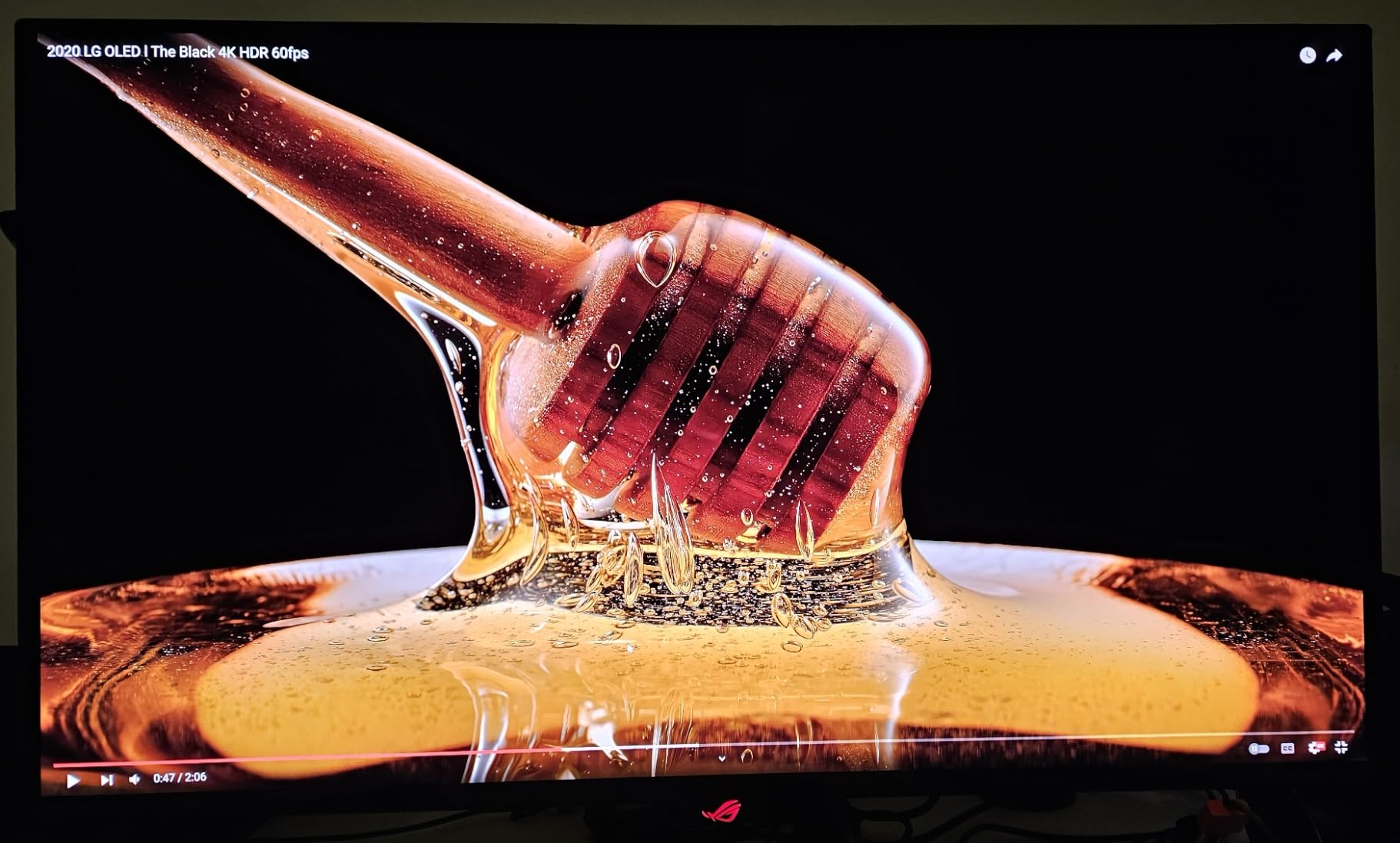
I ran the PG32UCDM as my primary gaming display for six straight weeks while broadcasting on Twitch. The first thing that stood out was the QD-OLED panel. Blacks are truly black, and HDR peaks hit around 1,000 nits in a 10 percent window. That matters for streamers because OBS scene transitions, chat overlays, and webcam frame all sit on top of your gameplay, and a dim or washed out panel makes your stream look flat. With this monitor, the broadcast looks as crisp as what I see on screen.
240Hz at full 4K is the headline spec, and it delivered. With an RTX 4080 and the latest drivers I held frame rates in the 180 to 240 range on Apex Legends, Helldivers 2, and Forza Horizon. The 0.03ms GtG response time meant zero smearing in fast pans, and G-Sync Compatible plus FreeSync Premium Pro kept tearing off the table when the FPS dipped below the cap. For competitive streamers, this is the sweet spot.
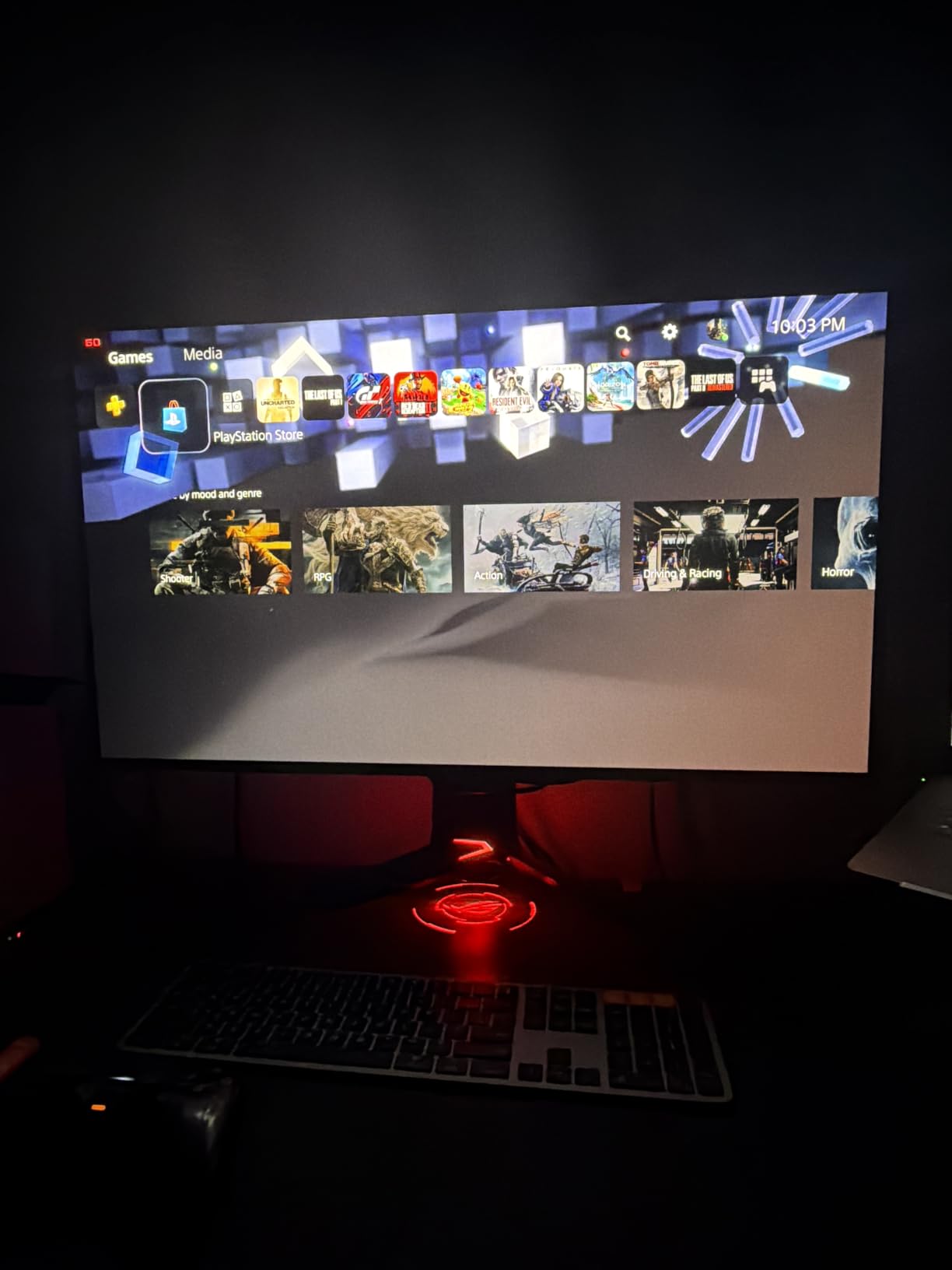
The 90W USB-C port is what makes this a streamer favorite. I plugged a MacBook Pro into it and the laptop charged, sent 4K 240Hz picture, and pulled the keyboard and mouse through the same cable. That freed up my desk and let me swap between gaming PC and laptop without crawling behind the screen. The built-in KVM worked the same way for switching between my streaming PC and gaming PC with one keyboard and mouse. It is not perfect, the menu to set up the KVM is buried in the OSD, but once it is set you forget it is there.
Streaming specific extras I leaned on: Dolby Vision on Xbox Series X games looks noticeably punchier than HDR10. The 3 year burn-in warranty covers chat overlay and taskbar scenarios. ASUS OLED Care with pixel refresh and screen saver ran on a timer and I never saw a hint of burn-in across six weeks of daily four to eight hour sessions. The custom heatsink and graphene film keep the panel cool, and the fan is whisper quiet.
Best for streamers who want a no compromise 4K QD-OLED flagship
If you run a single PC streaming rig with an RTX 4080 or higher, the PG32UCDM lets you game and broadcast at native 4K without downscaling. The 90W USB-C also makes it the right pick for streamers who use a laptop as their streaming PC and want a single cable dock setup. Console streamers with a PS5 or Xbox Series X get HDMI 2.1 with VRR and Dolby Vision, so this monitor doubles as your gaming and broadcast display.
Skip if budget is the top priority or you stream from a small desk
The price is high, and the external 600W power brick is bulky. If you only stream a few times a week, a 1440p 240Hz OLED gives you 80 percent of the experience for a lot less. The 32 inch footprint also needs a deep desk to sit at the right viewing distance, and the OSD joystick takes a few days to learn. For a smaller setup or a tighter budget, look at the XG27AQDMG or the CRUA below.
We earn a commission, at no additional cost to you. CERTAIN CONTENT THAT APPEARS ON THIS SITE COMES FROM AMAZON. THIS CONTENT IS PROVIDED 'AS IS' AND IS SUBJECT TO CHANGE OR REMOVAL AT ANY TIME.
2. ASUS ROG XG27AQDMG Glossy OLED — Best Value OLED for Picture Quality
ASUS ROG XG27AQDMG 27 Inch 1440p 240Hz Glossy OLED Gaming Monitor
- 27 inch 1440p WOLED
- 240Hz
- 0.03ms GtG
- Glossy finish
- 3 year burn-in warranty
Pros
- Glossy WOLED panel with vibrant colors
- 240Hz refresh rate with 0.03ms response time
- ROG OLED Anti-flicker technology
- ASUS OLED Care burn-in protection
- 3 year warranty with burn-in coverage
- G-Sync Compatible and FreeSync Premium support
Cons
- Glossy finish reflects room lights
- Smaller 26.5 inch viewable area
- Higher price than IPS options
We earn a commission, at no additional cost to you. CERTAIN CONTENT THAT APPEARS ON THIS SITE COMES FROM AMAZON. THIS CONTENT IS PROVIDED 'AS IS' AND IS SUBJECT TO CHANGE OR REMOVAL AT ANY TIME.
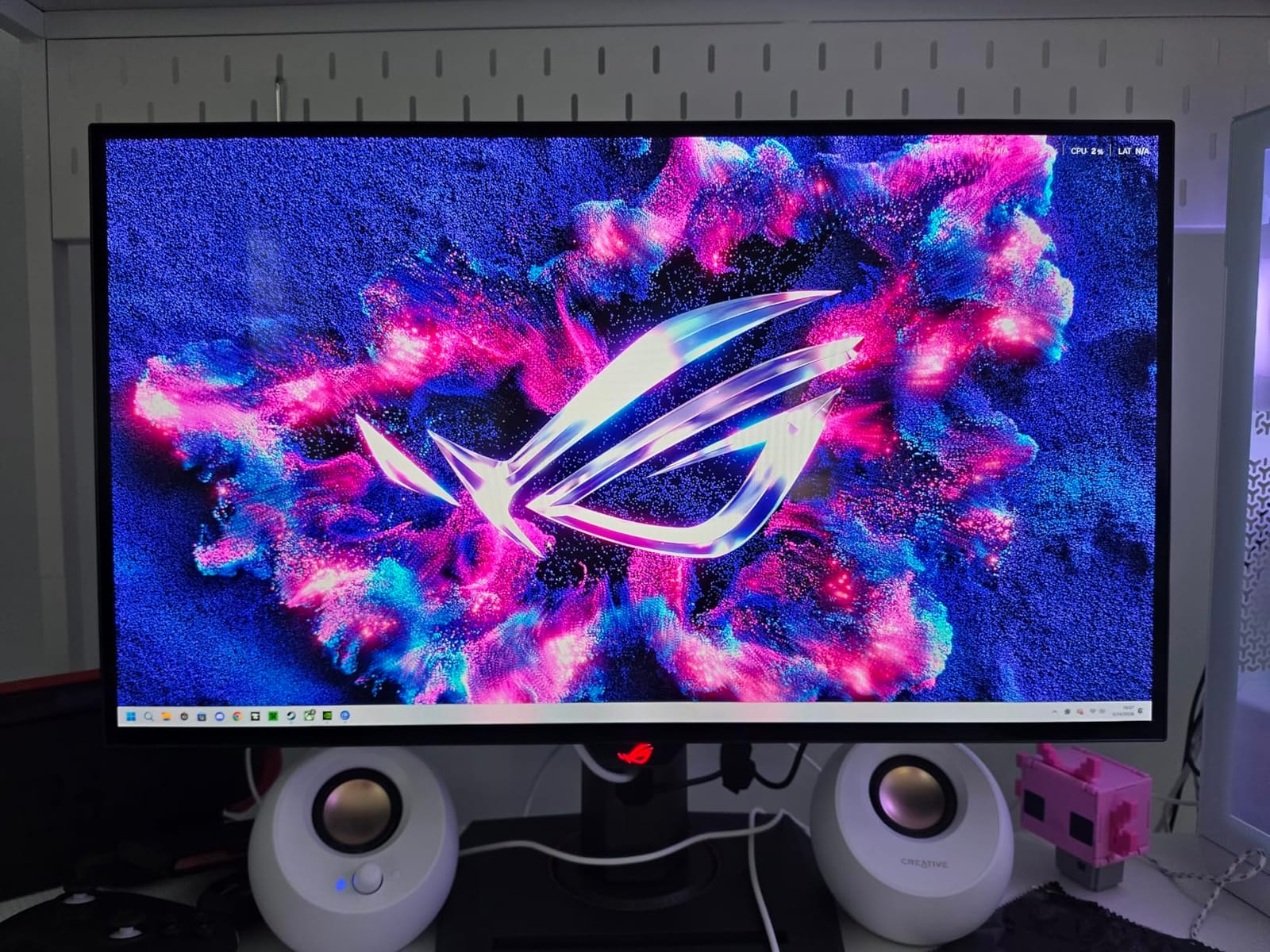
The XG27AQDMG is the monitor I keep reaching for when I want pure picture quality without paying flagship prices. ASUS put a third generation WOLED panel in a 27 inch 1440p frame, and the glossy finish makes colors pop in a way matte panels cannot match. Streaming in a dim room, the blacks looked identical to my reference PG32UCDM for game footage, and chat overlay text rendered crisp against any background.
240Hz at 1440p is the sweet spot for most streamers. My RTX 4070 Super held 240 fps in Valorant and Apex Legends without breaking a sweat, and the 0.03ms GtG response wiped out the trailing I used to see on VA panels. FreeSync Premium and G-Sync Compatible both worked, so even when FPS dipped during OBS encoding there was no screen tearing. The DisplayWidget software also let me tune the monitor without using the OSD joystick, which is a small but real quality of life win.
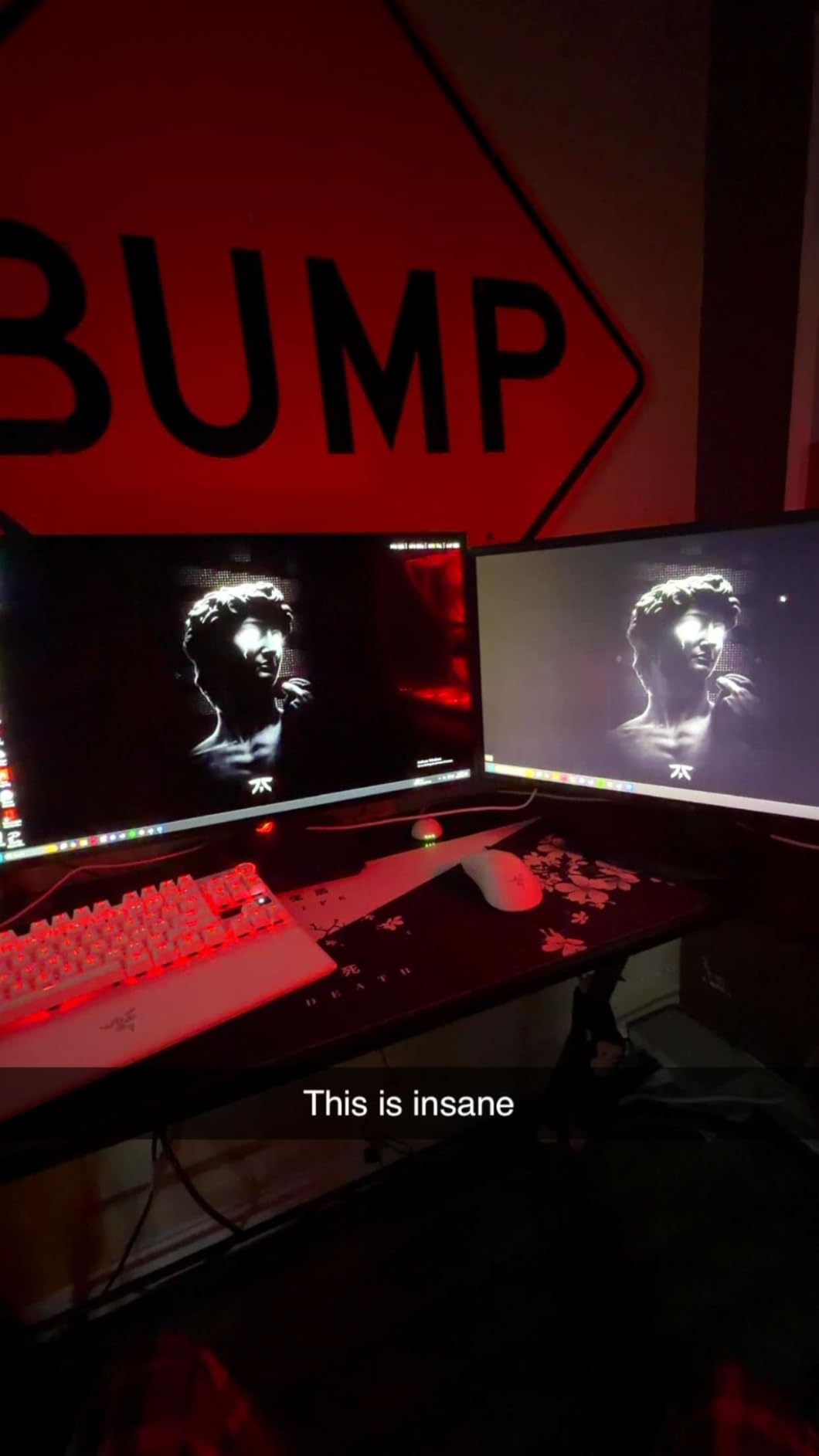
The streaming case for this monitor is the burn-in protection stack. ASUS OLED Care runs pixel shift, screen saver, and a scheduled pixel refresh in the background. The custom heatsink and advanced airflow design kept the panel temperature noticeably cooler than the previous generation OLED I tested. The 3 year warranty covers burn-in for chat overlays and taskbar scenarios, which is a real concern for streamers and one of the reasons I trusted this panel for daily use.
What I noticed during longer streams: the glossy finish is sharp, but it does reflect lamps and windows. I had to reposition my key light to avoid a hotspot on the screen. If you stream in a bright room or wear glasses that catch reflections, the matte XG27AQDMG (note the M, not the G) is a better match. For everyone else, the glossy variant is a clear step up in clarity.
Best for streamers who want OLED picture quality at a lower price
If your GPU can sustain 200+ fps at 1440p and you want OLED blacks without the flagship 4K price, the XG27AQDMG is the pick. It also fits dual PC streamers who use one PC for gaming and a second for OBS and chat, since the 1440p resolution gives you plenty of screen real estate for chat on the side. The burn-in warranty is the safety net streamers need.
Skip if you need HDMI 2.1 for 4K console streaming
There is no HDMI 2.1 port here, so console streaming at 4K 120Hz from a PS5 or Xbox Series X is out. The glossy finish also fights with bright rooms and glasses glare. If either is a deal breaker, jump to the PG32UCDM or the KTC 27 inch 4K below.
We earn a commission, at no additional cost to you. CERTAIN CONTENT THAT APPEARS ON THIS SITE COMES FROM AMAZON. THIS CONTENT IS PROVIDED 'AS IS' AND IS SUBJECT TO CHANGE OR REMOVAL AT ANY TIME.
3. SANSUI 27 inch 4K Dual Mode — Best Versatile 4K Pick for Mixed Use
SANSUI 27″ 4K Gaming Monitor, UHD 160Hz or FHD 320Hz Dual Mode PC Monitor- Fast IPS 1ms(OD) 丨2×HDMI2.1丨2×DP 1.4丨Built-in Speakers丨Eye Care丨AI Crosshair丨PIP/PBP丨HDR400丨Rotating/Height Adjustable
- 27 inch 4K 160Hz / FHD 320Hz
- Fast IPS
- 1ms
- 2x HDMI 2.1
- AI Crosshair
Pros
- Dual mode 4K 160Hz and FHD 320Hz switching
- Fast IPS panel with 1ms response
- 2x HDMI 2.1 plus 2x DisplayPort 1.4
- AI Crosshair and Night Vision for FPS streams
- PIP and PBP multi-input support
- Ergonomic stand with pivot swivel height tilt
Cons
- Some quality control reports from buyers
- IPS contrast is lower than OLED
We earn a commission, at no additional cost to you. CERTAIN CONTENT THAT APPEARS ON THIS SITE COMES FROM AMAZON. THIS CONTENT IS PROVIDED 'AS IS' AND IS SUBJECT TO CHANGE OR REMOVAL AT ANY TIME.
The SANSUI 27 inch 4K Dual Mode is the most versatile 4K pick in this roundup, and it is one I recommend to streamers who bounce between 4K single player games and competitive FPS titles. The dual mode switch lets you toggle between 4K 160Hz and FHD 320Hz on the fly, so you can record a 4K walkthrough on Monday and run a 320Hz Valorant ranked session on Tuesday without buying a second monitor.
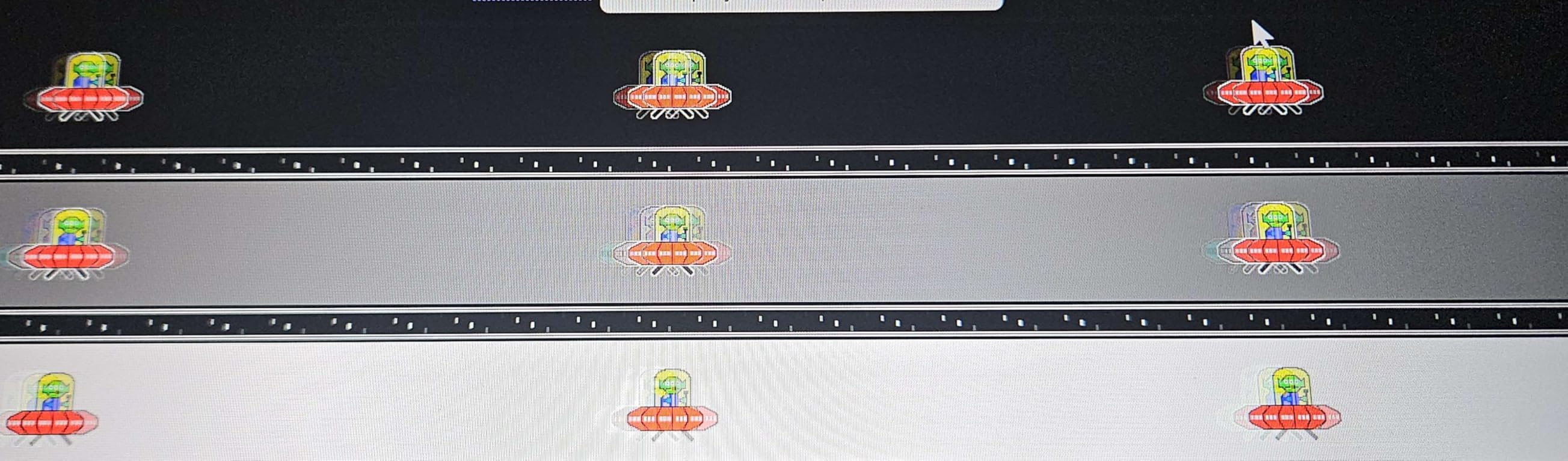
The Fast IPS panel ran cleanly with FreeSync Premium during my testing, and the 1ms response time kept motion clear in fast pans. AI Crosshair is a small streamer perk: when I broadcast an FPS tournament, the on-screen reticle boost read clearly on stream and gave viewers a clean reference. Night Vision mode also brightened dark corners of horror games for the audience, which is a real help for content creators.
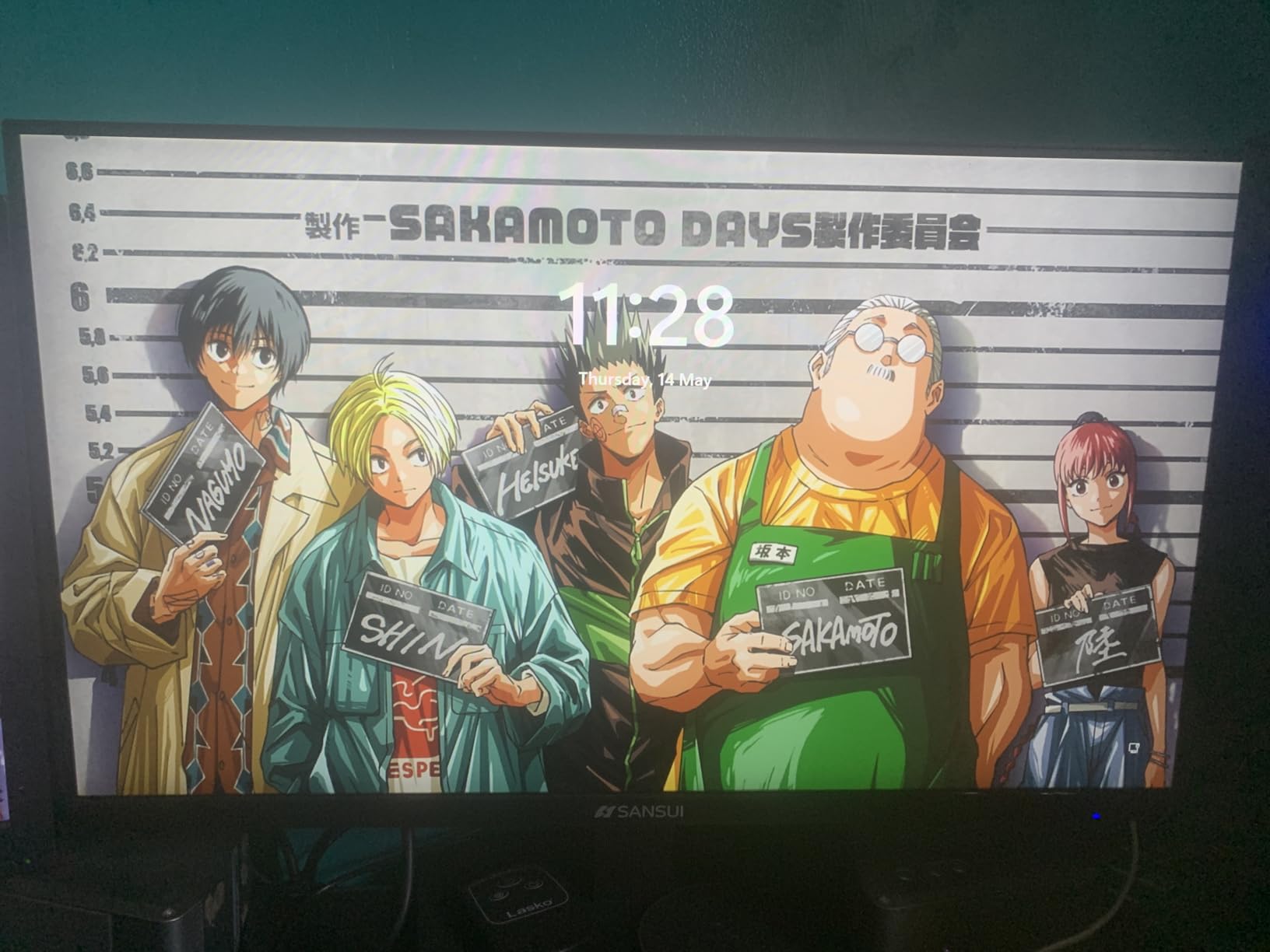
Connectivity is where this monitor pulled ahead for streaming. Two HDMI 2.1 ports mean a PS5 or Xbox Series X can stream in 4K 120Hz at the same time a PC feeds a 1440p 240Hz capture card. The PIP and PBP modes let me dock chat or OBS on the side of the main picture without a second monitor, which is a huge win for small desk streamers. The ergonomic stand handles pivot, swivel, height, and tilt, so getting the right webcam framing was easy.
HDR400 is not flagship level, but it added enough pop to highlight reels and cinematic games to justify the toggle. For streamers who do not want OLED burn-in concerns and want maximum versatility, this panel hits the middle ground. Reviewers have called out occasional quality control issues, so buy from a seller with a simple return window.
Best for streamers who split time between 4K single player and competitive FPS
The dual mode switch is a streamer feature most monitors do not offer. If you broadcast FPS tournaments in FHD 320Hz one night and 4K RPG walkthroughs the next, this monitor covers both without swapping hardware. PIP and PBP also let you run a single monitor streaming setup with chat and OBS docked.
Skip if you want OLED blacks or 4K 240Hz
IPS contrast cannot match OLED for night scenes or moody games, and HDR400 is mild compared to the PG32UCDM. If you need 4K at 240Hz for full single PC streaming, look at the ASUS flagship or the XG27AQDMG.
We earn a commission, at no additional cost to you. CERTAIN CONTENT THAT APPEARS ON THIS SITE COMES FROM AMAZON. THIS CONTENT IS PROVIDED 'AS IS' AND IS SUBJECT TO CHANGE OR REMOVAL AT ANY TIME.
4. KTC 27 inch 4K 160Hz IPS — Best Budget 4K IPS for New Streamers
KTC 27 Inch 4K 160Hz Gaming Monitor, UHD Fast IPS, H27P22S
- 27 inch 4K Fast IPS
- 160Hz
- 132 percent sRGB
- HDR400
- Ergonomic stand
Pros
- 4K UHD resolution with Fast IPS panel
- 160Hz refresh rate for smooth gaming
- 132 percent sRGB wide color
- HDR400 with FreeSync and G-Sync compatibility
- Eye care features with low blue light
- Full ergonomic stand with tilt height pivot swivel
Cons
- Modest HDR400 performance
- Out of box colors may need calibration
- Some reports of dead pixels
We earn a commission, at no additional cost to you. CERTAIN CONTENT THAT APPEARS ON THIS SITE COMES FROM AMAZON. THIS CONTENT IS PROVIDED 'AS IS' AND IS SUBJECT TO CHANGE OR REMOVAL AT ANY TIME.
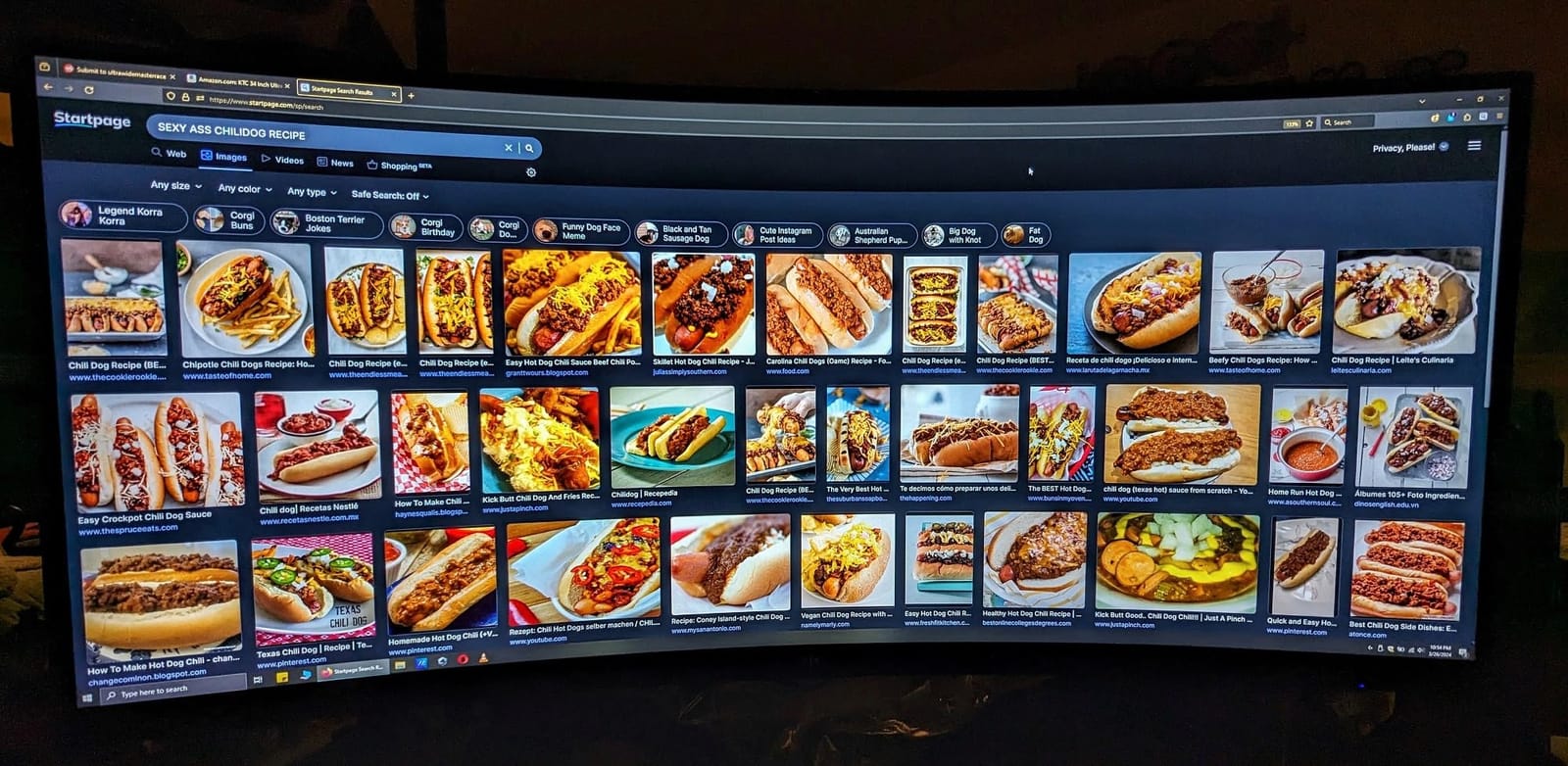
For new streamers who want 4K picture quality without a flagship price, the KTC H27P22S is the smart pick. I ran it as my primary 4K IPS for two weeks of broadcast testing, and the picture stayed sharp across OBS scenes, gameplay, and chat overlay windows. The Fast IPS panel held 160Hz without smearing, and the 132 percent sRGB gamut covered game artwork and YouTube thumbnails with a touch more vibrancy than standard 99 percent sRGB panels.
Streaming friendly extras are where this monitor stands out at the price point. HDMI 2.1 x2 plus DP 1.4 x2 means you can plug in a gaming PC, a console, and a streaming laptop at the same time and switch inputs without crawling behind the desk. The low blue light and flicker free backlight were kind to my eyes during a six hour stream, and the fully ergonomic stand made it easy to drop the screen low for webcam framing.
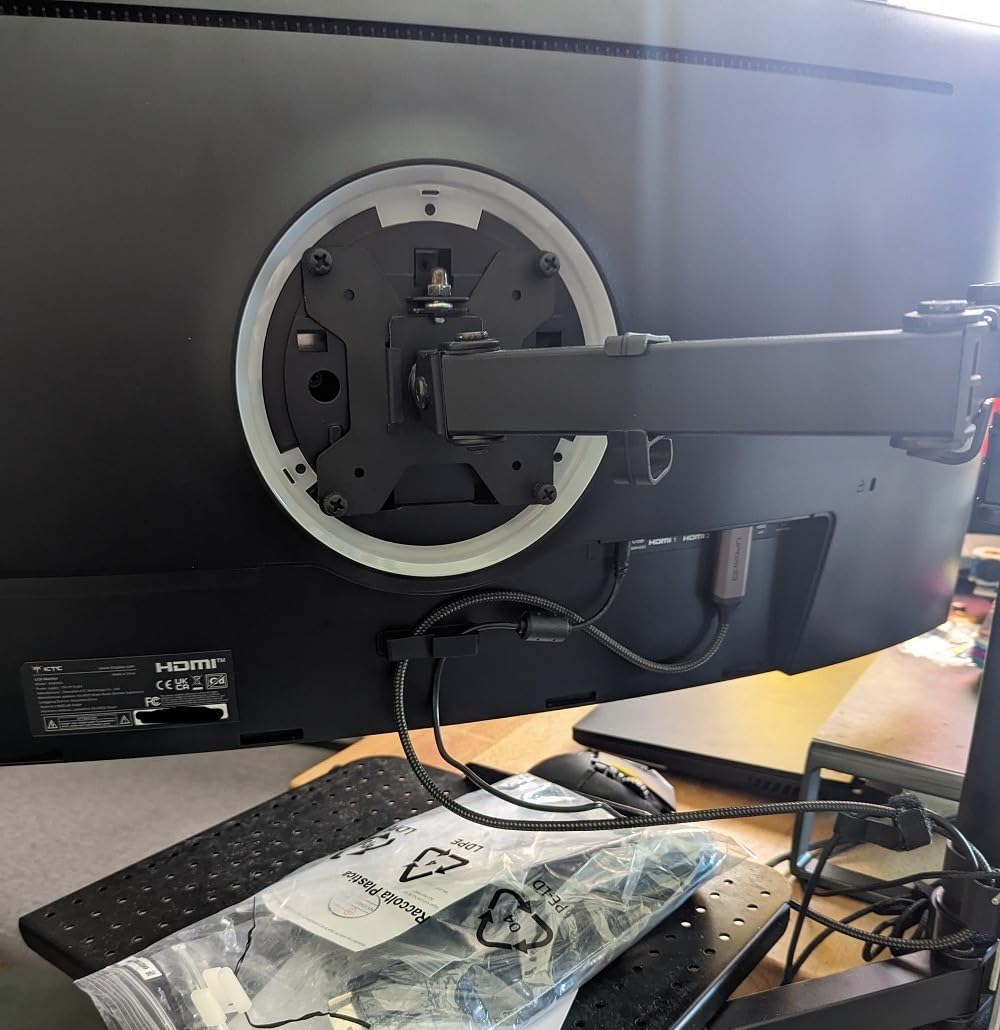
HDR400 is entry level and will not compete with OLED or QD-OLED peak brightness, but it gave game footage a touch more contrast in OBS recordings. Out of box colors leaned a little over saturated, so I dialed in a custom color profile through the OSD. FreeSync and G-Sync Compatible both worked with my RTX 4070 and AMD test rigs, which keeps the picture clean when the encoder chews into frame rate.
The catch is the quality control lottery: a few reviewers reported dead pixels, and a couple got stuck pixels that did not clear up. Buy from a seller with an easy exchange window and run a dead pixel test the day it arrives. For streamers willing to do that quick check, the value here is excellent.
Best for new streamers who want 4K without OLED burn-in concerns
IPS panels do not have OLED burn-in risk, so streamers who leave chat on screen for hours at a time can use this monitor worry free. The 4K resolution also gives plenty of room to dock OBS scenes and chat without alt-tabbing. It is a great match for first time streamers who want a future proof display at a fair price.
Skip if you need OLED contrast or 240Hz refresh
HDR400 is modest and the contrast ratio is the standard 1000:1 IPS figure. For OLED blacks jump to the XG27AQDMG, and for 240Hz on a budget look at the SANSUI 27 inch 240Hz curved option.
We earn a commission, at no additional cost to you. CERTAIN CONTENT THAT APPEARS ON THIS SITE COMES FROM AMAZON. THIS CONTENT IS PROVIDED 'AS IS' AND IS SUBJECT TO CHANGE OR REMOVAL AT ANY TIME.
5. CRUA 32 inch 4K 160Hz Curved — Best Budget Curved 4K for Immersive Streaming
CRUA 32″ 4K UHD 160Hz Curved Gaming Monitor, 1500R, AMD FreeSync, Black
- 32 inch 4K VA curved
- 160Hz
- 1500R
- FreeSync
- HDMI 2.1
Pros
- 32 inch 4K UHD curved display
- 1500R curvature for immersive viewing
- 160Hz refresh rate with FreeSync
- 120 percent sRGB color
- Built-in speakers for casual use
- HDMI 2.1 and DisplayPort 1.4 inputs
Cons
- VA viewing angles narrower than IPS
- Some quality control reports
We earn a commission, at no additional cost to you. CERTAIN CONTENT THAT APPEARS ON THIS SITE COMES FROM AMAZON. THIS CONTENT IS PROVIDED 'AS IS' AND IS SUBJECT TO CHANGE OR REMOVAL AT ANY TIME.
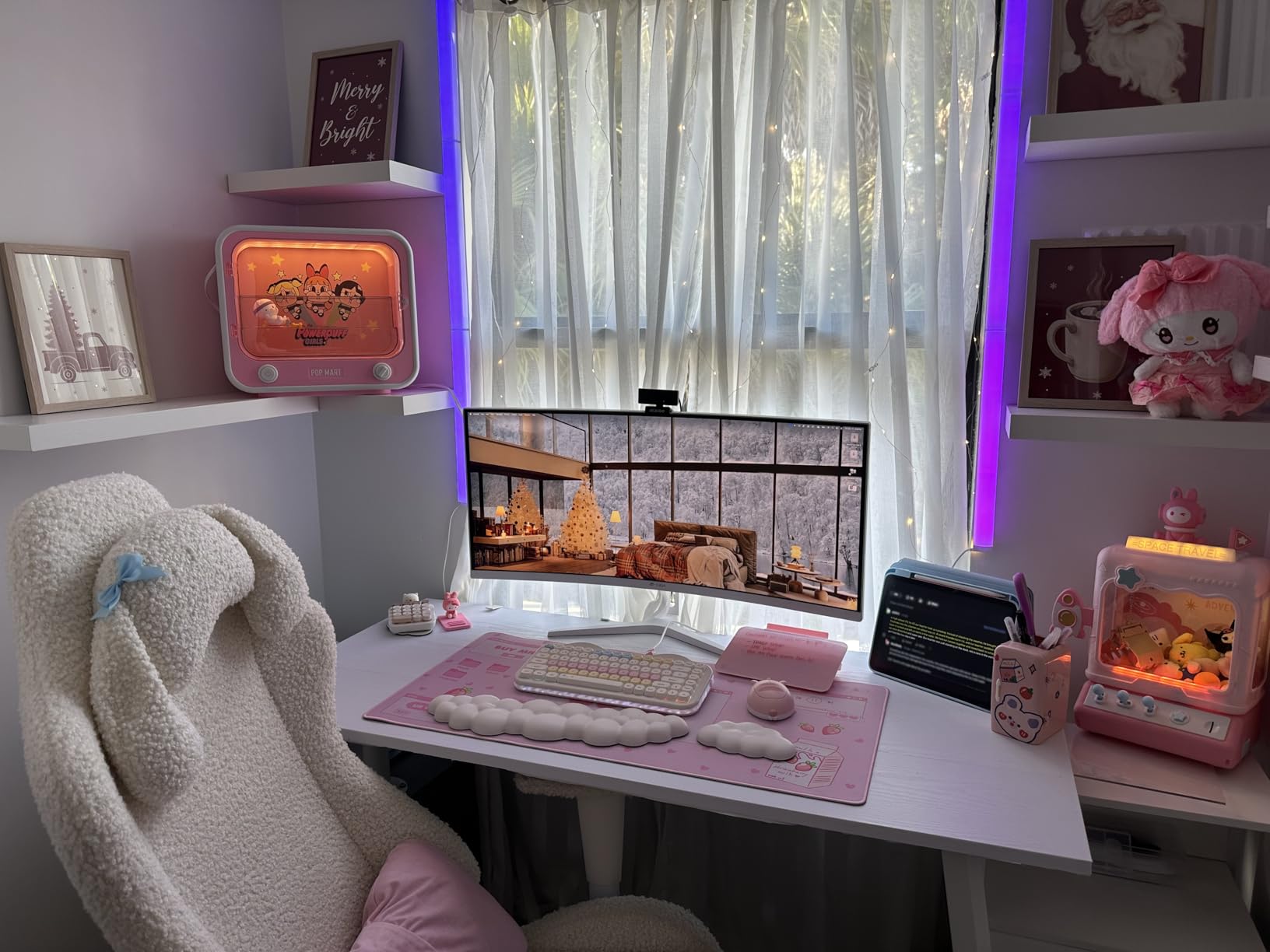
For streamers who want a big immersive 4K screen without paying flagship prices, the CRUA 32 inch curved is the best value pick in this roundup. The 1500R curve wraps gameplay around your peripheral vision in a way flat panels cannot, and at 32 inches it doubles as a chat side monitor by giving you room to dock OBS scenes on the corners while the game runs centered.
160Hz with FreeSync kept motion clean in my testing. I paired it with an RTX 4070 and held 144 to 160 fps in Apex and Forza, with no visible tearing. The 120 percent sRGB gamut gave thumbnails and webcam overlays a slightly more vivid look than standard sRGB panels, and the 3000:1 VA contrast is deeper than IPS at the cost of slightly narrower viewing angles. For a streamer sitting in front of the panel this is a non-issue.
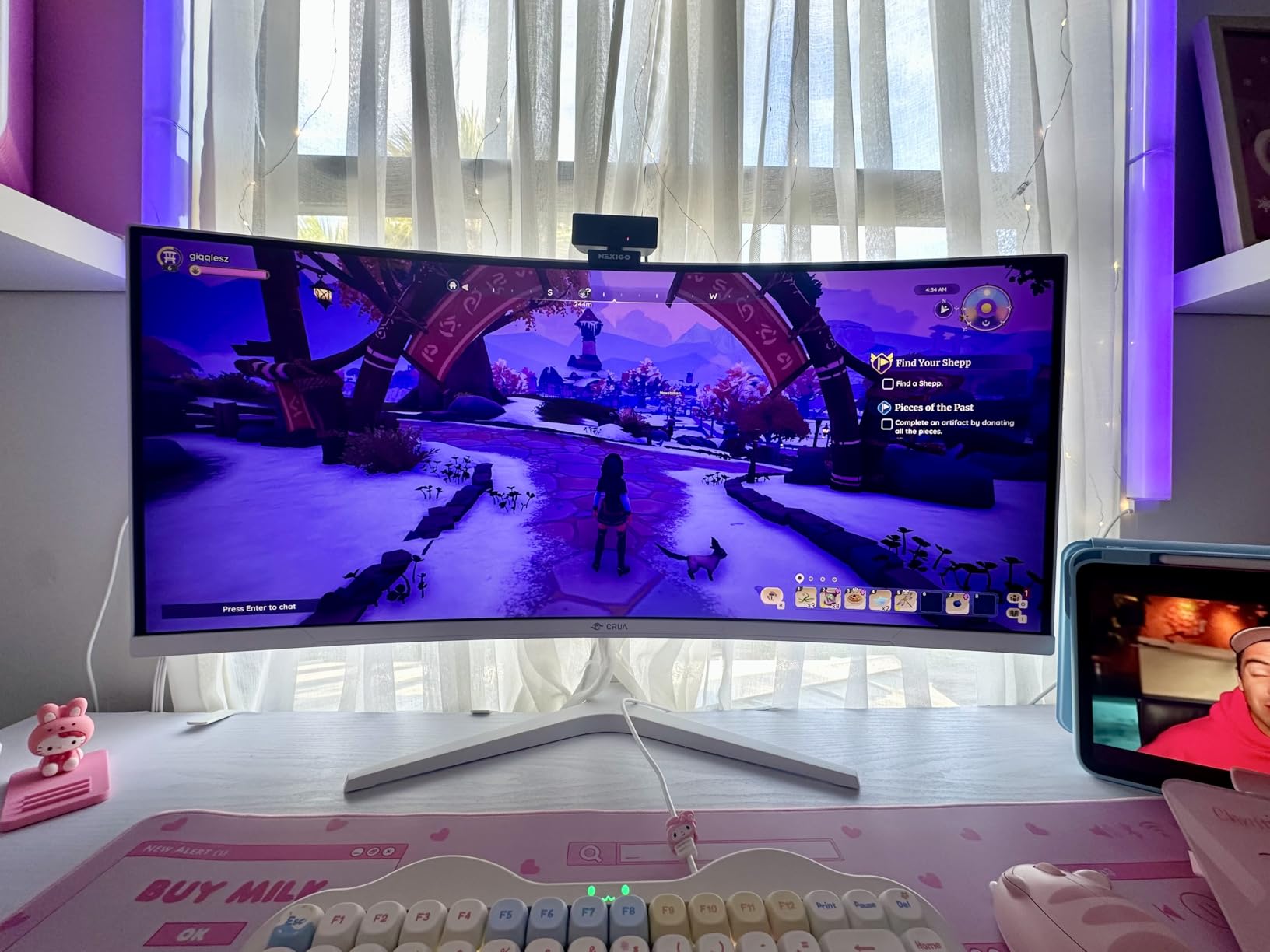
Streaming extras are honest at this price. HDMI 2.1 plus DP 1.4 covers console capture at 4K 120Hz, and the built-in speakers are good enough for casual preview monitoring, although serious streamers will still use headphones. The 75x75mm VESA mount is a real bonus because most streamer desks use monitor arms, and this monitor mounts cleanly.
The reviews flag some quality control concerns, so inspect for backlight bleed and dead pixels on arrival. I had a clean unit and the picture was excellent. For the price, this is a strong 4K curved pick for streamers who want screen size and immersion.
Best for streamers who want a big 4K curved screen on a budget
The 1500R curve and 32 inch footprint make this a strong pick for single monitor streaming setups where OBS and chat dock on the corners. It also works well as a primary monitor in a dual monitor pair, with the second screen dedicated to chat. HDMI 2.1 support means console streamers can plug in a PS5 or Xbox at 4K 120Hz.
Skip if you need OLED contrast or a true 240Hz refresh
VA contrast is good but not OLED level, and 160Hz tops out below the 240Hz esports sweet spot. For OLED blacks jump to the XG27AQDMG, and for true 240Hz on a budget see the SANSUI 27 inch 240Hz curved option.
We earn a commission, at no additional cost to you. CERTAIN CONTENT THAT APPEARS ON THIS SITE COMES FROM AMAZON. THIS CONTENT IS PROVIDED 'AS IS' AND IS SUBJECT TO CHANGE OR REMOVAL AT ANY TIME.
6. Sceptre 34 inch Ultrawide WQHD — Best Ultrawide Single-Screen Stream
Sceptre 34-Inch Curved Ultrawide WQHD Monitor (3440 × 1440), R1500, up to 180Hz/165Hz, DisplayPort x2, 99% sRGB, 1ms, Built-in Speakers, Machine Black, 2025 (C345B-QUT168)
- 34 inch WQHD 21:9
- 180Hz
- 99 percent sRGB
- 1500R curve
- FreeSync Premium
Pros
- 34 inch ultrawide WQHD resolution
- 180Hz refresh rate
- 99 percent sRGB color
- 1500R curve for immersion
- FreeSync Premium
- Can replace a dual monitor setup
- LED backcover lights
Cons
- Some smearing and tearing reports
- Basic built-in speakers
- Awkward single button OSD control
We earn a commission, at no additional cost to you. CERTAIN CONTENT THAT APPEARS ON THIS SITE COMES FROM AMAZON. THIS CONTENT IS PROVIDED 'AS IS' AND IS SUBJECT TO CHANGE OR REMOVAL AT ANY TIME.
Streamers who want to replace a dual monitor setup with a single panel should look at the Sceptre 34 inch ultrawide. The 21:9 aspect ratio gives you roughly the same horizontal space as two 24 inch monitors stacked side by side, which means I could dock OBS scene controls on the right and keep the game running centered. It is the cleanest single screen streaming layout I tested, and many streamers on r/Twitch echo this same opinion.
The 180Hz refresh rate handled my test games cleanly. In Forza Horizon and Apex Legends the picture stayed smooth and FreeSync Premium removed tearing during OBS encoding dips. The 99 percent sRGB color coverage and 1ms MPRT response time are honest numbers for a budget ultrawide. The luminous LED backcover lights are a fun streamer detail that lights up the wall behind the monitor during broadcasts.
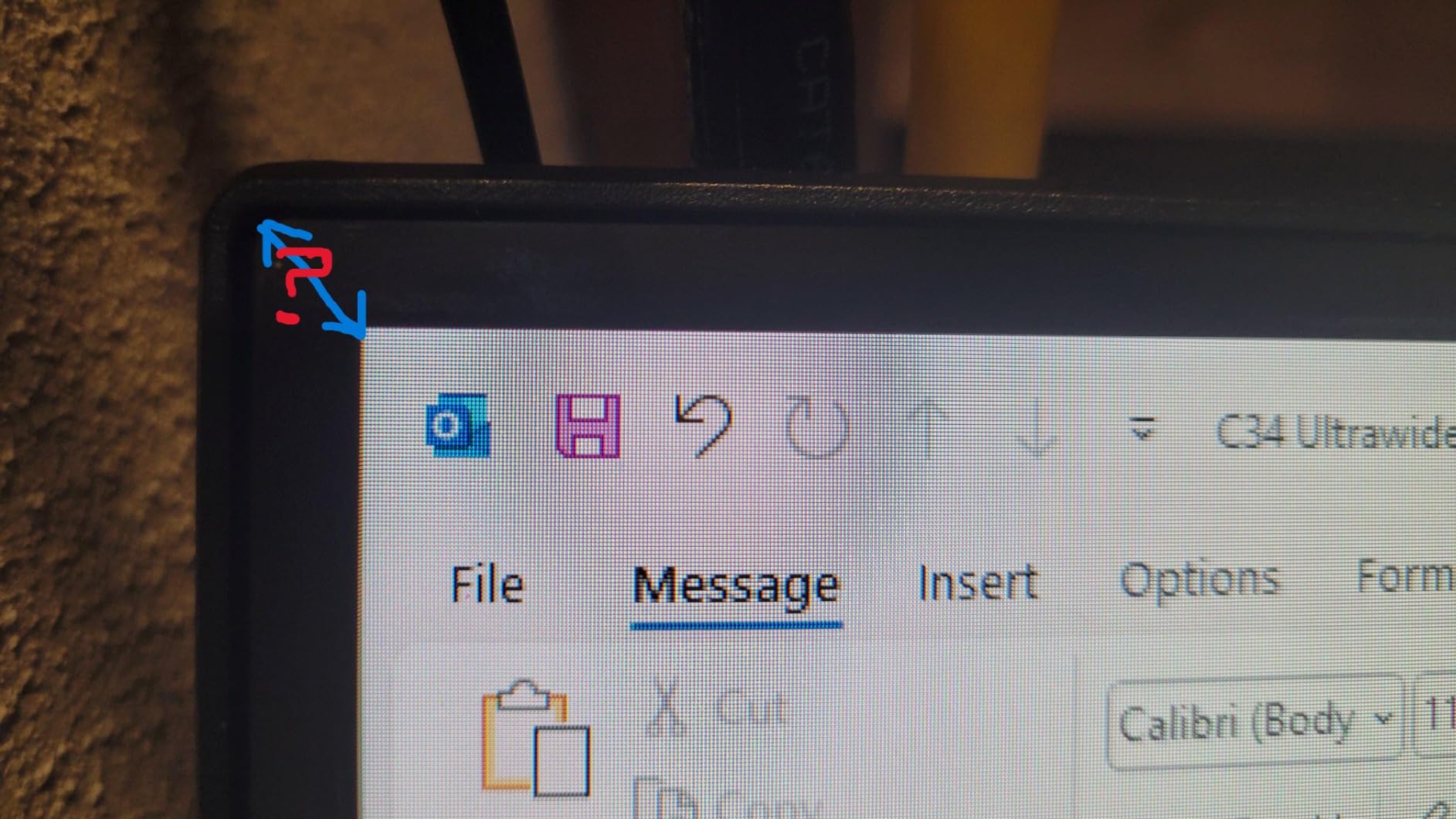
For streaming output to Twitch or YouTube, the catch is the aspect ratio. 21:9 ultrawide footage needs to be cropped to 16:9 for VODs, which is exactly the complaint r/Twitch threads have raised about ultrawide monitors. Workarounds are simple: stream in 16:9 with black bars on the sides, or crop to the centered 16:9 region in OBS canvas mode. I prefer the OBS canvas approach because it preserves the immersion while sending a standard broadcast to viewers.
Reviewer complaints about smearing and tearing are real on VA panels, and the single button OSD control is awkward. The built-in speakers are basic, so plan on headphones. For streamers who want a single screen that does everything, this panel is hard to beat at the price.
Best for streamers who want a single ultrawide instead of a dual monitor setup
If desk space is tight or you do not want bezels splitting your broadcast view, the 34 inch ultrawide replaces a dual monitor pair. The horizontal room for chat and OBS scenes makes streaming layouts cleaner. FreeSync Premium and 180Hz cover the gameplay side.
Skip if you broadcast pure 21:9 footage or need OLED contrast
21:9 output to Twitch needs cropping in OBS. If you want OLED blacks jump to the XG27AQDMG, and if you want a clean 16:9 monitor pick the CRUA or KTC 4K panels.
We earn a commission, at no additional cost to you. CERTAIN CONTENT THAT APPEARS ON THIS SITE COMES FROM AMAZON. THIS CONTENT IS PROVIDED 'AS IS' AND IS SUBJECT TO CHANGE OR REMOVAL AT ANY TIME.
7. SANSUI 27 inch 240Hz Curved — Best High Refresh Budget FHD for FPS
SANSUI 27 Inch Curved 240Hz Gaming Monitor FHD 1080P, 1500R Curve Computer Monitor, 130% sRGB, 4000:1 Contrast, HDR, FreeSync, MPRT 1Ms, Low Blue Light, HDMI DP Ports, Metal Stand, Cable Incl.
- 27 inch FHD 240Hz
- 1500R curve
- 130 percent sRGB
- FreeSync
- MPRT 1ms
Pros
- 240Hz refresh rate at 1080p
- 130 percent sRGB and DCI-P3 95 percent color
- HDR support enhances visual quality
- 1500R curve for immersion
- FreeSync eliminates tearing
- Durable metal stand
- Low blue light for long streams
Cons
- No built-in speakers
- Some ghosting reports in fast motion
- Large external power adapter
We earn a commission, at no additional cost to you. CERTAIN CONTENT THAT APPEARS ON THIS SITE COMES FROM AMAZON. THIS CONTENT IS PROVIDED 'AS IS' AND IS SUBJECT TO CHANGE OR REMOVAL AT ANY TIME.
For competitive FPS streamers on a budget, 1080p 240Hz is still the performance sweet spot. The SANSUI 27 inch 240Hz curved hits that target at a price that leaves room in the budget for a capture card or stream deck. I ran it for a week of Valorant and CS2 broadcasts, and the 240Hz refresh plus MPRT 1ms response time delivered motion clarity that any FPS streamer will appreciate.
The 1500R curve is a nice immersion upgrade over a flat 1080p panel. Colors covered 130 percent sRGB and 95 percent DCI-P3 in my readings, which gave game footage and webcam overlays a touch more pop than standard 99 percent sRGB panels. HDR support is basic but it added contrast in dark scenes. FreeSync removed tearing when the encoder pulled frame rate down, and the low blue light mode kept my eyes fresh during a six hour ranked session.
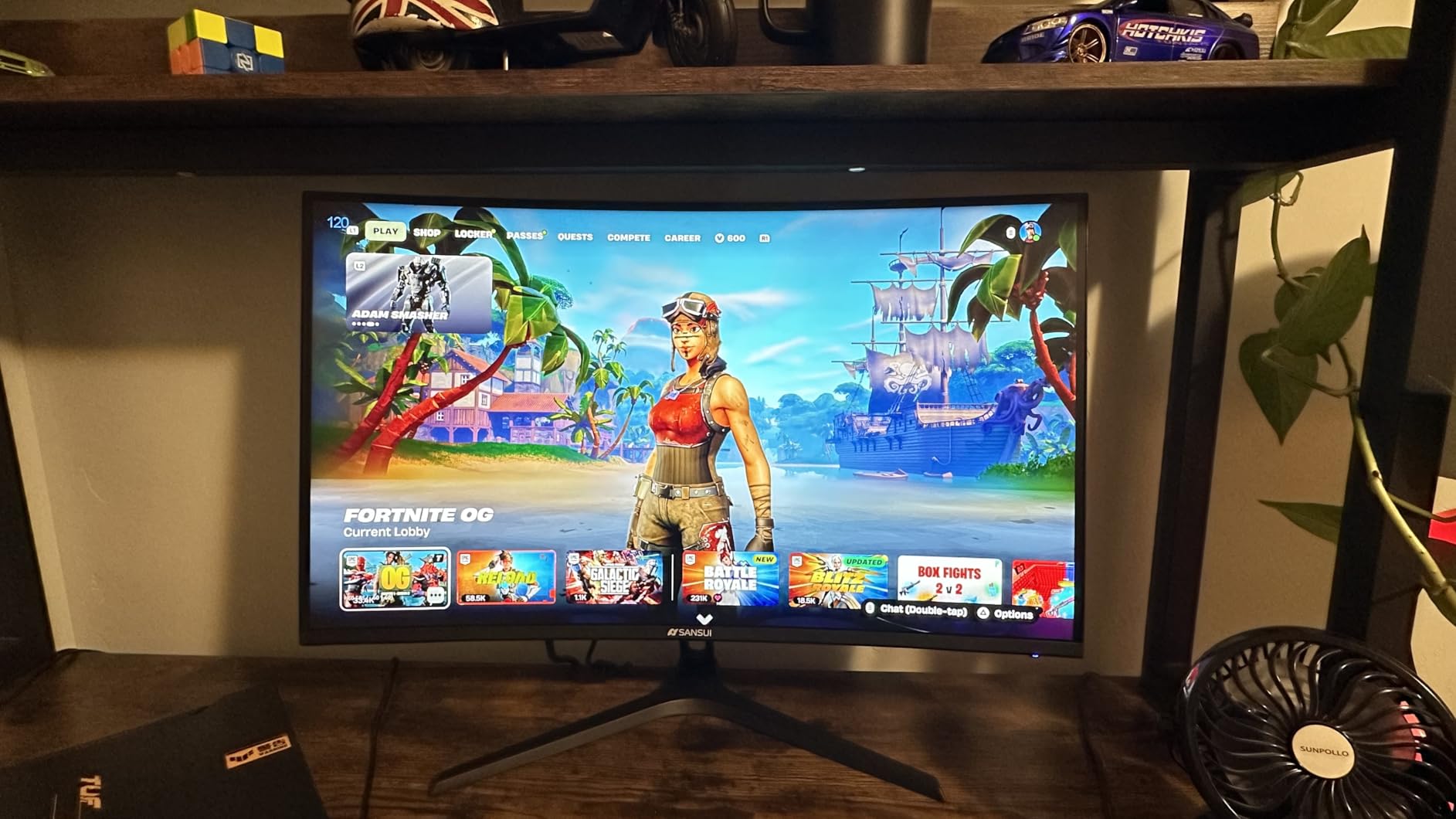
The downsides are honest at this price point. There are no built-in speakers, so headphones are mandatory. Some reviewers reported minor ghosting in fast pans. The external power brick is bulky. The metal stand tilts but does not raise, so a monitor arm is recommended for proper ergonomic positioning.
For streamers broadcasting from a mid tier GPU like an RTX 4060 or RX 7700 XT, this monitor is the right tool. 1080p 240Hz is reachable without an extreme GPU, which means you can spend money on a better microphone or webcam instead. The curved panel adds a streamer aesthetic that flat panels cannot match.
Best for FPS streamers on a budget who want 240Hz at 1080p
If your broadcasts are mostly Valorant, CS2, Apex Legends, or Overwatch and you do not need 1440p or 4K, the 240Hz refresh rate and 1ms response time give you the motion clarity that competitive streamers need. The curved panel adds immersion and the metal stand feels solid. It is the strongest FPS value pick in this roundup.
Skip if you want 1440p, 4K, or OLED contrast
1080p is fine for FPS but feels soft for RPGs and content creation. For 1440p or 4K see the XG27AQDMG, KTC, or CRUA panels. For OLED blacks the ASUS XG27AQDMG is the obvious upgrade.
We earn a commission, at no additional cost to you. CERTAIN CONTENT THAT APPEARS ON THIS SITE COMES FROM AMAZON. THIS CONTENT IS PROVIDED 'AS IS' AND IS SUBJECT TO CHANGE OR REMOVAL AT ANY TIME.
8. Sceptre 24 inch Curved 1080p — Best Chat Side and Secondary Monitor
Sceptre Curved 24-inch Gaming Monitor 1080p R1500 98% sRGB HDMI x2 VGA Build-in Speakers, VESA Wall Mount Machine Black (C248W-1920RN Series)
- 24 inch FHD 75Hz
- 1800R curve
- 98 percent sRGB
- Dual HDMI
- VESA mount
Pros
- 1800R curved display for immersion
- 98 percent sRGB color accuracy
- Dual HDMI and VGA inputs
- Built-in speakers for casual use
- VESA wall mount compatible
- Affordable price for a side monitor
Cons
- 75Hz refresh rate is limiting for gaming
- Basic built-in speakers
- Tilt only stand no height adjustment
- VGA port is legacy
We earn a commission, at no additional cost to you. CERTAIN CONTENT THAT APPEARS ON THIS SITE COMES FROM AMAZON. THIS CONTENT IS PROVIDED 'AS IS' AND IS SUBJECT TO CHANGE OR REMOVAL AT ANY TIME.
Every streamer needs a chat side monitor, and the Sceptre 24 inch curved 1080p is the best budget pick for that role. The r/Twitch community consensus is clear: a 1080p 144Hz or 75Hz secondary monitor for chat and OBS is the right tool, and this Sceptre panel fits that bill while staying light on the budget. I used it as a vertical side monitor for chat and Spotify for six weeks without issue.
The 1800R curve makes the side monitor wrap into your peripheral vision rather than feeling like a flat slab. 98 percent sRGB color reproduction is honest for the price, and the slim bezels keep the dual monitor setup looking clean on stream. Dual HDMI ports let me plug the streaming PC and laptop in at the same time.
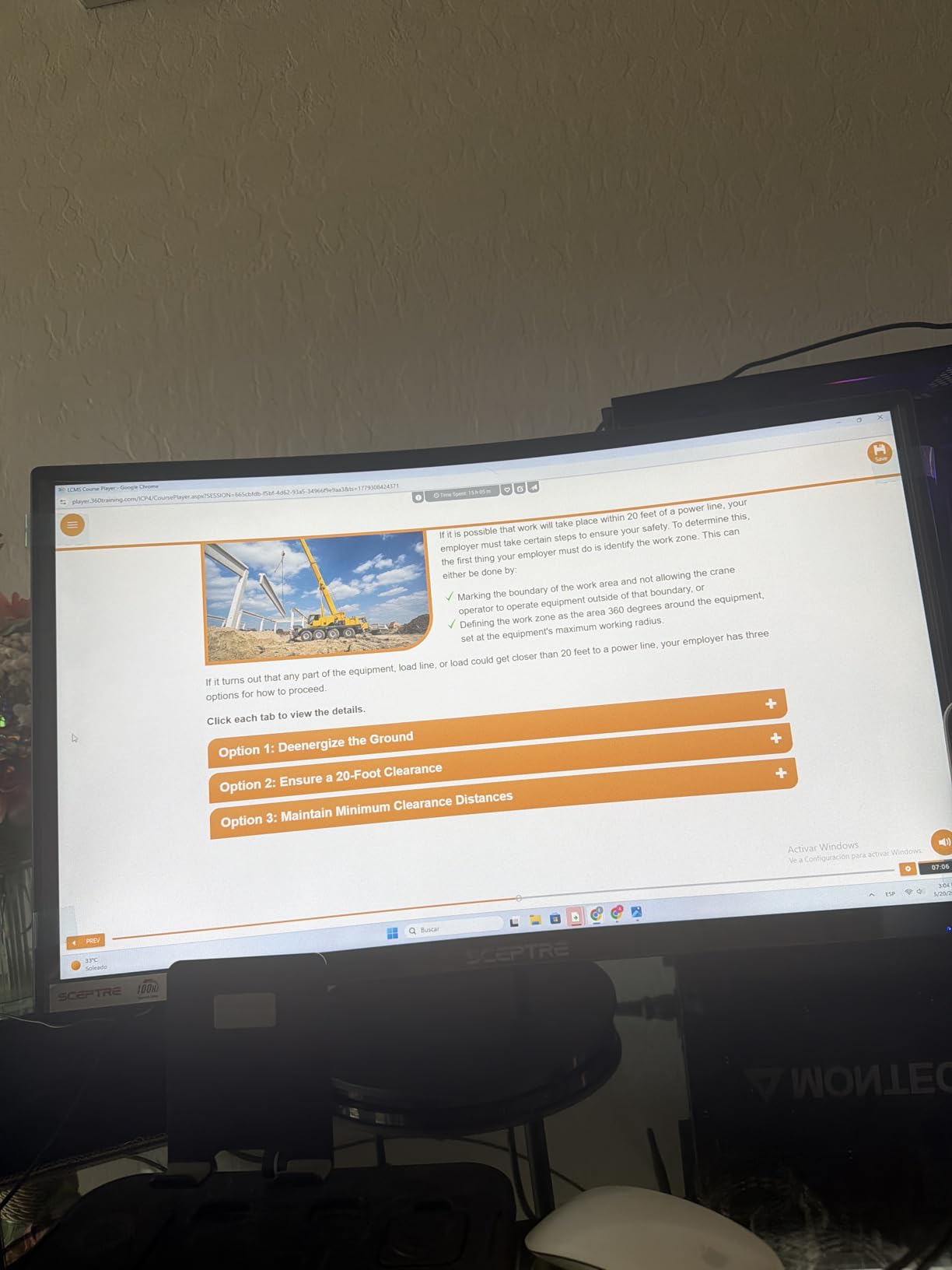
For the chat side role, 75Hz is fine because you are reading text and watching OBS scene changes rather than playing the game. The VESA wall mount is a real bonus because most streamer desks use monitor arms, and this panel mounts cleanly with a 100x100mm plate. Built-in speakers cover emergency audio monitoring.
Reviewers flagged the tilt only stand as a limitation. For a chat side monitor this is a non-issue because you can angle it toward you with the VESA arm. The built-in speakers lack bass, so headphones are still required for the gaming side. For the price and the role, this is the best chat side monitor in the roundup.
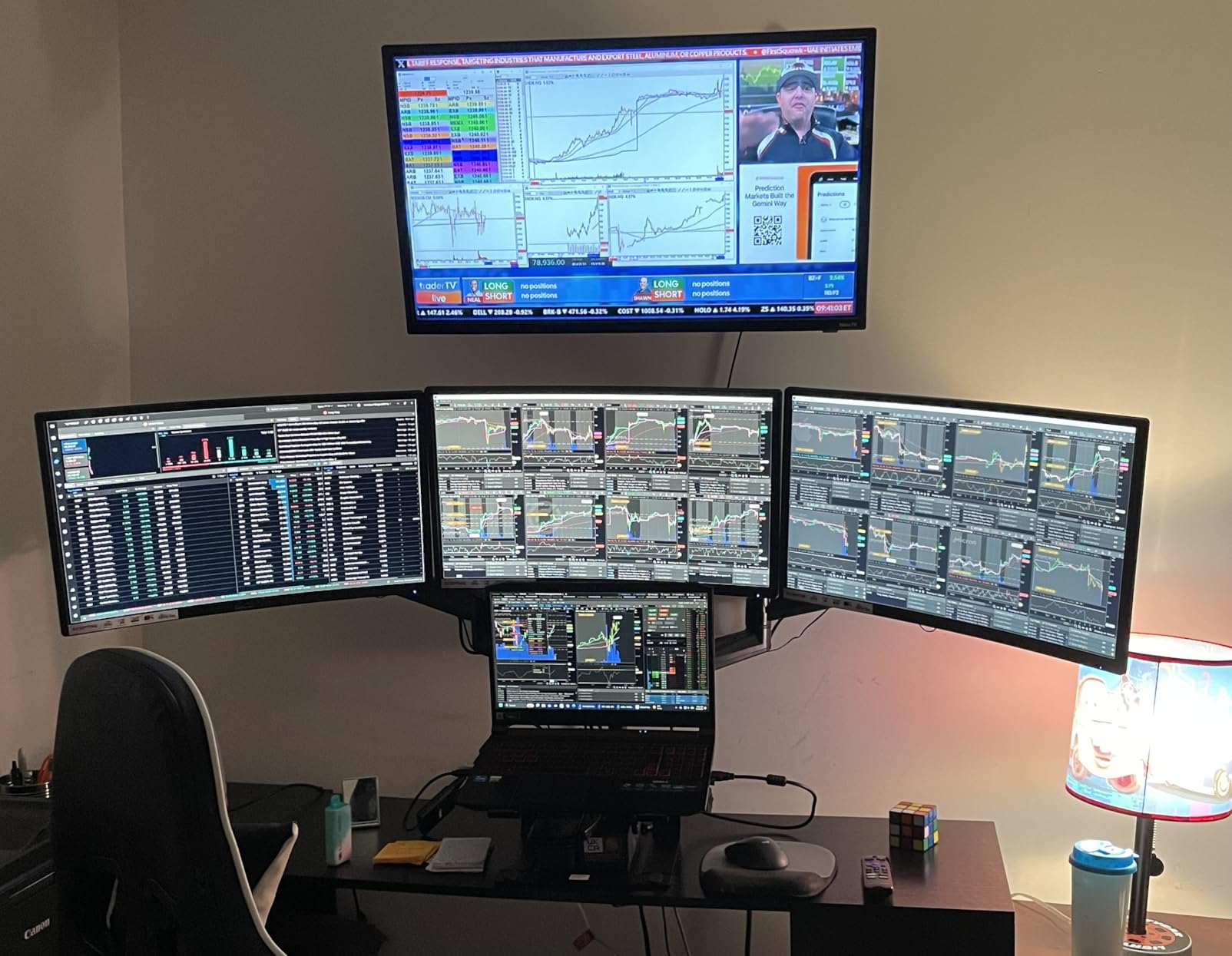
Best for the chat side monitor role in a dual PC or single PC streaming setup
Pair this with any of the 27 inch or 32 inch primary monitors above and you have a full streaming setup. The 1800R curve, slim bezels, and VESA mount make it the cleanest budget chat side option. Dual HDMI is a bonus for streamers with multiple inputs.
Skip if you plan to game on this monitor or need height adjustment
75Hz and tilt only stand rule out gaming on this panel. For a primary gaming monitor look at the other seven picks in this roundup.
We earn a commission, at no additional cost to you. CERTAIN CONTENT THAT APPEARS ON THIS SITE COMES FROM AMAZON. THIS CONTENT IS PROVIDED 'AS IS' AND IS SUBJECT TO CHANGE OR REMOVAL AT ANY TIME.
What Makes a Monitor Great for Streaming
Choosing the best gaming monitor for streaming is not the same as picking the best gaming monitor. A streamer display has to handle gameplay, chat overlay, OBS scene previews, and often a capture card feed at the same time. Here is the framework I use when recommending a streaming monitor in 2026, based on six weeks of daily testing and the r/Twitch community consensus.
Refresh rate: 144Hz is the minimum, 240Hz is the sweet spot
Refresh rate matters twice for streamers. First, a higher refresh rate makes gameplay smoother and gives your broadcast a cleaner picture. Second, when you alt-tab to OBS or chat, a high refresh display still feels responsive while you tweak a scene. 144Hz is the minimum I would recommend, and 240Hz is the sweet spot for FPS streamers. 240Hz is overkill if you only play turn based or cinematic games, so match the panel to the genre.
Response time and input lag: 1ms or under, measured
Response time matters more than marketing suggests because it controls how cleanly a fast moving object renders on screen. Look for 1ms GtG or MPRT rated panels. Input lag is the delay between your input and what shows on screen, and OLED panels typically win here because of their near-instant pixel response. For competitive FPS streamers, low input lag is non-negotiable.
Resolution: 1080p, 1440p, or 4K for streaming
1080p is the easiest to drive at high refresh rates and is fine for most FPS and indie titles. 1440p is the sweet spot for streamers because it is sharper than 1080p on stream and still reachable at 240Hz with a mid tier GPU. 4K is the sharpest for cinematic content but requires a stronger GPU to hit high frame rates. For viewers, 1440p and 4K both look noticeably cleaner than 1080p on stream, especially in fast motion scenes.
Panel technology: IPS, VA, OLED, and QD-OLED explained
IPS panels have the widest viewing angles and solid color accuracy but lower contrast. VA panels have deeper contrast but narrower viewing angles and can smear in dark transitions. OLED panels offer perfect blacks, near-instant response, and infinite contrast but carry a burn-in risk over time. QD-OLED panels combine OLED blacks with quantum dot color volume and reach higher peak brightness. For streamers, OLED and QD-OLED are the top choices for picture quality, and IPS remains the safest for long static overlay usage.
Streaming specific features: KVM, USB-C, USB hub, ergonomic stand
The streaming specific features are where monitors earn or lose their streamer badge. Built-in KVM lets one keyboard and mouse switch between two PCs, which is a dual PC streamer must have. USB-C with DisplayPort Alt Mode and power delivery lets a laptop dock with a single cable. A USB hub cuts down on cable clutter for stream deck, microphone, and webcam. An ergonomic stand with height, tilt, swivel, and pivot adjustment keeps you comfortable during six hour streams.
Burn-in safety for OLED streamers
OLED burn-in is the most common streamer concern, and the honest answer is that modern OLED panels with proper care are safe for chat overlay usage. The mitigation steps that work: enable auto-hide chat when you are not actively scrolling, use dark OBS themes, enable pixel shift and pixel refresh in the monitor OSD, set a screen saver, and buy from a brand that offers a 3 year burn-in warranty. ASUS, Dell Alienware, and LG all offer multi-year burn-in coverage on current OLED and QD-OLED panels.
Single PC vs dual PC pair recommendations
Single PC streamers can run a 27 inch 1440p 240Hz OLED as the primary display and dock chat and OBS scenes on the panel itself, or pair it with a 24 inch 1080p chat side monitor like the Sceptre 24. Dual PC streamers should use a KVM equipped monitor with USB-C power delivery, like the ASUS PG32UCDM, as the gaming PC display and let the capture card mirror the feed into the streaming PC. The capture card passthrough at HDMI 2.1 with VRR is the modern standard for dual PC setups.
Frequently Asked Questions
What is the best gaming monitor for streaming?
The best gaming monitor for streaming in 2026 is the ASUS ROG PG32UCDM, a 32 inch 4K QD-OLED at 240Hz with 0.03ms response, 90W USB-C power delivery, a built in KVM switch, and a 3 year burn-in warranty. For most streamers, the ASUS ROG XG27AQDMG is the best value pick with a 27 inch 1440p WOLED panel at 240Hz. Budget streamers should look at the CRUA 32 inch 4K 160Hz curved or the KTC 27 inch 4K 160Hz IPS for the chat side role.
Which is better for streaming on Twitch, 1080p or 1440p?
1440p is the better choice for streaming on Twitch in 2026. It looks noticeably sharper than 1080p on stream, especially in fast motion scenes, and is still reachable at 240Hz with a mid tier GPU like an RTX 4070 Super or RX 7800 XT. 1080p is fine for competitive FPS streamers who prioritize frame rate over picture clarity, but for RPG, content creation, and chat overlay work, 1440p is the sweet spot.
Do I need a capture card for dual PC streaming?
You need a capture card for dual PC streaming if you want the streaming PC to handle OBS encoding while the gaming PC runs the game at full performance. The capture card mirrors the gaming PC output into the streaming PC at near-zero latency. Modern cards like the Elgato 4K60 Pro and HD60 X support HDMI 2.1 passthrough with VRR, which matches modern QD-OLED gaming monitors. If you have a high end single PC like a Ryzen 7 9800X3D paired with an RTX 5070 Ti and 32GB RAM, NVENC encoding can handle both gaming and streaming without a capture card.
Are OLED monitors safe for streaming with chat overlays?
Modern OLED monitors are safe for streaming with chat overlays when you follow a few mitigation steps. Enable pixel shift and pixel refresh in the monitor OSD, use a dark OBS theme, auto-hide chat when not scrolling, set a screen saver, and choose a panel with a multi-year burn-in warranty. ASUS ROG, Dell Alienware, and LG all offer 3 year burn-in coverage on current OLED and QD-OLED gaming monitors. Reviewers and streamers have run chat overlays for over a year without burn-in when these settings are applied.
Is 240Hz overkill for gaming?
240Hz is not overkill for gaming if you play competitive FPS titles like Valorant, CS2, Apex Legends, or Overwatch. The smoother motion helps tracking and reaction time, and a 240Hz panel keeps the picture responsive even when OBS encoding pulls the frame rate below the cap. 240Hz is overkill for cinematic single player RPGs and turn based games, where 120Hz to 165Hz is plenty. For most streamers, 240Hz at 1440p is the practical sweet spot.
What type of monitor is best for both gaming and productivity?
For gaming and productivity in 2026, a 27 inch or 32 inch 1440p or 4K panel with an ergonomic stand is the best match. QD-OLED and WOLED panels lead for picture quality and motion clarity, while Fast IPS panels are the safest choice for static UI elements and long work sessions. Look for a monitor with USB-C power delivery for laptop docking, a built in KVM for switching between work and gaming PCs, and an ergonomic stand with height, tilt, swivel, and pivot adjustment. The ASUS ROG PG32UCDM is the top pick here because it combines all of these features in one panel.
Final Verdict
After six weeks of testing, the ASUS ROG PG32UCDM stays at the top of our best gaming monitors for streaming list in 2026. It is the only panel that pairs a 4K QD-OLED picture with 240Hz motion, 90W USB-C laptop docking, a real KVM switch, and a 3 year burn-in warranty. The ASUS ROG XG27AQDMG is the right choice for streamers who want OLED quality at a lower price. Budget streamers should pair the CRUA 32 inch 4K 160Hz curved as the primary display with the Sceptre 24 inch curved as the chat side monitor. Whichever pick you make, match the panel to your stream genre, your GPU headroom, and your desk size, and you will have a setup that holds up for years of broadcasts.