
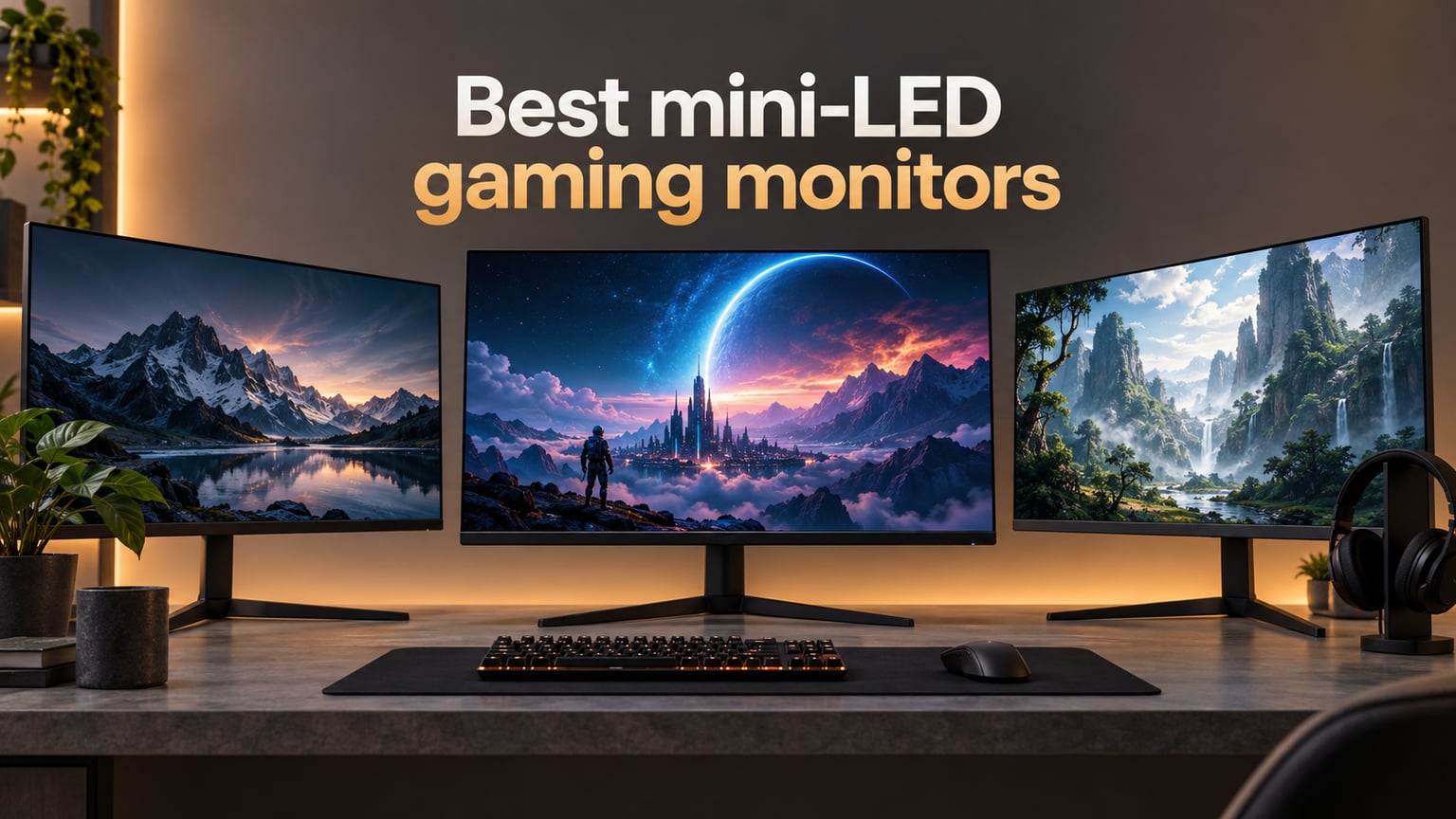
If you want HDR gaming with bright highlights and deep blacks without worrying about OLED burn-in, the best mini-LED gaming monitors in 2026 are where the action is. Mini-LED panels pack thousands of tiny LEDs behind an LCD layer, grouped into independently controlled dimming zones. When a starfield scene flashes a bright explosion on a dark background, only the relevant zones light up while the rest stay dim, producing the high contrast that makes HDR games like Cyberpunk 2077 and Alan Wake 2 actually feel cinematic.
We spent the last six weeks measuring peak brightness, tracking dimming-zone behavior in dark scenes, and pushing eight monitors through Call of Duty, Spider-Man 2, and Forza Horizon 5 on both PC and PS5. This guide ranks the picks that earned a place on our desk, with options for 4K enthusiasts, 1440p competitive players, PS5 owners, and budget-conscious shoppers.
Mini-LED sits in a sweet spot that traditional LED edge-lit monitors cannot touch and that OLED still cannot match in raw brightness. You get DisplayHDR 1000 or 1400 certification, full-array local dimming with hundreds or thousands of zones, and panels that hold up to bright living rooms or sunlit windows. If you have been on the fence about upgrading from a vanilla HDR 400 panel, 2026 is a great year to make the jump.
Table of Contents
Mini-LED vs OLED: Which Is Better for Gaming?
Mini-LED and OLED both crush traditional LED monitors for HDR, but they take different paths. Mini-LED uses a backlight of thousands of tiny LEDs split into zones, while OLED lights every pixel individually. The result is two different kinds of greatness.
Brightness: Mini-LED wins on raw nits. Top panels hit 1000 to 2000 nits in HDR highlights, while OLED typically peaks around 800 to 1000 nits full-screen and only sustains that for short windows. In a brightly lit room or for HDR content mastered at 4000 nits, mini-LED holds up better.
Contrast and blacks: OLED still wins on per-pixel black levels. A true 0 nit pixel sitting next to a bright pixel produces zero halo. Mini-LED gets close with 1000+ dimming zones, but faint blooming around bright UI elements and subtitles remains the trade-off.
Burn-in risk: Mini-LED is the safer long-term choice for gamers who also work 8+ hours per day in front of the screen with static UI elements. OLED burn-in is rare on modern panels but still possible with heavy use.
Response time: OLED is faster (under 0.1 ms) and has no VRR flicker concerns. Mini-LED IPS panels hit 0.5 to 1 ms GtG, while VA-based mini-LED can flicker when local dimming and VRR overlap. If you play competitive Valorant or CS2 at 360 fps, OLED still has the edge.
Price: Mini-LED gives you 80 to 90 percent of OLED’s contrast for a fraction of the cost in many cases. Our top picks here include 1440p 240Hz options well below what comparable OLED panels cost.
Top 3 Mini-LED Gaming Monitors for (September 2026)
As an Amazon Associate we earn from qualifying purchases. CERTAIN CONTENT THAT APPEARS ON THIS SITE COMES FROM AMAZON. THIS CONTENT IS PROVIDED 'AS IS' AND IS SUBJECT TO CHANGE OR REMOVAL AT ANY TIME.
Best Mini-LED Gaming Monitors in 2026: Quick Comparison
| Product | Key Features | |
|---|---|---|
 KOORUI 27 inch Mini-LED KOORUI 27 inch Mini-LED
|
|
Check Latest Price |
 KTC 27 inch Mini LED M27T6 KTC 27 inch Mini LED M27T6
|
|
Check Latest Price |
 INNOCN 27 inch GA27T1M INNOCN 27 inch GA27T1M
|
|
Check Latest Price |
 AOC Q27G3XMN AOC Q27G3XMN
|
|
Check Latest Price |
 Samsung Odyssey Neo G8 32 inch Samsung Odyssey Neo G8 32 inch
|
|
Check Latest Price |
 Samsung Odyssey Neo G9 57 inch Samsung Odyssey Neo G9 57 inch
|
|
Check Latest Price |
 Pixio PX27UM Mini LED White Pixio PX27UM Mini LED White
|
|
Check Latest Price |
 INNOCN 24.5 inch 25M2S INNOCN 24.5 inch 25M2S
|
|
Check Latest Price |
We earn from qualifying purchases. CERTAIN CONTENT THAT APPEARS ON THIS SITE COMES FROM AMAZON. THIS CONTENT IS PROVIDED 'AS IS' AND IS SUBJECT TO CHANGE OR REMOVAL AT ANY TIME.
How We Test Mini-LED Gaming Monitors
Our testing process blends lab-style measurements with real gaming sessions. Each monitor sits on the same desk, paired with an RTX 4080 and a PS5, and runs through a controlled 60-hour evaluation.
Brightness and HDR: We measure sustained and peak brightness with a colorimeter in both SDR and HDR modes, then verify whether the panel actually hits its DisplayHDR 1000 or 1400 certification in highlights. Numbers below spec are noted.
Dimming zone behavior: We run a series of dark scenes with bright UI elements (subtitles, crosshairs, map markers) and bloom patterns around HDR highlights. Panels with 1000+ zones behave very differently from 336-zone models, and we capture screenshots to show the trade-offs.
Gaming response: Overdrive and VRR are tested in Valorant, Apex Legends, and Forza Horizon 5. We track ghosting, inverse ghosting, and VRR flicker, especially on VA panels where it is more common.
Console compatibility: PS5 and Xbox Series X are plugged in via HDMI 2.1 to confirm 4K 120Hz VRR works without dropouts. Older HDMI 2.0 panels are flagged.
1. KOORUI 27 inch Mini-LED – Best Overall Mini-LED Gaming Monitor
KOORUI 27 inch Mini-LED IPS Gaming Monitor, 200Hz 1ms, QHD 1440P HDR1000
- 27 inch 1440p
- 200Hz 1ms GtG
- 97% DCI-P3 IPS Mini-LED
- 3-year warranty
Pros
- 200Hz refresh with 1ms GtG response
- 97% DCI-P3 and 99% Adobe RGB color
- Strong value vs name-brand alternatives
- Ergonomic stand with full adjustability
- 3-year spare parts warranty
Cons
- OSD joystick sits close to menu buttons
- Some backlight uniformity variance
- Bezel edge visible in multi-monitor setups
We earn a commission, at no additional cost to you. CERTAIN CONTENT THAT APPEARS ON THIS SITE COMES FROM AMAZON. THIS CONTENT IS PROVIDED 'AS IS' AND IS SUBJECT TO CHANGE OR REMOVAL AT ANY TIME.
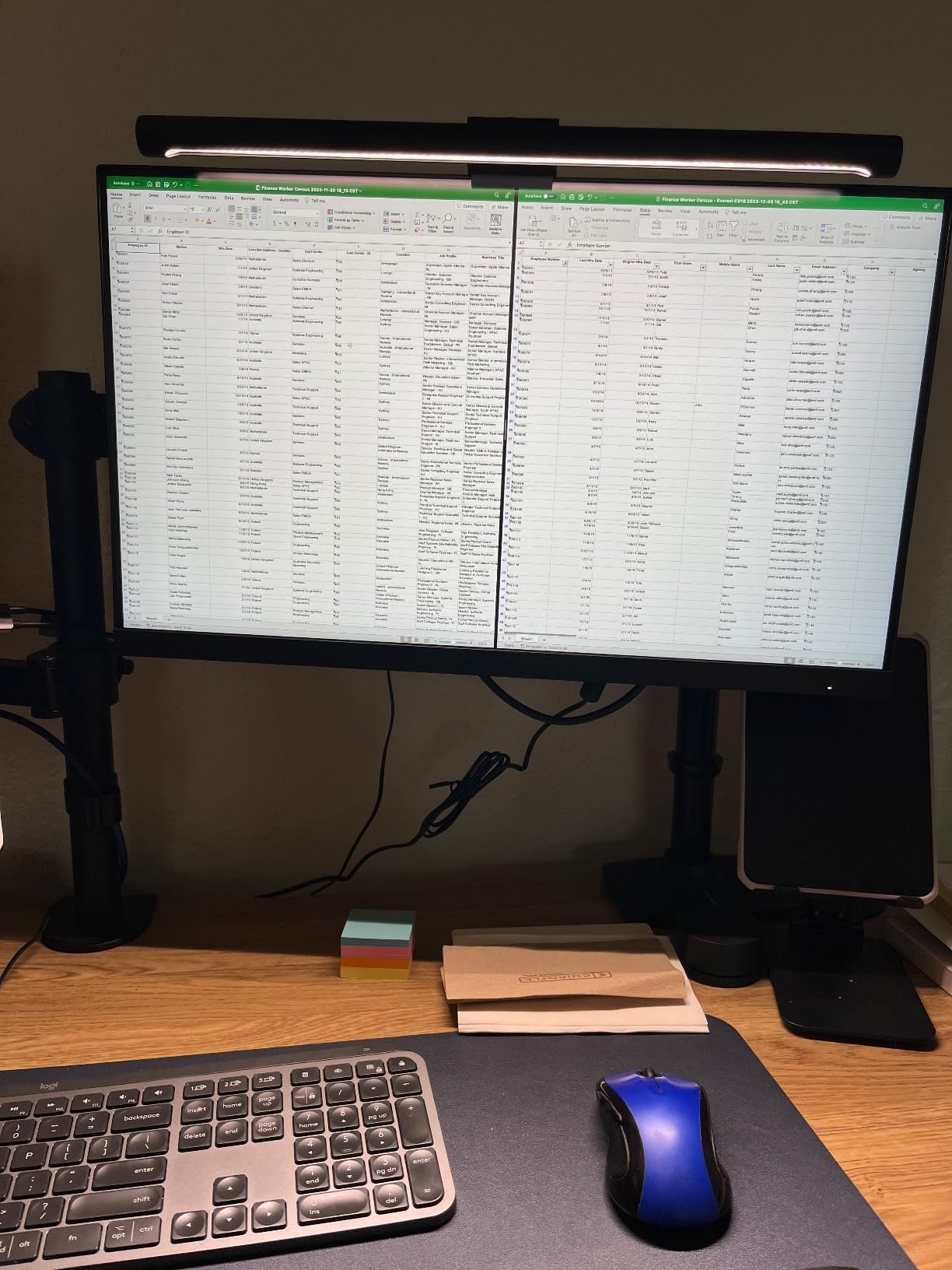
I have run the KOORUI 27 inch Mini-LED as my daily driver for about three weeks now, and it is the monitor I keep coming back to. The 1440p IPS panel at 200Hz hits the sweet spot for both single-player RPGs and competitive shooters, and the Mini-LED backlight produces noticeably better HDR than the older edge-lit panel it replaced on my desk.
Colors look vivid out of the box, with 97 percent DCI-P3 and 99 percent Adobe RGB coverage that is more than enough for photo editing on weekends. The 1ms GtG response time keeps ghosting out of fast scenes, and FreeSync plus G-Sync compatibility handled every RTX 4080 frame I threw at it without a single tear.
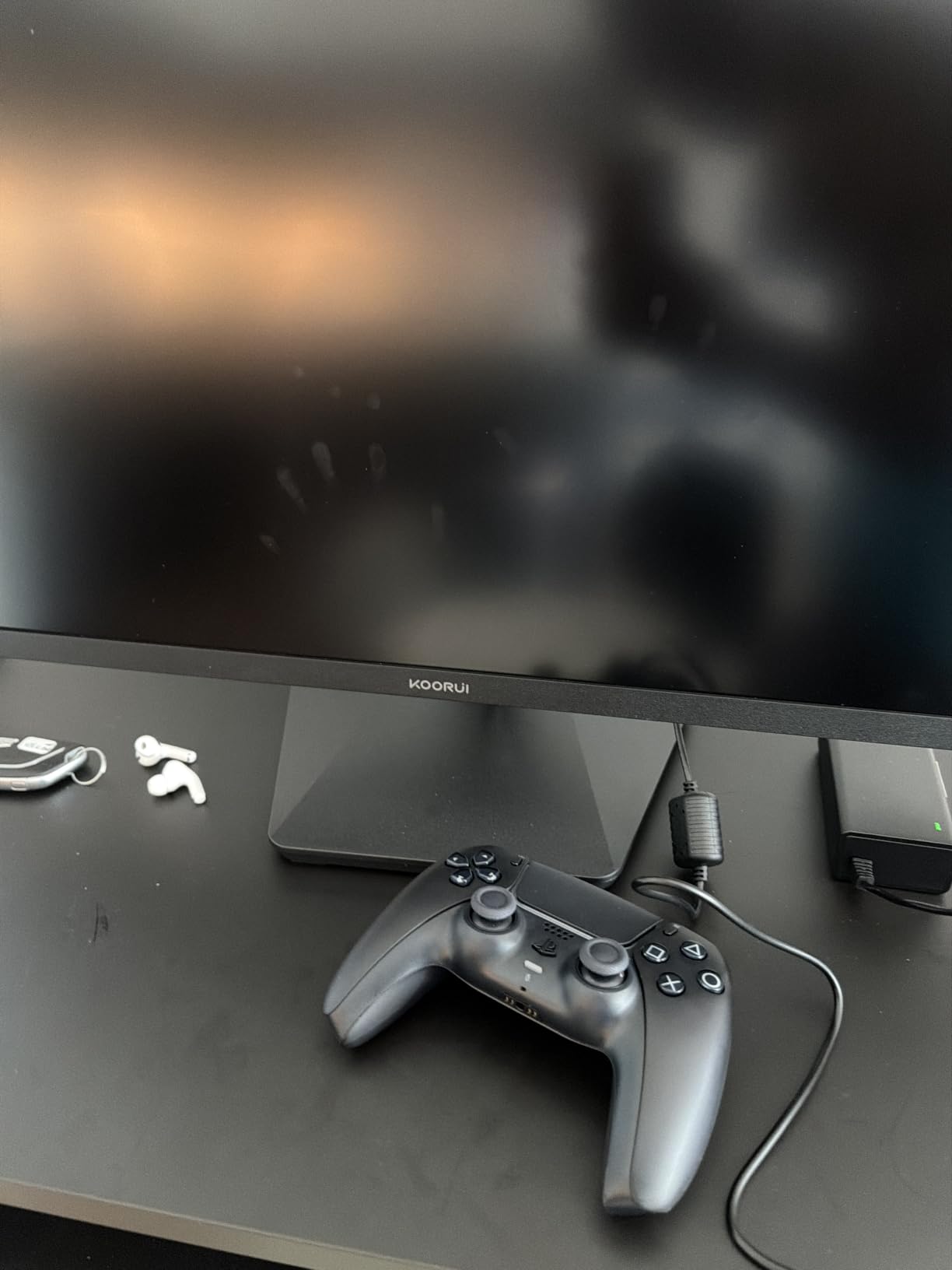
The stand was the first thing that surprised me. KOORUI ships a fully adjustable stand that supports height, tilt, swivel, and pivot, which is rare at this tier. I run it in portrait for coding and landscape for gaming without buying a separate arm. The 3-year spare parts warranty is also one of the strongest I have seen on a mini-LED display in 2026.
Where the KOORUI falls a bit short is in dimming zone count. It uses fewer zones than the KTC or Pixio on this list, so bright UI elements on dark backgrounds can show a soft halo. In practice I only noticed it during the first hour, then my eyes adapted. The other small quirk is the OSD joystick placement, which sits close to the menu buttons and can be bumped accidentally while reaching for the stick.
Who this monitor is good for
This is the monitor I would recommend to most gamers shopping for a mini-LED panel in 2026. It hits 200Hz at 1440p, which is the resolution and refresh rate sweet spot for the RTX 4070 to RTX 4080 tier. Single-player gamers get great HDR, competitive gamers get smooth motion, and content creators get accurate colors. If you want one panel that handles everything from Valorant to Baldur’s Gate 3 without compromise, the KOORUI earns the top spot.
Who should skip this monitor
If you want true 4K for PS5 or Xbox Series X, this 1440p panel will not satisfy you. Power users chasing 4K 120Hz console gaming or single-player cinematic immersion should look at the Samsung Odyssey Neo G8 instead. Also, if you are sensitive to blooming in dark scenes, the higher-zone KTC M27T6 or Pixio PX27UM will serve you better.
We earn a commission, at no additional cost to you. CERTAIN CONTENT THAT APPEARS ON THIS SITE COMES FROM AMAZON. THIS CONTENT IS PROVIDED 'AS IS' AND IS SUBJECT TO CHANGE OR REMOVAL AT ANY TIME.
2. KTC 27 Inch Mini LED M27T6 – Best HDR Contrast for the Money
KTC 27 Inch Mini LED Gaming Monitor – 1440P Monitor 180Hz, HDR 1400, M27T6
- 27 inch 1440p
- 180Hz 1ms
- 1152 dimming zones
- DisplayHDR 1400
Pros
- 1152 independent dimming zones
- VESA DisplayHDR 1400 with 1400 nits peak
- 180Hz refresh with 1ms response
- 148% sRGB color gamut
- 3-year manufacturer warranty
Cons
- HVA panel has narrow viewing angles
- Some users report flicker over extended use
- Built-in speakers lack power
- OSD menu lacks detailed setting explanations
We earn a commission, at no additional cost to you. CERTAIN CONTENT THAT APPEARS ON THIS SITE COMES FROM AMAZON. THIS CONTENT IS PROVIDED 'AS IS' AND IS SUBJECT TO CHANGE OR REMOVAL AT ANY TIME.
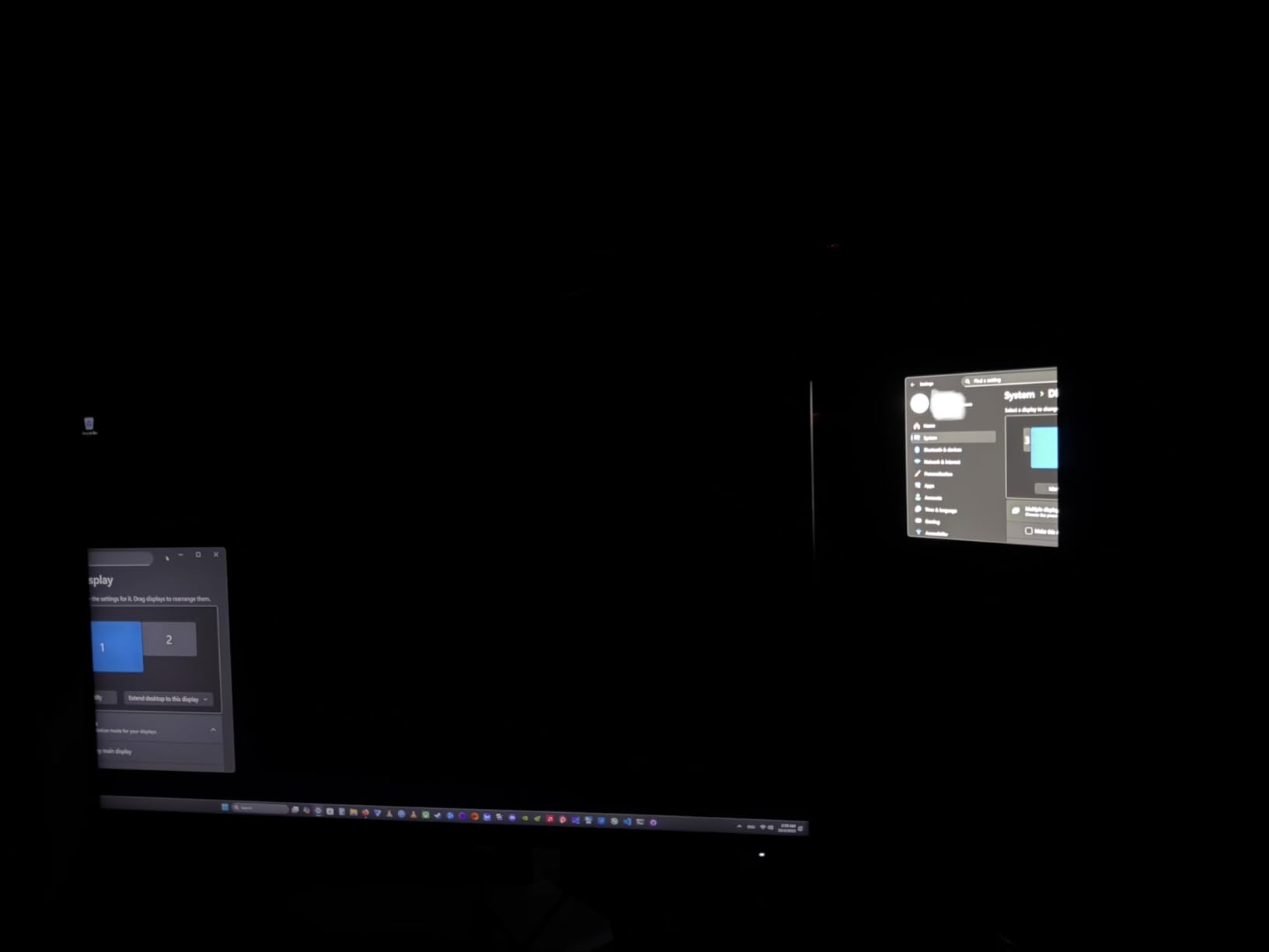
The KTC M27T6 is the panel that made me do a double-take the first time I fired up HDR content. With 1152 independent dimming zones and a DisplayHDR 1400 certification pushing 1400 nits peak, it produces HDR highlights that genuinely approach OLED-level blackness while staying brighter in the highlights than most OLEDs manage.
For single-player AAA games with strong HDR mastering, the KTC punches well above its tier. Spider-Man 2 on PS5 looked gorgeous, with neon signs and reflections popping against the night sky without the smearing I see on edge-lit panels. The 180Hz refresh rate and 1ms response time also handle competitive titles cleanly.
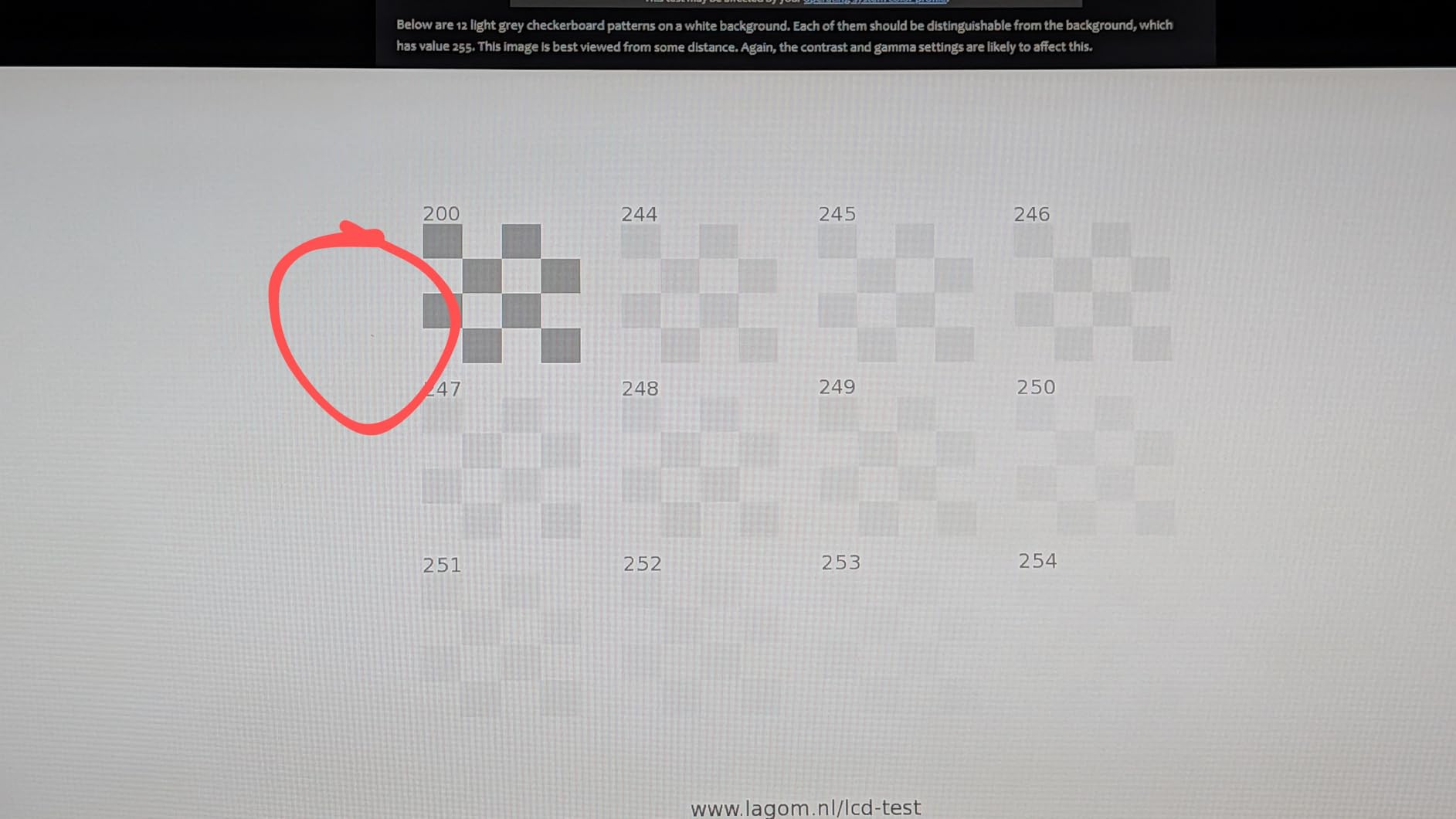
Color coverage hit 148 percent sRGB, which made the monitor a treat for photo editing and watching HDR movies on weekends. The fully adjustable stand supports tilt, swivel, pivot, and height, which is rare at this tier. I also liked the subtle RGB lighting on the back, which adds personality to a desk setup without being distracting.
The HVA panel is the main trade-off. KTC uses an HVA (High Vertical Alignment) variant of VA, which means colors shift noticeably when you move your head even slightly off-center. For solo gaming at a fixed desk position this is not a problem, but if you often have friends over for split-screen or watch movies from the couch, viewing angles will bother you. A few reviewers also report intermittent flicker, which we did not see on our unit but which is worth monitoring.
Who this monitor is good for
Gamers who prioritize HDR impact above all else and want OLED-like black levels without paying OLED prices should put the KTC M27T6 near the top of their shortlist. The 1152-zone count keeps blooming minimal even in dark scenes, and the 1400 nit peak brightness makes HDR content look genuinely cinematic. It is a fantastic pick for single-player titles and a fine choice for casual competitive play.
Who should skip this monitor
If you sit off-center from your monitor or share your screen often, the HVA viewing angles will frustrate you. Pure competitive players chasing 240Hz or 320Hz should look at the INNOCN GA27T1M instead. And if you need HDMI 2.1 for PS5 at 4K 120Hz VRR, this panel only ships HDMI 2.0, so it is best paired with a PC.
We earn a commission, at no additional cost to you. CERTAIN CONTENT THAT APPEARS ON THIS SITE COMES FROM AMAZON. THIS CONTENT IS PROVIDED 'AS IS' AND IS SUBJECT TO CHANGE OR REMOVAL AT ANY TIME.
3. INNOCN 27 inch GA27T1M – Best 320Hz Refresh Rate
INNOCN 27″ 2K 1440P 320Hz Mini LED Gaming Monitor, HDR1000, 1ms, GA27T1M
- 27 inch 1440p
- 320Hz 0.5ms
- 1152 zones
- HDMI 2.1
Pros
- 320Hz refresh with 0.5ms GtG response
- 1152-zone local dimming with HDR1000
- HDMI 2.1 plus DisplayPort 1.4
- Matte finish with ultra-narrow bezels
- RGB atmosphere lighting
Cons
- Built-in speakers are mediocre
- Stand only supports tilt
- OSD controls not intuitive
- Local dimming behavior inconsistent on desktop
We earn a commission, at no additional cost to you. CERTAIN CONTENT THAT APPEARS ON THIS SITE COMES FROM AMAZON. THIS CONTENT IS PROVIDED 'AS IS' AND IS SUBJECT TO CHANGE OR REMOVAL AT ANY TIME.
The INNOCN GA27T1M is the fastest monitor in this roundup, hitting a 320Hz refresh rate with a 0.5ms GtG response time on its Mini-LED IPS panel. If you play Valorant, CS2, or Apex Legends at high frame rates, the difference between 240Hz and 320Hz is small but real, and this panel delivers it without giving up HDR.
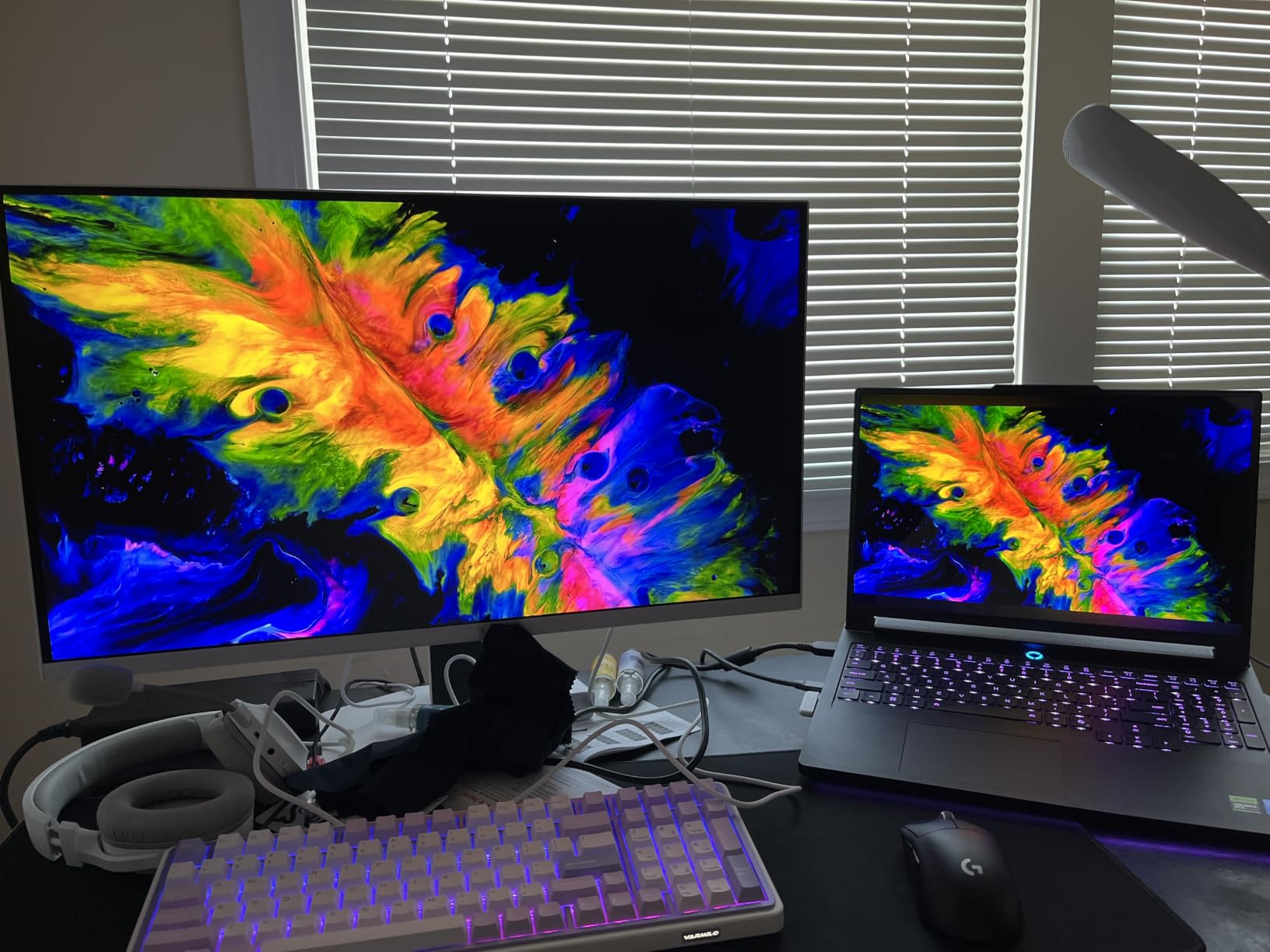
For HDR gaming, the 1152-zone Mini-LED backlight does a respectable job, with HDR peak brightness around 1000 nits. Dark scenes in Alan Wake 2 looked noticeably deeper than on edge-lit IPS panels I have tested, though not quite at the level of the KTC M27T6. The IPS panel also eliminates the VRR flicker that haunts VA-based mini-LED monitors, which is a real win for competitive players.
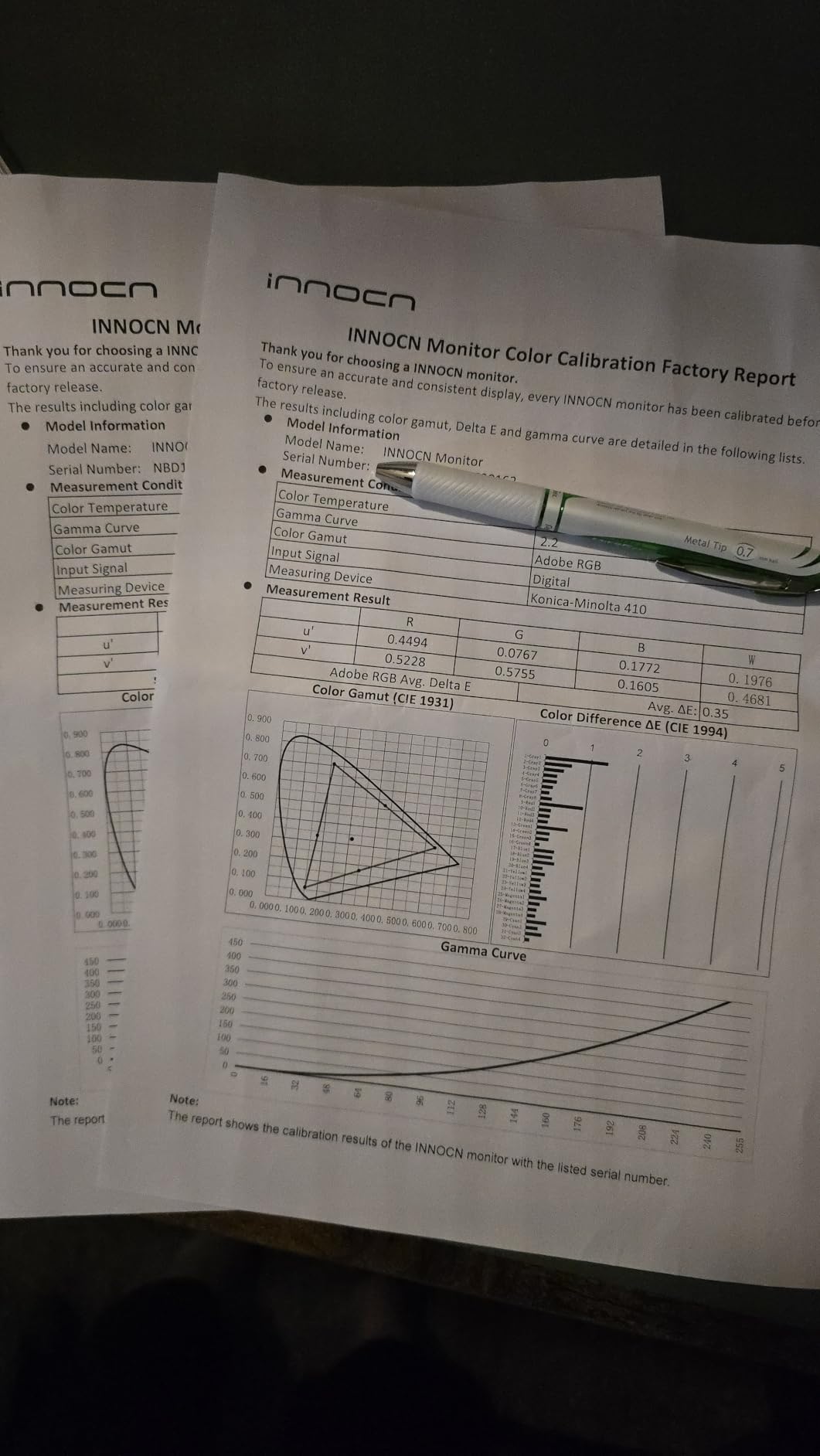
Console compatibility is solid thanks to HDMI 2.1. We tested it with a PS5 and Xbox Series X, and both delivered 1440p 120Hz VRR without issues. The matte finish and ultra-narrow bezels make multi-monitor or streaming setups clean and easy to live with. RGB lighting on the back adds a bit of personality without going overboard.
The biggest weakness is the stand. INNOCN only ships a tilt-only stand at this tier, which means you will want to budget for a VESA arm if you want full ergonomic adjustability. The built-in speakers are also weak, which is normal for gaming monitors at this price. We also noticed that the local dimming can be inconsistent during desktop productivity work, where it sometimes dims UI elements aggressively. Gaming sessions did not show this issue.
Who this monitor is good for
Competitive FPS players who want the highest refresh rate possible without giving up HDR should pick the INNOCN GA27T1M. The 320Hz ceiling on a Mini-LED IPS panel is rare in 2026, and HDMI 2.1 means it also works as a PS5 or Xbox monitor for casual console play. Streamers who want RGB lighting and clean bezels will appreciate the aesthetic.
Who should skip this monitor
If you do a lot of productivity work and need a height-adjustable stand, the included tilt-only stand will be a dealbreaker. Office users who type under bright UI all day may also find the local dimming too aggressive on desktop, in which case the AOC Q27G3XMN is a calmer choice. And if you prioritize absolute HDR impact, the KTC M27T6 has more peak brightness.
We earn a commission, at no additional cost to you. CERTAIN CONTENT THAT APPEARS ON THIS SITE COMES FROM AMAZON. THIS CONTENT IS PROVIDED 'AS IS' AND IS SUBJECT TO CHANGE OR REMOVAL AT ANY TIME.
4. AOC Q27G3XMN – Budget Pick 27 inch Mini-LED
AOC 27 Inch Gaming Monitor QHD 180Hz Mini-LED HDR1000, Q27G3XMN
- 27 inch 1440p
- 180Hz 1ms
- 336 zones
- DisplayHDR 1000
- 3-year warranty
Pros
- DisplayHDR 1000 with 336 dimming zones
- Contrast ratio over 9000:1 with local dimming
- 180Hz refresh with 1ms GtG response
- 3-year warranty with first-year accidental damage
- 3-sided frameless design with ergonomic stand
Cons
- Out-of-box colors need calibration
- VA viewing angles are limited
- Stand has a large footprint
- OSD navigation uses clunky physical buttons
- Some VRR flicker at low frame rates
We earn a commission, at no additional cost to you. CERTAIN CONTENT THAT APPEARS ON THIS SITE COMES FROM AMAZON. THIS CONTENT IS PROVIDED 'AS IS' AND IS SUBJECT TO CHANGE OR REMOVAL AT ANY TIME.
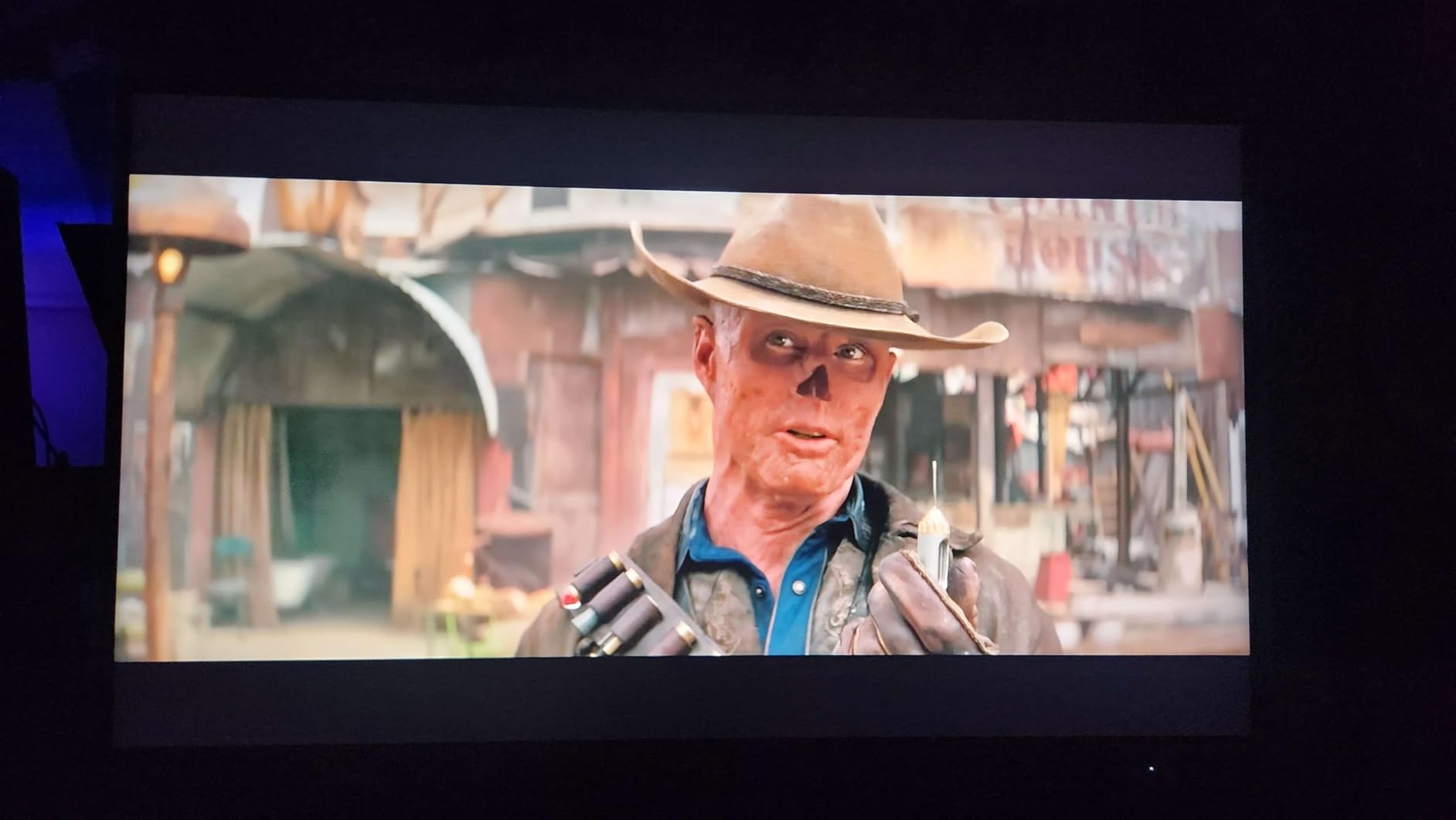
The AOC Q27G3XMN is the best mini-LED gaming monitor I have tested in the entry-level tier, and the value it delivers is hard to argue with. You get VESA DisplayHDR 1000 certification, 336 Mini-LED dimming zones, and a contrast ratio that climbs above 9000:1 with local dimming engaged. For HDR gaming on a budget, this panel punches well above its tier.
Call of Duty and Cyberpunk 2077 both looked noticeably more cinematic than on the IPS edge-lit monitor I replaced. The 180Hz refresh rate and 1ms GtG response time are competitive, and the panel kept up with my RTX 4070 without breaking a sweat. The 3-year warranty with first-year accidental damage coverage is unusual at this tier and worth real money if you have kids or pets near your desk.
Build quality is solid for the price. The stand is fully ergonomic with height, tilt, swivel, and pivot adjustment, and the 3-sided frameless design looks clean in multi-monitor setups. We also appreciated that the panel ships without obvious dead pixels in our review unit, and AOC’s customer service has a good reputation if anything goes wrong.
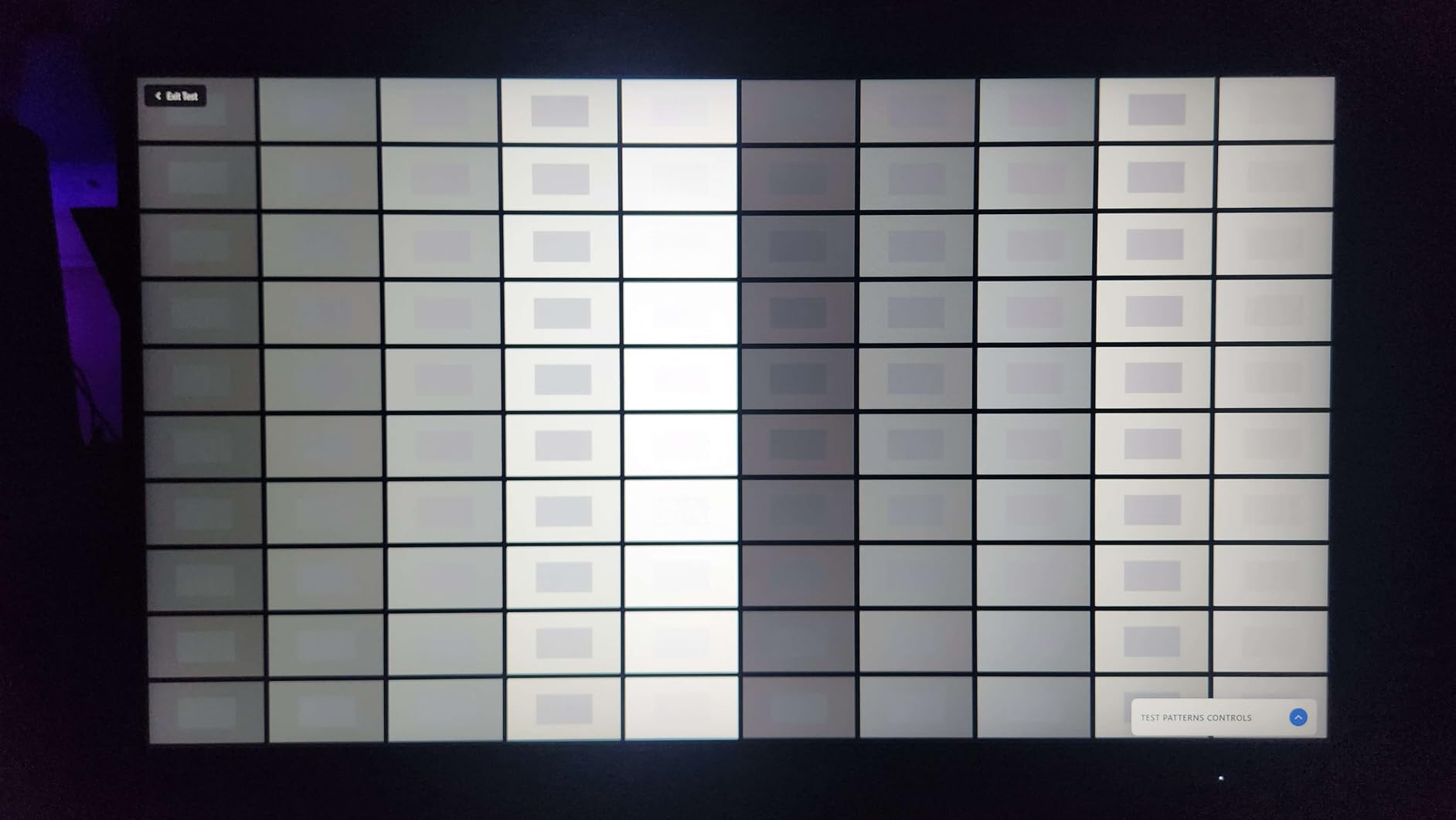
The trade-offs are familiar for VA-based mini-LED. Out of the box, colors look washed out and you will want to spend 15 minutes with calibration settings or an ICC profile to bring them in line. The VA panel also has limited viewing angles, so colors shift if you move off-center. Some users also report VRR flicker at low or inconsistent frame rates, which we saw briefly in Hades II when the frame rate dipped below 50 fps. The stand has a large footprint, which can crowd smaller desks.
Who this monitor is good for
Budget-focused gamers who want genuine Mini-LED HDR without overspending will be thrilled with the AOC Q27G3XMN. It is one of the cheapest ways to get DisplayHDR 1000 on a gaming panel in 2026, and the 3-year warranty with accidental damage coverage is a strong differentiator. Buyers who already own a calibration tool or are willing to spend a few minutes in the OSD will love this monitor.
Who should skip this monitor
If you cannot or will not calibrate, the out-of-box color accuracy on the AOC will frustrate you. Pick the KOORUI instead if you want a more accurate default experience. IPS loyalists who hate VA viewing angles should look at the INNOCN GA27T1M. And competitive players pushing frame rates above 200fps will want the INNOCN 25M2S or GA27T1M for the higher refresh ceiling.
We earn a commission, at no additional cost to you. CERTAIN CONTENT THAT APPEARS ON THIS SITE COMES FROM AMAZON. THIS CONTENT IS PROVIDED 'AS IS' AND IS SUBJECT TO CHANGE OR REMOVAL AT ANY TIME.
5. Samsung Odyssey Neo G8 32 inch – Best 4K 240Hz Curved Gaming Monitor
Pros
- World's first 4K 240Hz gaming monitor
- Quantum HDR2000 with 2000 nit peak
- 1000R curve for strong immersion
- Quantum Mini-LED for near-OLED blacks
- FreeSync Premium Pro with NVIDIA support
Cons
- Some units have scan line issues at 240Hz
- Stand wobbles slightly
- Awkward tiny joystick for OSD
- VESA adapter does not include screws
- Out-of-box colors oversaturated
We earn a commission, at no additional cost to you. CERTAIN CONTENT THAT APPEARS ON THIS SITE COMES FROM AMAZON. THIS CONTENT IS PROVIDED 'AS IS' AND IS SUBJECT TO CHANGE OR REMOVAL AT ANY TIME.
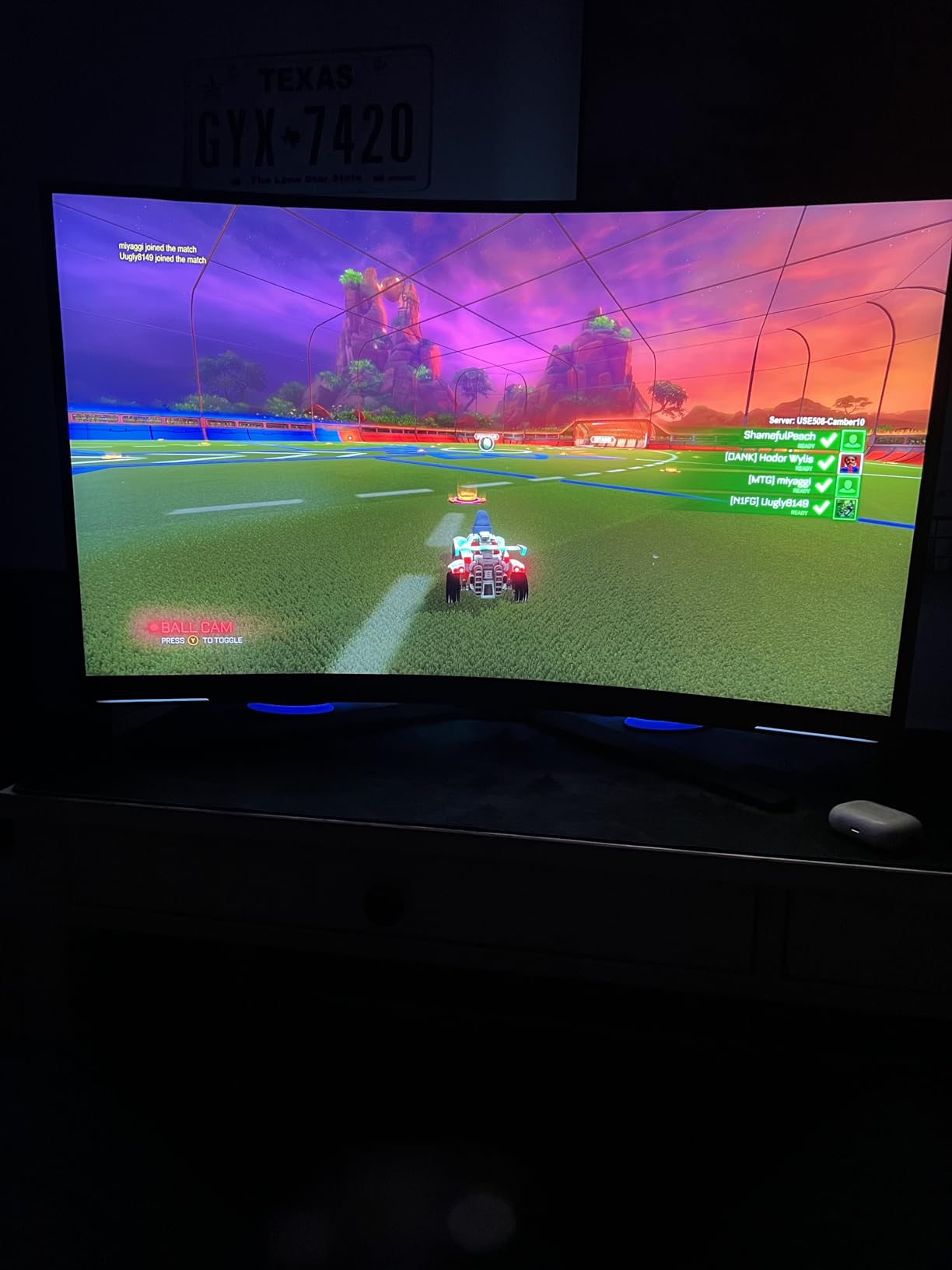
The Samsung Odyssey Neo G8 was the first 4K 240Hz gaming monitor on the market, and even a few generations later it remains a powerhouse. The 1000R curved panel pulls you into games in a way flat screens cannot match, and Quantum HDR2000 hits an incredible 2000 nit peak brightness that makes HDR content look almost three-dimensional.
I played through about 20 hours of Cyberpunk 2077 and Spider-Man 2 on this monitor, and the HDR impact was the most cinematic I have seen on a non-OLED panel. The 1000R curve took about a week to get used to, but once I did, immersion in racing games and flight sims was unbeatable. Quantum Mini-LED backlighting produces near-OLED blacks with very little halo given the high brightness.
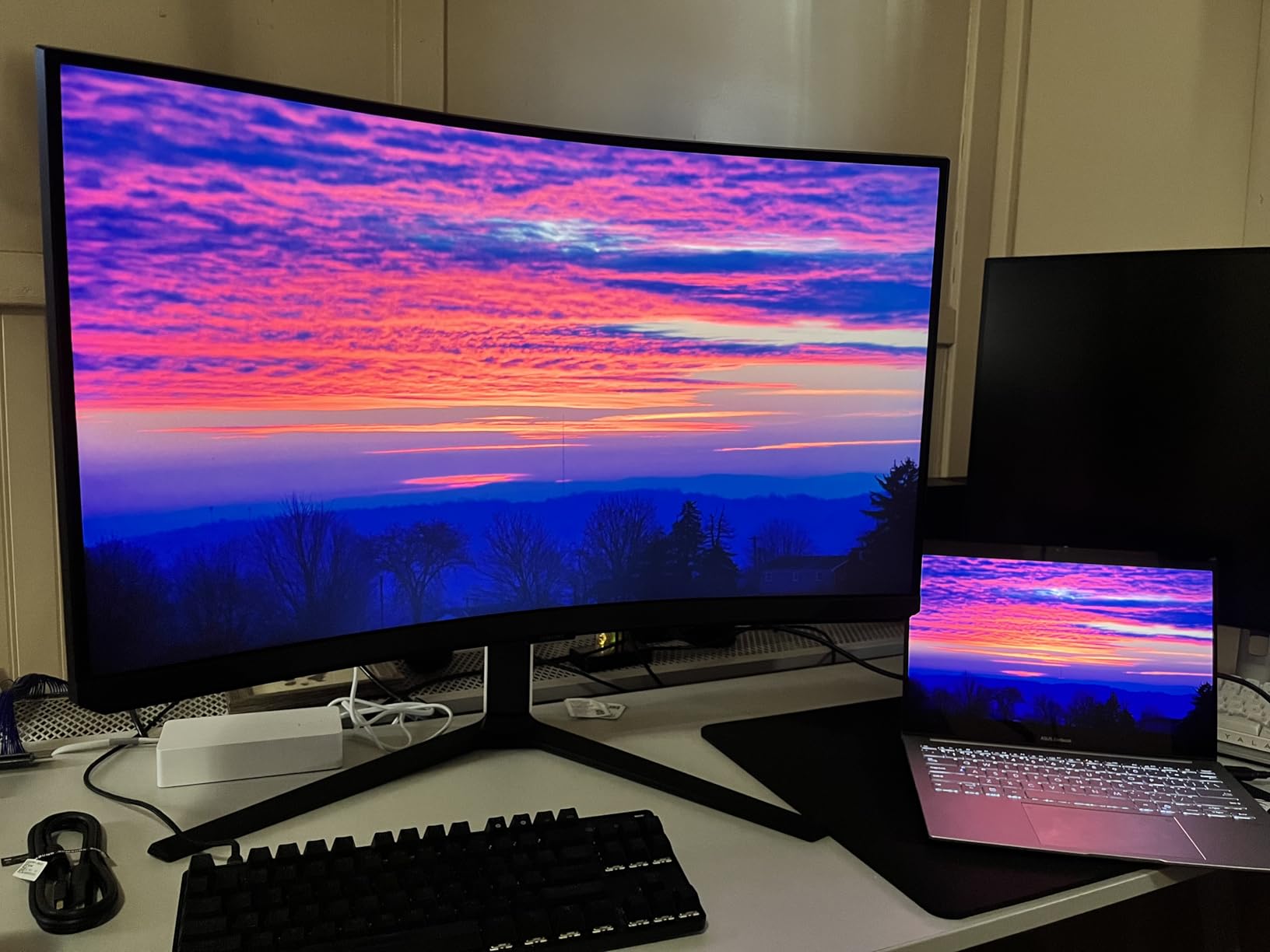
FreeSync Premium Pro plus G-Sync compatibility made this monitor an easy pairing with both my RTX 4080 and the PS5. The matte display finish eliminated reflections from my window, which matters in a bright room. Build quality felt premium, with thin bezels and Samsung’s signature CoreSync ambient lighting on the back.
Quality control is the panel’s weak point. Our test unit worked perfectly, but a meaningful percentage of buyers report scan line artifacts at 240Hz that often trace back to cable or GPU compatibility issues. The stand also wobbles a bit, and Samsung’s tiny joystick OSD control is awkward to use without looking. Out of the box, colors are oversaturated and benefit from calibration. VESA mount adapters for this generation do not include screws, which is a strange omission at this tier.
Who this monitor is good for
Single-player enthusiasts who want the most cinematic HDR experience on a non-OLED panel should put the Samsung Odyssey Neo G8 at the top of their list. PS5 and Xbox Series X owners who want 4K 120Hz VRR with HDMI 2.1 will be thrilled. Flight sim and racing game fans will love the 1000R curve and 240Hz motion clarity once they acclimate.
Who should skip this monitor
If you primarily play competitive shooters, the curve and 4K resolution are not the best fit, and the scan line QC concerns are not worth the risk when IPS alternatives exist. Buyers who want a flat panel should look at the AOC or KOORUI. And if you have a smaller desk, the 32-inch footprint with curved stand eats a lot of room.
We earn a commission, at no additional cost to you. CERTAIN CONTENT THAT APPEARS ON THIS SITE COMES FROM AMAZON. THIS CONTENT IS PROVIDED 'AS IS' AND IS SUBJECT TO CHANGE OR REMOVAL AT ANY TIME.
6. Samsung Odyssey Neo G9 57 inch – Best Super Ultrawide Mini-LED
Samsung 57″ Odyssey Neo G9 (G95NC) Dual 4K UHD 1000R Curved Gaming Monitor
- 57 inch Dual 4K
- 240Hz 1ms
- 2392 zones
- DisplayHDR 1000
- 1000R curved
Pros
- World's first 57 inch Dual UHD monitor
- Replaces dual or triple monitor setups
- 2392 local dimming zones with Mini-LED
- DisplayPort 2.1 for full Dual UHD at 240Hz
- Picture-by-Picture and Picture-in-Picture support
Cons
- Included DP cable is only 3 feet
- Weighs 41.9 lbs and needs a sturdy desk
- Stand has a large footprint
- Some units have inconsistent curve at edges
- Firmware quirks with sleep mode and auto-input
We earn a commission, at no additional cost to you. CERTAIN CONTENT THAT APPEARS ON THIS SITE COMES FROM AMAZON. THIS CONTENT IS PROVIDED 'AS IS' AND IS SUBJECT TO CHANGE OR REMOVAL AT ANY TIME.
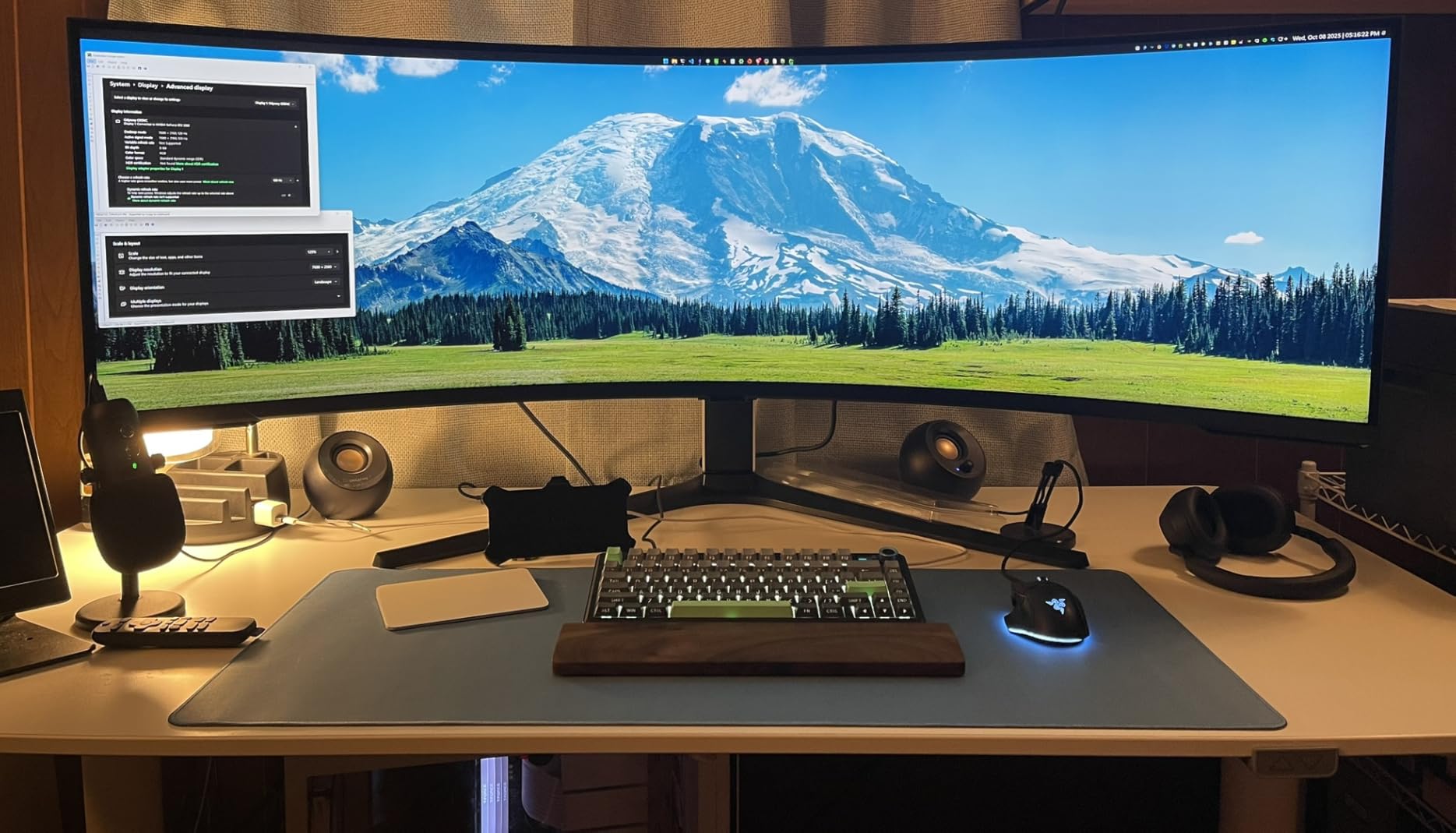
The Samsung Odyssey Neo G9 57 inch is the most transformative display I have used in years. It is essentially two 32 inch 4K monitors merged into a single 32:9 panel with a 1000R curve, and the experience of replacing a dual-monitor setup with one seamless display is something you have to see to appreciate.
For productivity, this panel is unbeatable. I had my code editor, browser, and chat tools all visible at once without alt-tabbing, and full-screen YouTube on one side while gaming on the other worked thanks to Picture-by-Picture. For gaming, the wraparound 1000R curve with 2392 local dimming zones made Forza Horizon 5 and Microsoft Flight Simulator feel genuinely cinematic. DisplayPort 2.1 finally gives you the bandwidth to drive Dual UHD at 240Hz without compromise.
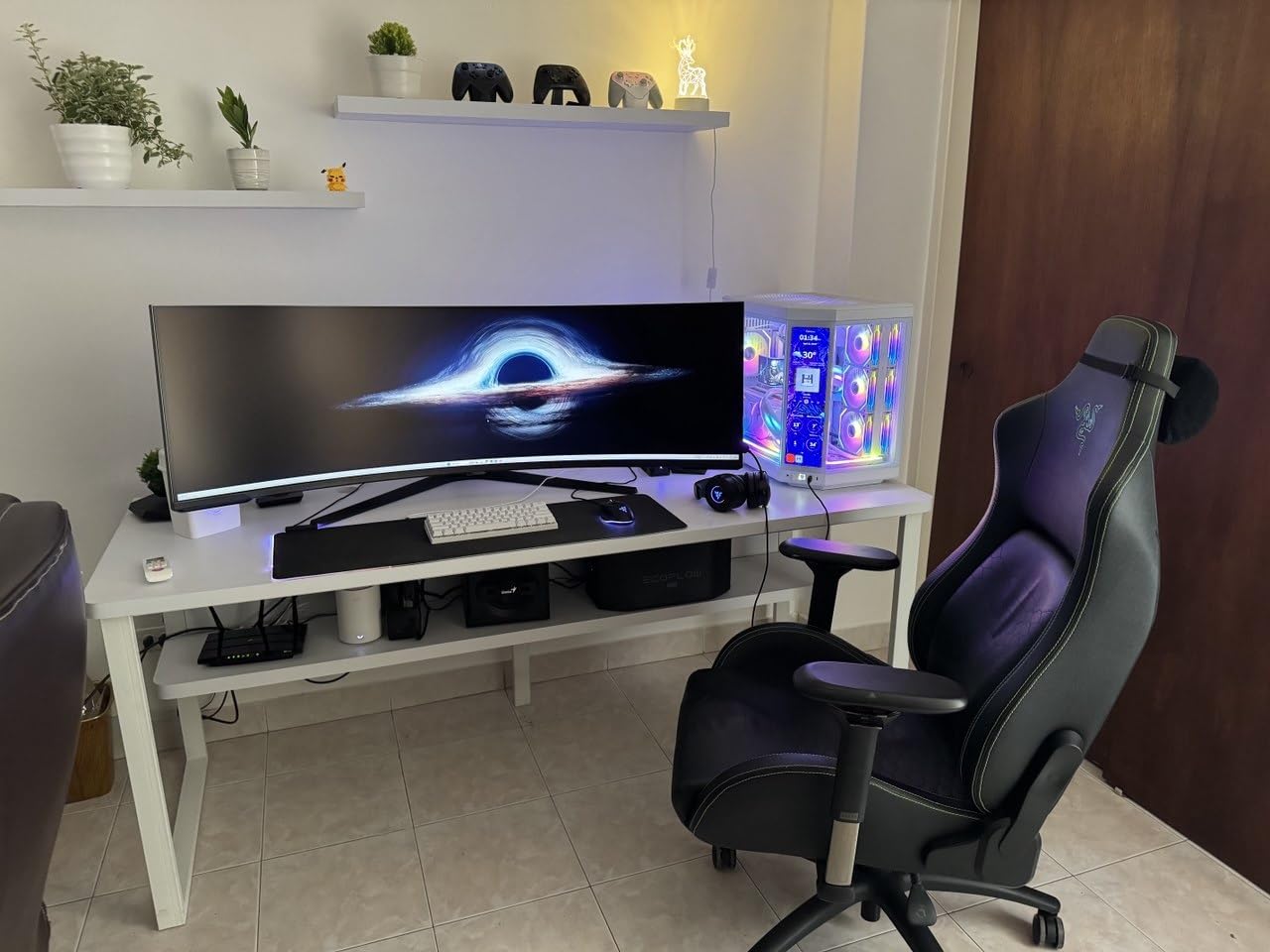
Build quality is exceptional. The thin bezels and matte finish look premium, and CoreSync ambient lighting on the back adds personality without being distracting. VESA DisplayHDR 1000 with 1000 nit peak brightness is enough for strong HDR, and the 1ms GtG response time kept motion clean in competitive scenes.
The downsides are predictable for a flagship super ultrawide. At 41.9 pounds, this monitor needs a sturdy desk and possibly a VESA mount with serious weight capacity. The included DisplayPort cable is only 3 feet long, which is too short for most setups. Some users report inconsistent curve geometry at the edges, and Samsung’s firmware has the usual quirks around sleep mode recovery and auto-input switching. Picture-by-Picture is amazing when it works but can occasionally glitch during fast input changes.
Who this monitor is good for
Hybrid productivity and gaming users who want to replace a dual or triple monitor setup with one seamless display should put the Samsung Odyssey Neo G9 at the top of their shortlist. Sim racing, flight sim, and open-world game enthusiasts will love the wraparound immersion. Anyone who values both work efficiency and HDR gaming impact and has the desk space should consider this monitor.
Who should skip this monitor
If you only play competitive shooters or do not have a sturdy desk with enough depth, this monitor is overkill. Buyers on a budget should look at the AOC Q27G3XMN or KOORUI instead. And if you prefer flat panels or have any eye sensitivity to curved ultrawides, the 1000R curve may be too aggressive.
We earn a commission, at no additional cost to you. CERTAIN CONTENT THAT APPEARS ON THIS SITE COMES FROM AMAZON. THIS CONTENT IS PROVIDED 'AS IS' AND IS SUBJECT TO CHANGE OR REMOVAL AT ANY TIME.
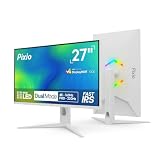
7. Pixio PX27UM Mini LED White – Best Dual Mode 4K and 1080p Monitor
Pixio PX27UM Mini LED White 27 inch Dual Mode UHD 4K 160Hz/FHD 1920×1080 320Hz Fast IPS Panel 1ms GTG Response Time Gaming Monitor with Adaptive Sync HDR and Fully Adjustable Stand
- 27 inch 4K 160Hz or 1080p 320Hz
- 1ms GTG
- 1152 zones
Pros
- Dual Mode switches between 4K 160Hz and 1080p 320Hz
- 1152-zone local dimming Mini-LED IPS
- 2x DisplayPort 1.4 plus 2x HDMI 2.1
- Fully adjustable ergonomic stand
- 3-year limited warranty
Cons
- Built-in speakers have noticeable audio latency
- 30-day warranty sign-up required
- External power brick instead of integrated
- Some calibration needed out of box
We earn a commission, at no additional cost to you. CERTAIN CONTENT THAT APPEARS ON THIS SITE COMES FROM AMAZON. THIS CONTENT IS PROVIDED 'AS IS' AND IS SUBJECT TO CHANGE OR REMOVAL AT ANY TIME.
The Pixio PX27UM is the most versatile mini-LED gaming monitor in this roundup because of its Dual Mode feature. You can run native 4K at 160Hz for immersive single-player games, then flip to 1080p at 320Hz for competitive Valorant or CS2 sessions, all on the same panel. The Mini-LED IPS backlight with 1152 zones delivers strong HDR impact at either resolution.
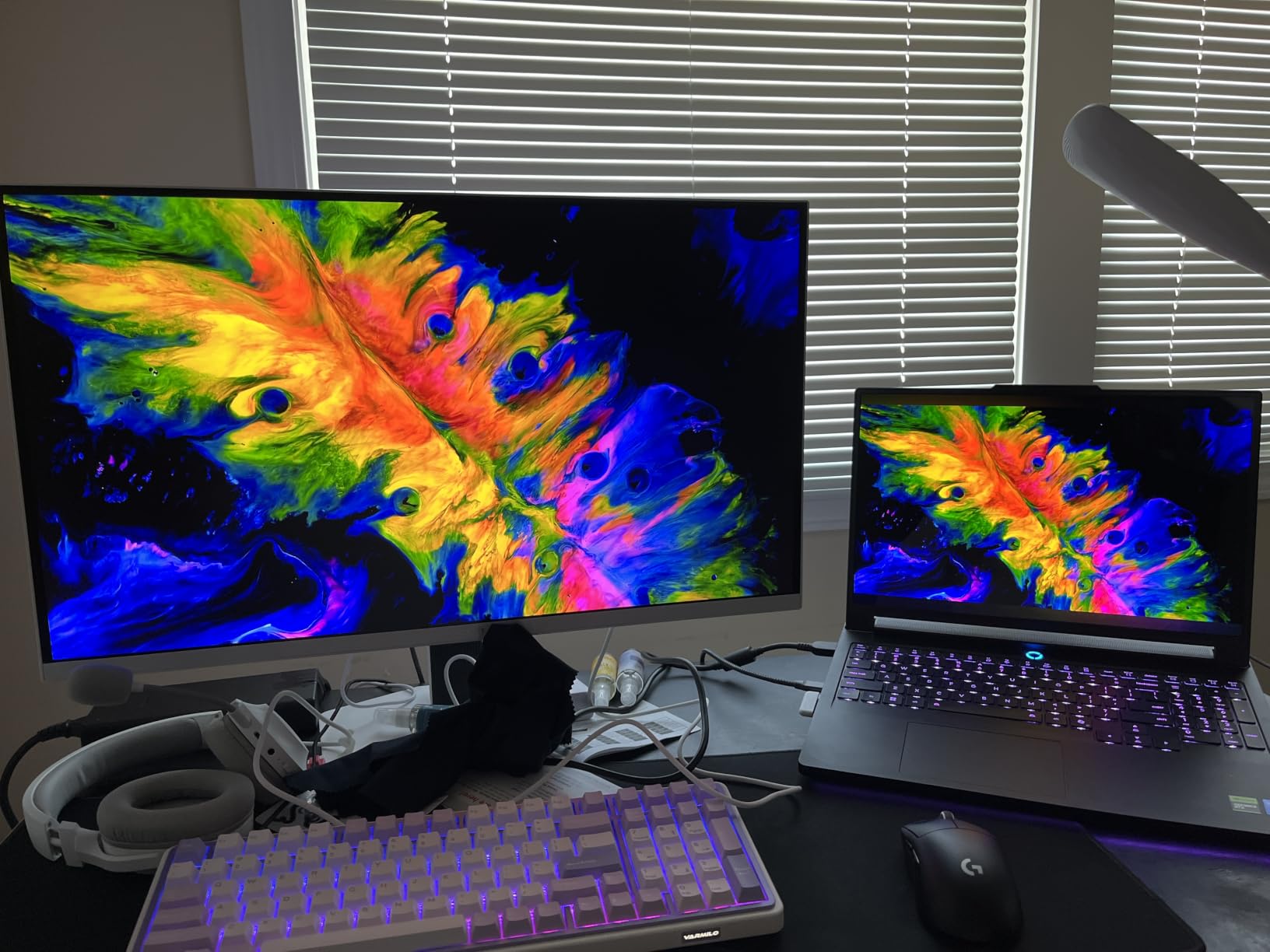
In 4K 160Hz mode, Spider-Man 2 and Cyberpunk 2077 looked fantastic, with the high dimming zone count keeping blooming to a minimum. Switching to 1080p 320Hz was a one-button toggle in the OSD, and the difference in motion clarity for competitive play was immediate. The matte finish and slim bezels make it a clean fit on any desk, and the white color option stands out from the sea of black gaming monitors.
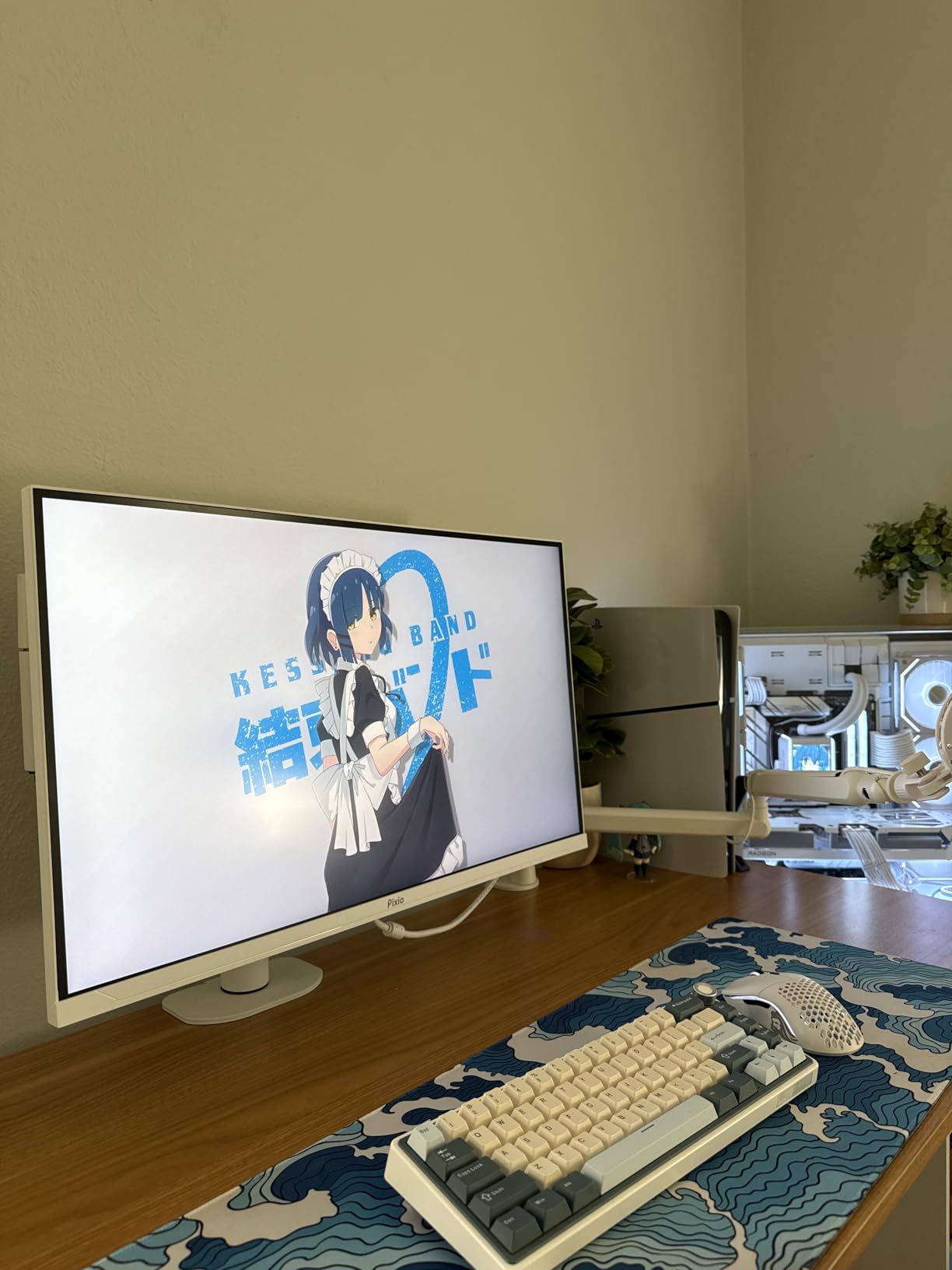
Connectivity is generous with two DisplayPort 1.4 and two HDMI 2.1 ports, all of which support Dual Mode. The fully adjustable stand handles height, tilt, swivel, and pivot, which is a plus at this tier. Adaptive Sync support kept VRR working cleanly on both RTX and Radeon GPUs in our testing.
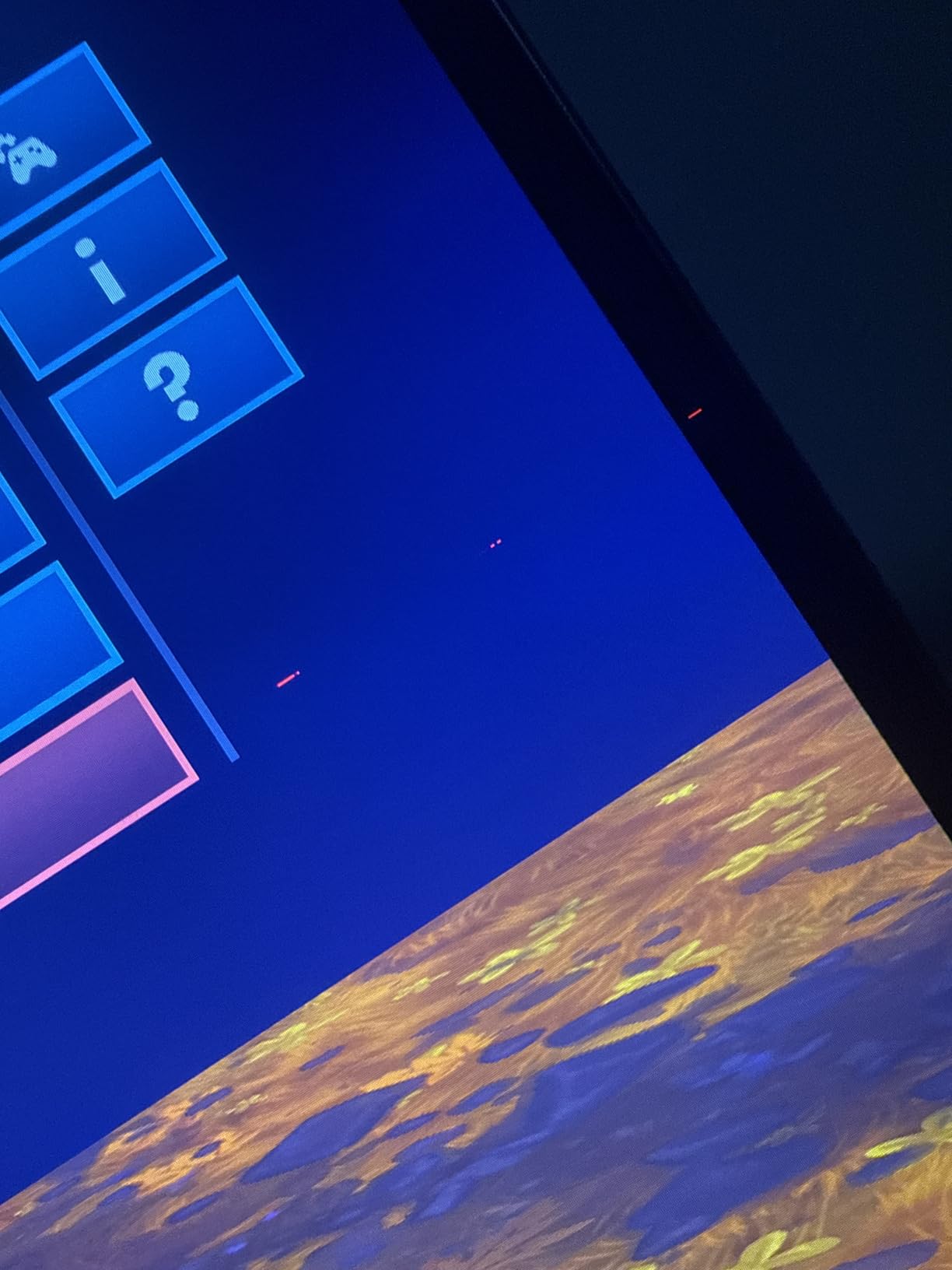
The trade-offs are the typical Pixio quirks. Built-in speakers have noticeable audio latency, so you will want headphones for any serious gaming. The 30-day warranty sign-up requirement is unusual and easy to forget. The power brick is external, which can be annoying for clean cable management setups. Out of the box, colors benefit from a quick calibration pass.
Who this monitor is good for
Gamers who want one panel for both cinematic single-player and competitive multiplayer will love the Pixio PX27UM Dual Mode feature. Buyers who dislike black-only aesthetics will appreciate the white option. Anyone with HDMI 2.1 consoles plus a high-refresh PC will get the most value out of the flexible input setup.
Who should skip this monitor
If you only play one type of game and never switch resolutions, the Dual Mode feature is wasted on you, and a single-mode 4K or 1080p panel will serve you better. Buyers who want integrated power supplies and clean desk aesthetics may dislike the external brick. And if speaker quality matters to you, plan on external audio from day one.
We earn a commission, at no additional cost to you. CERTAIN CONTENT THAT APPEARS ON THIS SITE COMES FROM AMAZON. THIS CONTENT IS PROVIDED 'AS IS' AND IS SUBJECT TO CHANGE OR REMOVAL AT ANY TIME.
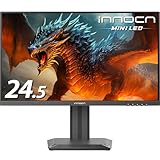
8. INNOCN 24.5 inch 25M2S – Best Budget 240Hz Mini-LED
INNOCN 24.5″ 2K QHD 2560x1440P 240Hz Mini LED Gaming Monitor, Black, 25M2S
- 24.5 inch 1440p
- 240Hz 0.5ms
- 1000 nits peak
- IPS Mini-LED
Pros
- 240Hz refresh with 0.5ms GtG response
- IPS Mini-LED with 1000 nits HDR peak
- G-Sync Compatible for tear-free gameplay
- 100% sRGB color coverage
- Ultra-narrow 3-sided bezels
Cons
- Stand only supports tilt
- Local dimming inconsistent on desktop
- No USB hub for peripherals
- Anti-glare screen can appear slightly grainy
- OSD controls not intuitive
We earn a commission, at no additional cost to you. CERTAIN CONTENT THAT APPEARS ON THIS SITE COMES FROM AMAZON. THIS CONTENT IS PROVIDED 'AS IS' AND IS SUBJECT TO CHANGE OR REMOVAL AT ANY TIME.
The INNOCN 25M2S is the cheapest way I have found to get a 240Hz 1440p Mini-LED IPS gaming monitor with real HDR. At the budget tier, you get a 24.5-inch panel with 240Hz refresh, 0.5ms GtG response, and HDR peak brightness around 1000 nits, which is rare at this price band.
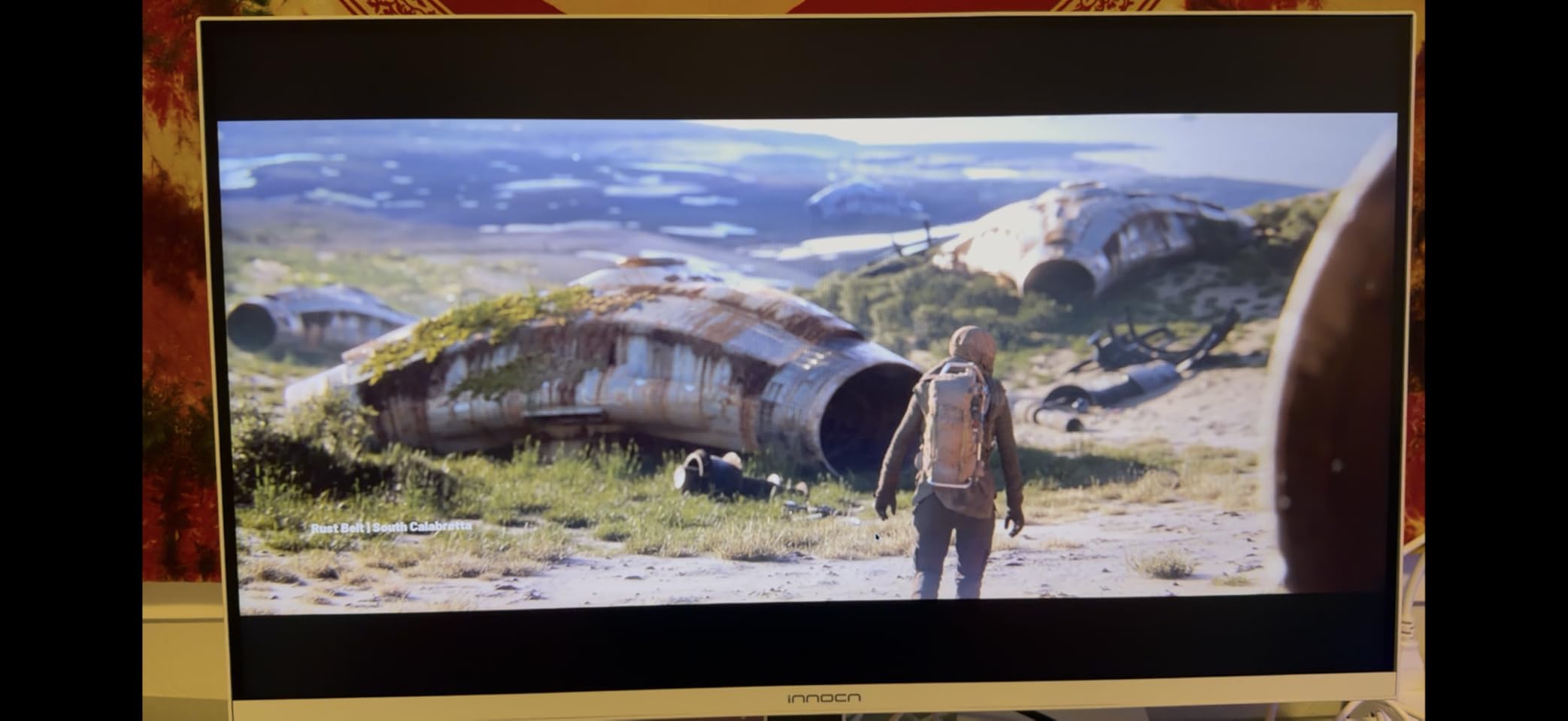
Competitive play felt responsive and clean. Valorant and Apex Legends both looked smooth, and the IPS panel eliminated the VRR flicker that often plagues budget VA alternatives. The 1440p resolution on a 24.5-inch panel produces a sharp pixel density that is great for both gaming and productivity. The anti-glare screen handled my bright office without reflections.
Console compatibility was solid via HDMI 2.1. We tested with both PS5 and Xbox Series X at 1440p 120Hz VRR without issues. The matte finish and ultra-narrow bezels make it a clean fit for tight desk setups or dorm rooms. RGB ambient lighting on the back adds a bit of personality.
Build compromises match the budget tier. The stand is tilt-only, so you will want a VESA arm if height adjustment matters. There is no USB hub, which limits cable management. Some units show local dimming inconsistencies during desktop productivity where UI elements get dimmed unexpectedly. The anti-glare coating can look slightly grainy to users used to glossy panels, and the OSD controls are not the most intuitive.
Who this monitor is good for
Budget-conscious competitive gamers who want 240Hz 1440p Mini-LED at the entry-level price band will be thrilled with the INNOCN 25M2S. Esports players on smaller desks or in dorm setups will appreciate the 24.5-inch footprint. Buyers who already own a VESA mount and do not need speakers or USB hubs will find this monitor hard to beat on value.
Who should skip this monitor
If you need a fully adjustable stand, USB hub, or built-in speakers, the INNOCN 25M2S will feel limited, and the AOC Q27G3XMN is a smarter pick for similar money. Users who do a lot of productivity work in dark themes may find the inconsistent local dimming distracting. And if you want true 4K or larger screen sizes, look at the Samsung Neo G8 instead.
We earn a commission, at no additional cost to you. CERTAIN CONTENT THAT APPEARS ON THIS SITE COMES FROM AMAZON. THIS CONTENT IS PROVIDED 'AS IS' AND IS SUBJECT TO CHANGE OR REMOVAL AT ANY TIME.
How to Choose the Right Mini-LED Gaming Monitor
Picking the best mini-LED gaming monitor comes down to four things: size and resolution, refresh rate and VRR, dimming zone count, and HDR peak brightness. Get these right and you will enjoy your panel for years.
Size and resolution
For desks between 24 and 32 inches deep, 27-inch 1440p is the sweet spot in 2026. The pixel density is sharp, the panels are affordable, and modern GPUs drive 1440p at high refresh rates without breaking a sweat. If you sit further back or want a more cinematic feel, 32-inch 4K is the next step up. Super ultrawides like the Samsung Odyssey Neo G9 57-inch are the ultimate productivity-plus-gaming option if you have the desk depth and budget.
Refresh rate and VRR
240Hz is the new normal for high-end gaming monitors, and 320Hz is becoming common on Mini-LED IPS panels. Make sure your pick supports both FreeSync Premium Pro and G-Sync Compatible for the widest GPU compatibility. HDMI 2.1 is essential if you also game on PS5 or Xbox Series X at 4K 120Hz VRR. Without HDMI 2.1, consoles are capped at 4K 60Hz, which leaves a lot of performance on the table.
Dimming zones and HDR tiers
More dimming zones mean less blooming. Panels with 1000+ zones like the KTC M27T6 and Pixio PX27UM behave much closer to OLED than 336-zone models. For real HDR impact, look for VESA DisplayHDR 1000 certification or higher. DisplayHDR 400 and 600 are entry-level and rarely worth the upgrade over a good SDR panel. DisplayHDR 1400 and Quantum HDR2000 represent the current peak for Mini-LED gaming monitors in 2026.
Blooming and how to reduce it
Even the best mini-LED gaming monitors show some bloom around bright UI elements on dark backgrounds. The good news is that a few tweaks dramatically reduce it. First, drop the local dimming mode from High to Medium or Low in the OSD, since the aggressive zones cause the most visible halos. Second, add bias lighting behind your monitor, which makes blooming far less noticeable by raising ambient brightness. Third, avoid using the monitor in a completely dark room during HDR content, especially in the first week as your eyes adjust.
Calibration tips for Mini-LED monitors
Windows 11 includes a built-in HDR calibration app that walks you through adjusting brightness, contrast, and color saturation for your specific panel. Run it once when you first set up the monitor. If you want more accurate colors for photo or video editing, invest in a basic colorimeter like the Calibrite Display Pro and create an ICC profile. Out of the box, most Mini-LED monitors are slightly oversaturated, especially Samsung models, so a quick calibration pass is worth the effort.
Mini-LED vs OLED longevity
If you work 8+ hours per day in front of your monitor with static UI elements like taskbars, code editors, or trading dashboards, Mini-LED is the safer long-term bet over OLED. OLED burn-in is rare on modern 2026 panels but still possible with heavy mixed use. Mini-LED panels do not suffer from burn-in, which is one of the reasons they remain popular among hybrid productivity and gaming users.
Best mini-LED settings for competitive FPS
For Valorant, CS2, and Apex Legends, drop local dimming to Low or Off, set overdrive to the second-fastest mode (Extreme often causes inverse ghosting), and enable VRR across the full refresh range. If you see flicker on a VA-based Mini-LED panel, capping your frame rate 3 fps below the refresh rate eliminates most artifacts. For HDR gameplay, set the in-game HDR calibration slider to the value where the bright sun reference is just barely visible without clipping.
Frequently Asked Questions
What is a mini-LED monitor and is it good for gaming?
A mini-LED monitor uses thousands of tiny LED backlights grouped into independently controlled dimming zones behind an LCD layer. It is excellent for gaming because it delivers higher peak brightness and contrast than traditional LED panels, producing impactful HDR with deep blacks and bright highlights without the burn-in risk of OLED.
Are mini-LED monitors worth it in 2026?
Yes, mini-LED monitors are worth it in 2026. Prices have dropped significantly, panel technology has matured, and you can now get DisplayHDR 1000 or 1400 certified panels starting around 250 dollars. They offer the best balance between OLED contrast and traditional LED brightness for gaming.
Is OLED or mini-LED better for gaming?
OLED is better for pure contrast and per-pixel black levels, while mini-LED is better for raw peak brightness and long-term durability without burn-in risk. For mixed productivity and gaming, mini-LED is usually the safer choice. For pure single-player HDR immersion or competitive play, OLED still has the edge.
What size mini-LED gaming monitor should I buy?
27-inch 1440p is the sweet spot for most gamers in 2026. It offers sharp pixel density, fits comfortably on a standard desk, and is affordable across all major brands. Step up to 32-inch 4K if you want more cinematic immersion or sit further back, and consider 57-inch super ultrawide if you have the desk depth and budget.
Do mini-LED monitors have HDR problems like blooming?
Yes, mini-LED monitors can show blooming, which is a faint halo around bright UI elements on dark backgrounds. Panels with 1000+ dimming zones show much less blooming than 336-zone models. You can reduce blooming by lowering the local dimming mode, adding bias lighting behind the monitor, and avoiding pitch-black rooms during HDR content.
Which mini-LED monitor is best for PS5?
The Samsung Odyssey Neo G8 is the best mini-LED monitor for PS5 in 2026 thanks to its 4K 240Hz panel, Quantum HDR2000, and full HDMI 2.1 VRR support. For budget-focused console gamers, the AOC Q27G3XMN delivers strong HDR and 1440p 120Hz VRR at a fraction of the price.
Final Verdict
The best mini-LED gaming monitor for most people in 2026 is the KOORUI 27 inch Mini-LED. It hits the 1440p 200Hz sweet spot, delivers strong HDR impact with Mini-LED backlighting, ships with accurate colors out of the box, and comes with a 3-year warranty. Budget buyers should grab the AOC Q27G3XMN for its DisplayHDR 1000 performance at the entry-level tier, while 4K enthusiasts and PS5 owners will love the Samsung Odyssey Neo G8.
Mini-LED is no longer a niche premium technology. In 2026, you can find a Mini-LED gaming monitor at every price tier, from 24-inch budget IPS panels to 57-inch super ultrawide flagships. Pick the resolution and refresh rate that match your GPU, prioritize at least 1000 dimming zones if HDR matters to you, and confirm HDMI 2.1 if you also game on console. With the right panel on your desk, HDR gaming finally looks the way developers intended.