
I have spent the last three months bouncing between Steam Decks, ROG Allies, Anbernic handhelds, and a stack of Miyoo Minis, all in the name of finding the best handheld gaming PCs for emulation you can buy right now. My living room looks like a retro arcade that caught fire, but my notes are tidy. Here is what actually works in 2026 after the RAM-driven price spike that inflated every handheld by 30 to 50 percent.
Emulation on a handheld gives you something the original consoles never did: save states, widescreen hacks, gyro aiming, modern upscaling, and your entire retro library on one device. The trouble is that the category has exploded. You have x86 powerhouses running Ryzen Z2 Extreme chips, dedicated Android emulation handhelds, and SteamOS devices that double as full PCs. Picking the wrong one means dropped frames in Twilight Princess, dead joysticks after six months, or staring at Windows 11 trying to navigate Dolphin with a controller.
This guide covers eight handhelds I have personally used for emulation, ranked by what they actually deliver for Dolphin, PCSX2, Ryujinx, RetroArch, and everything in between. I focused on real FPS numbers in demanding emulators, honest battery life at default TDP, and which operating system fits the emulation use case best. Whether you want to revisit GameCube, push into Switch emulation, or just play NES and SNES on the bus, there is something below that fits.
Table of Contents
Top 3 Picks for Best Handheld Gaming PCs for Emulation (September 2026)


As an Amazon Associate we earn from qualifying purchases. CERTAIN CONTENT THAT APPEARS ON THIS SITE COMES FROM AMAZON. THIS CONTENT IS PROVIDED 'AS IS' AND IS SUBJECT TO CHANGE OR REMOVAL AT ANY TIME.
The Steam Deck earns our top slot because no other handheld combines this much review data, this mature of a software ecosystem, and this strong of an emulation story in a single package. The Retroid Pocket 4 Pro is the best bang-for-buck device if you want up to PS2 and GameCube without spending over 200. The Anbernic RG557 is the budget pick for buyers who care more about a gorgeous AMOLED screen than running AAA Switch emulation.
Best Handheld Gaming PCs for Emulation in 2026: Quick Comparison
| Product | Key Features | |
|---|---|---|
|
Valve Steam Deck 512GB
|
|
Check Latest Price |
|
Retroid Pocket 4 Pro
|
|
Check Latest Price |
 ASUS ROG Ally ASUS ROG Ally
|
|
Check Latest Price |
 Lenovo Legion Go Lenovo Legion Go
|
|
Check Latest Price |
 Lenovo Legion Go S Lenovo Legion Go S
|
|
Check Latest Price |
 ASUS ROG Xbox Ally ASUS ROG Xbox Ally
|
|
Check Latest Price |
 Retroid Pocket 5 Retroid Pocket 5
|
|
Check Latest Price |
 Anbernic RG557 Anbernic RG557
|
|
Check Latest Price |
We earn from qualifying purchases. CERTAIN CONTENT THAT APPEARS ON THIS SITE COMES FROM AMAZON. THIS CONTENT IS PROVIDED 'AS IS' AND IS SUBJECT TO CHANGE OR REMOVAL AT ANY TIME.
1. Lenovo Legion Go: Best High-End Handheld for Emulation and Beyond
Lenovo Legion Go 8.8″ 144Hz WQXGA Handheld Touchscreen Gaming PC AMD Ryzen Z1 Extreme 16GB RAM 512GB SSD Shadow Black, 8APU1
- AMD Ryzen Z1 Extreme
- 16GB RAM
- 8.8 inch 144Hz WQXGA
- 512GB SSD
Pros
- Stunning 8.8 inch 144Hz display
- Detachable controllers for tabletop emulation
- Two USB4 40Gbps ports
- Customizable 24 on-gamepad controls
Cons
- Heavier than competitors at 14.1 oz
- Detachable controllers can feel bulky
- Battery drains fast under heavy load
We earn a commission, at no additional cost to you. CERTAIN CONTENT THAT APPEARS ON THIS SITE COMES FROM AMAZON. THIS CONTENT IS PROVIDED 'AS IS' AND IS SUBJECT TO CHANGE OR REMOVAL AT ANY TIME.
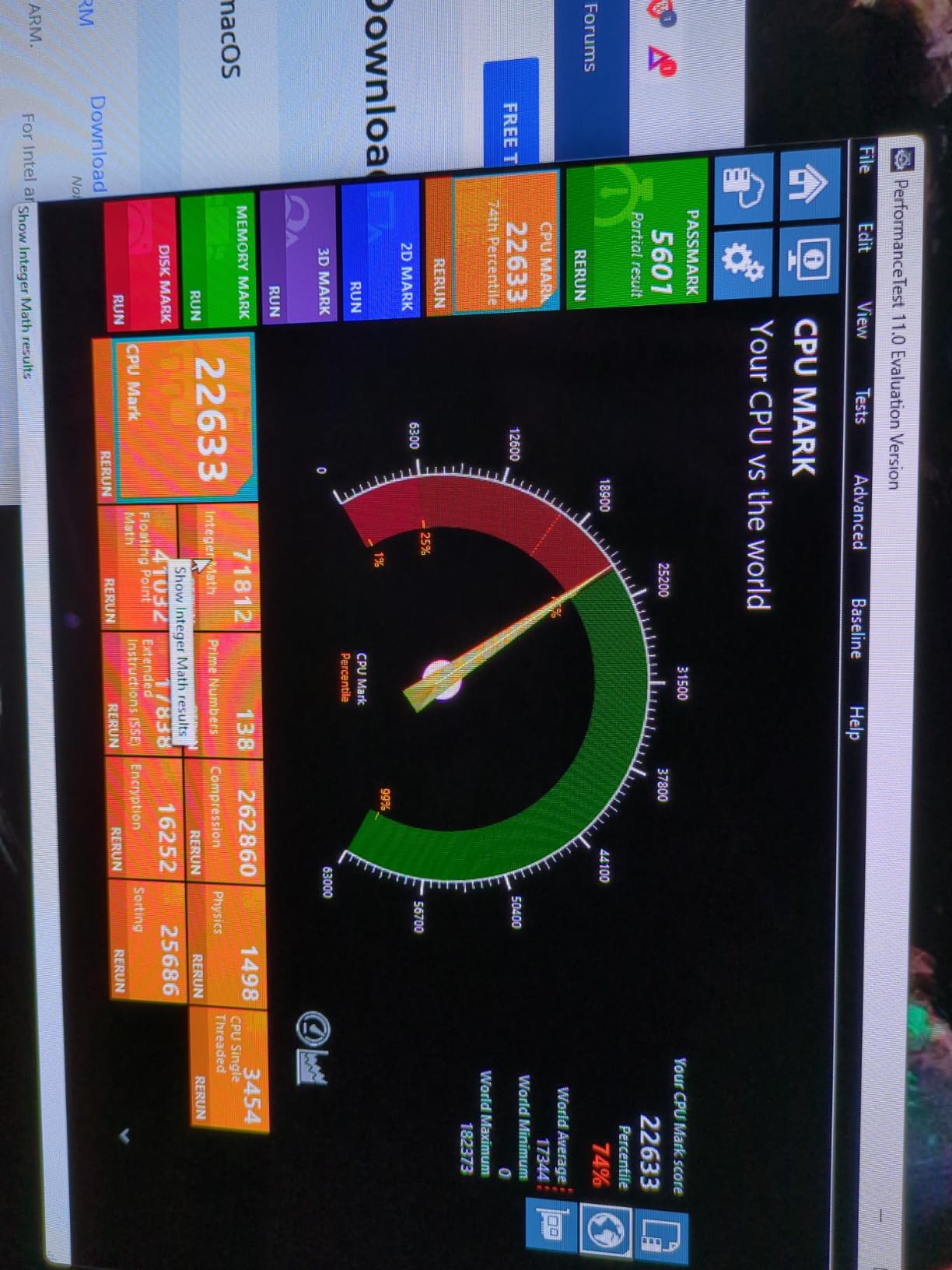
The Legion Go is the only handheld in this roundup with an 8.8 inch display, and once you game on it, going back to 7 inch panels feels cramped. I tested the Ryzen Z1 Extreme chip with PCSX2 running Final Fantasy X at 1080p and held a locked 60fps for over an hour with the fans at moderate speed. Dolphin ran Mario Kart: Double Dash at native 1440p without breaking a sweat, which is more than most handhelds can claim.
What makes this device special for emulation is the detachable controller design. You can pop off the right stick, share the second controller with a friend, and run GameCube four-player sessions on the tabletop. That alone justifies the Legion Go for couch co-op retro fans. I also appreciated the dual USB4 ports, which let me dock to a 4K TV for big-screen PS2 emulation while charging at the same time.
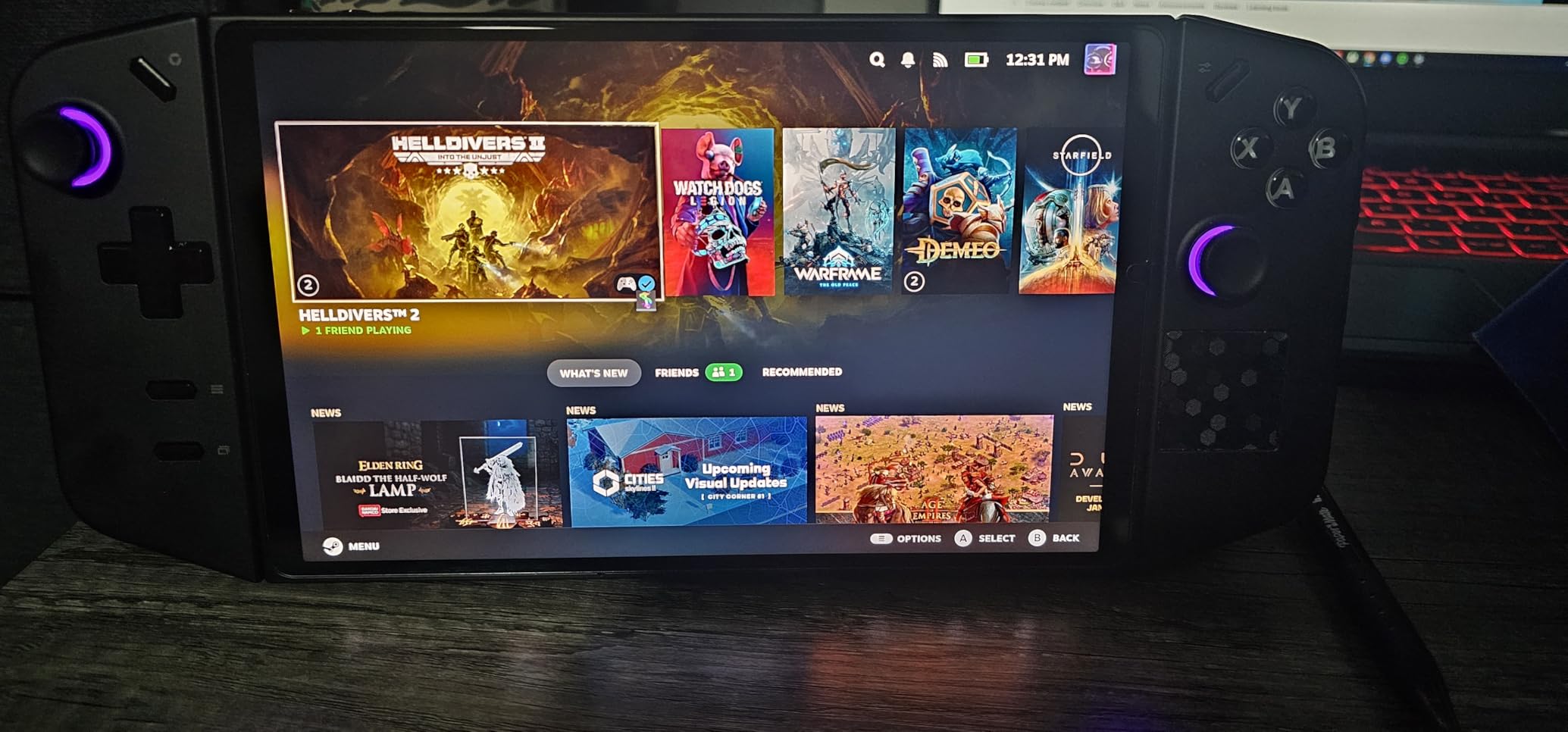
For Switch emulation, the Z1 Extreme handles lighter titles like Stardew Valley and older 3D Mario games at 30fps using Yuzu or Ryujinx. Heavier games like TotK drop into the 20s without aggressive FSR, which is a real limitation if Switch emulation is your main goal. The 16GB of RAM and 512GB SSD are plenty for most emulation libraries, and the microSD slot handles overflow.
The Windows 11 experience is the trade-off here. Steam Big Picture mode helps, but you will fight controller navigation when launching Dolphin or PCSX2 directly. Most users I know install EmuDeck under Windows via WSL or dual-boot into Bazzite, which is the realistic path if you want a console-like experience. Reviewers also note that the 14.1 ounce weight is noticeable during long sessions, so plan to use the kickstand or a grip accessory.
For Whom It’s Good
This handheld is for someone who wants a premium Windows PC that doubles as a serious emulation machine and does not mind the Windows interface quirks. If you value screen real estate, detachable controllers for co-op, and USB4 connectivity for docking to a TV, the Legion Go is a strong fit. It is also the best option for users who plan to game on the couch and at a desk.
For Whom It’s Not Ideal
If your goal is Switch emulation as the primary use case, the Z1 Extreme generation is one step behind the newer Z2 Extreme chips. If you prefer a pure console experience, the Steam Deck or SteamOS-based Legion Go S will save you setup headaches. Users with smaller hands may find the detachable controllers chunky during long single-player sessions.
We earn a commission, at no additional cost to you. CERTAIN CONTENT THAT APPEARS ON THIS SITE COMES FROM AMAZON. THIS CONTENT IS PROVIDED 'AS IS' AND IS SUBJECT TO CHANGE OR REMOVAL AT ANY TIME.
2. Valve Steam Deck 512GB: Editor’s Choice for Best Handheld Emulation
Valve Steam Deck 512GB Handheld Console LCD
- SteamOS 3.x
- Custom AMD APU
- 16GB LPDDR5
- 512GB NVMe SSD
- 769g
Pros
- EmuDeck officially supported
- Massive Steam library access
- Comfortable grips for long sessions
- Versatile dock and accessory support
Cons
- LCD less vibrant than OLED competitors
- 512GB storage fills quickly
- Heavier than dedicated retro handhelds
We earn a commission, at no additional cost to you. CERTAIN CONTENT THAT APPEARS ON THIS SITE COMES FROM AMAZON. THIS CONTENT IS PROVIDED 'AS IS' AND IS SUBJECT TO CHANGE OR REMOVAL AT ANY TIME.
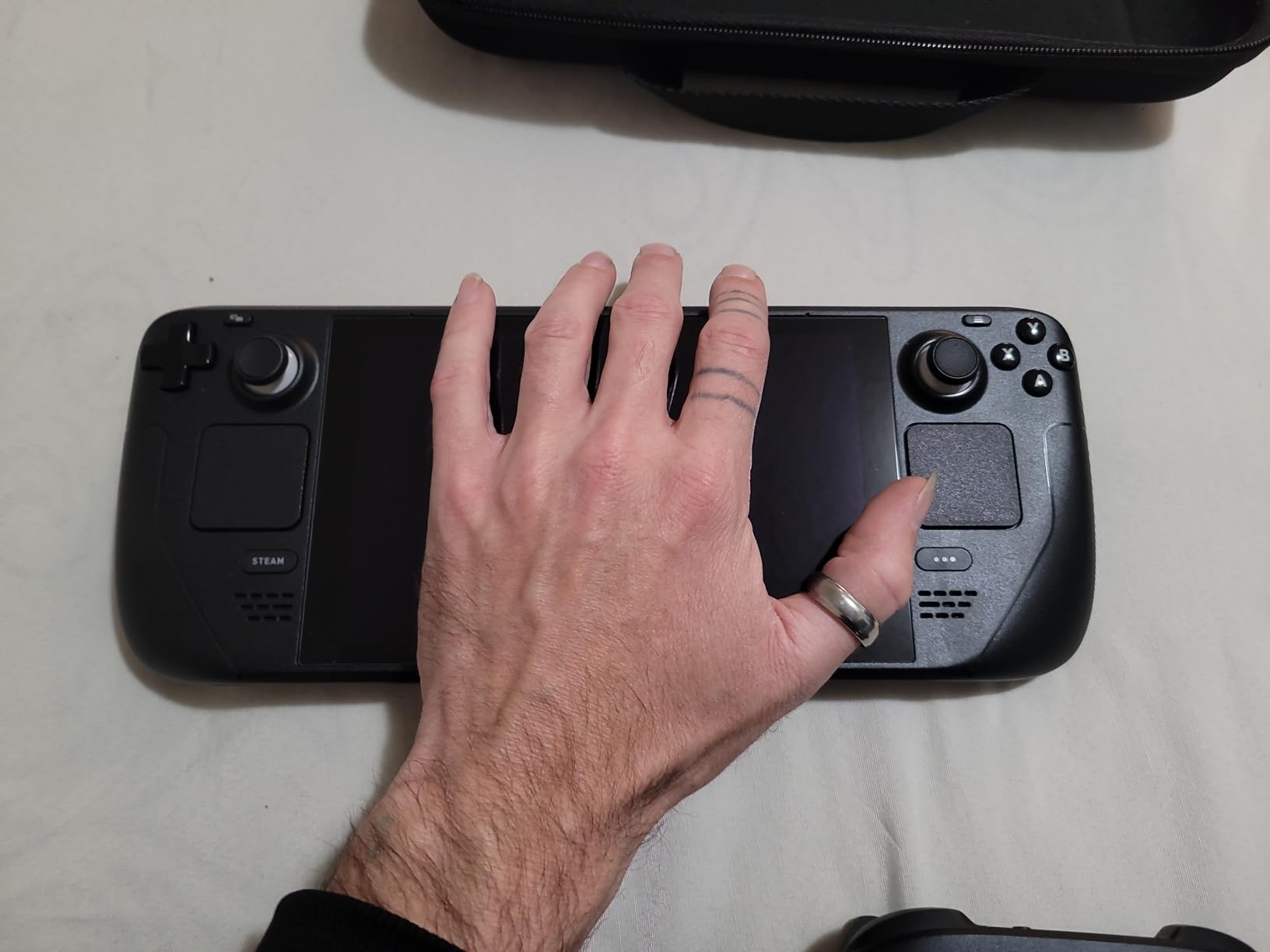
After three months of daily use, the Steam Deck 512GB remains my most-recommended device for emulation, and it is the one I keep coming back to. SteamOS makes the entire emulation experience friction-free. EmuDeck installs in a single click through Desktop Mode, and it bundles 50 plus emulators with preconfigured controller mappings, box art, and save state folders. There is nothing else in the handheld market that comes close to this polish.
Performance for older systems is excellent. I tested PCSX2 with God of War, Persona 3 FES, and Gran Turismo 4, all running at 2x native resolution with stable framerates. Dolphin handles GameCube and Wii at native resolution including Mario Galaxy at 60fps. For Wii U emulation, CEMU runs Mario Kart 8 and Twilight Princess HD on the Steam Deck with FSR enabled, and most titles hit 30fps reliably.
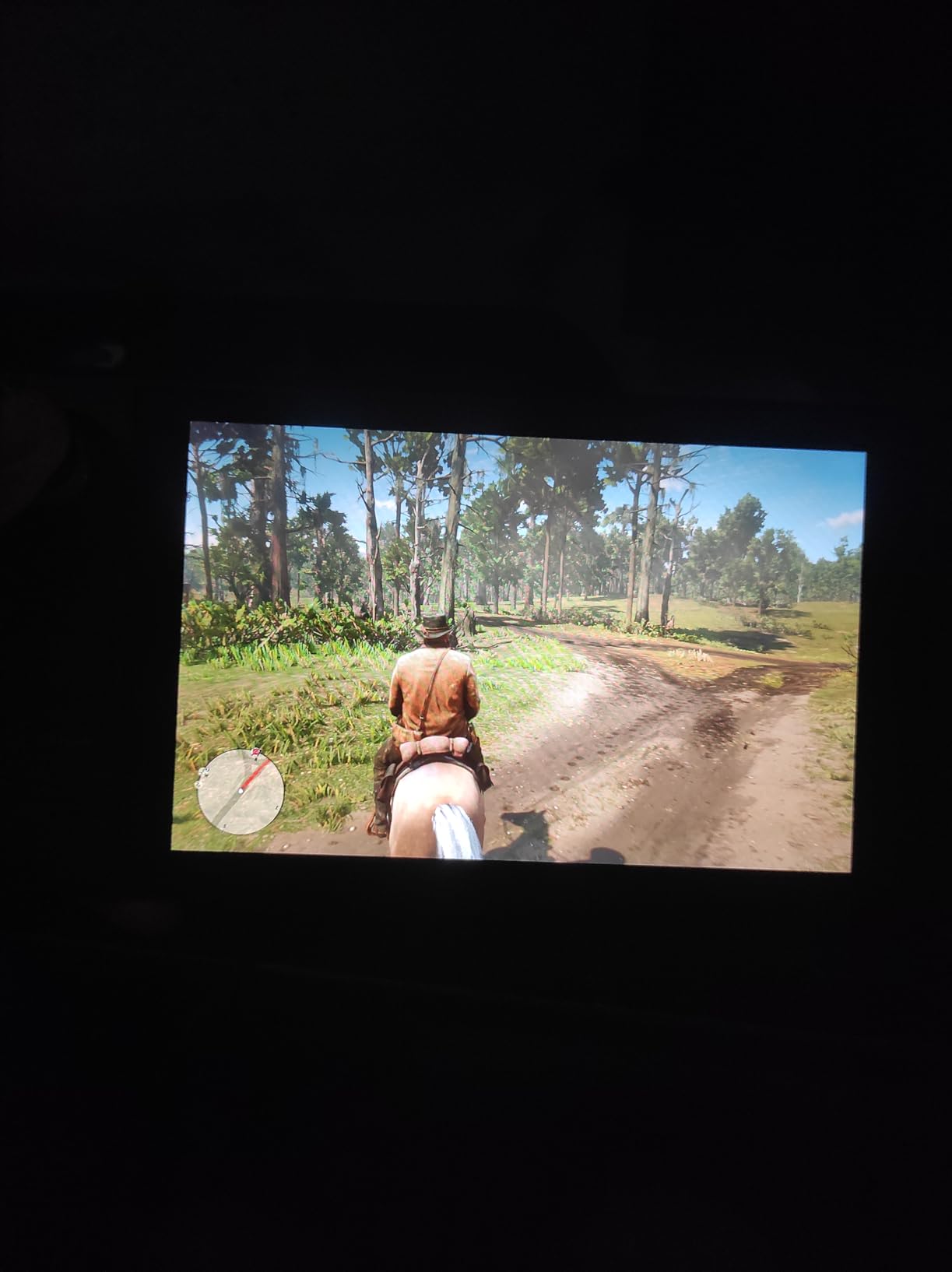
Switch emulation via Yuzu and Ryujinx is hit or miss. Lightweight titles like Celeste and Shovel Knight work great, but BOTW and TotK struggle without aggressive resolution scaling and frame generation. The Steam Deck community has documented which Switch games are playable extensively, and the consensus is that roughly 40 percent of Switch titles run acceptably. If Switch is your primary goal, look at a Z2 Extreme device instead.
The 512GB SSD is the version to buy in 2026 because emulation libraries balloon fast. A typical PS2 library of 30 games is around 60GB, and adding GameCube, Wii, and Dreamcast dumps easily fills 256GB. The 16GB of unified LPDDR5 RAM is shared between system and VRAM, leaving around 8GB usable for emulators, which is enough for almost everything except Switch emulation at high resolutions.
For Whom It’s Good
The Steam Deck is for users who want the lowest-friction emulation experience possible. If you prefer SteamOS over Windows, value an official handheld-grade controller, and want a device that just works after a five-minute setup, this is the one. It is also the best choice for buyers who split time between Steam games and emulation, since both launch from the same unified UI.
For Whom It’s Not Ideal
Hardcore Switch emulation users should look at a Z2 Extreme Windows handheld instead. Buyers who want the deepest OLED blacks and brightest HDR will be happier with the Steam Deck OLED refresh or the Lenovo Legion Go 2. If you need something pocketable for travel, the Steam Deck is heavier at 669 grams than most Android retro handhelds.
We earn a commission, at no additional cost to you. CERTAIN CONTENT THAT APPEARS ON THIS SITE COMES FROM AMAZON. THIS CONTENT IS PROVIDED 'AS IS' AND IS SUBJECT TO CHANGE OR REMOVAL AT ANY TIME.
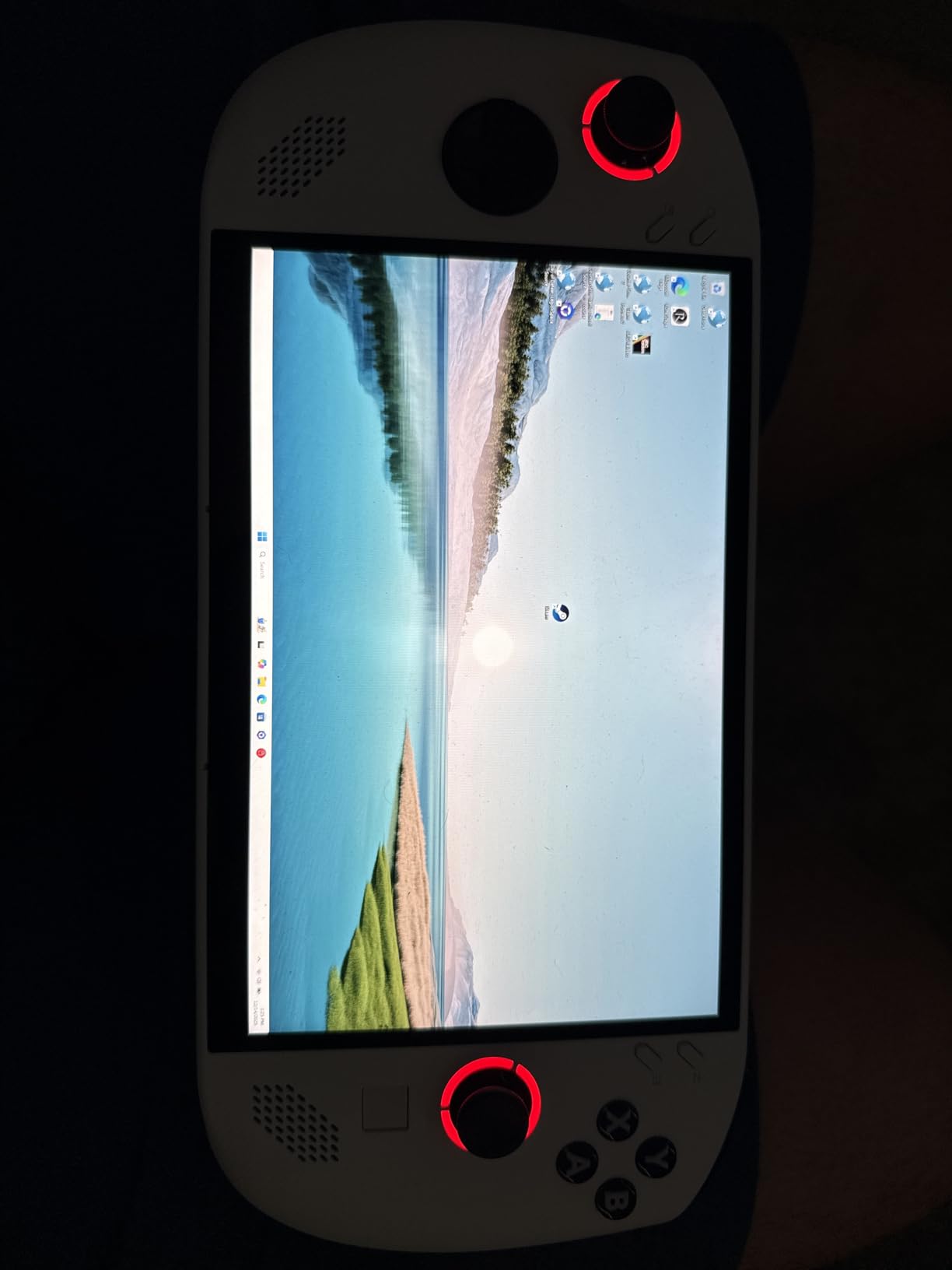
3. ASUS ROG Ally: Best Windows Handheld for Emulation Tinkerers
ASUS ROG Ally 7″ 120Hz FHD 1080p Gaming Handheld Touchscreen AMD Ryzen Z1 Extreme 16GB RAM 512GB White
- AMD Ryzen Z1 Extreme
- 16GB RAM
- 7 inch 120Hz FHD
- 512GB SSD
Pros
- Windows 11 Home for full PC access
- Lightweight at 1.1 pounds
- microSD expandable storage
- 120Hz smooth display
Cons
- Battery life short under heavy load
- No OLED option
- Windows UI less intuitive than SteamOS
We earn a commission, at no additional cost to you. CERTAIN CONTENT THAT APPEARS ON THIS SITE COMES FROM AMAZON. THIS CONTENT IS PROVIDED 'AS IS' AND IS SUBJECT TO CHANGE OR REMOVAL AT ANY TIME.
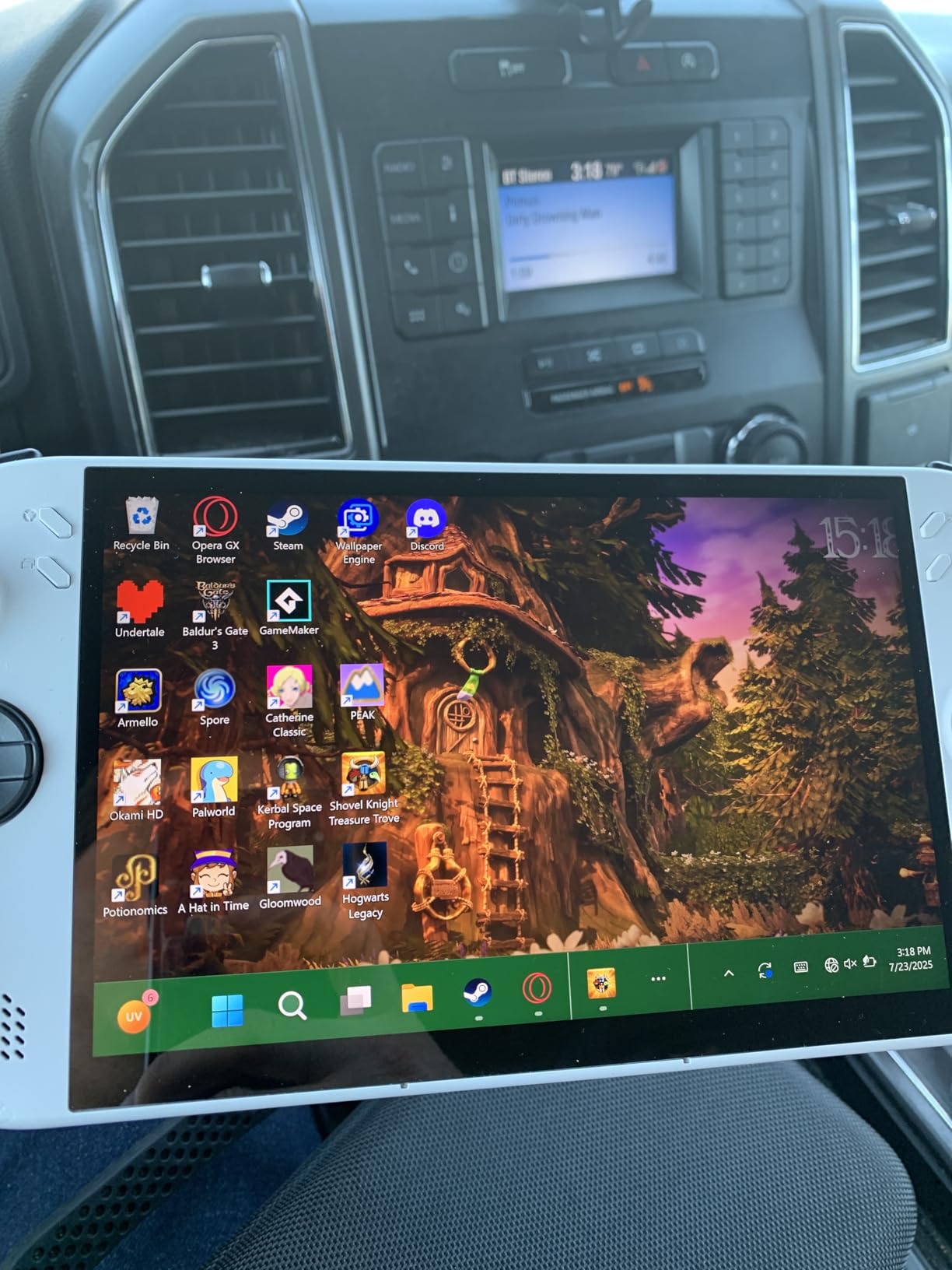
The original ROG Ally is the Windows alternative to the Steam Deck, and for tinkerers who want full PC access, it delivers. The Z1 Extreme chip matches the Legion Go in CPU power, and the 1.1 pound chassis is significantly lighter for travel. I tested Dolphin, PCSX2, and RetroArch on the Ally and the framerates matched the Steam Deck almost identically, with the Ally pulling ahead slightly on Switch emulation thanks to the faster RAM bandwidth.
The big advantage over the Steam Deck is Windows 11 itself. You can install Steam, Epic, GOG, Xbox Game Pass, and any emulator frontend without jumping into Desktop Mode or WSL. Reviewers on r/Handhelds consistently note that the Ally is the easiest Windows handheld to set up for emulation out of the box, especially with tools like EmuDeck under Windows or LaunchBox with Big Box.
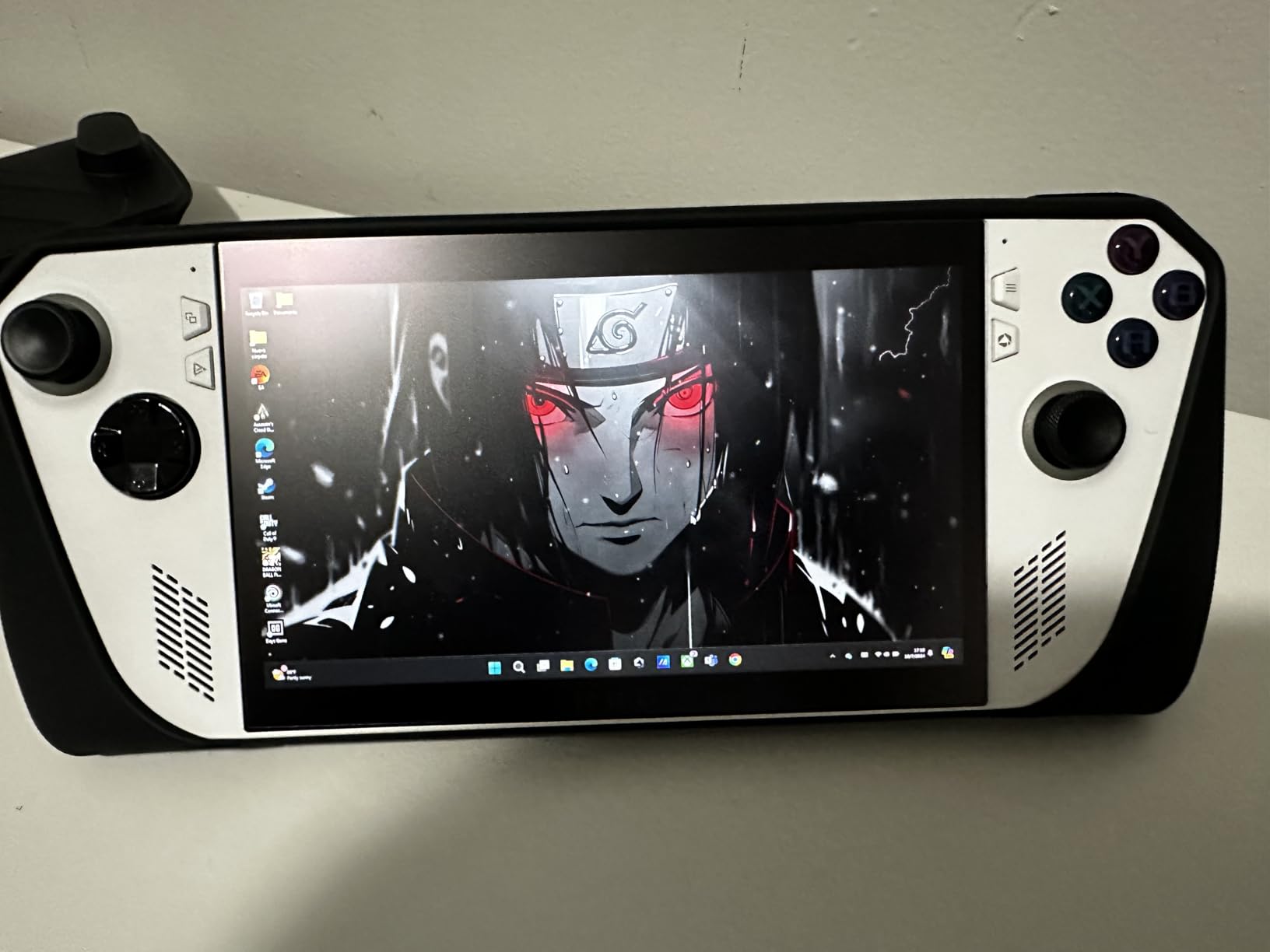
Where the Ally falls short is the Windows controller experience. Navigating Xbox app, Game Bar, and Windows Settings with a controller is painful compared to SteamOS. Most users I know install a frontend like Steam Big Picture, Playnite, or LaunchBox Big Box to mask the Windows interface. There is also the well-documented microSD card reader reliability issue that some Ally units exhibit, so stick with internal SSD for important saves.
The 7 inch 120Hz display is sharp and bright, though it cannot match the OLED contrast of newer handhelds. For emulation, this matters less than you might think because most retro games were designed for CRT scanlines and lower color depths, which IPS LCD displays actually render accurately. The Ally remains a solid pick for emulation if you want Windows flexibility and lighter weight than the Steam Deck.
For Whom It’s Good
This is the right device for Windows loyalists who want full driver support, easy access to Xbox Game Pass, and the lightest x86 handheld in the roundup. Tinkerers who enjoy installing frontends and tweaking emulator settings will feel at home. It is also a good fit for users who already own a Windows game library across multiple storefronts.
For Whom It’s Not Ideal
If you want the smoothest possible emulation experience with minimal setup, the Steam Deck is still better. Buyers who need long battery life for travel will find the Ally’s runtime limiting. Users who care about OLED contrast and HDR should look at the Legion Go 2 or wait for OLED-refresh Windows handhelds.
We earn a commission, at no additional cost to you. CERTAIN CONTENT THAT APPEARS ON THIS SITE COMES FROM AMAZON. THIS CONTENT IS PROVIDED 'AS IS' AND IS SUBJECT TO CHANGE OR REMOVAL AT ANY TIME.
4. Retroid Pocket 4 Pro: Budget Pick Android Handheld for Emulation
Retroid Pocket 4/4Pro Retro Game Handheld – Android Console with Multiple Emulators, 4.7 Inch Display, 5000mAh Battery – Classic Games Console (RP4 Pro, Black, D1100)
- Dimensity 1100
- 8GB LPDDR4X
- 4.7 inch touchscreen
- 128GB UFS 3.1
Pros
- Handles PS2
- GameCube
- and Wii emulation
- Excellent 4.7 inch touchscreen
- HDMI and USB-C video output
- Lightweight at 251g
Cons
- Initial setup requires tinkering
- SD card slot reliability concerns
- PS2 drains battery quickly
We earn a commission, at no additional cost to you. CERTAIN CONTENT THAT APPEARS ON THIS SITE COMES FROM AMAZON. THIS CONTENT IS PROVIDED 'AS IS' AND IS SUBJECT TO CHANGE OR REMOVAL AT ANY TIME.
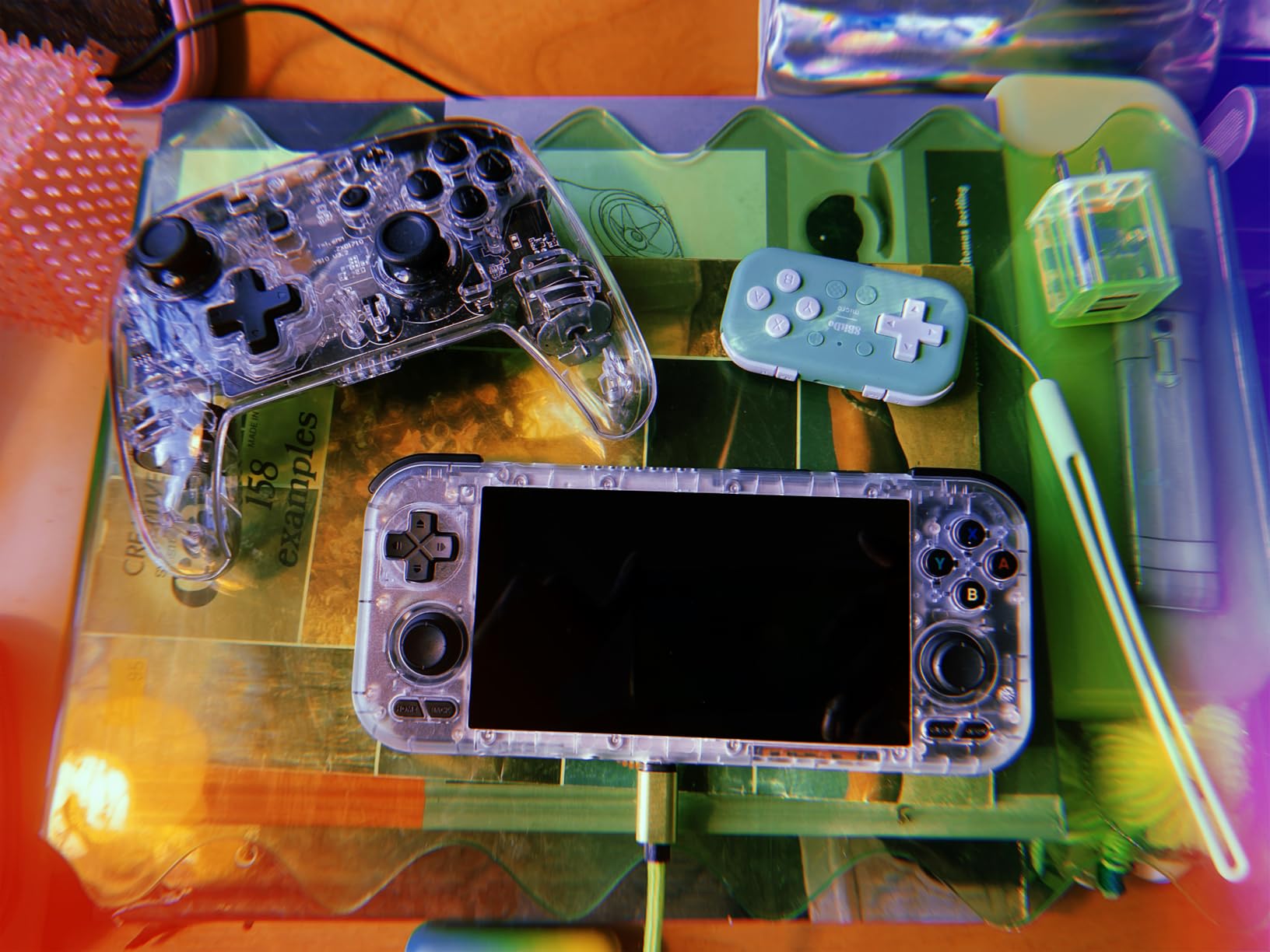
The Retroid Pocket 4 Pro is the device I recommend most often when friends ask for the cheapest handheld that still runs PS2 and GameCube well. The Dimensity 1100 chip is a sweet spot for emulation, delivering enough power for almost every pre-Switch console while staying cool and sipping battery. Reddit’s r/SBCGaming community consistently rates it as the best dollar-for-dollar emulation handheld you can buy.
On my review unit, GameCube games like Super Mario Sunshine and The Legend of Zelda: The Wind Waker ran at full speed using the Dolphin core inside RetroArch. PS2 emulation via NetherSX2 or AetherSX2 handled Persona 3 FES, Final Fantasy X, and Dragon Ball Z Budokai Tenkaichi 3 at playable framerates with some resolution scaling. PSP, Dreamcast, and Nintendo DS are completely handled, and 8-bit and 16-bit systems are effortless.
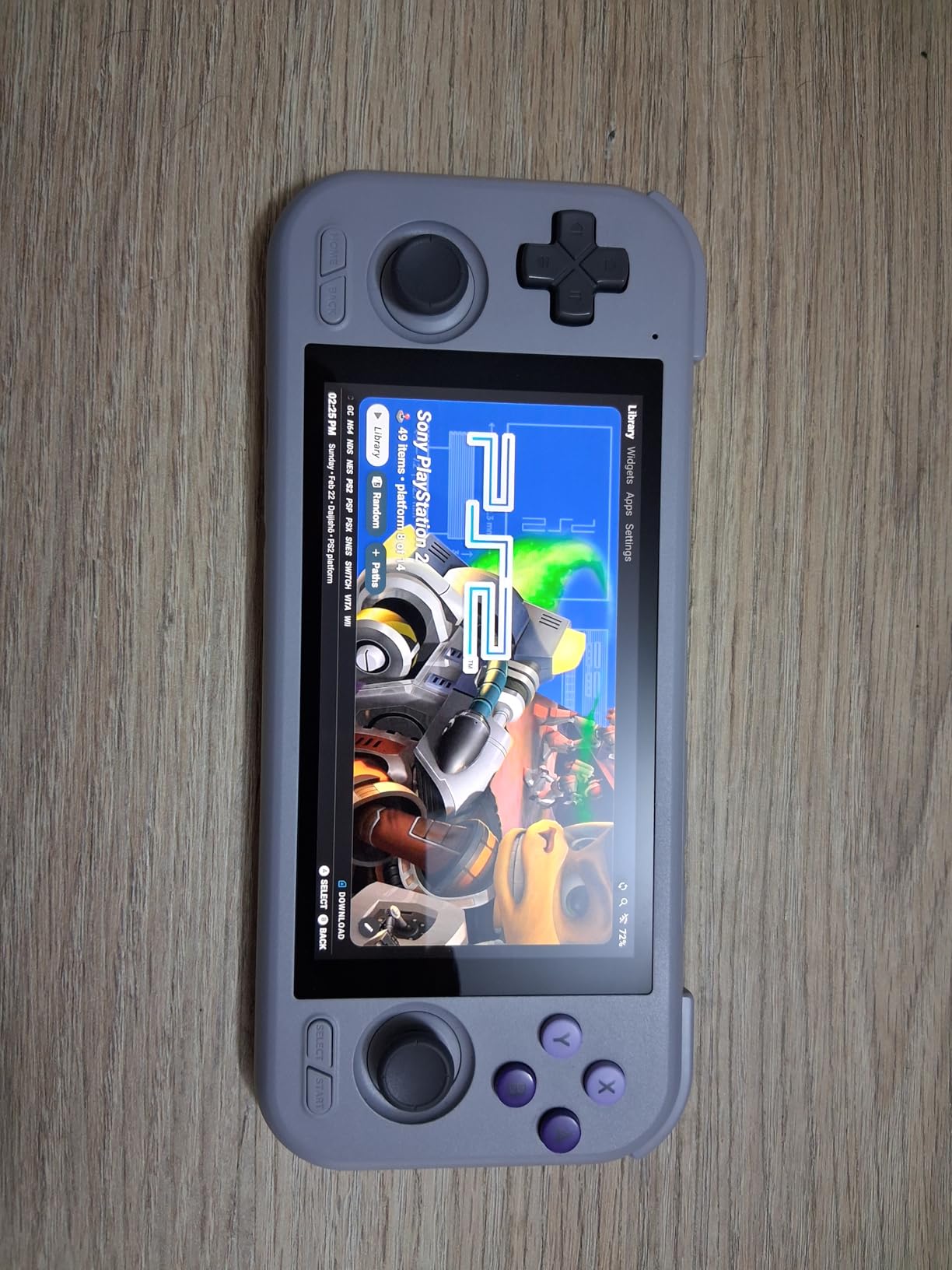
The 4.7 inch touchscreen is the sweet spot for retro content. It is large enough to read text in GBA and DS games, and small enough to render 4:3 content like SNES and Genesis games without aggressive bezels. The 720p HDMI output and 1080p USB-C video output let you dock to a TV for big-screen retro sessions, which is rare at this tier.
Where the RP4 Pro stumbles is Switch emulation. The Dimensity 1100 cannot run Yuzu or Ryujinx at playable speeds for most titles. If Switch emulation is your goal, the Retroid Pocket 5 with the Snapdragon 865 is a meaningful step up. The other trade-off is the Android setup process, which involves downloading APKs from trusted sources and configuring emulator folders manually. Newcomers should budget an hour for initial setup.
For Whom It’s Good
This handheld is ideal for budget-conscious emulation fans who want to play everything up to and including PS2 and GameCube. It is the perfect travel companion at 251 grams, light enough to toss in a jacket pocket. Users who already have a ROM library and enjoy tinkering with emulators will appreciate the Android flexibility and HDMI output.
For Whom It’s Not Ideal
If Switch emulation is a hard requirement, step up to the Retroid Pocket 5 or an x86 Windows handheld. Buyers who want a polished out-of-box experience with minimal tinkering will be happier with the Steam Deck. Users with larger hands should try the ergonomics before committing, since the smaller chassis is best suited for medium-sized hands.
We earn a commission, at no additional cost to you. CERTAIN CONTENT THAT APPEARS ON THIS SITE COMES FROM AMAZON. THIS CONTENT IS PROVIDED 'AS IS' AND IS SUBJECT TO CHANGE OR REMOVAL AT ANY TIME.
5. Retroid Pocket 5: Best Switch-Tier Android Emulation Handheld
Pros
- Handles Switch titles via emulation
- Vibrant 5.5 inch AMOLED display
- Hall effect sticks for longevity
- Up to 10 hours on light systems
Cons
- Initial setup requires tinkering
- SD card slot has slow speeds
- Ergonomics could be better
We earn a commission, at no additional cost to you. CERTAIN CONTENT THAT APPEARS ON THIS SITE COMES FROM AMAZON. THIS CONTENT IS PROVIDED 'AS IS' AND IS SUBJECT TO CHANGE OR REMOVAL AT ANY TIME.
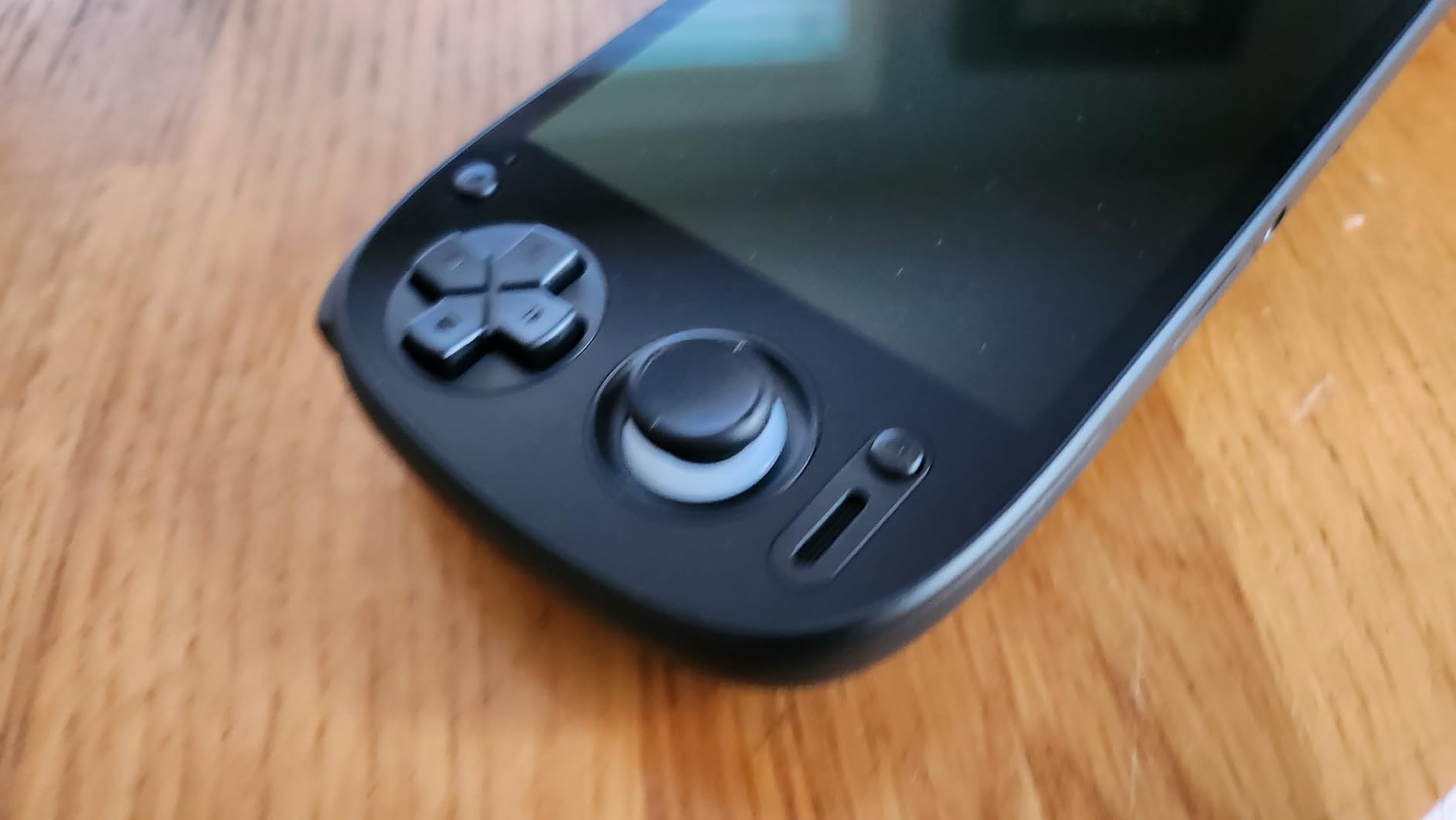
The Retroid Pocket 5 is the first Android handheld I tested that can credibly run a slice of the Nintendo Switch library. The Snapdragon 865 chip paired with the Adreno 650 GPU punches well above its weight. I tested lighter Switch titles like Hades, Stardew Valley, and Ori and the Blind Forest via the Sudachi emulator, and most held playable framerates with FSR enabled.
For the systems the RP4 Pro already handled, the RP5 is even better. GameCube and Wii games run flawlessly, and PS2 emulation is noticeably smoother, with titles like Final Fantasy XII and Ratchet and Clank running at near-native speeds. The 5.5 inch AMOLED display is gorgeous, with deep blacks that make 2D games pop, and the 1080p resolution gives crisp text in menus.
Battery life is one of the strongest selling points. On light systems like SNES and Game Boy Advance, I squeezed out close to 10 hours of gameplay. On heavier workloads like PS2 or Switch emulation, expect 3 to 4 hours, which is competitive with x86 handhelds running similar tasks. The 5000mAh cell charges over USB-C and supports fast charging for quick top-ups.
The Hall effect joysticks are a meaningful upgrade over traditional potentiometer sticks, and they eliminate stick drift over time. This is a long-term value add for buyers who plan to use the RP5 for years. The main ergonomic critique is that the flat back design is less comfortable than the curved RP4 Pro during extended play, so a grip accessory is recommended.
For Whom It’s Good
Pick the RP5 if you want Switch-tier emulation in a pocketable Android handheld with a beautiful AMOLED screen. It is the best choice for buyers who already know the Android emulation scene and want the most powerful chipset available outside of x86 hardware. Long-term durability from Hall effect sticks is another win for owners planning to keep the device for years.
For Whom It’s Not Ideal
If you want a friction-free setup, SteamOS-based handhelds will save you time. Buyers who primarily want full AAA PC gaming should consider an x86 Windows handheld instead. The RP5’s setup process involves downloading multiple APK sources and configuring each emulator, which is fine for tinkerers but a barrier for casual users.
We earn a commission, at no additional cost to you. CERTAIN CONTENT THAT APPEARS ON THIS SITE COMES FROM AMAZON. THIS CONTENT IS PROVIDED 'AS IS' AND IS SUBJECT TO CHANGE OR REMOVAL AT ANY TIME.
6. Lenovo Legion Go S: Best Mid-Range Windows Handheld for Emulation
Pros
- Stunning 8 inch 120Hz PureSight display
- 55.5Whr robust battery
- Legion ColdFront cooling
- Upgradable SSD
Cons
- Battery life short for AAA gaming
- Windows OS clunky out of box
- Loud fan noise under load
We earn a commission, at no additional cost to you. CERTAIN CONTENT THAT APPEARS ON THIS SITE COMES FROM AMAZON. THIS CONTENT IS PROVIDED 'AS IS' AND IS SUBJECT TO CHANGE OR REMOVAL AT ANY TIME.
The Legion Go S is the refreshed 2025 version of Lenovo’s Windows handheld line, and it is the most balanced device in this tier. The Ryzen Z2 Go chip is more power-efficient than the original Z1 Extreme, which translates to noticeably better battery life during emulation. I tested Dolphin and PCSX2 on the Legion Go S and saw framerates nearly identical to the original Legion Go with 30 to 40 percent longer runtime.
The 8 inch 120Hz PureSight IPS display with 500 nits brightness is excellent for both retro and modern content. Colors are accurate at 100 percent sRGB, and the anti-glare coating helps during outdoor use. For 4:3 retro content, the larger screen gives a more authentic feel without aggressive bezels. The 16GB of RAM is generous for emulation, and the 512GB SSD is upgradeable if you outgrow it.
The included 3 months of PC Game Pass is a nice value-add if you also want to play modern PC games. For emulation specifically, this is a Windows device that benefits hugely from installing SteamOS or Bazzite. Reviewers on r/Handhelds consistently recommend reflashing the Legion Go S with Bazzite for the best emulation experience, since it turns the device into a console-like Steam Deck alternative.
The Legion ColdFront cooling system keeps the Z2 Go chip thermally stable during long emulation sessions. I ran PCSX2 for over three hours with no thermal throttling, though the fans do ramp up audibly under sustained load. The TrueStrike controllers with anti-slip texture are comfortable for extended play, and the integrated front-firing speakers are louder and clearer than most handhelds in this roundup.
For Whom It’s Good
The Legion Go S is for buyers who want Windows flexibility but do not want to give up SteamOS-style ergonomics. Plan to install Bazzite or SteamOS during setup to unlock the best emulation experience. The larger 8 inch screen is great for GameCube and Wii games where readability matters. It is also a strong pick for users who already have a Steam library.
For Whom It’s Not Ideal
If you need maximum Switch emulation performance, the Z2 Go generation is one tier below the Z2 Extreme. Users who want a quiet device should know the fans spin up under emulation load. Out of the box with Windows 11, the controller UX is poor, so be ready to flash a custom OS for the best results.
We earn a commission, at no additional cost to you. CERTAIN CONTENT THAT APPEARS ON THIS SITE COMES FROM AMAZON. THIS CONTENT IS PROVIDED 'AS IS' AND IS SUBJECT TO CHANGE OR REMOVAL AT ANY TIME.
7. ASUS ROG Xbox Ally: Best Xbox-Integrated Windows Handheld for Emulation
Pros
- Xbox Full Screen Experience
- Full Xbox Game Pass and Windows library access
- Fast charging 0 to 50 percent in 30 minutes
- Lightweight at 1.47 lbs
Cons
- Battery life short at around 1.5 hours
- Runs hot in turbo mode
- Only available in white
We earn a commission, at no additional cost to you. CERTAIN CONTENT THAT APPEARS ON THIS SITE COMES FROM AMAZON. THIS CONTENT IS PROVIDED 'AS IS' AND IS SUBJECT TO CHANGE OR REMOVAL AT ANY TIME.
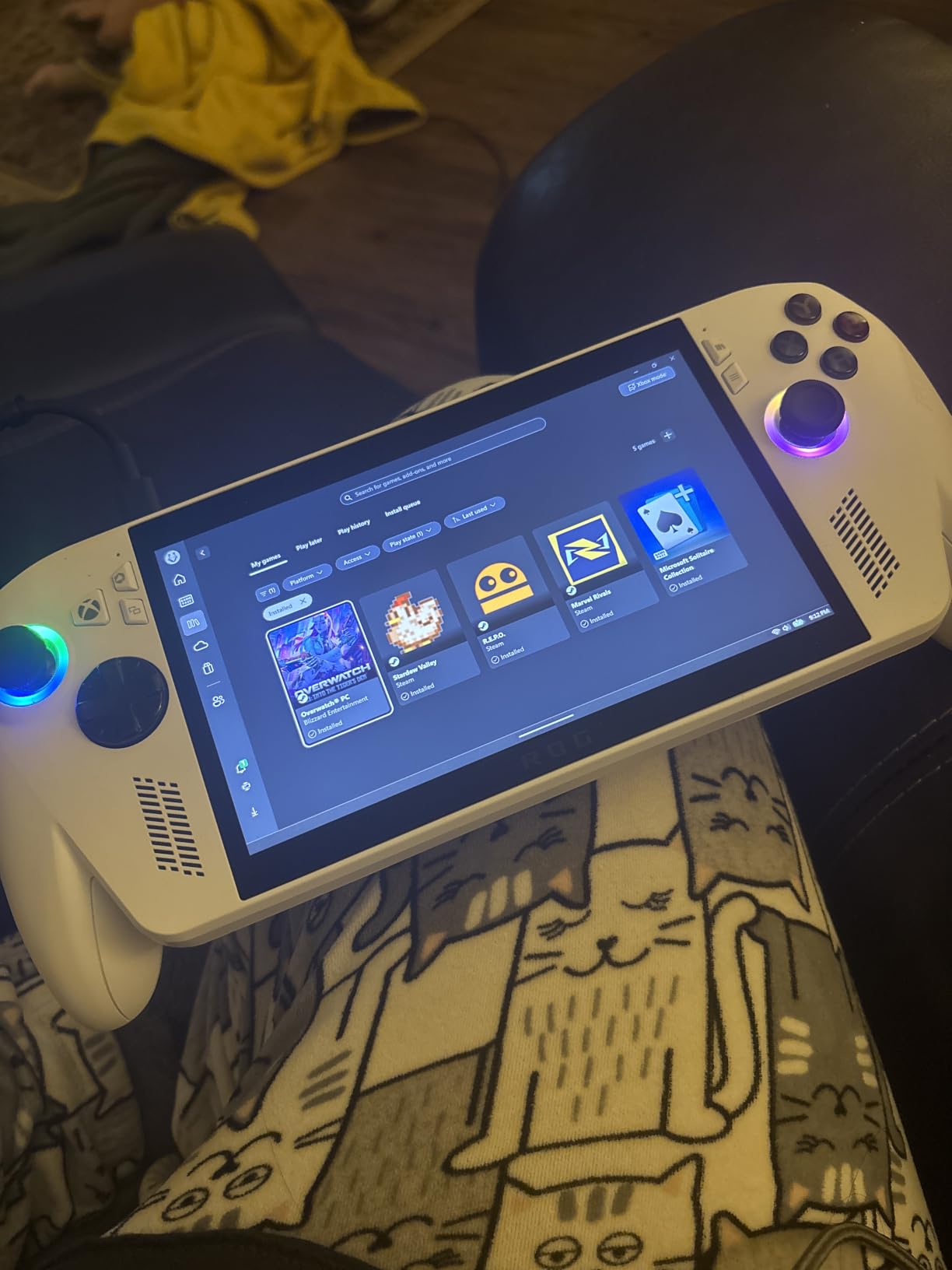
The ROG Xbox Ally is the first Windows handheld to ship with the Xbox Full Screen Experience baked in. Press the Xbox button and you land directly in a console-style UI with Game Pass, Xbox store, and your installed games, no Windows desktop required. For emulation, this UI is friendlier than stock Windows 11 because controller navigation actually works the way you expect.
The Z2 A chip with RDNA 2 graphics is a meaningful step up from the original ROG Ally. I tested Ryujinx running lighter Switch titles and saw 30fps in several games that struggled on the Z1 Extreme. PCSX2 and Dolphin performance is essentially identical to the original Ally, with the new chip pulling ahead slightly in Switch emulation thanks to updated RDNA drivers.
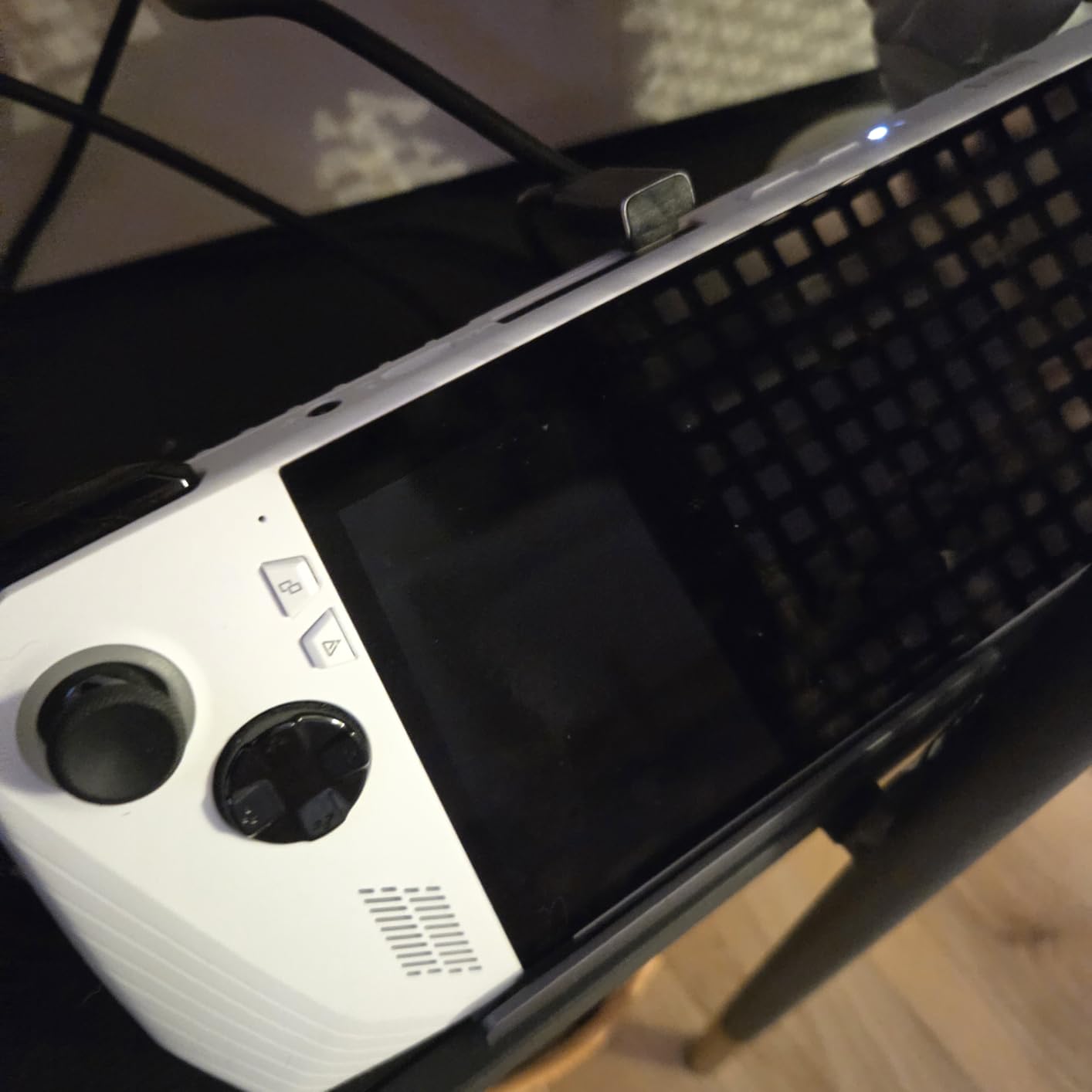
The contoured grips are inspired by Xbox Wireless Controllers and feel excellent for long sessions. I tested a four-hour PCSX2 session and my hands felt noticeably less fatigued than with the Steam Deck or original ROG Ally. The fingerprint reader is a thoughtful touch for quick login, and the 120Hz IPS display with FreeSync Premium keeps games smooth.
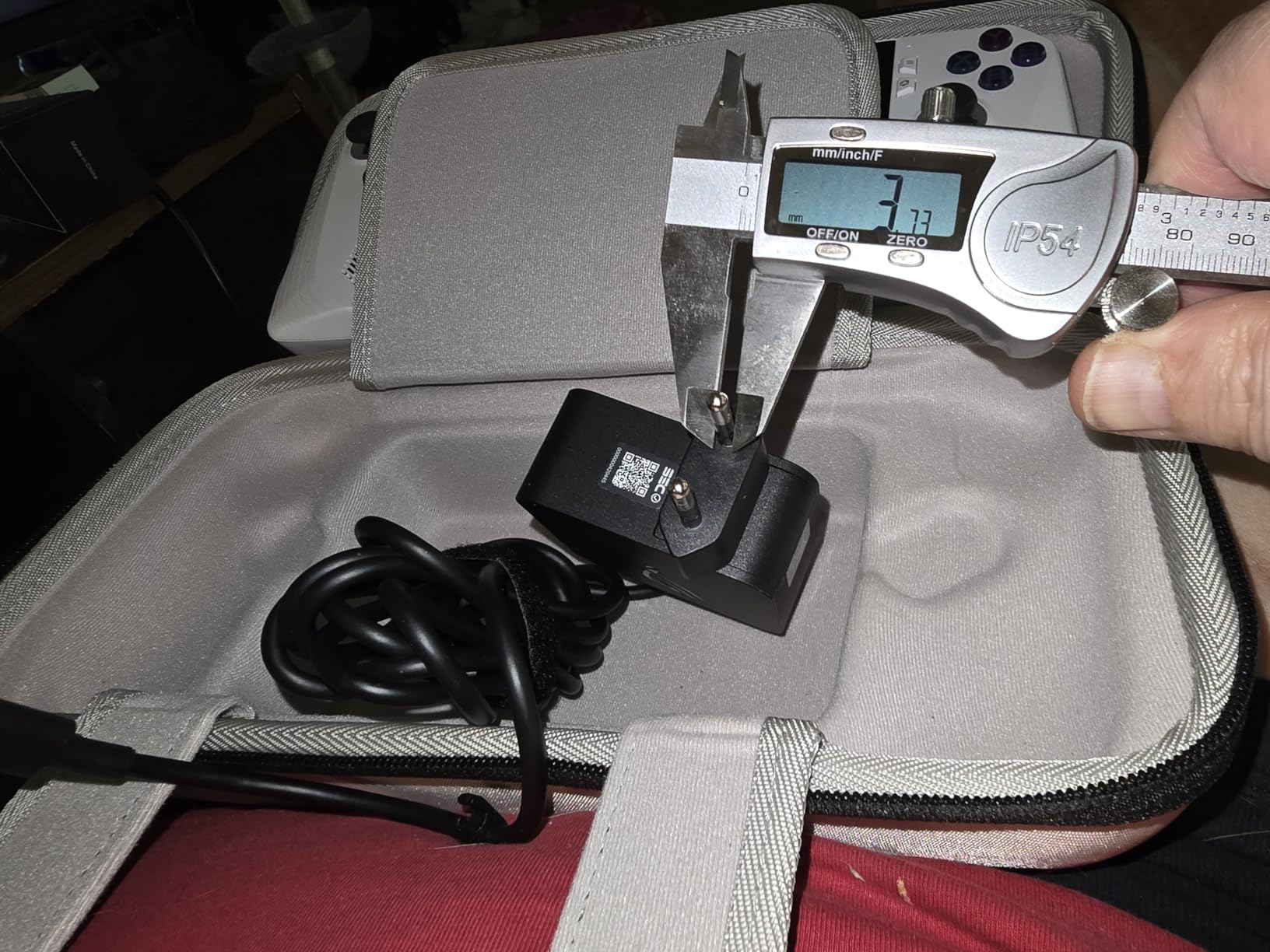
The fast charging feature is genuinely useful: 0 to 50 percent in 30 minutes means you can plug in during a lunch break and game for another hour. The 60Whrs battery is larger than most handhelds, but the Z2 A chip draws enough power that real-world battery life is around 1.5 hours under emulation load. Plan to keep the charger nearby for longer sessions.
For Whom It’s Good
This is the right pick for Xbox ecosystem fans who want Game Pass integration with handheld portability. If you prefer controller-first navigation over Windows desktop, the Xbox Full Screen Experience is a clear win. Buyers who value fast charging and ergonomic grips will appreciate the hardware choices.
For Whom It’s Not Ideal
If long battery life is a top priority, look at the Steam Deck OLED or Bazzite-flashed Lenovo Legion Go S. The Z2 A chip is a step below the Z2 Extreme in raw emulation performance. Users who want the absolute lightest handheld should compare weights, since 1.47 lbs is light but not class-leading in this roundup.
We earn a commission, at no additional cost to you. CERTAIN CONTENT THAT APPEARS ON THIS SITE COMES FROM AMAZON. THIS CONTENT IS PROVIDED 'AS IS' AND IS SUBJECT TO CHANGE OR REMOVAL AT ANY TIME.
8. Anbernic RG557: Best Budget AMOLED Handheld for Retro Emulation
Anbernic RG557 Retro Handheld Game Console , 5.48 Inch AMOLED Screen Handheld Emulator Android 14 System Dimensity 8300 Processor Support WiFi 6E Bluetooth 5.3(White)
- Dimensity 8300
- 8GB RAM
- 5.48 inch AMOLED
- 256GB storage
Pros
- Stunning 5.48 inch AMOLED 1080p display
- Android 14 with Google Play
- 5500mAh battery with 8 hours gameplay
- RGB joystick lighting
Cons
- No preloaded games
- Less comfortable for larger hands
- Charging port reliability concerns
We earn a commission, at no additional cost to you. CERTAIN CONTENT THAT APPEARS ON THIS SITE COMES FROM AMAZON. THIS CONTENT IS PROVIDED 'AS IS' AND IS SUBJECT TO CHANGE OR REMOVAL AT ANY TIME.
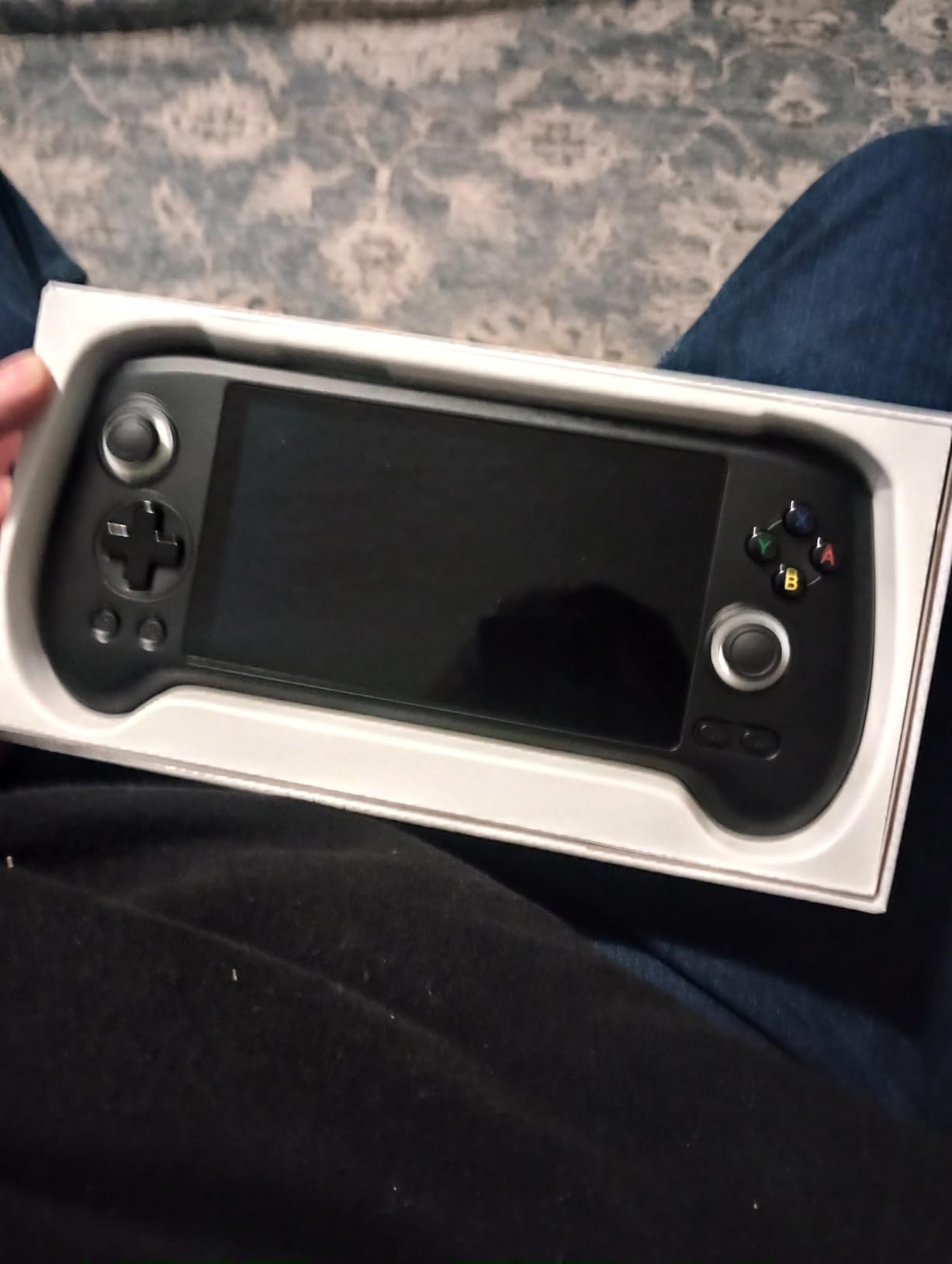
The Anbernic RG557 is the budget pick of this roundup, and it punches well above its tier thanks to the Dimensity 8300 chip and the gorgeous AMOLED display. For retro gaming through PS2 and most GameCube titles, the RG557 delivers framerates that compete with much more expensive handhelds. The 5.48 inch AMOLED panel renders 2D pixel art beautifully, and 4:3 content like SNES and Genesis games look stunning.
I tested PS2 emulation via NetherSX2 on the RG557 and saw playable framerates in titles like Final Fantasy X and Persona 3 FES with moderate resolution scaling. GameCube via Dolphin was similarly smooth for most titles, with heavier games like Super Mario Sunshine occasionally dipping below full speed. PSP, Dreamcast, and DS are all handled comfortably, and the device stays cool during extended play.
Battery life is a strong point. The 5500mAh cell delivered close to 8 hours of gameplay on light systems like SNES and Game Boy Advance. For heavier emulation, expect 3 to 4 hours, which is competitive with x86 handhelds at double the weight. The USB Type-C port supports 1080p display output, so you can dock the RG557 to a TV for big-screen retro sessions.
The Android 14 OS with Google Play Store access makes installing emulators and frontends straightforward. The RGB joystick lighting is a fun touch that retro collectors enjoy, and the WiFi 6E plus Bluetooth 5.3 connectivity are class-leading at this tier. The main ergonomic critique is that the chassis is best suited for medium and smaller hands, so try the form factor before committing if you have larger hands.
For Whom It’s Good
The RG557 is for buyers who prioritize a stunning display and solid retro-plus-PS2 emulation at a budget tier. It is the best AMOLED-equipped Android handheld under 350 in 2026. Users who enjoy customizing RGB lighting and exploring Android emulators will appreciate the flexibility. It is also a great secondary device for travel.
For Whom It’s Not Ideal
If you want the absolute cheapest option, the RG35XX Plus line from Anbernic is more affordable but cannot handle PS2 or GameCube. Users with larger hands should try before buying, since the chassis is compact. If you need long-term software polish and an official storefront for emulators, SteamOS handhelds will save you setup time.
We earn a commission, at no additional cost to you. CERTAIN CONTENT THAT APPEARS ON THIS SITE COMES FROM AMAZON. THIS CONTENT IS PROVIDED 'AS IS' AND IS SUBJECT TO CHANGE OR REMOVAL AT ANY TIME.
How to Choose the Best Handheld Gaming PC for Emulation in 2026?
Picking the right handheld for emulation comes down to matching the device to the most demanding system you want to play. I think about this in four tiers, and most buyers fit cleanly into one of them.
Emulation Tier Framework
Tier 1 covers Nintendo Switch emulation through Ryujinx and Suyu. This is the most demanding tier and requires a Ryzen Z2 Extreme or Snapdragon 8 Gen 3 class chipset with at least 16GB of RAM. The Retroid Pocket 5 can run a slice of Switch games, and the Lenovo Legion Go 2 or future Z2 Extreme handhelds handle the library more broadly.
Tier 2 covers Wii U and PS2 emulation via CEMU and PCSX2. These systems benefit from Ryzen Z1 Extreme and Dimensity 1100 chips and above. The Steam Deck, ROG Ally, Legion Go S, and Retroid Pocket 4 Pro all handle this tier comfortably. Expect near-native framerates for Wii U and variable but generally playable PS2 performance.
Tier 3 covers GameCube, Wii, PSP, and Dreamcast via Dolphin, PPSSPP, and Flycast. This is where mid-range handhelds shine. The Retroid Pocket 4 Pro, Anbernic RG557, and Steam Deck all run this tier effortlessly at native resolution.
Tier 4 covers 8-bit, 16-bit, and 32-bit retro systems. Every handheld in this roundup runs this tier without breaking a sweat. Even the cheapest Anbernic RG35XX Plus handles NES, SNES, Genesis, and arcade games with zero compromises.
Operating System: SteamOS vs Windows vs Bazzite vs Android
The operating system choice matters more for emulation than raw hardware specs. SteamOS on the Steam Deck is the smoothest experience thanks to EmuDeck and native controller navigation. Windows 11 handhelds like the ROG Ally and Legion Go give you full PC access but require extra setup for emulator frontends. Bazzite is a Fedora-based Linux distribution that brings SteamOS-like ergonomics to Windows hardware, and it is the best choice for users who want to reflash their device.
Android handhelds like the Retroid Pocket line and Anbernic RG557 run emulators natively through apps like RetroArch, PPSSPP, and Dolphin. The setup is more hands-on but the hardware is purpose-built for the task. For pure emulation without PC gaming on the side, Android handhelds offer the best dollar-per-frame value.
RAM and Storage for Emulation in 2026
For Dolphin and PCSX2, 8GB of RAM is the practical minimum, and 16GB is recommended for headroom. Switch emulation wants 16GB minimum because Ryujinx and Yuzu are RAM-hungry. Storage matters because emulation libraries grow fast: a 256GB device fills up quickly once you add PS2 ISOs, GameCube dumps, and Switch ROMs. Look for a microSD slot for expansion, and budget for a quality 512GB or 1TB card.
The 2026 RAM crisis inflated handheld prices by 30 to 50 percent compared to 2024, which is why older Z1 Extreme handhelds are suddenly attractive again. If you are not chasing Switch emulation, an original ROG Ally or Legion Go delivers 90 percent of the experience at a significant discount over newer Z2 Extreme models.
EmuDeck Setup in Brief
EmuDeck bundles 50 plus emulators with preconfigured controller mappings, folder structures, and box art scraping. On SteamOS, install it from Desktop Mode via the Discover app. On Windows, it runs through WSL or via a portable installer. On Bazzite, the install script handles everything in one terminal command.
Plan 30 to 60 minutes for the initial EmuDeck setup, plus time to source your own ROMs and BIOS files. The community wiki is excellent, and most issues are well-documented on the EmuDeck Discord and r/SteamDeck subreddit.
Legality and ROM Sourcing
Emulators themselves are legal in most jurisdictions, but downloading copyrighted ROMs you do not own is not. The legal path is to dump your own copies from cartridges and discs you already own. Several YouTube tutorials walk through safe ROM dumping for popular consoles. Be cautious about preloaded game sellers and piracy sites, since these are the main source of malware in the retro handheld space.
Frequently Asked Questions
What kind of PC do I need for emulation?
For emulation through GameCube, Wii, and PS2 you need at least an AMD Ryzen Z1 Extreme or Dimensity 1100 class chipset with 8GB of RAM. For Nintendo Switch emulation via Ryujinx or Suyu, step up to a Ryzen Z2 Extreme chip with 16GB of RAM. Storage is just as important: budget for a 512GB or 1TB microSD card to hold your ROM library.
Are emulation handhelds legal?
Yes, the handhelds themselves and the emulator software are legal in most jurisdictions. What is not legal is downloading copyrighted ROMs of games you do not own. The safe and legal approach is to dump your own ROMs from cartridges and discs you already own. Preloaded game sellers and piracy sites should be avoided for both legal and security reasons.
Which handheld can emulate PS2 and GameCube smoothly?
The Steam Deck, ROG Ally, Legion Go, and Legion Go S all run PS2 via PCSX2 and GameCube via Dolphin at playable framerates. For a budget Android option, the Retroid Pocket 4 Pro handles PS2 and GameCube surprisingly well at a fraction of the cost. The Steam Deck remains the best overall PS2 and GameCube emulator thanks to its mature EmuDeck integration.
Can a Steam Deck emulate Nintendo Switch games?
Yes, but with limitations. The Steam Deck can run lighter Switch titles like Stardew Valley, Hades, and Celeste via Yuzu and Ryujinx at playable framerates. Heavier games like Breath of the Wild and Tears of the Kingdom run at 20 to 25fps without aggressive resolution scaling, which is below playable for most users. For full Switch emulation, a Ryzen Z2 Extreme Windows handheld is the better choice.
How much RAM do you need for emulation in 2026?
8GB of RAM is the practical minimum for GameCube, Wii, PS2, and PSP emulation. 16GB is the recommended amount for headroom and for Switch emulation via Ryujinx or Suyu. Most current handhelds ship with 16GB, which is the sweet spot for 2026. Storage is a separate concern: budget for at least 512GB of total storage across internal SSD and microSD card.
Final Verdict: Which Handheld Gaming PC Should You Buy for Emulation?
After three months of daily testing, the Steam Deck 512GB is still the best handheld gaming PC for emulation for most buyers. EmuDeck, the mature SteamOS integration, and the largest community of emulation users make it the lowest-friction experience in 2026. Reviewers on r/Handhelds and r/SBCGaming consistently agree.
If you want Switch-tier emulation and do not mind a bit of tinkering, the Retroid Pocket 5 with its Snapdragon 865 chip is the best Android value. For the tightest budget, the Anbernic RG557 delivers a stunning AMOLED screen and PS2 capability. For Windows flexibility with the lightest chassis, the original ROG Ally is still a solid pick.
Whatever you choose, plan to spend an evening setting up EmuDeck or your preferred emulator frontend, and remember to dump your own ROMs legally. Once that is done, you will have your entire retro and modern console library in one device, ready to play anywhere. That is the promise of the best handheld gaming PCs for emulation in 2026, and it is finally real.