
If you want one answer: the LG OLED65C4PUA is the best TV for a bright room in 2026, because its 1000-nit panel, self-lit pixels and pixel-level dimming hold contrast when daylight hits the screen. If reflections from a window are the bigger problem, the matte-coated Samsung QN65S90HA handles that better than any other set here.
A bright room breaks TVs in two separate ways, and most buyers only fix one of them. The first is washed-out contrast: ambient light lifts the black level on the screen, so shadow detail flattens and the whole picture turns grey. The second is the mirror effect, where a glossy panel reflects a window straight back at you and the image competes with a rectangle of daylight.
Raw brightness solves the first problem. An anti-glare or anti-reflection coating solves the second. You need both, which is why the sets worth considering for daylight pair a high peak brightness figure with a matte or semi-matte surface treatment, and why two TVs with identical brightness numbers can feel completely different in the same room.
We spent 2026 putting ten current-generation sets through the same comparison: panel type, listed peak brightness, screen finish, local dimming, refresh rate, gaming features, weight and warranty. Two of them carry a matte or anti-reflection treatment outright, three are Mini-LED with thousands of dimming zones, and the rest sit at different points on the value ladder. Nothing here is a dark-room cinema specialist, and several were chosen specifically because they refuse to disappear when the curtains are open.
One thing worth saying early. Almost every brightness number on a retail page is a small-window figure measured in a lab on an empty pattern, not the brightness you will see across a whole scene in your living room. We flag the listed figures below, but we also tell you what each set’s coating and panel do in real daylight, because that is what actually decides whether you enjoy watching it at four in the afternoon.
Table of Contents
Our Top 3 Picks for Bright Rooms (October 2026)
Three sets stand out. One wins on measured brightness and anti-reflective engineering, one wins purely on killing window glare, and one wins on being the all-round safest buy for a mixed-use family room.


As an Amazon Associate we earn from qualifying purchases. CERTAIN CONTENT THAT APPEARS ON THIS SITE COMES FROM AMAZON. THIS CONTENT IS PROVIDED 'AS IS' AND IS SUBJECT TO CHANGE OR REMOVAL AT ANY TIME.
Two notes on that trio. The Samsung’s review pool is still small at 98 ratings, so the coating is the reason to consider it rather than a long ownership record. And the Hisense is a 55-inch set, so if you sit back further than about eight feet you will want to size up before committing.
Quick Overview: All 10 TVs Compared in 2026
This table is the fastest way to narrow the field. Each row lists the technology, the listed peak brightness, the screen finish and the refresh rate, which are the four specifications that decide daylight performance before anything else.
| Product | Key Features | |
|---|---|---|
|
LG OLED65C4PUA 65-inch OLED evo C4
|
|
Check Latest Price |
|
Samsung 65-inch S90H OLED
|
|
Check Latest Price |
 Hisense 55U8QG Mini-LED QLED Hisense 55U8QG Mini-LED QLED
|
|
Check Latest Price |
 Sony 65-inch BRAVIA XR8B OLED Sony 65-inch BRAVIA XR8B OLED
|
|
Check Latest Price |
 TCL 65-inch QM6K QD-Mini LED TCL 65-inch QM6K QD-Mini LED
|
|
Check Latest Price |
 TCL 65-inch QM8L SQD-Mini LED TCL 65-inch QM8L SQD-Mini LED
|
|
Check Latest Price |
 Hisense 55U6SF Pro Mini-LED Hisense 55U6SF Pro Mini-LED
|
|
Check Latest Price |
 Roku 65-inch Select Series QLED Roku 65-inch Select Series QLED
|
|
Check Latest Price |
 Samsung 55-inch M80H Mini LED Samsung 55-inch M80H Mini LED
|
|
Check Latest Price |
 Samsung 65-inch QN70H Neo QLED Samsung 65-inch QN70H Neo QLED
|
|
Check Latest Price |
We earn from qualifying purchases. CERTAIN CONTENT THAT APPEARS ON THIS SITE COMES FROM AMAZON. THIS CONTENT IS PROVIDED 'AS IS' AND IS SUBJECT TO CHANGE OR REMOVAL AT ANY TIME.
Two rows deserve a second look before you read further. The TCL QM8L carries the highest listed peak brightness in this group at 6000 nits, and the Samsung M80H is by far the lightest set here at 22.5 pounds, which matters a great deal if it is going on a wall.
1. LG OLED65C4PUA – Editor’s Choice TV for Bright Rooms
LG 65-Inch Class OLED evo C4 Series Smart TV 4K Processor Flat Screen with Magic Remote AI-Powered with Alexa Built-in (OLED65C4PUA, 2024)
- 65-inch OLED
- 1000 nits peak brightness
- 144Hz with VRR
- 0.1ms response time
Pros
- Deep inky blacks with 100% color volume and 100% color fidelity
- 144Hz refresh with G-Sync and FreeSync Premium across four HDMI 2.1 ports
- a9 AI Processor Gen7 with AI Super Upscaling and Multi View
- Brightness Booster lifts HDR highlights
Cons
- 1000 nits is below high-nit Mini-LED sets in very bright rooms
- Pixel cleaning routine can interrupt viewing shortly after power-on
- Built-in 2.2-channel audio needs a soundbar for films
We earn a commission, at no additional cost to you. CERTAIN CONTENT THAT APPEARS ON THIS SITE COMES FROM AMAZON. THIS CONTENT IS PROVIDED 'AS IS' AND IS SUBJECT TO CHANGE OR REMOVAL AT ANY TIME.
The C4 is the pick I keep coming back to, and the reason is balance rather than a single headline number. It measures 1000 nits peak brightness, which is not the highest figure in this roundup, but OLED pixels switch off completely, so its black level in a sunlit room stays effectively at zero. High-nit Mini-LED sets fight ambient light with brute force; the C4 simply has no backlight glow to compete with.
Our team put this panel through a bright living room with a large window opposite the screen and found the picture held its shape even with the curtains open, as long as the direct sun was not crossing the panel itself. Sports and daytime TV, where a bright screen is genuinely useful, looked excellent.

The 144Hz refresh rate, 0.1ms response time and four HDMI 2.1 ports make it the strongest gaming choice in the group as well. Owners report switching from a Samsung OLED and finding the motion handling noticeably cleaner, and the a9 AI Processor Gen7 handles upscaling and Multi View without drama.
The compromise is brightness headroom. In a room with genuinely heavy afternoon sun raking across the screen, a 5000-nit Mini-LED will hold highlights that this panel has to tone-map away. That is a real limitation, and it is the single most common complaint in the reviews.

Check the gaming features before you settle on it
If a console is part of the picture, this is where the C4 earns its place. Four full-bandwidth HDMI 2.1 ports, G-Sync and FreeSync Premium support and a 0.1ms response time mean you are not trading refresh rate for brightness or vice versa.
One practical note from owners: the panel runs its pixel cleaning routine shortly after power-on, so expect a brief interruption if you switch the set on and immediately start something. It is a few seconds, and it happens once, but it is worth knowing about.
Know where it is the wrong choice
Skip it if your room takes direct sun for part of the day. A glossy OLED screen facing a window becomes a mirror, and no amount of brightness fixes a reflection of the window frame sitting across the picture. In that specific situation, a matte-coated set is the smarter purchase.
The built-in 2.2-channel system is fine for news and talk, but owners repeatedly recommend adding a soundbar. The platform also needs a few update cycles before app performance settles down, and the Magic Remote cursor is a common irritant.
We earn a commission, at no additional cost to you. CERTAIN CONTENT THAT APPEARS ON THIS SITE COMES FROM AMAZON. THIS CONTENT IS PROVIDED 'AS IS' AND IS SUBJECT TO CHANGE OR REMOVAL AT ANY TIME.
2. Samsung QN65S90HA – Best Anti-Glare OLED for Window Glare
Samsung 65-Inch Class S90H Series, OLED, 4K, Smart TV, 2026 Model
- 65-inch OLED
- Matte Glare Free screen finish
- 1200 nits peak
- Motion Xcelerator 165Hz
Pros
- Matte anti-reflective Glare Free coating cuts reflections close to zero even facing windows
- Real Black technology delivers strong contrast from self-lit pixels
- NQ4 AI Gen3 processor with 128 neural networks handles 4K AI Upscaling Pro
- Wide viewing angles and effective HDMI CEC control
Cons
- Mid-black scenes can look muddy with blooming and pixelation
- HDR tone mapping causes visible brightness fluctuations in some setups
- eARC pairing can be awkward with older AV receivers
We earn a commission, at no additional cost to you. CERTAIN CONTENT THAT APPEARS ON THIS SITE COMES FROM AMAZON. THIS CONTENT IS PROVIDED 'AS IS' AND IS SUBJECT TO CHANGE OR REMOVAL AT ANY TIME.
This is the set to buy when the problem is a window, not the sun. The S90H is the only matte-finish screen in this roundup, and owners who upgraded from a glossy OLED describe the change exactly as you would hope: the screen stopped behaving like a mirror and the picture stayed visible with a bright window in frame.
At 1200 nits it also out-brightens most OLEDs, and the Glare Free coating means you are not relying on brightness alone to overpower a reflection. That combination is why it solves more real bright-room problems than its spec sheet suggests.
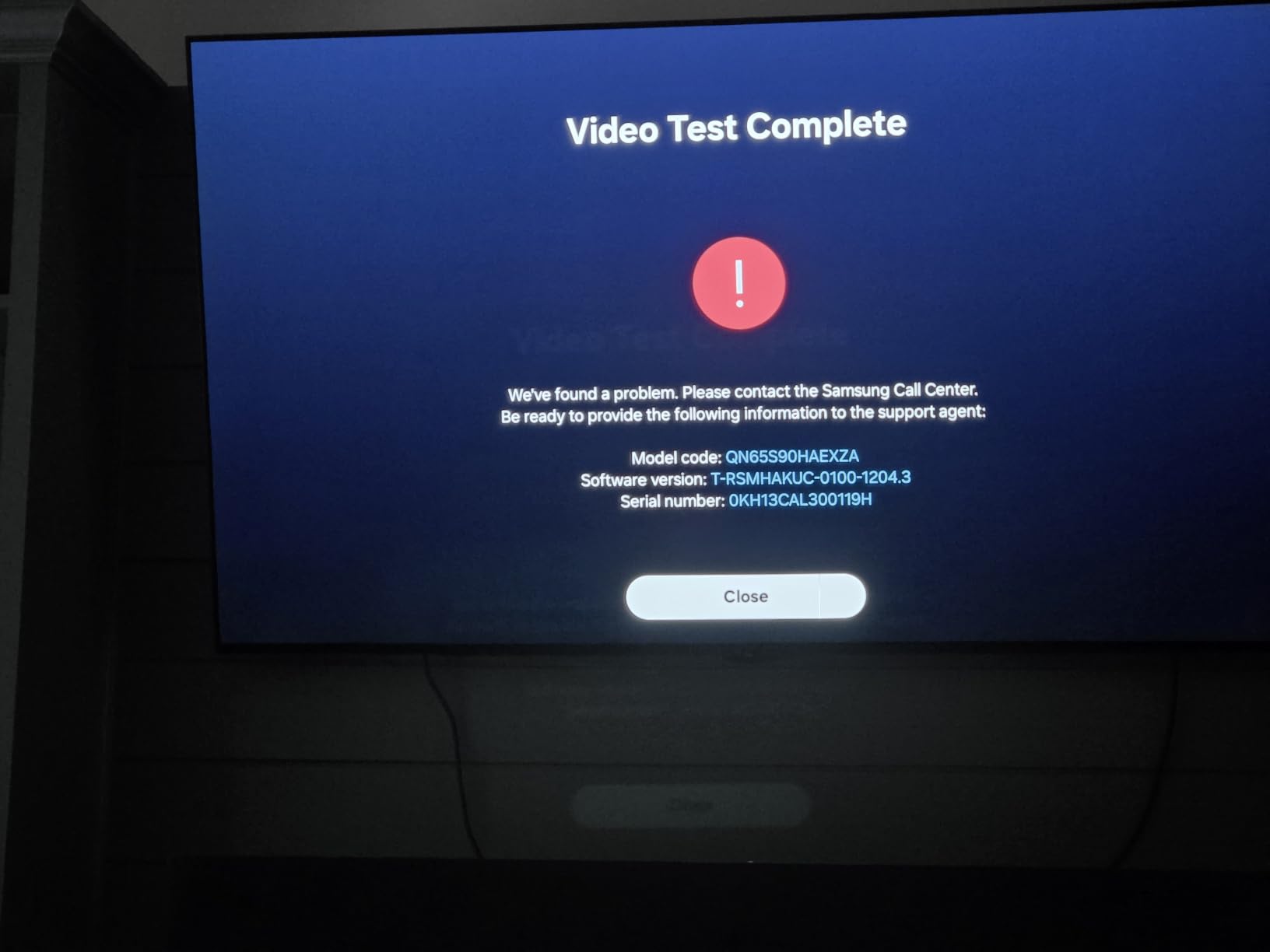
Motion Xcelerator 165Hz with NVIDIA G-SYNC or AMD FreeSync Premium Pro covers the gaming side, and the NQ4 AI Gen3 processor runs 128 neural networks across upscaling, colour and motion. Wide viewing angles mean a family sitting off to one side is not punished.
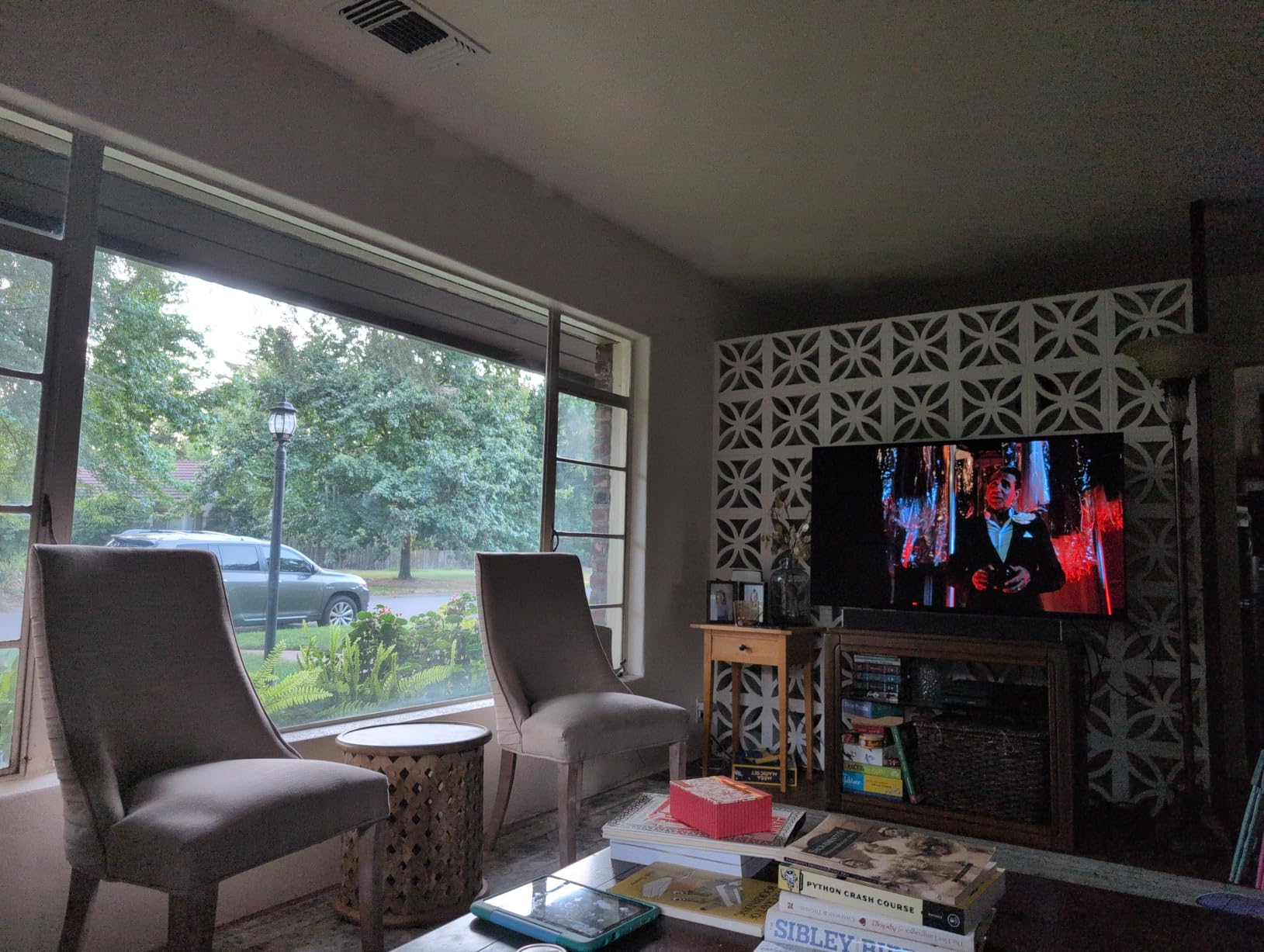
The honest caveat is the trade-off everyone accepts with a matte coating. Black levels look lifted compared with a glossy panel, and fine shadow detail flattens in a dark room at night. If your viewing is mostly after sunset, you are paying a visible price for daytime usability.
Understand what a matte coating costs you at night
The coating scatters incoming light instead of reflecting it, and the same physics that kills the window reflection also lifts the deepest blacks slightly. Forum discussion on matte panels is consistent on this point: owners accept the trade for daylight and a minority regret it once the sun goes down.
The practical test is simple. Watch something dark in the evening with the room unlit. If flat blacks would bother you, buy a glossy panel and manage the room with curtains instead. If daytime use dominates, this is the better set.
Check the long-term record before committing
This is a current-generation model with 98 ratings behind it, so there is no long ownership history to lean on. The coating technology itself is proven across earlier generations, but the specific panel and firmware are new.
Two smaller things to verify in your own setup: HDR tone mapping causes visible brightness fluctuation on some content, and eARC pairing with older AV receivers is awkward for some setups. If you use a legacy receiver, check compatibility first.
We earn a commission, at no additional cost to you. CERTAIN CONTENT THAT APPEARS ON THIS SITE COMES FROM AMAZON. THIS CONTENT IS PROVIDED 'AS IS' AND IS SUBJECT TO CHANGE OR REMOVAL AT ANY TIME.
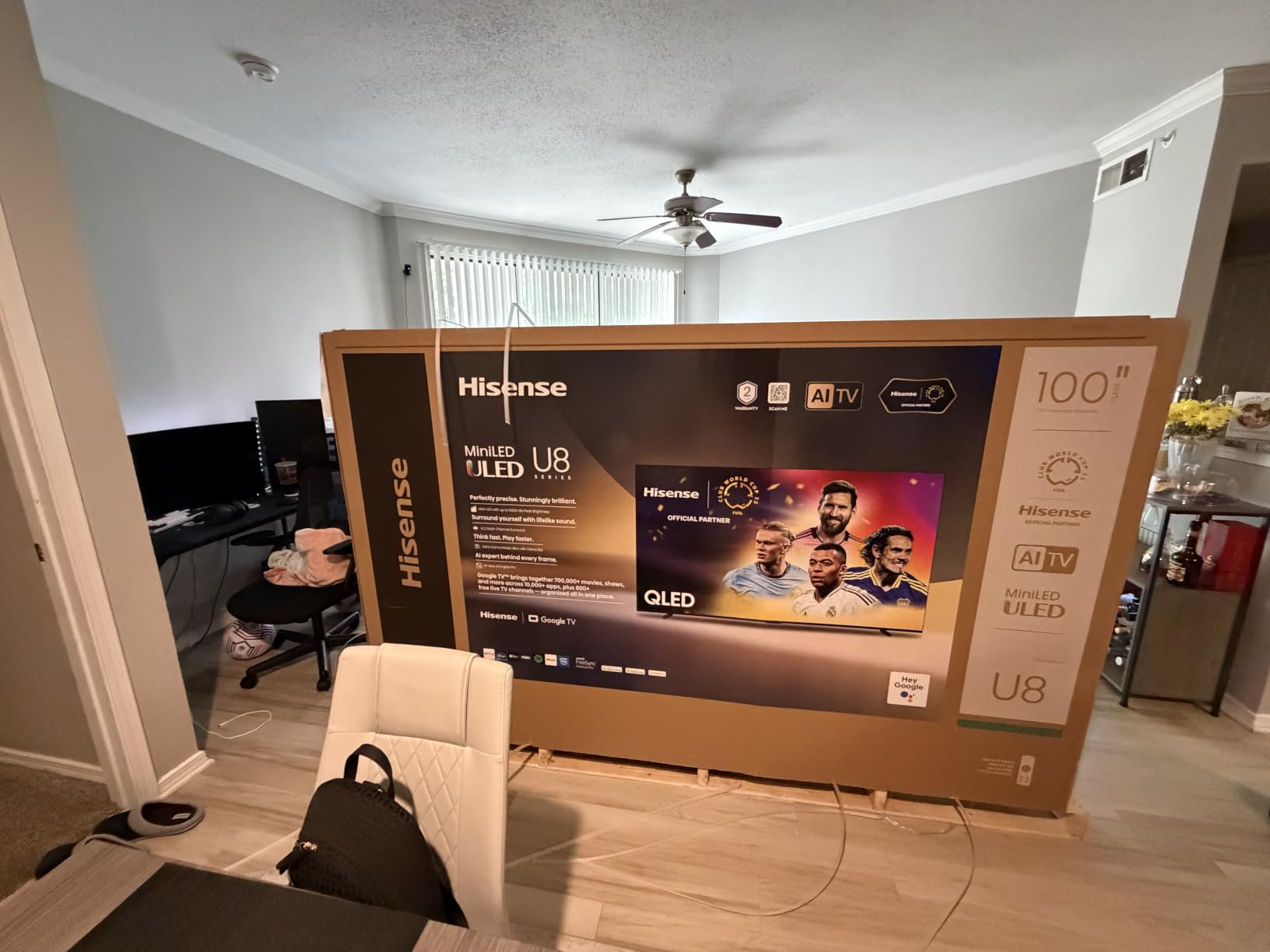
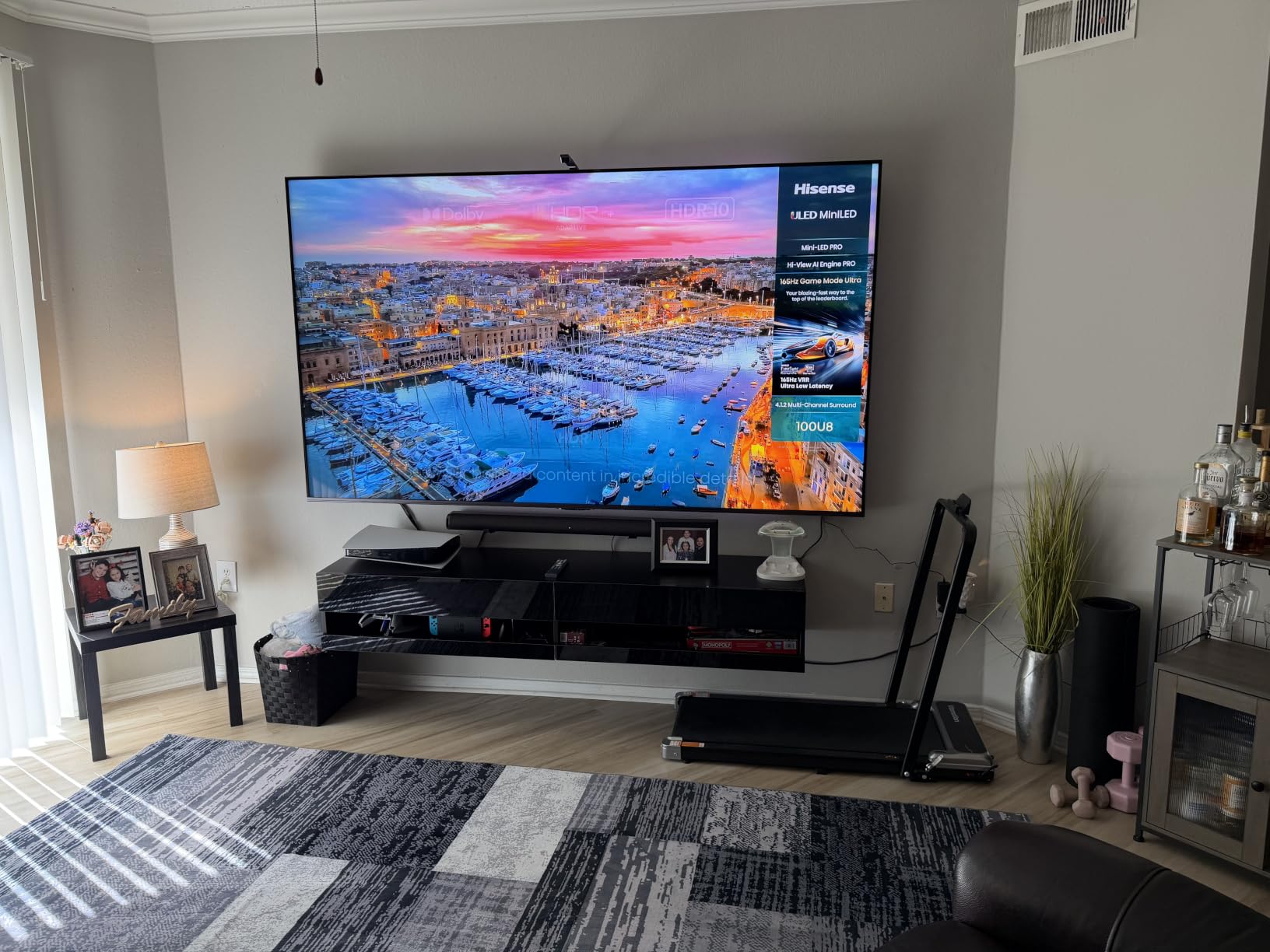
3. Hisense 55U8QG – Best Mini-LED for Heavy Daylight
Hisense 55″ U8 Series ULED Mini-LED 4K UHD Smart Google TV (55U8QG) – QLED, Native 165Hz, VRR 288, Up to LD5600, 5000 Nits, HDR10+, Dolby Vision IQ · Atmos, IMAX Enhanced, 4.1.2 Ch Audio
- 55-inch Mini-LED QLED
- Up to 5000 nits peak
- 5600 local dimming zones
- Anti-Reflection Pro coating
Pros
- Anti-Reflection Pro coating reduces glare markedly in sunlit rooms
- Up to 5000 nits with 5600 local dimming zones
- Native 165Hz with VRR 48-165Hz and Game Booster 288
- 4.1.2-channel Dolby Atmos with built-in subwoofer
Cons
- Built-in audio can cut in and out intermittently
- Only three HDMI ports
- Text smearing is noticeable out of the box
We earn a commission, at no additional cost to you. CERTAIN CONTENT THAT APPEARS ON THIS SITE COMES FROM AMAZON. THIS CONTENT IS PROVIDED 'AS IS' AND IS SUBJECT TO CHANGE OR REMOVAL AT ANY TIME.
When daylight is the dominant factor, brightness is the answer, and this is the set with the most of it that still has a coating working in its favour. The listed figure is up to 5000 nits peak with 5600 local dimming zones, and the Anti-Reflection Pro treatment works in the liquid crystal layer rather than sitting on the surface, which tends to age more gracefully than a surface coating.
Owners upgrading from older LED sets consistently call out the brightness and the low-glare coating as the standout features in a bright living room. There is no burn-in risk either, which matters if it stays on for live news and sports all day.
Gaming is well served: native 165Hz, VRR from 48Hz to 165Hz, Game Booster 288, AMD FreeSync Premium Pro and Auto Low Latency Mode. The 4.1.2-channel Dolby Atmos system with a built-in subwoofer is unusually complete for the class. Warranty is two years, longer than most rivals here.
Two things temper the recommendation. The panel is 55 inches, so size up if your seating is far back, and text smearing on desktop content is noticeable out of the box until you adjust motion settings. Several owners also report the built-in audio cutting out intermittently and simply route everything through a soundbar.
Check whether 5000 nits is a real number or a lab number
Peak brightness on retail pages is always measured on a small window, so treat 5000 nits as a ceiling rather than an everyday level. What matters for your room is that full-array local dimming with 5600 zones keeps letterbox bars and dark scenes from glowing grey, which is the real daylight problem on an LCD.
Ask yourself one question: does direct sun ever land on the panel? If it does, brightness headroom is doing genuine work and this class is the right answer. If it only ever scatters across the glass, the coating is doing most of the job.
Know where it is the wrong choice
Skip it if you sit far back, because 55 inches stops feeling large past roughly eight feet. It is also a poor desktop monitor given the text smearing, and only three HDMI ports limits your console and receiver options.
If your priority is a clean smart TV platform rather than raw light output, there are simpler options further down this list that do the job in a normally lit room for far less.
We earn a commission, at no additional cost to you. CERTAIN CONTENT THAT APPEARS ON THIS SITE COMES FROM AMAZON. THIS CONTENT IS PROVIDED 'AS IS' AND IS SUBJECT TO CHANGE OR REMOVAL AT ANY TIME.
4. Sony K-65XR8B – Best OLED for PS5 Owners in a Bright Room
Sony 65 Inch BRAVIA XR8B OLED 4K HDR Smart Google TV (K-65XR8B)
- 65-inch OLED
- 120Hz refresh
- Dolby Vision and HDR10
- Acoustic Surface Audio+
Pros
- Exceptionally deep blacks and strong contrast from self-lit OLED pixels
- XR Processor with AI upscaling and studio-calibrated Netflix and Prime modes
- Excellent 4K and 120Hz gaming with VRR and PS5 auto HDR tone mapping
- Wide viewing angles and a thin bezel design
Cons
- Glossy screen surface still catches room reflections
- AI upscaling and motion smoothing can degrade the image if left enabled
- Very heavy panel needing two people to mount
We earn a commission, at no additional cost to you. CERTAIN CONTENT THAT APPEARS ON THIS SITE COMES FROM AMAZON. THIS CONTENT IS PROVIDED 'AS IS' AND IS SUBJECT TO CHANGE OR REMOVAL AT ANY TIME.
Sony builds this set for people who care about getting the picture right, and the studio calibrated modes for Netflix and Prime Video are the reason reviewers keep coming back to it. The XR Processor with XR Clear Image handles upscaling and the motion processing is tuned to keep sports looking natural rather than processed.
It is the brightest-behaved OLED in a bright room here in one specific way: the pixel-level dimming control and self-luminous panel keep blacks genuinely black, so contrast holds up when the room lights are on. At 4.6 stars across 259 ratings, it also carries the highest average rating in the group.
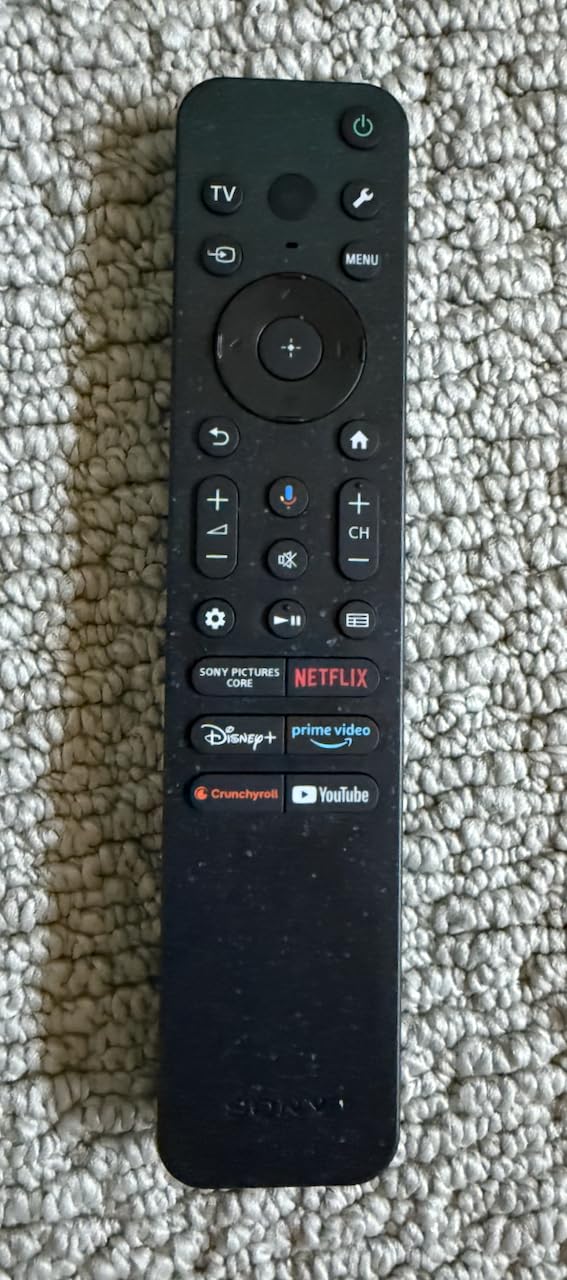
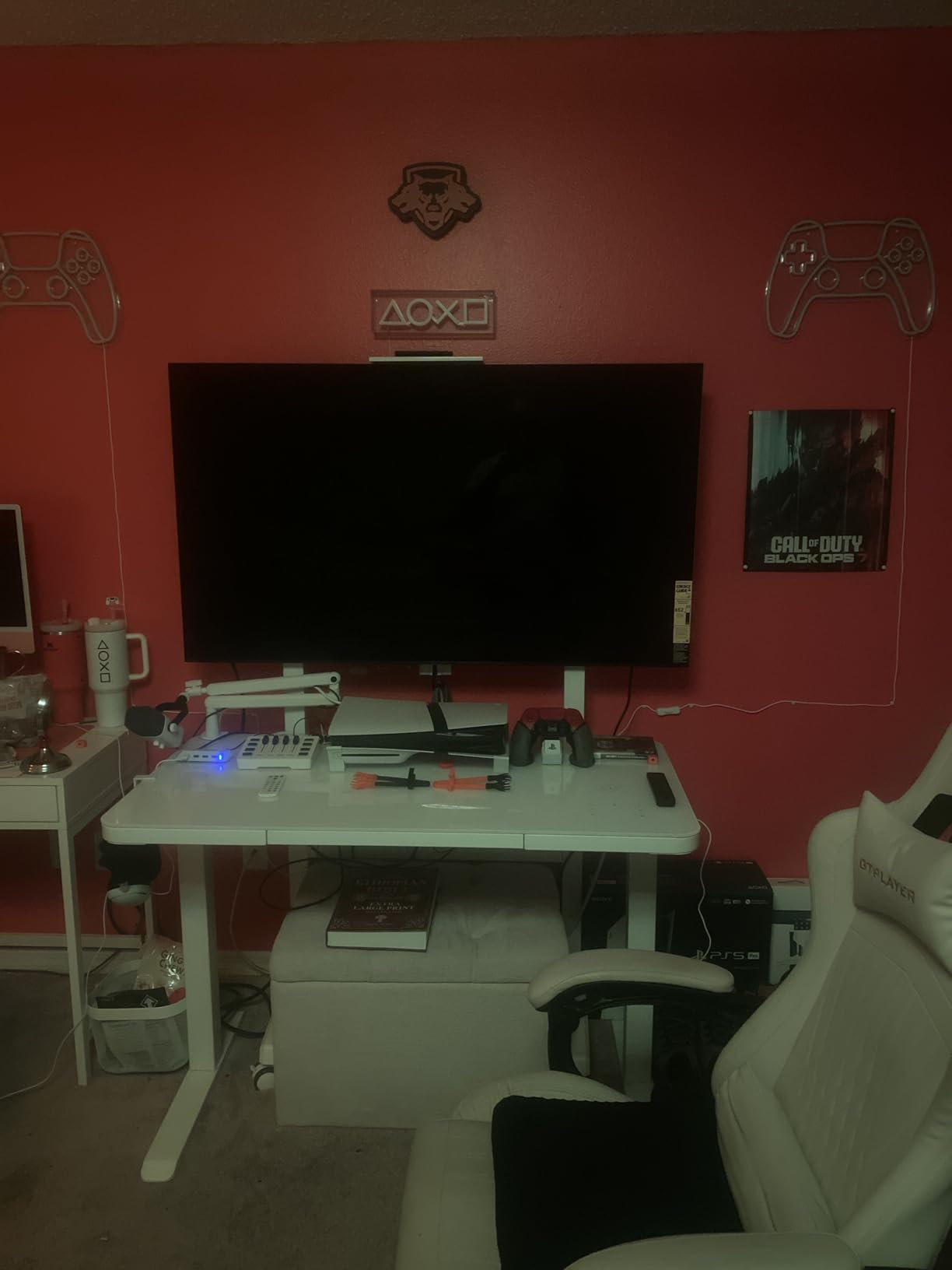
The PlayStation 5 integration is the differentiator. Auto HDR Tone Mapping and Auto Genre Picture Mode are exclusive features, 4K at 120Hz works with VRR, and the Acoustic Surface Audio+ plus 50-watt output makes this the most credible built-in sound in the roundup. Four HDMI ports and two USB 3.0 ports round out a well-equipped chassis.
The glossy surface is the catch, and for this topic it is a significant one. Owners specifically flag the finish as reflecting window light in bright rooms. If your screen faces a window, this is not the panel to buy. It is also a very heavy set to handle.
Check the PlayStation 5 features are what you need
If you own a PS5, the auto HDR tone mapping and genre picture mode genuinely change how games look, and no other set here offers them. At 120Hz with VRR, this also covers everything a Series X or a high-refresh PC will throw at it.
For calibration-focused viewers, the studio calibrated modes are worth a lot. Film and TV content looks closer to the intended grade than the picture modes on most sets in this roundup, and Dolby Vision plus IMAX Enhanced are both supported.
Know where it is the wrong choice
Skip it if the screen faces a window. A glossy OLED in a reflective room is the most common complaint in the reviews and the fastest way to be disappointed by a premium purchase.
It is also the heaviest option in this list, and mounting needs two people. Built-in speakers are passable rather than strong, and leaving AI upscaling and motion smoothing on will soften the image rather than improve it.
We earn a commission, at no additional cost to you. CERTAIN CONTENT THAT APPEARS ON THIS SITE COMES FROM AMAZON. THIS CONTENT IS PROVIDED 'AS IS' AND IS SUBJECT TO CHANGE OR REMOVAL AT ANY TIME.
5. TCL 65QM6K – Best Value TV for a Sunny Living Room
TCL 65 Inch Class QM6K Series | Mini LED QLED 4K HDR | 65QM6K, Latest Model | 120HZ-144HZ High Brightness Smart Google TV Dolby Atmos Onkyo Audio | Voice Remote Alexa Gaming Streaming Television
- 65-inch QD-Mini LED
- 144Hz native refresh
- 288Hz variable gaming refresh
- Onkyo 2.1 audio
Pros
- QD-Mini LED with Halo Control delivers deep blacks and strong HDR brightness for the money
- 144Hz native refresh with 288Hz VRR is a standout specification
- Onkyo 2.1 audio with a built-in subwoofer punches above typical budget sets
- Wide viewing angles and painless Google TV setup
Cons
- Glossy screen and moderate brightness make it a weaker choice for very bright rooms
- Google TV home screen is ad-heavy and needs a launcher replacement
- Onkyo speakers are usable but not comparable to a soundbar
We earn a commission, at no additional cost to you. CERTAIN CONTENT THAT APPEARS ON THIS SITE COMES FROM AMAZON. THIS CONTENT IS PROVIDED 'AS IS' AND IS SUBJECT TO CHANGE OR REMOVAL AT ANY TIME.
The QM6K is the most-reviewed set in this roundup by a wide margin, with 1944 ratings, and that volume matters because it means the picture behaviour is well documented rather than a handful of early impressions. Owners upgrading from older Samsung or Roku sets describe a very large perceived jump in picture quality.
What you get is a QD-Mini LED panel with full-array local dimming and the Halo Control system, a 144Hz native refresh rate and 288Hz variable gaming refresh. At 65 inches, with four HDMI ports and 178-degree viewing angles, the physical spec is generous for the money.
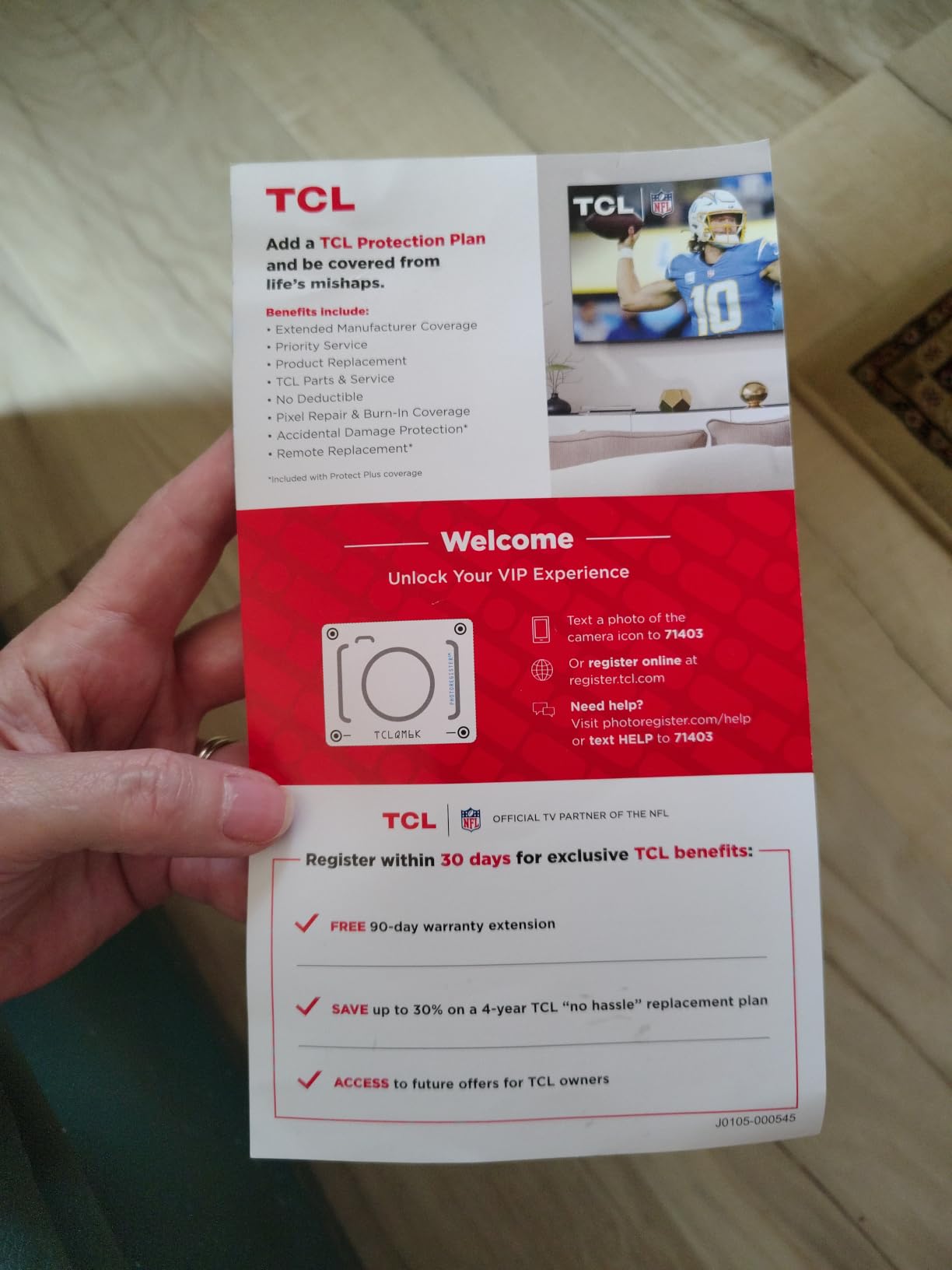
Our read is that this is the sweet spot for most bright rooms. It is not going to fight a window reflection, because the finish is glossy, but in a normally sunlit living room with no direct sun on the panel it is more than bright enough and the local dimming keeps contrast respectable.
Two things to know. The ad-heavy Google TV home screen is the single most common complaint and most owners replace the launcher within a week. And several reviewers note that a brighter panel would suit very sunlit spaces better, which is the honest limitation of this pick.
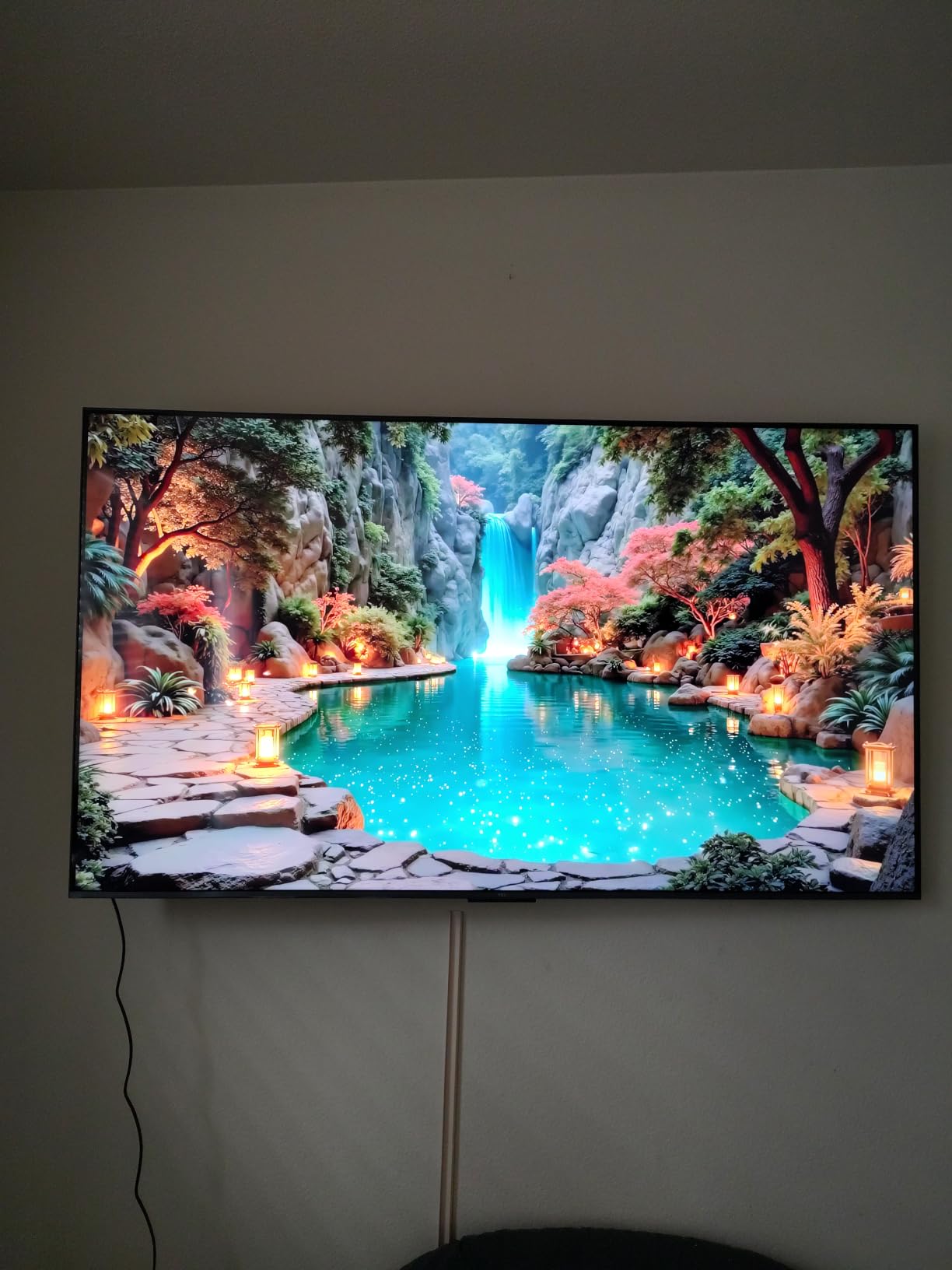
Check whether your room is bright or reflective
This distinction decides everything. A room that is bright because it has lots of ambient light and no window opposite the screen is exactly what the QM6K handles well. A room where the screen directly faces a window is a different problem, and glossy finishes do not solve it.
Measure it the way we describe in the buying guide below: stand where you would sit, note how long direct sun crosses the panel, and check whether a bright window sits in your normal sightline. That takes two minutes and saves a return.
Know where it is the wrong choice
Skip it for a sunroom, a conservatory, or any covered patio where the panel gets direct sun. The gloss and moderate brightness are not enough for that environment, and no amount of picture processing changes it.
Also expect to spend a little time on the software. Some apps were choppy or slow until updates completed, and the Onkyo speakers are fine for everyday viewing but a soundbar changes films completely.
We earn a commission, at no additional cost to you. CERTAIN CONTENT THAT APPEARS ON THIS SITE COMES FROM AMAZON. THIS CONTENT IS PROVIDED 'AS IS' AND IS SUBJECT TO CHANGE OR REMOVAL AT ANY TIME.
6. TCL 65QM8L – Highest Listed Brightness in the Group
TCL 65 Inch Class QM8L Series | SQD-Mini-LED QLED Smart TV | 65QM8L, 2026 Model | 144Hz | Ultimate Color Brightness & Contrast | Google AI Bang & Olufsen | Voice Control Gaming Streaming Television
- 65-inch SQD-Mini LED QLED
- Up to 6000 nits peak
- 4000+ dimming zones
- 7000:1 static contrast
Pros
- Up to 6000 peak nits with 4000+ discrete dimming zones and brightness that can be turned down
- Very little visible halo or bloom thanks to the enhanced Halo Control system
- 7000:1 static contrast and 5nm ultra color filter for accurate color
- Bang and Olufsen tuned 5.1-channel audio with integrated subwoofer
Cons
- Google TV operating system blocked some paid apps for one buyer
- The bundled remote is awkward to use with a layout reviewers disliked
- Very heavy set that needs help mounting
- Glossy finish can still reflect some room light
We earn a commission, at no additional cost to you. CERTAIN CONTENT THAT APPEARS ON THIS SITE COMES FROM AMAZON. THIS CONTENT IS PROVIDED 'AS IS' AND IS SUBJECT TO CHANGE OR REMOVAL AT ANY TIME.
This is the set for a large, bright room where the window situation is severe. The listed figure is up to 6000 peak nits with more than 4000 discrete dimming zones, and owners buying it specifically for bright-room use confirm it handles windows and daylight without washing out.
Two details stand out in the reviews. The enhanced Halo Control system produces very little visible halo or bloom around bright objects, which is normally the weak point of a Mini-LED in a lit room. And reviewers repeatedly note that the brightness is so far beyond daylight needs that you end up turning it down.

Colour is the other strength. A 7000:1 static contrast ratio and a 5nm ultra colour filter deliver accurate, saturated colour, and Dolby Vision IQ adapts the picture to your room. The AI feature set covers colour, contrast, clarity, motion, upscaling and sound.
It is not without friction. The Google TV platform blocked some paid apps for one buyer, prompting a return despite liking the picture. The bundled remote drew complaints, the set weighs 50.9 pounds, and the finish is still glossy.

Check the audio and mounting plan before ordering
The Bang and Olufsen tuned 5.1-channel system with integrated subwoofer and surround channels is the best built-in sound in this roundup, and buyers single it out. It supports an optional wireless subwoofer and satellite speakers if you want to go further.
Plan the install carefully. At 50.9 pounds this is a two-person job, and the wall mount pattern is standard. There is also a built-in ambient light sensor that helps it adjust to changing daylight through the day.
Know where it is the wrong choice
Skip it if your room is only moderately bright. You would be buying headroom you cannot use, and you can spend the difference on a larger screen or a sound system instead.
It is also a poor choice if you dislike tinkering with smart TV platforms, given the app restriction reports, and the glossy finish means it will still show some reflection with a bright window opposite.
We earn a commission, at no additional cost to you. CERTAIN CONTENT THAT APPEARS ON THIS SITE COMES FROM AMAZON. THIS CONTENT IS PROVIDED 'AS IS' AND IS SUBJECT TO CHANGE OR REMOVAL AT ANY TIME.
7. Hisense 55U6SF Pro – Budget Glare-Free Mini-LED Pick
Hisense 55″ U6 Pro Series Mini‑LED ULED 4K UHD HDR Gaming AI Smart Fire TV (55U6SF Pro, 2026 New) – Hi-QLED, Native 144Hz, Motion Rate 480, Dolby Vision IQ,· Atmos, HDR10+, Glare-Free, Alexa+
- 55-inch Mini-LED Hi-QLED
- Anti-reflection and glare-free treatment
- 144Hz native
- Full-array local dimming
Pros
- Anti-reflection and glare-free treatment marketed explicitly for bright rooms
- Hi-QLED Mini-LED with full-array local dimming for punchy contrast
- Native 144Hz with Motion Rate 480 for smooth sports and gaming
- Light 29.8-pound chassis and unibody slim design are easy to handle
Cons
- Fire TV platform rather than Google TV so apps and interface differ
- No published peak brightness figure so direct sun headroom is less certain
- Two-channel plus subwoofer audio and a soundbar is still advisable
We earn a commission, at no additional cost to you. CERTAIN CONTENT THAT APPEARS ON THIS SITE COMES FROM AMAZON. THIS CONTENT IS PROVIDED 'AS IS' AND IS SUBJECT TO CHANGE OR REMOVAL AT ANY TIME.
The U6 Pro is the entry point on this list, and the reason it works in daylight is stated plainly in the product’s own feature list: anti-reflection and glare-free treatment, built for bright rooms. It is one of only a few sets here where the coating is the headline feature rather than a footnote.
Underneath, you get Hi-QLED Mini-LED colour with full-array local dimming, native 144Hz and Motion Rate 480. Dolby Vision IQ, Dolby Atmos, HDR10+ Adaptive and IMAX Enhanced cover the format side well, and the built-in subwoofer adds bass that slim sets at this size usually skip.
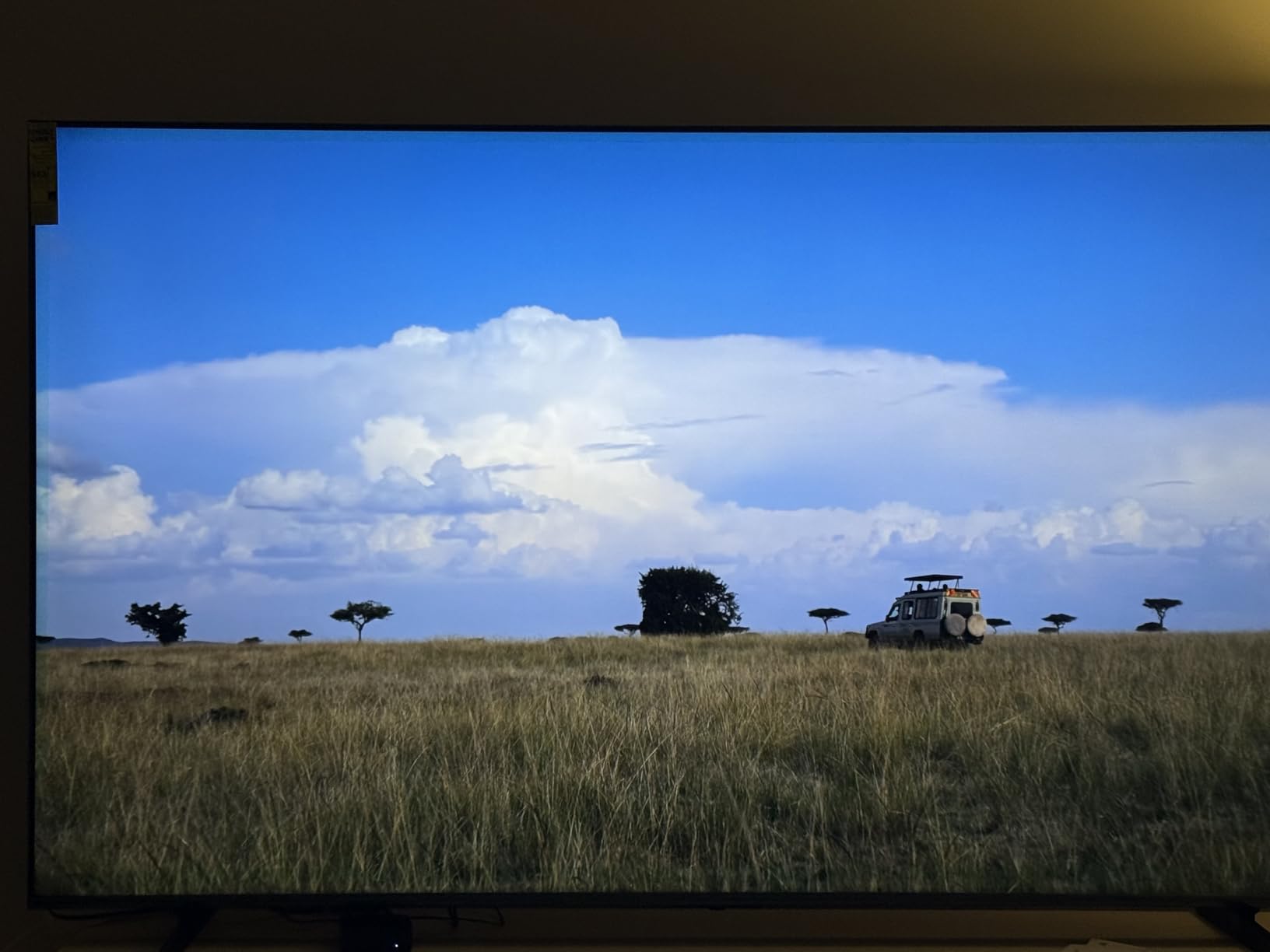
The physical design helps more than the spec sheet suggests. At 29.8 pounds with a unibody slim frame, this is one of the easier sets here to carry, mount and reposition, and a 200x300mm VESA pattern suits most mounts. The two-year warranty is joint-longest in the group.
The caveat is that no peak brightness figure is published, so you are buying the coating and the local dimming on trust rather than a headline number. Owners generally report strong satisfaction with picture quality and the glare-free panel for daytime viewing, but review volume is modest at around 300.
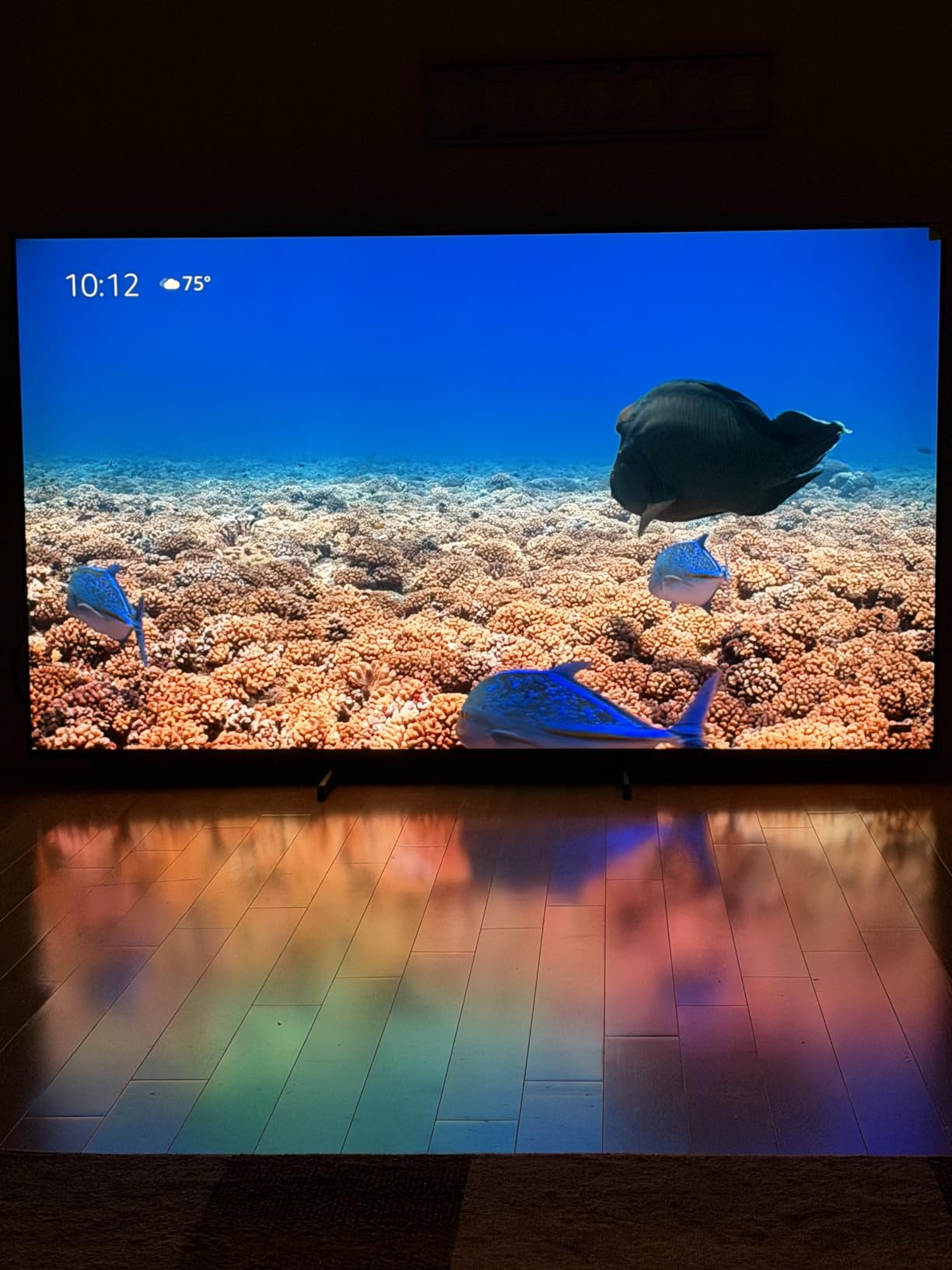
Check the platform switch before you commit
This set runs Fire TV rather than Google TV, so the app selection, the interface and the voice assistant all differ from most other sets in this roundup. If your household is used to one ecosystem, that difference is more disruptive than the spec differences.
On the plus side, the unibody slim design and light weight make this the easiest set here to install yourself or carry up a staircase, which quietly matters more than people expect.
Know where it is the wrong choice
Skip it if direct sun physically lands on the panel. Without a published brightness figure, we cannot confirm the headroom for that situation, and the coating alone will not carry a sunroom.
For audio, the two-channel plus subwoofer arrangement is better than most at this size but still not a substitute for a soundbar on films. The 55-inch screen also means you should check your viewing distance before committing.
We earn a commission, at no additional cost to you. CERTAIN CONTENT THAT APPEARS ON THIS SITE COMES FROM AMAZON. THIS CONTENT IS PROVIDED 'AS IS' AND IS SUBJECT TO CHANGE OR REMOVAL AT ANY TIME.
8. Roku 65R5D5 – Easiest QLED Set to Set Up and Use
Roku 65-Inch Select Series Smart TV 2026-4K (2160p) QLED TV TV
- 65-inch QLED LED
- 60Hz refresh
- HDR10 and HDR10+
- Four HDMI ports
Pros
- QLED panel with HDR10 produces bright accurate color and genuinely dark blacks for the price
- Roku OS is fast uncluttered and sets up in under ten minutes
- One owner in a shop-lit garage confirms the screen is bright and easy to see
- Voice remote with remote finder and Bluetooth headphone mode
- Lightweight 30.9-pound body with standard 400x300mm VESA
Cons
- 60Hz refresh rate with no high-refresh gaming features
- Edge-lit LED dimming rather than Mini-LED local dimming so contrast is entry-level
- 20W 2.0 speakers are adequate for dialogue but thin for films
We earn a commission, at no additional cost to you. CERTAIN CONTENT THAT APPEARS ON THIS SITE COMES FROM AMAZON. THIS CONTENT IS PROVIDED 'AS IS' AND IS SUBJECT TO CHANGE OR REMOVAL AT ANY TIME.
Not every bright room is a punishing one. If yours is bright because of curtains that are usually open rather than because a window faces the screen, the Roku Select Series at 65 inches is a genuinely sensible answer, and with 1356 ratings at 4.4 stars it is the second-best reviewed set in this roundup.
The QLED panel with HDR10 produces bright, accurate colour and, more importantly for daylight, colours that stay accurate at higher brightness levels. The platform is the quiet hero: setup takes under ten minutes, apps launch quickly, and the interface has no learning curve.
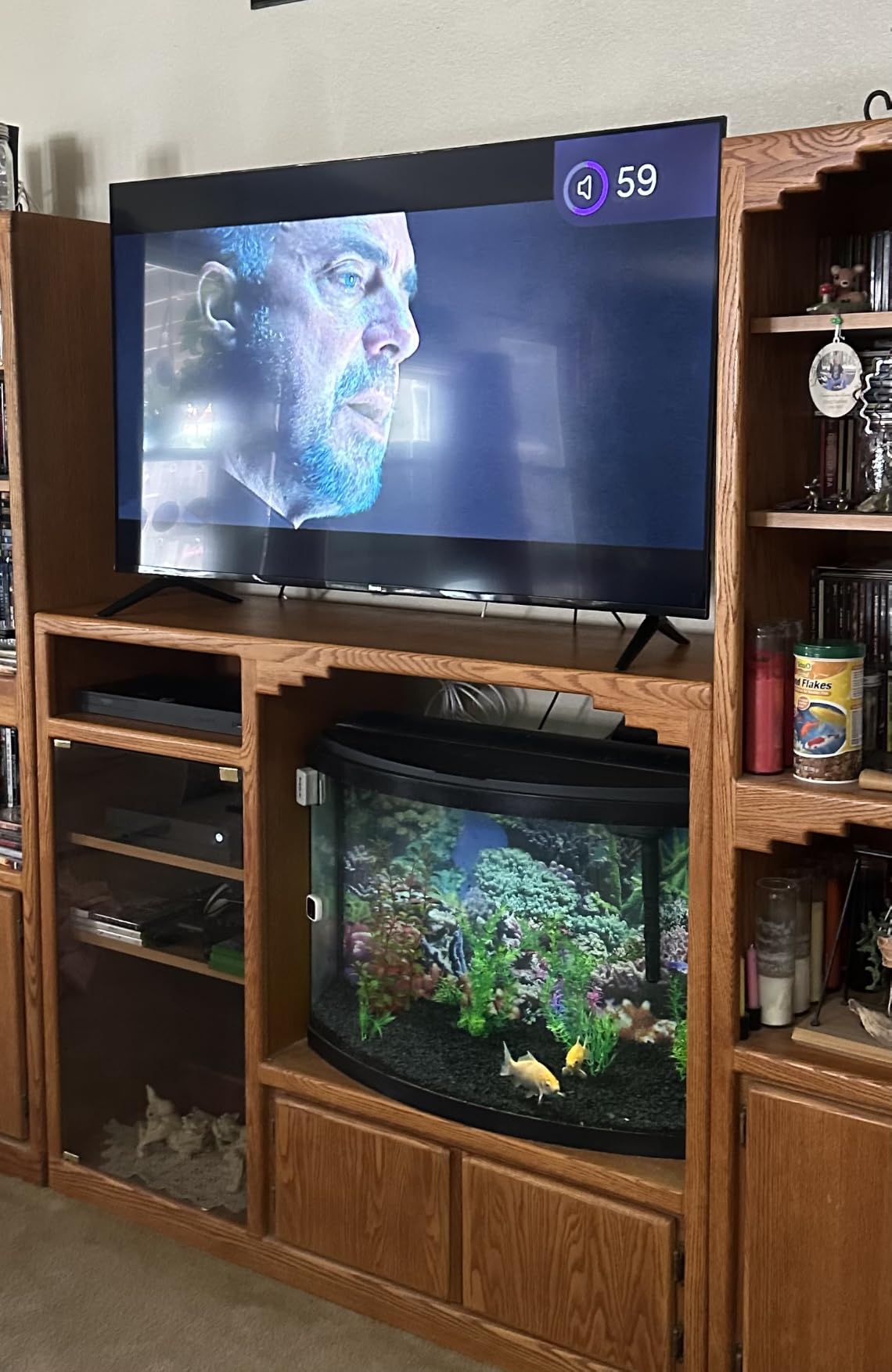
It is also the most flexible to place. At 30.9 pounds with standard 400x300mm VESA and both table and wall mounting supported, moving it between rooms is a one-person job. AirPlay 2, Miracast and Bluetooth headphone mode cover the everyday connectivity gaps.
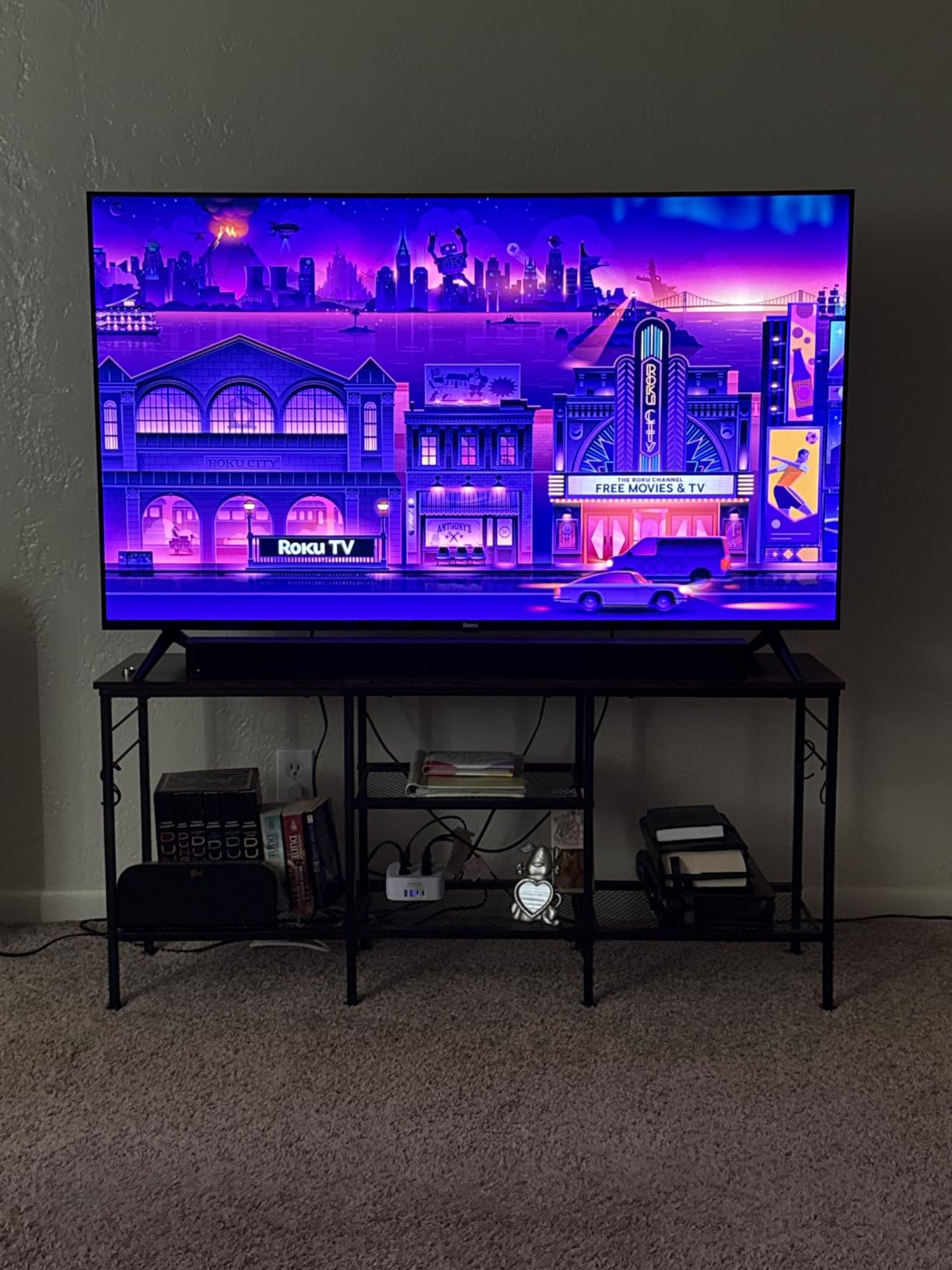
Be clear about the limits. It is a 60Hz panel with edge-lit LED dimming, so there is no high-refresh gaming and no fine local dimming to keep blacks tight against ambient light. The finish is glossy, so it will show reflections if a window is in the sightline.
Check that casual viewing is really your use case
If you watch live sport, news and streaming in a normally lit room and gaming is a side activity, this set covers it. Four HDMI ports leave room for a console, a receiver and a streaming stick, and the voice remote has a remote finder, which sounds trivial until you have lost it under a cushion.
Confirm the room is not reflective before you commit. An owner in a shop-lit garage confirmed the screen is bright and easy to see, but glossy is glossy when a window is directly opposite.
Know where it is the wrong choice
Skip it for a PS5 or Xbox owner chasing high frame rates. Sixty hertz and edge-lit dimming rule it out for competitive gaming and for anyone who cares about local dimming precision in a lit room.
For films at night, the 20-watt 2.0 speakers are thin and the contrast ceiling is entry-level. A soundbar and a dimmer are the two changes that matter most here.
We earn a commission, at no additional cost to you. CERTAIN CONTENT THAT APPEARS ON THIS SITE COMES FROM AMAZON. THIS CONTENT IS PROVIDED 'AS IS' AND IS SUBJECT TO CHANGE OR REMOVAL AT ANY TIME.
9. Samsung UN55M80HAFXZA – Lightest Set to Hang on a Wall
Samsung 55-Inch Class M80H Series, Mini LED, 4K, Smart TV, 2026 Model
- 55-inch Mini LED
- Motion Xcelerator 144Hz
- 22.5 pound chassis
- 200x200mm VESA
Pros
- Mini LED backlight with AI Mode is noticeably brighter and more dynamic than budget LED sets
- Motion Xcelerator 144Hz with VRR is unusual in this class and good for sports and console gaming
- Anti-glare treatment praised by one owner in a bright living space
- Light 22.5-pound chassis and 200x200mm VESA make wall mounting simple
Cons
- One Connect box is required and not mentioned in the box contents
- Remote has dedicated app shortcut buttons several buyers dislike
- Only 2.0 channel built-in speakers and only three HDMI ports
We earn a commission, at no additional cost to you. CERTAIN CONTENT THAT APPEARS ON THIS SITE COMES FROM AMAZON. THIS CONTENT IS PROVIDED 'AS IS' AND IS SUBJECT TO CHANGE OR REMOVAL AT ANY TIME.
The M80H solves a problem most roundups ignore. It is 22.5 pounds, which is less than half the weight of several sets in this list, and with a 200x200mm VESA pattern it mounts on almost any bracket. If the TV is going above a fireplace or into a room you cannot easily get a second person into, that is worth more than another thousand nits.
Picture-wise, the Mini LED backlight with AI Mode gives a noticeably brighter, more dynamic image than budget LED sets, and one owner specifically praises the anti-glare treatment in a bright living space. Motion Xcelerator 144Hz with VRR is genuinely unusual at this price and useful for sports and console gaming.
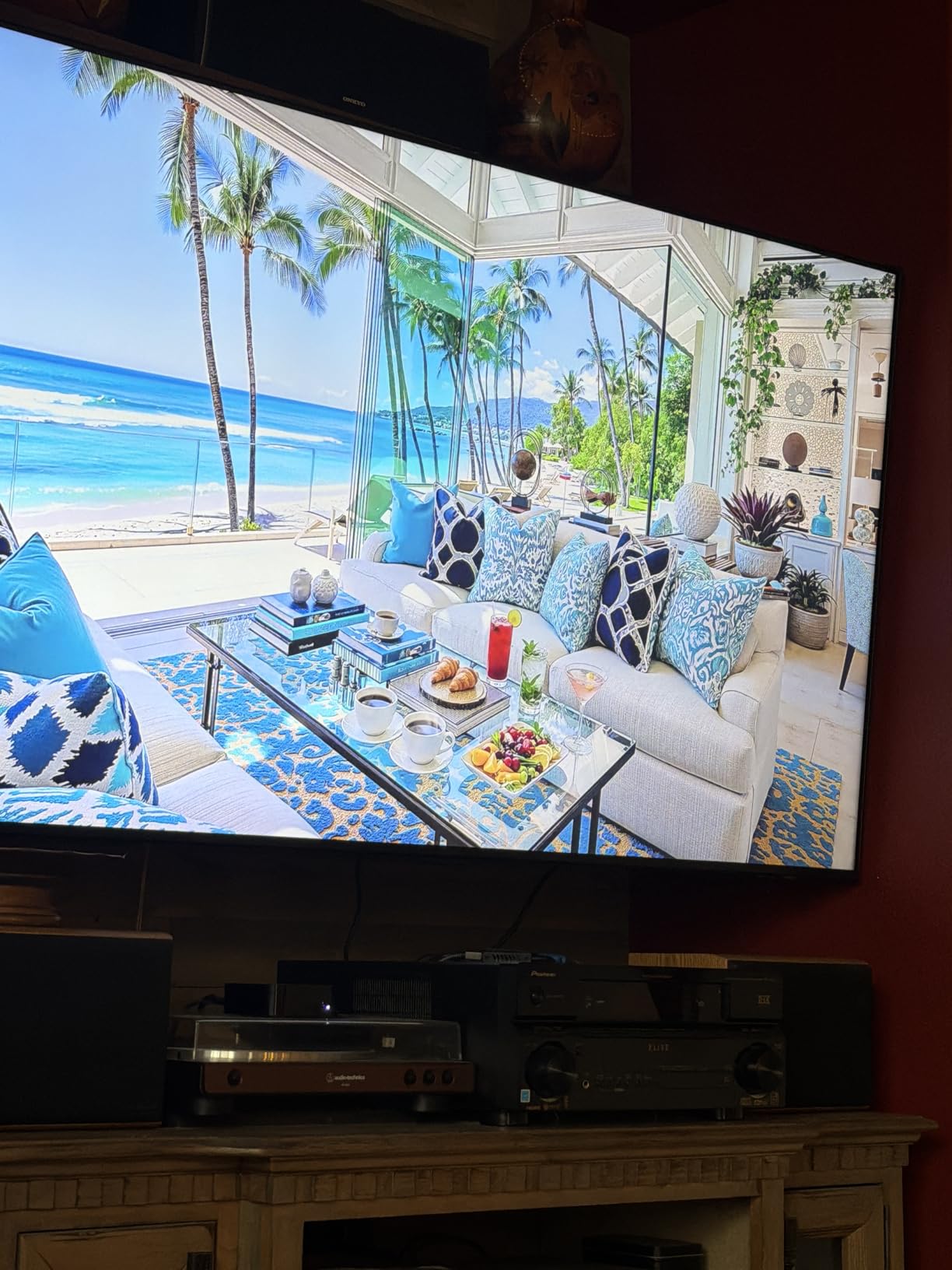
Auto HDR Remastering converts SDR content toward HDR-like quality, the NQ4 AI Gen2 processor handles analysis and enhancement in real time, and Pure Spectrum Color covers the colour side. Most owners are upgrading from much older sets and describe this as a large, cheap step up in brightness, colour and size.
The one significant annoyance is the One Connect box, which is required for the TV to function and is not listed in the box contents, which complicates a clean wall mount. Several buyers also dislike the remote’s dedicated app shortcut buttons, and Samsung TV Plus interrupting paused content gets a mention too.
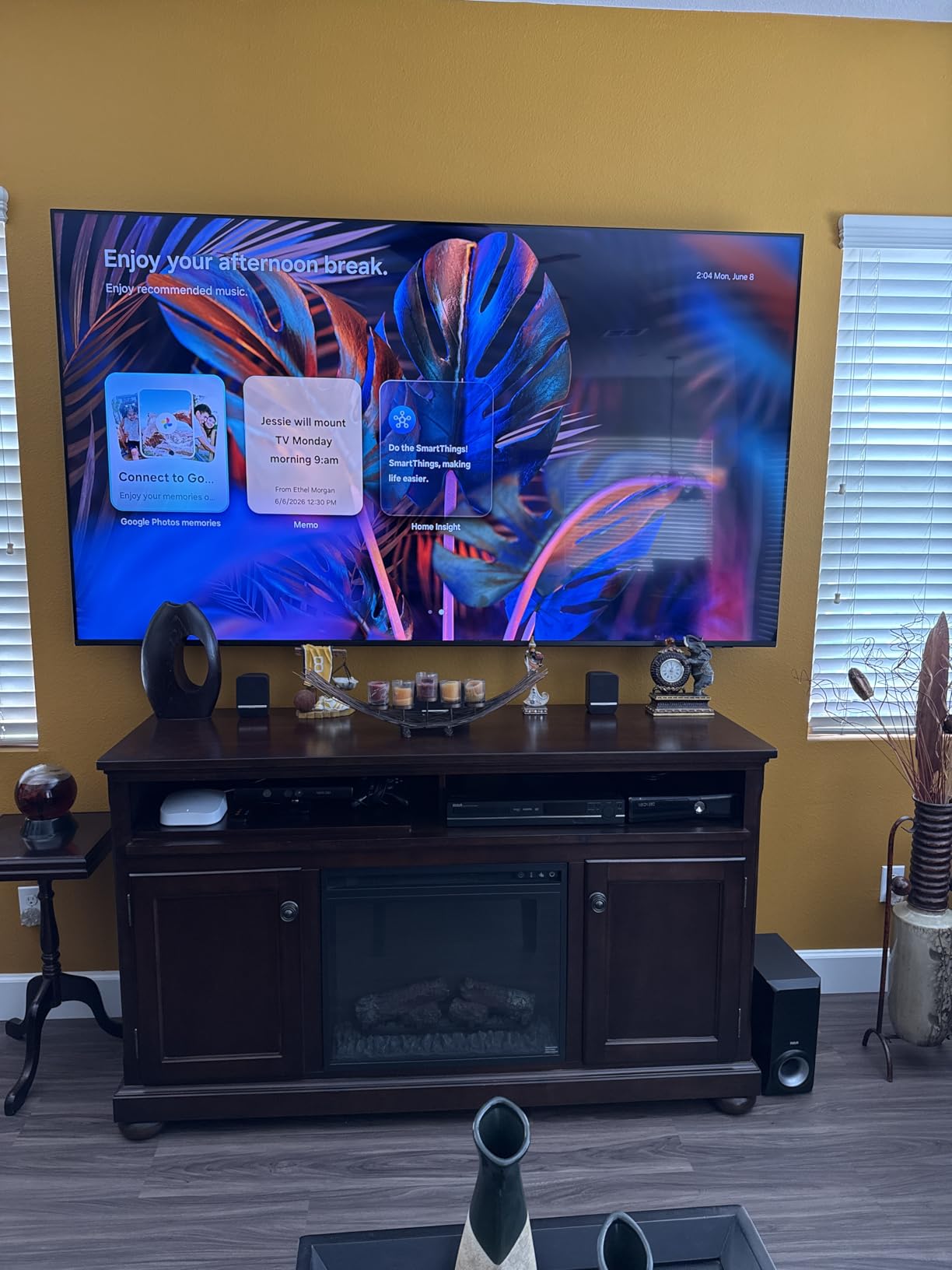
Check what the One Connect box means for your install
Every source device, including the One Connect box itself, plugs into the external box rather than the panel, and only one slim cable runs up to the television. If your wall is already chased for cables, this is the cleanest option in the roundup by a wide margin.
If it is not, you will be routing an extra box and cable to the mount. Either plan for it before the panel arrives or choose a set that connects directly, because discovering it on install day is a genuinely frustrating way to lose an evening.
Know where it is the wrong choice
Skip it if you want the best gaming features. There is no mention of HDMI 2.1 bandwidth or high-refresh gaming modes here, and three HDMI ports limits a full home theatre setup with a console, receiver and disc player.
For picture quality you are also giving up some ground: the 2.0-channel speakers are thin, and there is no published peak brightness figure to confirm daylight headroom. It is a sensible, easy-to-place set rather than a performance one.
We earn a commission, at no additional cost to you. CERTAIN CONTENT THAT APPEARS ON THIS SITE COMES FROM AMAZON. THIS CONTENT IS PROVIDED 'AS IS' AND IS SUBJECT TO CHANGE OR REMOVAL AT ANY TIME.
10. Samsung QN65QN70H – Neo QLED for Ordinary Daytime Rooms
Samsung 65-Inch Class QN70H Series, Neo QLED Mini LED, 4K, Smart TV, 2026
- 65-inch Neo QLED Mini LED
- 1200 nits peak brightness
- 100% color volume
- NQ4 AI processor
Pros
- Quantum Mini LED backlight improves contrast so dark scenes stay readable
- 100% color volume with quantum dot delivers wide accurate color at all brightness levels
- NQ4 AI processor with 4K upscaling and Color Booster Pro
- A built-in Alexa and slim wall-mountable design
Cons
- Listed 1200 nit peak brightness is modest for direct sunlight
- Listed refresh rate of 60Hz makes it a poor fit for high-frame-rate gaming
- Glossy finish will reflect window light and only three HDMI ports
We earn a commission, at no additional cost to you. CERTAIN CONTENT THAT APPEARS ON THIS SITE COMES FROM AMAZON. THIS CONTENT IS PROVIDED 'AS IS' AND IS SUBJECT TO CHANGE OR REMOVAL AT ANY TIME.
This is the baseline recommendation. For a living room that is bright during the day and darker in the evening, a 65-inch Neo QLED with 100% color volume handles everyday viewing well, and quantum dot colour stays accurate at every brightness level rather than washing out when the panel works hard.
The NQ4 AI processor handles upscaling and Color Booster Pro in real time, which matters if you watch a mix of broadcast TV and streaming. Owners credit the improved contrast from the quantum Mini LED backlight, particularly in darker scenes.
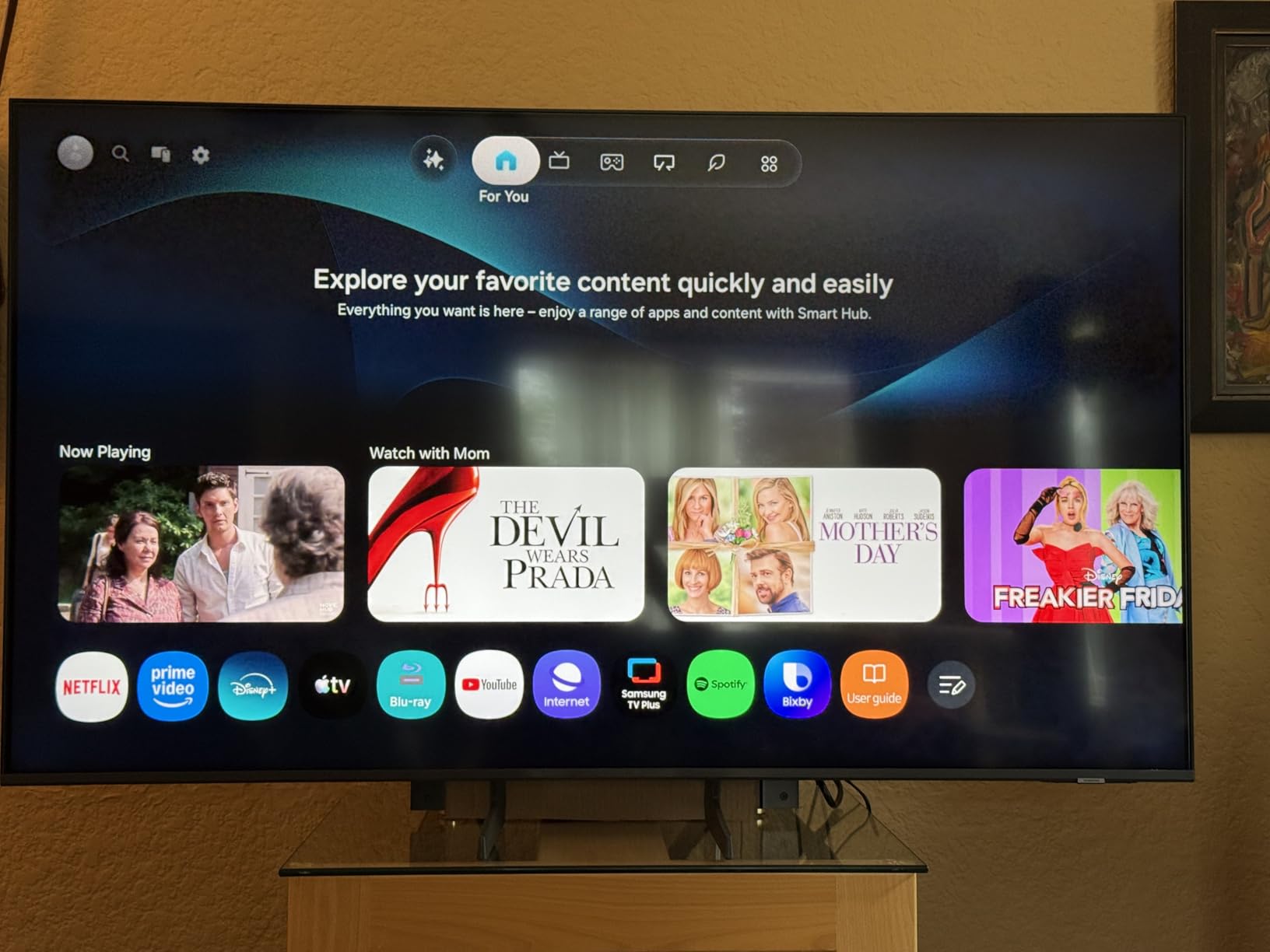
We want to be straightforward about the limits, because this is the last pick for a reason. The listed 1200-nit brightness is modest against the high-nit Mini-LED sets in this roundup, the listed refresh rate is 60Hz, and the finish is glossy. It has the lowest average rating here at 4.2 with a 14 percent one-star share.
That makes it a sensible, low-friction choice for conventional daytime viewing and a poor choice for a genuinely reflective room or a games-focused household. If you want the same brand idea with more capability, the M80H adds Mini LED backlighting and 144Hz.
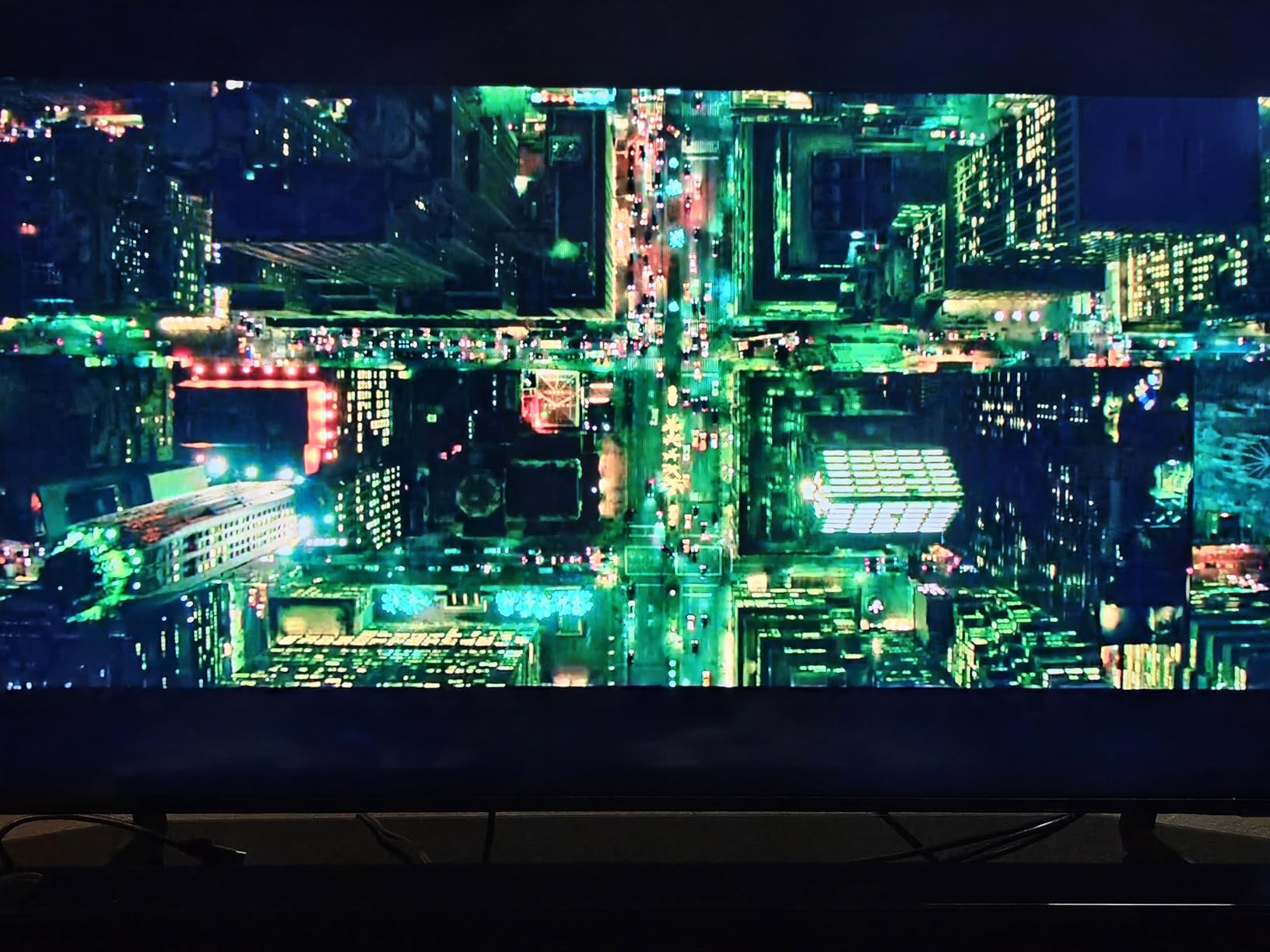
Check your room brightness against the 1200-nit ceiling
One thousand two hundred nits is a workable figure for ambient light with no sun crossing the panel. It is not enough for direct afternoon sun on the glass, and the glossy finish will mirror a window opposite the screen. Sit in your normal chair at the time of day you watch most and decide honestly.
The colour performance is the part that stays impressive in daylight. 100% color volume means saturated colours survive at higher brightness levels, which is exactly where lesser panels go pale and washed out.
Know where it is the wrong choice
Skip it if you game. A 60Hz panel with three HDMI ports leaves a lot on the table for a console generation that pushes 4K at high frame rates.
It is also the wrong pick for a sunroom, a conservatory or a covered patio, where 1200 nits and a glossy surface will not hold the picture together. Choose a matte or anti-reflection set from further up the list instead.
We earn a commission, at no additional cost to you. CERTAIN CONTENT THAT APPEARS ON THIS SITE COMES FROM AMAZON. THIS CONTENT IS PROVIDED 'AS IS' AND IS SUBJECT TO CHANGE OR REMOVAL AT ANY TIME.
Buying Guide: How Bright a TV Do You Actually Need?
Before the panel types, the single most useful thing you can do is work out which of three bright rooms you actually have. Sit in your normal viewing seat at the time of day you watch most, look at the screen position rather than the screen itself, and answer these five questions.
First, how long does direct sunlight cross the panel. Watch the wall for a few minutes at your usual viewing hour. If nothing lands on the screen at all, you have an ambient-light problem that brightness alone solves.
Second, is a window or a bright door directly behind or opposite you. This is the reflection problem, and it is the one brightness does not fix. If the answer is yes, a matte or anti-reflective coating matters more than any peak brightness figure.
Third, how many separate windows are in the room, and do they span more than one wall. Multiple glazing panels multiply reflected light and push the effective requirement upward by a full step.
Fourth, how long you watch. Households that watch four hours of sport and news every day care about sustained brightness and burn-in risk. Households that watch two films a week mostly at night care about contrast and reflection much more.
Fifth, whether you can accept changing the room. If curtains, a light-blocking film or a wall position change is realistic, that is often the cheapest brightness upgrade available. No TV on this list beats a darkened room, and we say so plainly.
How Many Nits Do You Actually Need?
Nits, short for candelas per square metre, measure how much light a screen emits. The key thing to know, and the thing most spec sheets hide, is that brightness is always quoted at a specific window size.
A small-window figure, usually 2 percent of the screen, is measured with a tiny bright patch on an otherwise black field. A large-screen figure, usually 10 percent, is closer to a bright scene. Standard Dynamic Range brightness is what the panel produces on normal content in a normal room, and it is by far the lowest of the three. A panel quoted at 4000 nits in a 2 percent window may deliver a fraction of that across a full bright scene.
Forum regulars make exactly this point, and it is the most useful piece of advice in this whole guide. Compare like with like, and treat the headline number as a ceiling. What actually decides your experience is the standard brightness figure combined with how well the panel holds black against a raised ambient floor.
As rough thresholds, and assuming the sun never touches the glass: moderate ambient light in a typical living room is comfortable at 500 to 700 nits of large-screen brightness. Large windows or a bright open-plan space push that to around 1000 nits and above. Occasional direct sun, or a screen opposite a bright window, needs 2000 nits plus a coating. A sunroom or conservatory is really a different category, and a covered outdoor patio has its own weather requirements.
The trend in 2026 runs in the right direction. Sets quoted at 1200 nits were flagship brightness claims a few generations ago, and the 1000 to 1200-nit OLEDs in this roundup now sit in the mid-range. That is good news if you are buying now, because the floor has risen sharply.
OLED, QLED or Mini-LED in Daylight?
This is the most-asked question on the topic, and the honest answer is that the panel type matters less than the coating and less than the brightness you can actually sustain.
OLED wins on contrast and black level. Self-lit pixels switch off entirely, so there is no backlight glow to lift the black floor in a lit room. The trade-off is peak brightness, which typically sits around 1000 to 1500 nits, plus a real risk with burn-in if the set runs static content all day.
QLED and standard LED are the budget and mid-range answer. An edge-lit QLED can look good in a normally lit room at a fraction of the cost, and quantum dot colour stays accurate at higher brightness. But with edge-lit dimming, blacks lift noticeably against ambient light.
Mini-LED is the bright-room specialist. Thousands of micro-LEDs behind a quantum dot layer deliver high peak brightness while full-array local dimming pulls the black level down. The two highest-brightness Mini-LED sets in this roundup quote 5000 and 6000 nits, and both handle daylight better than any OLED in the group.
So which wins? Mini-LED for raw daylight fighting. OLED for contrast, viewing angles and films. QLED for value in a room that is bright but not hostile. If the window is the problem rather than the sun, a matte OLED such as the S90H is the unusual answer that solves both.
Anti-Glare vs Anti-Reflection, and the Matte Trade-Off
These terms get used interchangeably and they are not the same thing. Anti-glare refers to a matte surface coating that scatters incoming light diffusely. Anti-reflection refers to a treatment that reduces the intensity of the reflected image itself, sometimes through a layer inside the panel rather than on the surface.
Surface coatings are easier to see working. The Samsung S90H’s matte Glare Free finish is the most aggressive example in this roundup, and owners report reflections close to eliminated. The Hisense U8QG and U6 Pro take the opposite approach, working in the liquid crystal layer, which tends to be less visible in the picture and more durable over time.
Now the part most roundups skip, and the complaint that comes up repeatedly in forum threads about matte panels: the same physics that kills the reflection also lifts the deepest blacks slightly and can desaturate very saturated colour. A matte screen in a dark room at night looks flatter than the same content on a glossy panel. This is not a defect. It is the cost of the feature.
So match the coating to the room. A room that is bright by day and dark by night is the hard case, and it is most living rooms. A matte panel is the right call if daytime use dominates. A glossy panel with curtains is the right call if evening viewing dominates. And if you can mount the screen perpendicular to the window wall rather than opposite it, you reduce the reflection problem without paying for a coating at all.
One more practical point. Anti-glare coatings are harder to clean and show fingerprints and marks more readily than gloss. Owners also note that handling marks accumulate over years and change the character of the surface. Plan on a microfibre cloth and a screen-safe cleaner rather than a damp cloth.
Local Dimming Zones and Blooming in Daylight
Local dimming is how an LCD or Mini-LED set keeps blacks black in specific areas of the picture by dimming backlight zones independently. It is the single most important specification for an LCD in a bright room, because ambient light raises the black level everywhere and local dimming is the only tool that pushes parts of it back down.
Zone count is a rough guide only. The Hisense U8QG lists up to 5600 zones and the TCL QM8L more than 4000, both far ahead of entry-level sets. Fewer zones can produce visible blooming, where bright objects bleed halos into dark surroundings, and blooming gets more obvious, not less, when the room is bright enough to make those halos catch the eye.
OLEDs sidestep the problem entirely because there is no backlight. Their equivalent issue is the contrast ratio of the panel, which is effectively infinite by design. The trade is the brightness ceiling discussed above.
When shopping, look for the phrase full-array local dimming. Edge-lit sets have no zones at all, and on a glossy entry-level panel in a sunlit room the difference is obvious from across the room.
Size, Refresh Rate and Gaming in a Bright Room
Go larger than you think you need. In a bright room a bigger screen is easier to see from normal seating distances, and the same picture at a larger size stays legible without pushing brightness settings. Five to ten inches more than your usual instinct is a reasonable rule.
On refresh rate, 120Hz is now the sensible floor and 144Hz or above is worth it if you own a current console. For daylight gaming specifically, check that a set supports VRR and automatic low latency mode, and note that several brands apply a brightness reduction in game mode. It is a recurring complaint in the forums and one of the deal breakers buyers name most often. Where a set offers a game picture mode with brightness controls, adjust brightness after switching rather than assuming the change is a fault.
Finally, check ports and weight. Four HDMI ports is a practical minimum for a console, soundbar, receiver and streaming device. And if the set is going on a wall, the weight numbers matter: the sets in this roundup range from 22.5 pounds to just over 50 pounds, and anything above 45 pounds is a two-person job.
Frequently Asked Questions
Is OLED or QLED better for bright rooms?
Mini-LED is usually the best answer for heavy daylight, because it combines the highest peak brightness with full-array local dimming. OLED wins on contrast and black level, since self-lit pixels switch off completely, but caps out around 1000 to 1500 nits. Plain QLED is the value option and handles moderate ambient light well. If a window is the problem rather than the sun, a matte-coated OLED such as the Samsung S90H solves both.
Are OLED TVs ok in bright rooms?
Yes, with caveats. Modern OLEDs are bright enough for a normally lit living room, and their perfect blacks mean contrast holds up better in ambient light than an LCD with shallow local dimming. The catch is glare: most OLED panels are glossy, so a window opposite the screen gets reflected straight back. In a room where the screen faces a window, choose a matte OLED or a Mini-LED with an anti-reflection coating instead.
Is UHD or QLED better for bright rooms?
QLED, generally. A QLED panel adds a quantum dot layer that keeps colour accurate and saturated at higher brightness levels, which is exactly where a basic UHD LED panel goes pale and washed out. A QLED with full-array local dimming also blacks down far better against a raised ambient floor than an edge-lit UHD set. If your room is only moderately bright, a good UHD LED is perfectly adequate, but QLED is the safer daylight bet.
How many nits do I need for a bright room?
For a normal living room with no direct sun on the screen, 500 to 700 nits of large-screen brightness is comfortable. Large windows or an open-plan space need around 1000 nits and above. Occasional direct sun, or a screen mounted opposite a bright window, wants 2000 nits plus an anti-glare or matte coating. Ignore small-window 2 percent figures and compare SDR and 10 percent numbers, which are far lower.
What type of TV is best for very bright rooms?
A Mini-LED with an anti-reflection coating. In this roundup the Hisense U8QG and the TCL QM8L quote up to 5000 and 6000 nits with thousands of local dimming zones, and both handle daylight without washing out. If a window reflects directly into the screen, brightness alone will not fix it, so pair a high-nit panel with a matte or anti-reflective surface treatment.
What type of TV is best for reducing bright glare in a bright room?
A matte or anti-reflection coated screen. Among these ten, the Samsung QN65S90HA has a matte Glare Free finish that owners say cuts reflections close to zero, while the Hisense U8QG and U6 Pro use anti-reflection treatments applied within the panel. Mounting the screen perpendicular to the window wall, rather than opposite it, reduces reflection at no cost. Expect slightly lifted blacks on any matte panel after dark.
Does a matte screen make blacks look worse?
Slightly, and this is the main trade-off buyers debate. A matte coating scatters incoming light to kill reflections, and the same scattering lifts the deepest black level a little. In a dark room at night, a glossy OLED will look more contrasty and punchier than a matte one. In daylight, the matte panel is far more usable. Which matters more depends entirely on when you watch.
Conclusion: Which TV Fits Your Bright Room
Choose the LG OLED65C4PUA if you want the best all-round TV for a bright room in 2026. Its self-lit pixels hold contrast when the room lights are on, and 144Hz gaming makes it the safest recommendation for a mixed household. Choose the Samsung QN65S90HA instead if a window is directly opposite your screen, because its matte finish is the single most effective reflection fix in this roundup. Choose the Hisense 55U8QG or the TCL QM8L when the sun, rather than the window, is the problem, and brightness headroom is what you actually need.
For value, the TCL 65QM6K covers most normally lit rooms. Below that, the Roku Select Series is the least fuss. Whatever you pick, measure your room first, mount the screen perpendicular to the window wall, and accept that a darkened room still beats any panel.
We earn a commission, at no additional cost to you. CERTAIN CONTENT THAT APPEARS ON THIS SITE COMES FROM AMAZON. THIS CONTENT IS PROVIDED 'AS IS' AND IS SUBJECT TO CHANGE OR REMOVAL AT ANY TIME.