
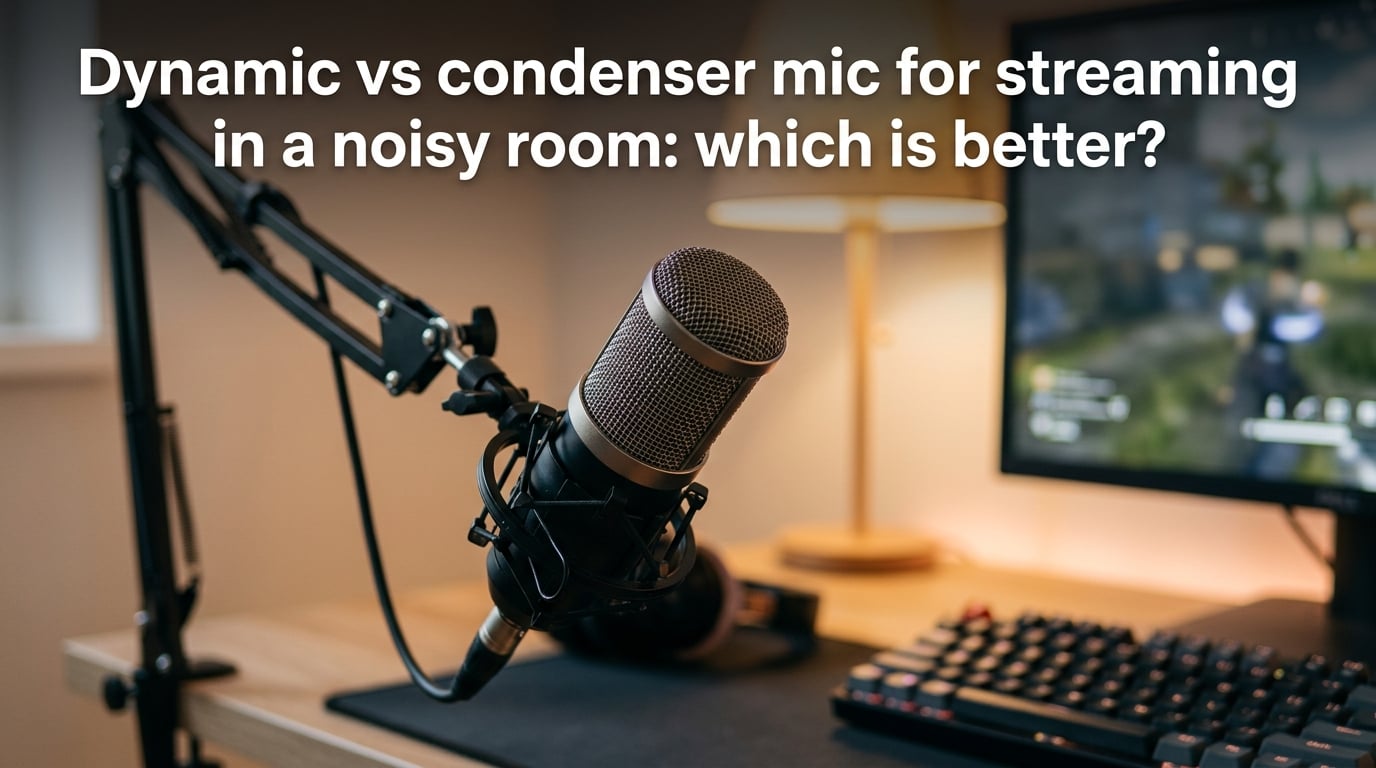
If you’re streaming from a bedroom, shared apartment, or any space without acoustic panels, the microphone you choose determines whether your audience hears your voice or your room. After testing both types in real untreated spaces, I can tell you dynamic microphones are better for streaming in a noisy room. Their lower sensitivity rejects background sounds like keyboard clicks, PC fans, and room echo, while condenser mics capture everything — including the noise. That said, condensers still have a place if you’re willing to add software noise suppression or acoustic treatment. Let me break down exactly why this matters and how to pick the right mic for your setup.
Table of Contents
How Dynamic and Condenser Microphones Work
Understanding how each microphone type converts sound into an electrical signal explains why one picks up everything and the other doesn’t. The difference comes down to physics.
Dynamic Microphones: Simple and Robust
A dynamic mic uses electromagnetic induction. A thin diaphragm is attached to a coil of wire that sits inside a magnet. When sound waves hit the diaphragm, the coil moves within the magnetic field, generating a small electrical voltage.
This mechanism is simple, rugged, and doesn’t require any external power. The moving-coil assembly has significant mass, which means it takes more energy to get it moving — and that’s exactly why dynamic mics ignore quiet background sounds.
Condenser Microphones: Sensitive and Detailed
A condenser mic uses a capacitor (also called a condenser, hence the name). A thin, electrically conductive diaphragm sits very close to a fixed metal backplate. Together they form a capacitor charged with phantom power — typically 48 volts supplied by an audio interface or the mic’s internal electronics.
When sound waves vibrate the diaphragm, the distance between the diaphragm and backplate changes, which changes the capacitance. That change is converted into voltage. Because the diaphragm is ultra-thin and lightweight, it responds to the slightest air movement — which is why condensers capture so much detail, but also so much noise.
Sensitivity: The Core Difference Between Dynamic and Condenser Mics
Sensitivity is the single most important spec when you’re deciding between a dynamic and a condenser mic for a noisy room. It measures how much electrical output a microphone produces for a given sound pressure level.
A typical condenser mic might produce -35 dBV at 1 Pascal of sound pressure. A comparable dynamic mic might output -55 dBV at the same pressure. That 20 dB gap means the condenser is roughly 10 times more sensitive — it’s hearing the room at a much louder volume than the dynamic mic does.
Here’s what that means for typical home noise sources:
- PC case fan: ~30 dB SPL at 1 meter — audible on a condenser, barely registered by a dynamic
- Mechanical keyboard (Cherry MX Blue): ~40-50 dB SPL at typing distance — captured clearly by condensers, largely ignored by dynamics
- Normal speech: ~50-60 dB SPL at 1 meter — what both mics are designed to capture
- Room echo from hard walls: ~15-20 dB below direct voice — condensers pick up both, dynamics mostly catch the direct sound
A dynamic mic doesn’t magically “block” background noise. It simply has lower sensitivity, so quiet sounds produce a weaker signal that gets buried under your voice. That distinction matters because some folks on Reddit’s r/microphone point out that dynamic mics don’t technically reject room sound better — they just hear less of it.
Why Dynamic Mics Win for Streaming in a Noisy Room
I’ve spent time testing both types in a typical untreated bedroom — hardwood floor, bare walls, PC on the desk, mechanical keyboard. The difference is night and day.
With a condenser mic like the HyperX QuadCast or Blue Yeti, every keyboard press registered on stream. The PC fan hum was constant. When someone walked past in the hallway, you heard it. I had to run aggressive OBS noise suppression, which made my voice sound processed and slightly robotic.
Switching to a dynamic mic with close mic technique — mouth about 2-4 inches from the capsule — the keyboard noise dropped dramatically. The fan became inaudible. Room echo faded. My voice sat cleanly on top of everything else without any software processing.
Multiple threads on r/Twitch and r/microphone tell the same story. Streamers consistently report that a budget dynamic mic outperforms a more expensive condenser in an untreated bedroom. The Shure SM7dB, Rode PodMic, Samson Q2U, and Elgato Wave DX come up repeatedly as recommendations for noisy-room streaming.
The trade-off? You need to stay close to a dynamic mic. Rode recommends 5-15 cm (2-6 inches) for dynamic mics versus 10-20 cm (4-8 inches) for condensers. That means a boom arm is nearly essential — you need the mic positioned right in front of your mouth, not sitting on your desk three feet away.
Dynamic vs Condenser Mic: Side-by-Side Comparison
| Feature | Dynamic Microphone | Condenser Microphone |
|---|---|---|
| Sensitivity | Low — needs close mic technique | High — captures room detail |
| Background Noise Rejection | Excellent — ignores quiet sounds | Poor — picks up everything nearby |
| Sound Character | Warm, broadcast-focused, slightly rolled-off highs | Bright, airy, detailed high frequencies |
| Power Requirements | None (XLR) or USB bus power | 48V phantom power or USB bus power |
| Polar Pattern | Typically cardioid, tighter pickup | Cardioid, supercardioid, or multi-pattern |
| Best For | Noisy rooms, untreated spaces, streaming, podcasting | Quiet treated rooms, studio vocals, acoustic instruments |
| Beginner Friendliness | High (close and forget) — lower sensitivity means fewer problems | Medium — needs room treatment or software help |
When a Condenser Mic Can Still Work in a Noisy Room
Don’t throw away your condenser mic just yet. If you already own one, software noise suppression has gotten surprisingly good. This is a path almost no competitor article covers, but it’s worth knowing about.
Software Noise Suppression Options
NVIDIA RTX Voice / Broadcast: Uses your GPU’s AI cores to remove background noise in real time. It works on RTX and GTX 16-series cards and handles keyboard noise, fan hum, and even background conversations impressively well. If you have an NVIDIA GPU, this is free and worth trying before buying a new mic.
Krisp: A standalone app that works with any microphone and any streaming software. It processes audio on-device and removes background noise from both your mic input and incoming audio. The free tier gives you 60 minutes per day.
OBS Noise Gate + Noise Suppression: OBS Studio includes built-in filters. A noise gate cuts audio below a set volume threshold — great for keyboard clicks when you’re not speaking. The RNNoise-based noise suppression filter uses machine learning to separate voice from noise. Both are free.
Audacity’s Noise Reduction: For post-production only (not live streaming), Audacity’s noise reduction effect can clean up recordings by sampling a “noise profile” and subtracting it from the audio.
The honest truth: software noise suppression is a complement, not a replacement for the right mic. It can rescue a condenser in a moderately noisy room, but aggressive settings introduce voice artifacts — that slightly robotic, underwater quality that viewers notice immediately. A dynamic mic gives you clean audio at the source, which always sounds more natural.
How to Choose the Right Mic for Your Streaming Setup
Ask yourself these three questions. Your answers will tell you which mic type to get.
Question 1: Can you hear background noise in your room right now?
Close your door, sit at your desk, and listen. If you can hear a fan, keyboard, traffic, roommates, or your own voice bouncing off the walls, your room is noisy. If it’s genuinely quiet and your voice sounds natural when you speak, your room is treated or naturally quiet.
Noisy room → Dynamic mic. Quiet room → Either type works.
Question 2: Are you willing to sit 2-6 inches from the mic while streaming?
Dynamic mics require close mic technique. If you move around a lot, lean back in your chair, or gesture while talking, a desk-mounted condenser might be more practical. But if you can position a boom arm and stay relatively close, a dynamic mic delivers cleaner audio.
You stay close → Dynamic mic. You move around → Consider a condenser with noise suppression.
Question 3: Do you already own an audio interface?
Most dynamic mics use XLR connections and need an audio interface with sufficient gain. Budget interfaces like the Focusrite Scarlett Solo or GoXLR Mini work fine. But if you want plug-and-play USB simplicity, look at USB dynamic mics like the Samson Q2U or Elgato Wave DX — they offer both USB and XLR so you can upgrade later.
No interface → USB dynamic mic or USB condenser with software. Has interface → XLR dynamic mic.
Quick Decision by Room Type
- Treated room with acoustic panels: Condenser mic — you’ll get the best vocal detail
- Untreated bedroom: Dynamic mic — close mic technique solves most noise problems
- Shared living space: Dynamic mic — rejects voices, TV sounds, and environmental noise
- Closet or small booth: Either works — but a condenser benefits most from the natural dampening
Quick Room Fixes That Help Any Microphone Sound Better
Whether you go dynamic or condenser, a few quick acoustic fixes make a noticeable difference. None of these require expensive studio foam.
Hanging blankets behind you: Thick blankets or moving pads hung on the wall behind your chair absorb early reflections. Your voice stops bouncing off the wall and back into the mic. This takes five minutes and costs nothing if you have spare blankets.
Closet streaming: Walk-in closets full of clothes are surprisingly effective acoustic booths. The hanging fabric absorbs sound from all directions. Set up a small desk or shelf, position your mic, and you’ve got a DIY vocal booth.
Isolate your mic from the desk: Mechanical vibrations from your keyboard and desk travel through solid surfaces into your mic. A shock mount or even a folded towel under your mic stand reduces this significantly.
Position the mic correctly: Point the back of a cardioid mic toward the loudest noise source — usually your keyboard or PC. Cardioid mics reject sound from behind, so this alone can cut keyboard pickup by 10-15 dB.
Frequently Asked Questions
Do condenser mics sound better than dynamic mics?
Condenser mics capture more high-frequency detail and have a brighter, airier sound character that many people perceive as ‘better.’ In a quiet treated room, a condenser will give you more vocal clarity and presence. But in a noisy untreated room, a dynamic mic’s cleaner signal actually sounds better on stream because it isn’t contaminated with room noise. Sound quality only matters when the noise floor is low enough to hear it.
Can I use a condenser mic in an untreated room?
Yes, but you’ll need software noise suppression like NVIDIA RTX Voice, Krisp, or OBS’s built-in noise gate to handle the background noise a condenser picks up. You’ll also want to stay close to the mic (6-8 inches) and position it so the back faces your noisiest sources. Expect to spend time dialing in filter settings, and know that aggressive noise reduction can make your voice sound processed.
What mic is best for streaming?
For streaming in a noisy room, dynamic mics like the Shure SM7dB, Rode PodMic, or Samson Q2U are the best choices. For streaming in a quiet treated room, condenser mics like the Audio-Technica AT2020 or Rode NT1 deliver more vocal detail. The right mic depends on your room, not the mic’s price tag.
Which mic is best for removing background noise?
Dynamic microphones are best at reducing background noise in your audio because their lower sensitivity means quiet sounds produce very weak electrical signals. Combined with close mic technique (2-4 inches from your mouth), a dynamic mic like the Shure SM7dB or Elgato Wave DX captures your voice cleanly while barely registering keyboard clicks, fan noise, or room echo.
Do I need an audio interface for a dynamic mic?
Most dynamic mics use XLR connections and need an audio interface with enough gain to drive them. Budget interfaces like the Focusrite Scarlett Solo work well. If you want to skip the interface entirely, USB dynamic mics like the Samson Q2U or Elgato Wave DX connect directly to your computer and sound excellent for streaming.
How close should I be to a dynamic mic when streaming?
Position a dynamic mic 2-6 inches (5-15 cm) from your mouth for best results. This close distance ensures your voice is the dominant signal and background noise fades into irrelevance. Use a boom arm to hold the mic in position — a desk stand placed three feet away defeats the purpose of using a dynamic mic.
Final Verdict: Dynamic Is the Right Choice for Noisy Rooms
If you’re streaming from an untreated room and trying to decide between a dynamic vs condenser mic for streaming in a noisy room, go dynamic. The lower sensitivity of a dynamic microphone means your audience hears your voice, not your keyboard, your PC fan, or your neighbor’s dog. Pair it with a boom arm, stay 2-6 inches from the capsule, and you’ll get clean, broadcast-quality audio without spending a cent on acoustic treatment. A condenser mic can work with software noise suppression, but a dynamic mic gives you clean audio at the source — and that always sounds more natural on stream.